TV Cast for Chromecast 電腦版
Kazmi Apps Studio
用GameLoop模拟器在電腦上玩TV Cast for Chromecast
TV Cast for Chromecast 電腦版
來自發行商 Kazmi Apps Studio 的 TV Cast for Chromecast 能夠在安卓系統上運行。
現在,您可以在電腦上使用 GameLoop 模擬器流暢地玩 TV Cast for Chromecast。
在 GameLoop 遊戲庫或搜索結果中下載。 不需要再暢玩遊戲時盯著電池電量或被令人懊惱的來電打斷。
只需在電腦大屏幕上免費下載暢玩TV Cast for Chromecast 電腦版!
TV Cast for Chromecast 簡介
Screen Mirroring – Cast Phone to TV App
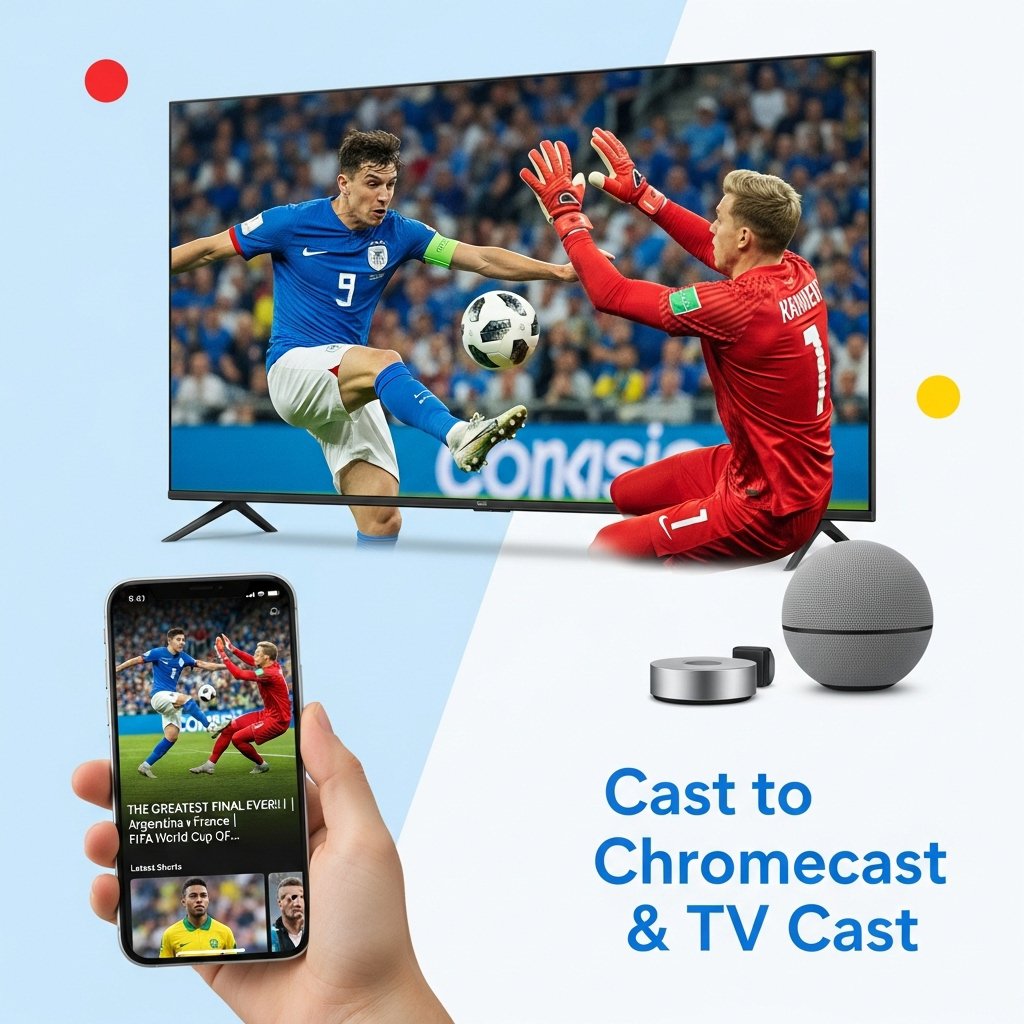
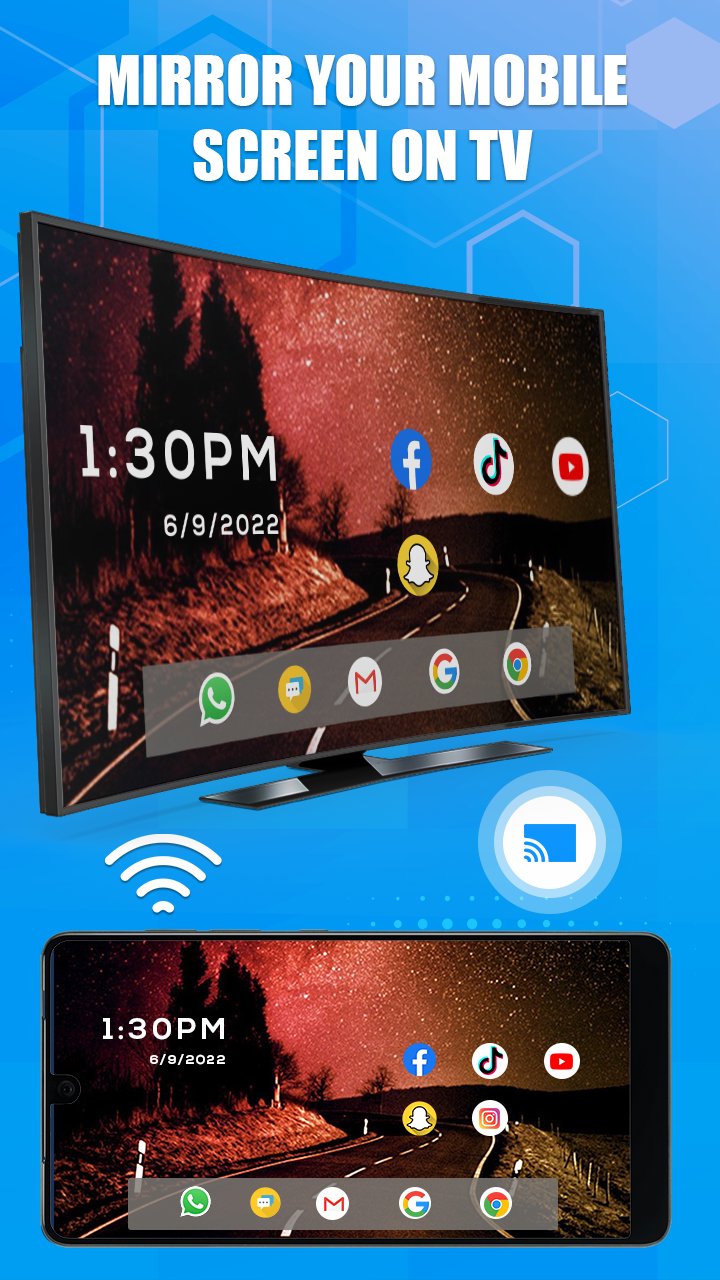
Screen Mirroring: Cast TV app is to mirror your smartphone or tablet screen to your Smart TV. Cast TV - Screen Mirroring app lets you enjoy your photos, videos, apps, and presentations on a bigger tv screen through a smooth and wireless Miracast connection without cables or hardware needed. Whether you're streaming content, or giving a presentation, Cast to tv - screencast app lets you display your device screen on the TV in real time. Cast TV - Mirror app works with most Smart TVs and supports multiple casting technologies, including Miracast and direct media casting.
Key Features Of Screen Mirroring - Cast To TV App:
Screen Mirroring:
Project your entire phone or tablet screen onto a larger TV display for better viewing. Screen mirroring feature is great for watching videos, browsing photos, playing games, or showcasing apps in real time with family, friends, or colleagues.
TV Cast:
Display your favorite memories, videos, and gallery content on your TV screen. Cast to tv feature is helpful for sharing vacation pictures, home videos, or special moments with friends and family on a bigger Tv display.
Stream Music & Videos:
Play your favorite songs and videos directly on your TV while enjoying enhanced audio through powerful TV speakers. Ideal for home entertainment, parties, or relaxing with high-quality sound and visuals.
View Mobile Games on TV:
Play your games on mobile and view on a bigger screen by casting them to your TV. You can view the game better, control it more easily, and play alone or with friends.
Supports Wireless Display:
Connect your phone to tv and share your screen using wireless display features. You don’t need any cables, adapters, or extra devices to mirror your screen on TV.
Works with Most Smart TVs:
Screencast - Mirror app is compatible with a wide range of Smart TVs, including those that support Miracast, Chromecast, and other wireless display technologies.
How to Use Screen Mirroring - Cast To TV App:
Connect both your phone and Smart TV to the same Wi-Fi network
Open the Screen Mirroring: Cast to TV app
Tap “Start” to scan for available devices
Choose your TV from the list
Start casting your screen, photos, videos, or apps
Use Cases Of Screen Mirroring - TV Cast App:
Share vacation photos on the TV with your family
Stream movies from phone to TV for a better viewing experience
Use the TV as a second screen while gaming
Display presentations in the office or classroom
Tips:
Make sure both devices are on the same Wi-Fi network
Keep your phone close to the TV for a stronger connection
Restart devices if casting doesn’t work initially
Confirm your TV supports Miracast, wireless display, or Chromecast
Download Screen Mirroring: Cast to TV today and turn your mobile device into a media-sharing tool. From home entertainment to work presentations, casting phone to TV takes just a few taps.
Disclaimer:
This app requires both your phone and TV to support wireless display (such as Miracast or Chromecast) and be connected to the same Wi-Fi network. Compatibility may vary by device and brand. Screen Mirroring - Cast To TV app is not affiliated with or endorsed by any TV brand.
預覽
標籤
工具娛樂Video-Players訊息
開發商
Kazmi Apps Studio
最新版本
9.2
更新時間
2026-08-02
類別
工具
同時可用
Google Play
更多
如何在電腦上用 GameLoop 玩 TV Cast for Chromecast
1. 從官網下載GameLoop,然後運行exe文件安裝GameLoop
2. 打開GameLoop,搜索“TV Cast for Chromecast”,在搜索結果中找到TV Cast for Chromecast,點擊“安裝”
3. 享受在 GameLoop 上玩 TV Cast for Chromecast 的樂趣
Minimum requirements
OS
Windows 8.1 64-bit or Windows 10 64-bit
GPU
GTX 1050
CPU
i3-8300
Memory
8GB RAM
Storage
1GB available space
Recommended requirements
OS
Windows 8.1 64-bit or Windows 10 64-bit
GPU
GTX 1050
CPU
i3-9320
Memory
16GB RAM
Storage
1GB available space