Screen Mirror for Roku TV 電腦版
Chings Chowmin
用GameLoop模拟器在電腦上玩Screen Mirror for Roku TV
Screen Mirror for Roku TV 電腦版
來自發行商 Chings Chowmin 的 Screen Mirror for Roku TV 能夠在安卓系統上運行。
現在,您可以在電腦上使用 GameLoop 模擬器流暢地玩 Screen Mirror for Roku TV。
在 GameLoop 遊戲庫或搜索結果中下載。 不需要再暢玩遊戲時盯著電池電量或被令人懊惱的來電打斷。
只需在電腦大屏幕上免費下載暢玩Screen Mirror for Roku TV 電腦版!
Screen Mirror for Roku TV 簡介
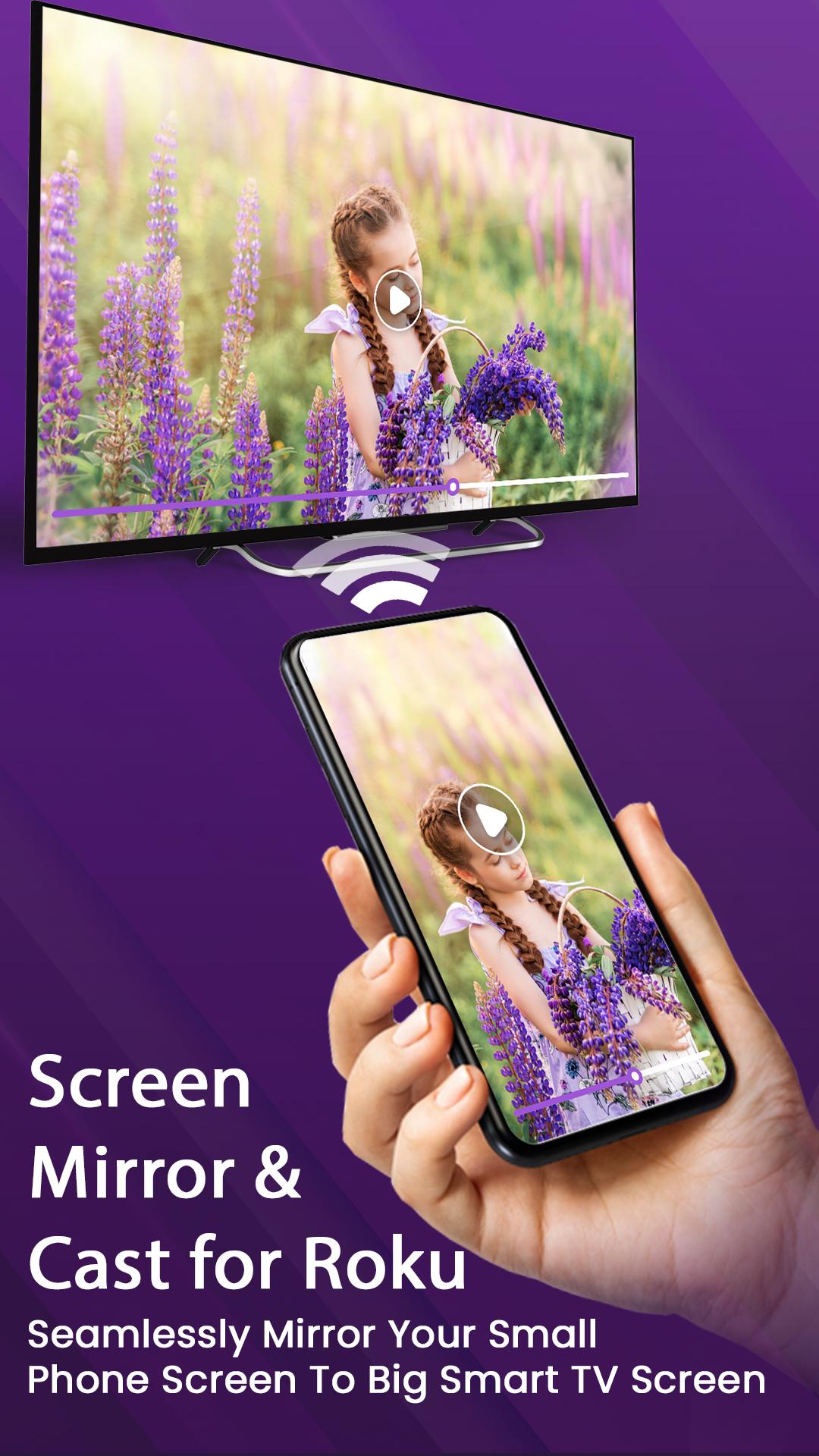
Screen mirror for Roku TV or Screen share: Screen mirroring allows you to exactly display your android phone screen to smart TV. Roku TV screen mirroring is used for making any office presentation or displaying any important document in the meeting while discussing the agenda with the other members. The Roku screen mirroring for android facilitates your overall presentation as you can directly screen share document with your other colleagues.
This shall help you to strike a successful business deal for your company as Roku screen mirror makes the whole process of presentation easy. Using Miracast wireless display or screen mirroring device in the meeting or conference rooms facilitates the office presentation and conference speech. Enjoy Playing Games And Watching Your Favorite Movies Or Shows Uniformly In High Quality!
Miracast screen sharing app shall allow you to share android phone screen to your smart TV or wireless display devices or Miracast enabled dongles. Miracast for android to TV allows you to mirror phone screen to TV in high HD quality. Miracast screen mirroring or Miracast screen sharing app allows you to play the videos, music, photos, documents to your Roku smart TV.
🏆Features of Screen Mirror To Roku:
✔User Friendly, Clean UI For Better User Experience
✔Simple And Fast Connection
✔Mirror Your Phone With One Tap Option
✔Easy Streaming And Mirroring To TV Directly From Phone
✔Mirror Images, Photos, Music, Documents From Phone To TV
✔Mirror Your Phone With One Tap Option
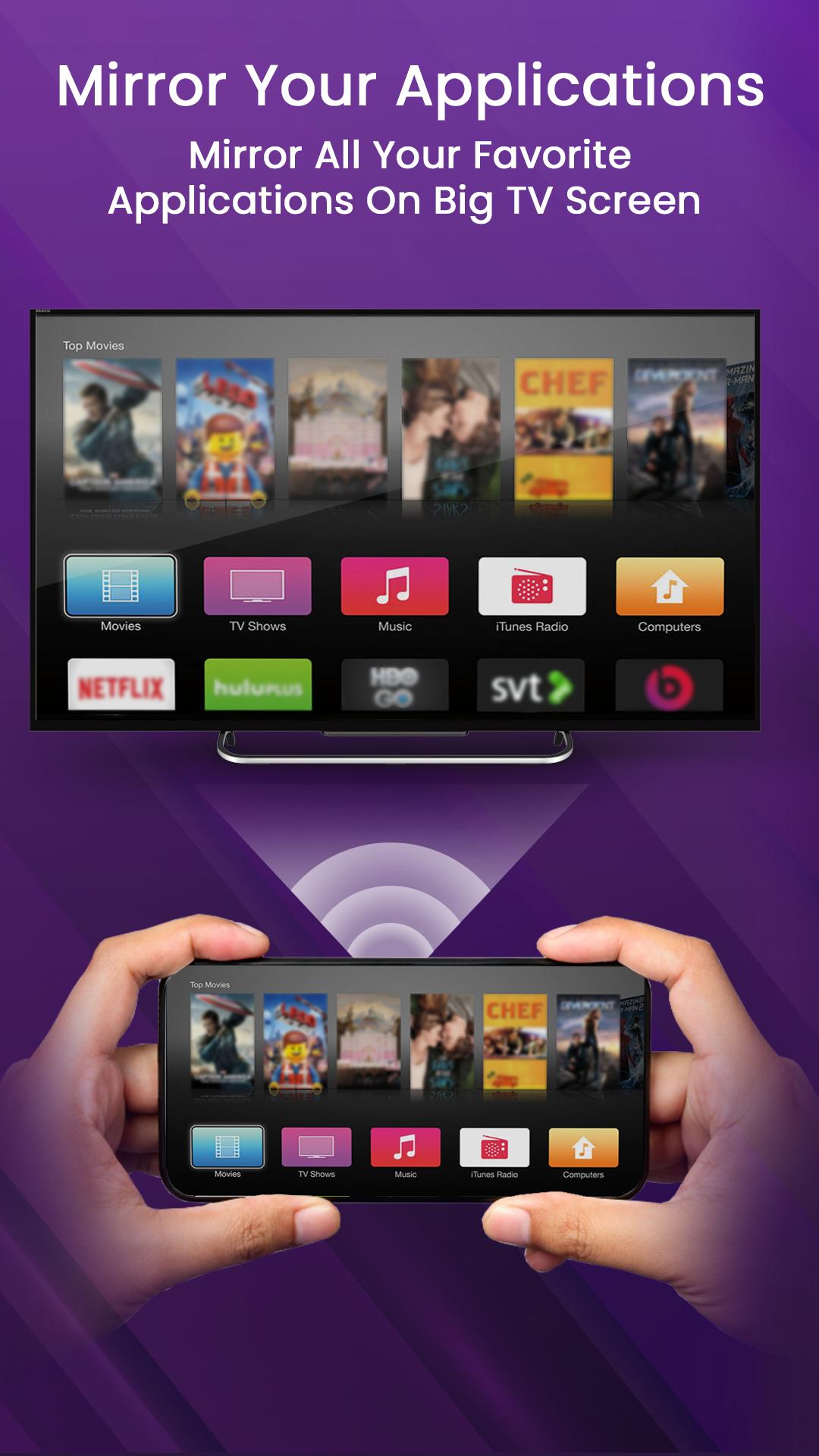
✔Best Seamless Viewing Experience Of Watching Movies And Applications
✔Double Tap On Phone To Zoom or Rotate Screen For Enlarging TV Screen View
✔High Quality Images, Videos And Documents
✔Simple And Fast Connection
✔Improved Gaming Experience
✔Supports All Roku Models
✔Easy To Use And Fast Screen Share
💼Supported Devices
-Screen mirroring Roku TV
-Roku Stick Screen Mirroring
-Screen Mirroring For All TV
-Roku Ultra
-Roku Premiere
-Roku Streambar
-Roku Box
-Roku Express 4K+
-Roku Express+
-Screen Mirroring Hisense TV
-Screen Mirroring Insignia
-Screen Mirroring Hitachi TV
-Screen Mirroring Sharp TV
-Screen Mirroring Philips Smart TV
-Screen Mirroring Element TV
-Screen Mirroring JVC
🔔Disclaimer: This app is not affiliated with Roku or any other trademark mentioned here. ROKU, the ROKU Logo, STREAMING STICK, ROKU TV, ROKU POWERED, the ROKU POWERED Logo, ROKU READY, the ROKU READY Logo, "STOP DREAMING. START STREAMING.", "HAPPY STREAMING", "THERE'S A TON OF ENTERTAINMENT IN THIS LITTLE BOX," and "NOW THIS IS TV" are trademarks and/or registered trademarks of Roku, Inc. in the United States and other countries.
預覽
標籤
工具訊息
開發商
Chings Chowmin
最新版本
2.1
更新時間
2023-08-31
類別
工具
同時可用
Google Play
更多
如何在電腦上用 GameLoop 玩 Screen Mirror for Roku TV
1. 從官網下載GameLoop,然後運行exe文件安裝GameLoop
2. 打開GameLoop,搜索“Screen Mirror for Roku TV”,在搜索結果中找到Screen Mirror for Roku TV,點擊“安裝”
3. 享受在 GameLoop 上玩 Screen Mirror for Roku TV 的樂趣
Minimum requirements
OS
Windows 8.1 64-bit or Windows 10 64-bit
GPU
GTX 1050
CPU
i3-8300
Memory
8GB RAM
Storage
1GB available space
Recommended requirements
OS
Windows 8.1 64-bit or Windows 10 64-bit
GPU
GTX 1050
CPU
i3-9320
Memory
16GB RAM
Storage
1GB available space