Wireless Display 電腦版
Screen View
用GameLoop模拟器在電腦上玩Wireless Display
Wireless Display 電腦版
來自發行商 Screen View 的 Wireless Display 能夠在安卓系統上運行。
現在,您可以在電腦上使用 GameLoop 模擬器流暢地玩 Wireless Display。
在 GameLoop 遊戲庫或搜索結果中下載。 不需要再暢玩遊戲時盯著電池電量或被令人懊惱的來電打斷。
只需在電腦大屏幕上免費下載暢玩Wireless Display 電腦版!
Wireless Display 簡介
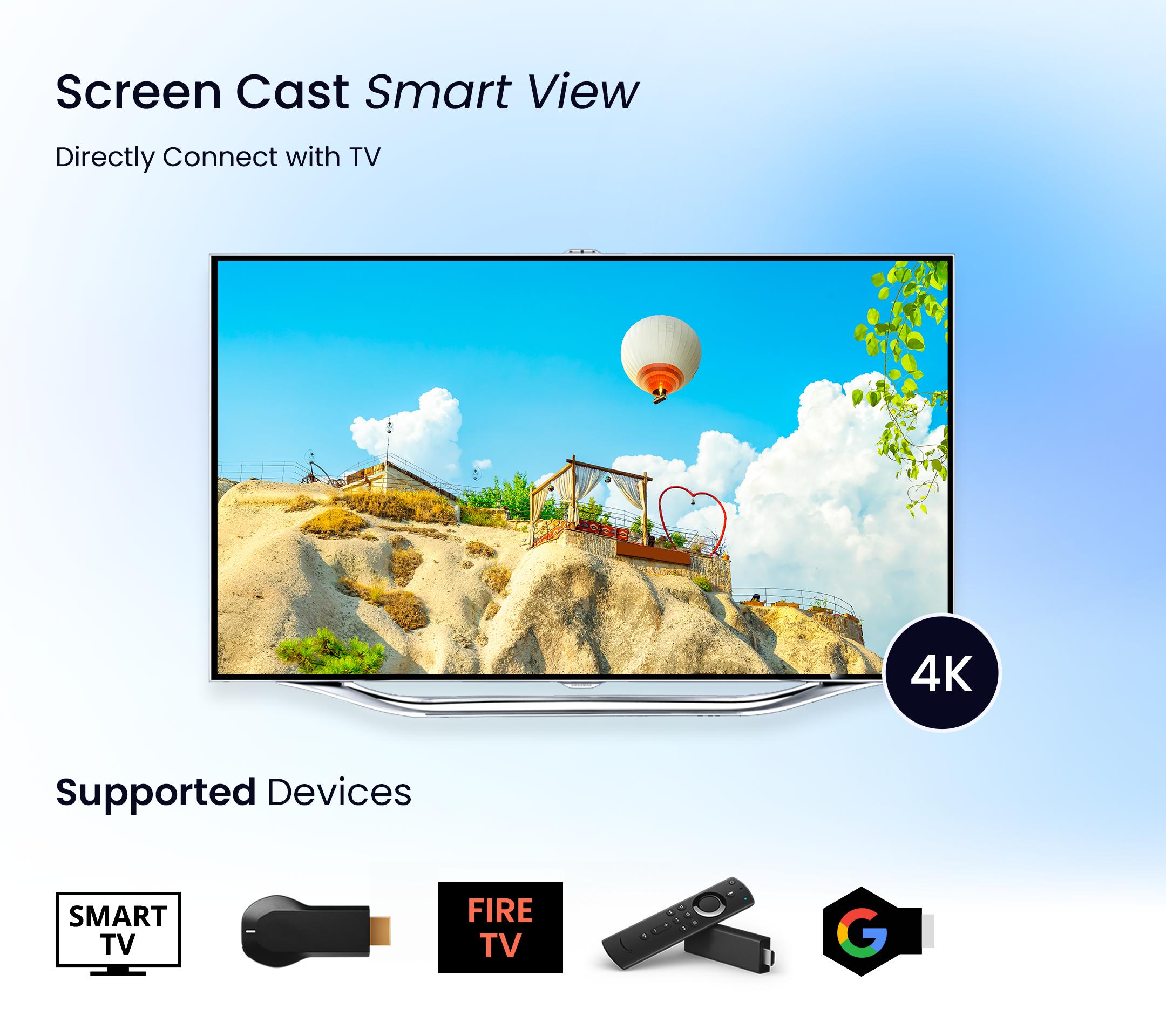
Screen Cast - Smart View app allows you to mirror your media content (Photos, Videos) to your Smart TV.
Screen Mirroring is a technique, which allows you to mirror your smartphone on the TV screen. You can easily access all of your games, photos, videos and other application on a big screen using this Screen Stream Mirroring App.
This Screen Mirroring App allows you to easily connect your device and your TV. It provides you a secure connection to protect your data, files and applications.
This Screen Cast - Smart View app is perfect for making presentation in business meetings With photos, videos casting the app also suite for personal entertainment.
Screen Cast - Smart View Technologies:
- AllShare Cast
- Miracast
- Chromecast
- Wifi Display
- Screen Casting
- Screen Sharing
- Cast Content
Main Features of Screen Cast - Smart View App:
- Miracast app: Mirror your favorites videos, movies, web series on Android TV screen.
- PDF Reader: Read, view and Stream your pdf files on a big TV screen.
- Cast To TV app: Mirror all your media content on smart tv.
- Screen Sharing app: Listen to your audio files on a smart TV screen.
- Automatically search nearby TVs to cast screen via DLNA.
- AirPlay files from your storage & to know your library fast.
- Screen mirroring cast is live cast video on the browser.
- Web cast supports real-time screen share.
Cast To TV app:
- The Miracast screen mirroring app lets you enjoy a smart view of a digital album on TV. Mirror your Phone Screen & enjoy watching Live Video Streaming on a big android TV Screen using Chromecast Streamer.
Roku Cast To TV app:
- Are you getting bored watching movies alone on a small phone screen? Then just try our Miracast Screen Mirroring and enjoy the smart view of your phone screen on smart TV and make your moments enjoyable with your friends and family.
Screen Mirror PDF:
- This Miracast Screen mirroring App instantly access all your pdf files from your internal storage at one place and provide a smart view of your pdf files on smart devices.
- Read your favorite books and documents directly on a big TV screen
How to use Screen Cast - Smart View App:
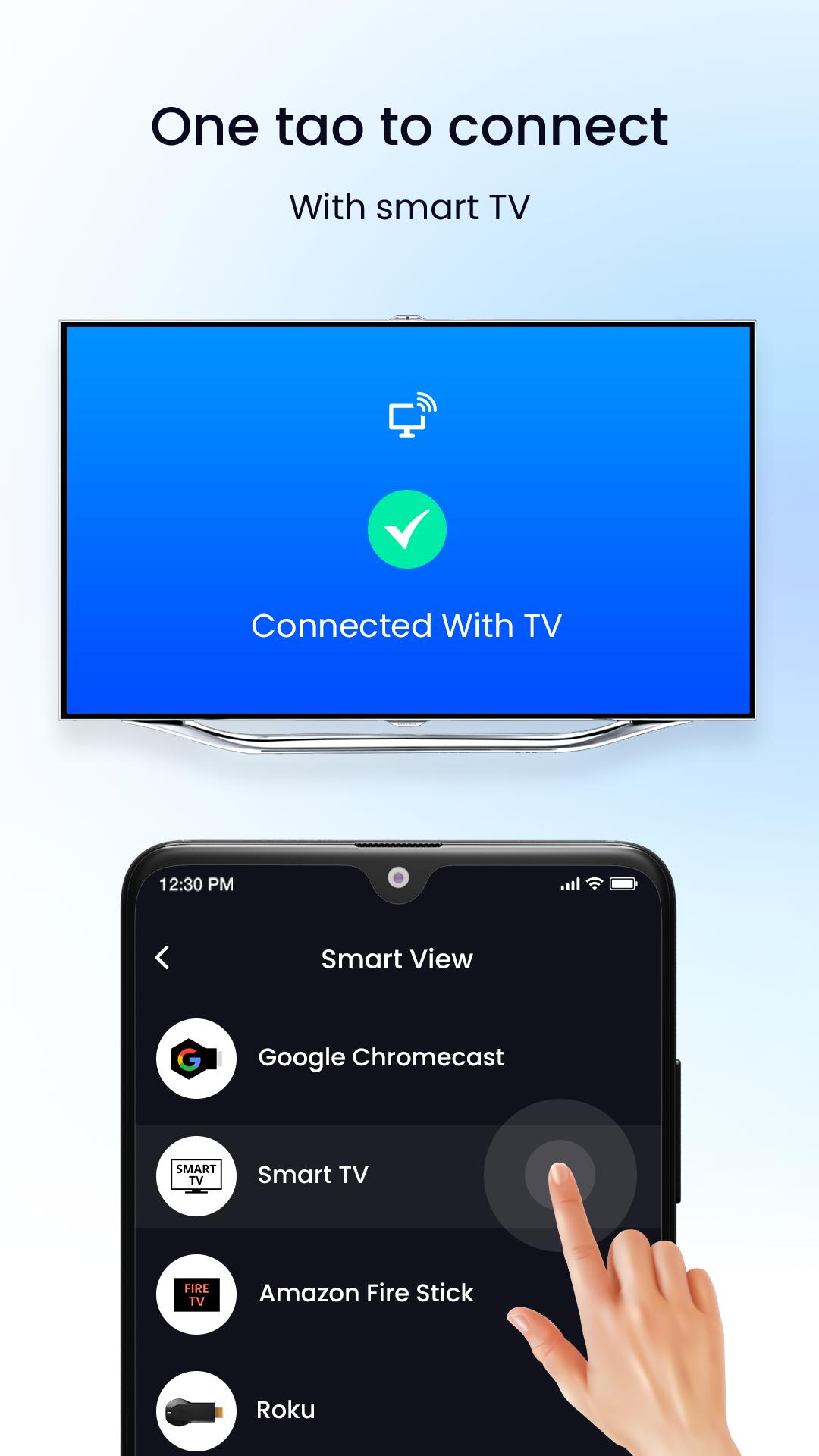
- Make sure your smart phone and smart TV are connected to the same Wi-Fi network.
- Enable “Wireless display” on your phone.
- Enable Miracast or Chromecast on your smart TV.
- Select tab to connect button in our app.
- Now select your Tv device to share your mobile screen to the tv.
Download free this Roku TV Cast app use this "Screen Cast - Smart View app" to watch your media content on smart devices.
預覽
標籤
工具訊息
開發商
Screen View
最新版本
1.4
更新時間
2022-10-20
類別
工具
同時可用
Google Play
更多
如何在電腦上用 GameLoop 玩 Wireless Display
1. 從官網下載GameLoop,然後運行exe文件安裝GameLoop
2. 打開GameLoop,搜索“Wireless Display”,在搜索結果中找到Wireless Display,點擊“安裝”
3. 享受在 GameLoop 上玩 Wireless Display 的樂趣
Minimum requirements
OS
Windows 8.1 64-bit or Windows 10 64-bit
GPU
GTX 1050
CPU
i3-8300
Memory
8GB RAM
Storage
1GB available space
Recommended requirements
OS
Windows 8.1 64-bit or Windows 10 64-bit
GPU
GTX 1050
CPU
i3-9320
Memory
16GB RAM
Storage
1GB available space