
Riverside: Record podcasts 電腦版
Riverside.fm
用GameLoop模拟器在電腦上玩Riverside: Record podcasts
Riverside: Record podcasts 電腦版
來自發行商 Riverside.fm 的 Riverside: Record podcasts 能夠在安卓系統上運行。
現在,您可以在電腦上使用 GameLoop 模擬器流暢地玩 Riverside: Record podcasts。
在 GameLoop 遊戲庫或搜索結果中下載。 不需要再暢玩遊戲時盯著電池電量或被令人懊惱的來電打斷。
只需在電腦大屏幕上免費下載暢玩Riverside: Record podcasts 電腦版!
Riverside: Record podcasts 簡介
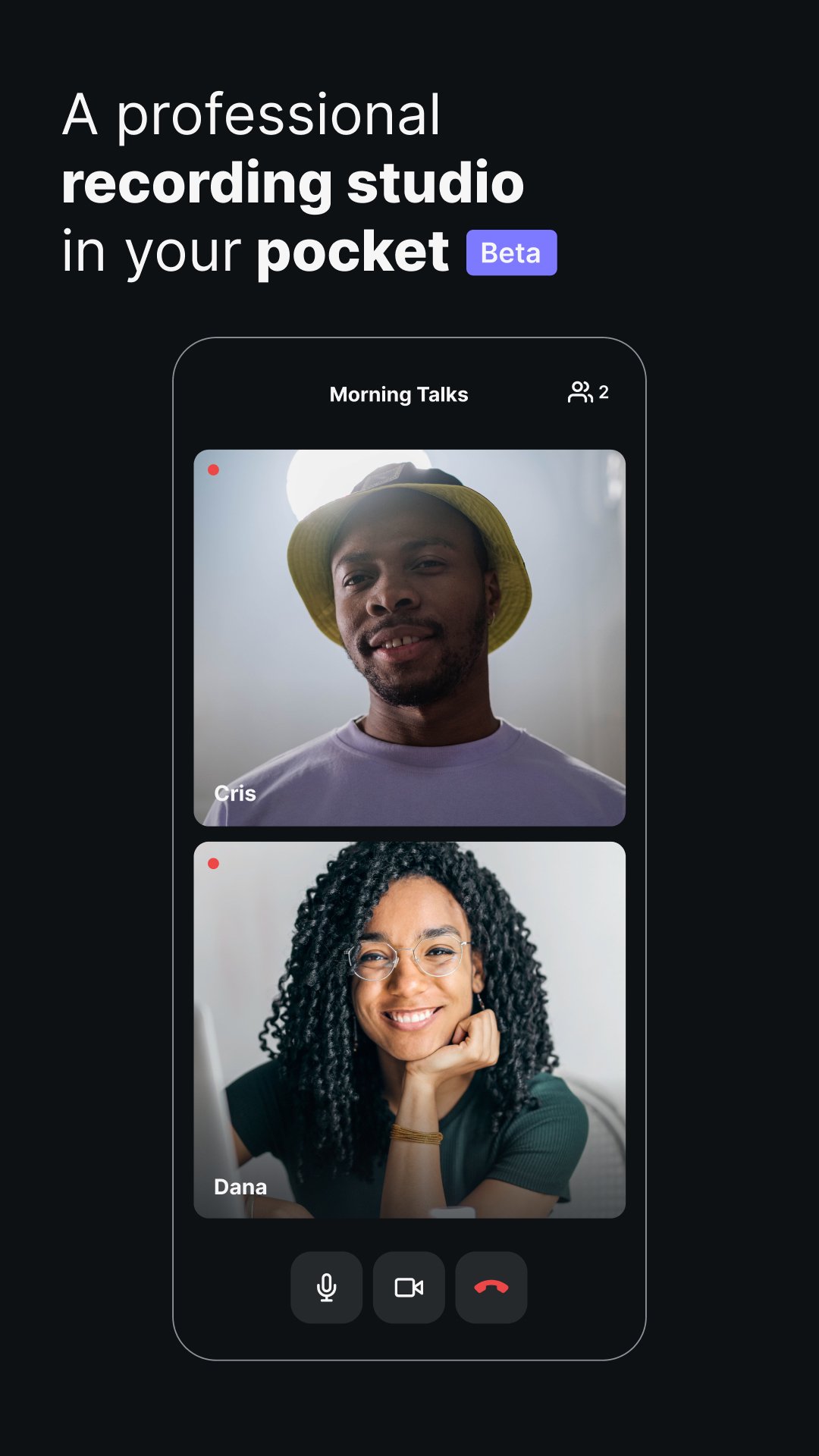
Riverside.fm is the easiest way to record podcasts and videos in studio quality from anywhere.
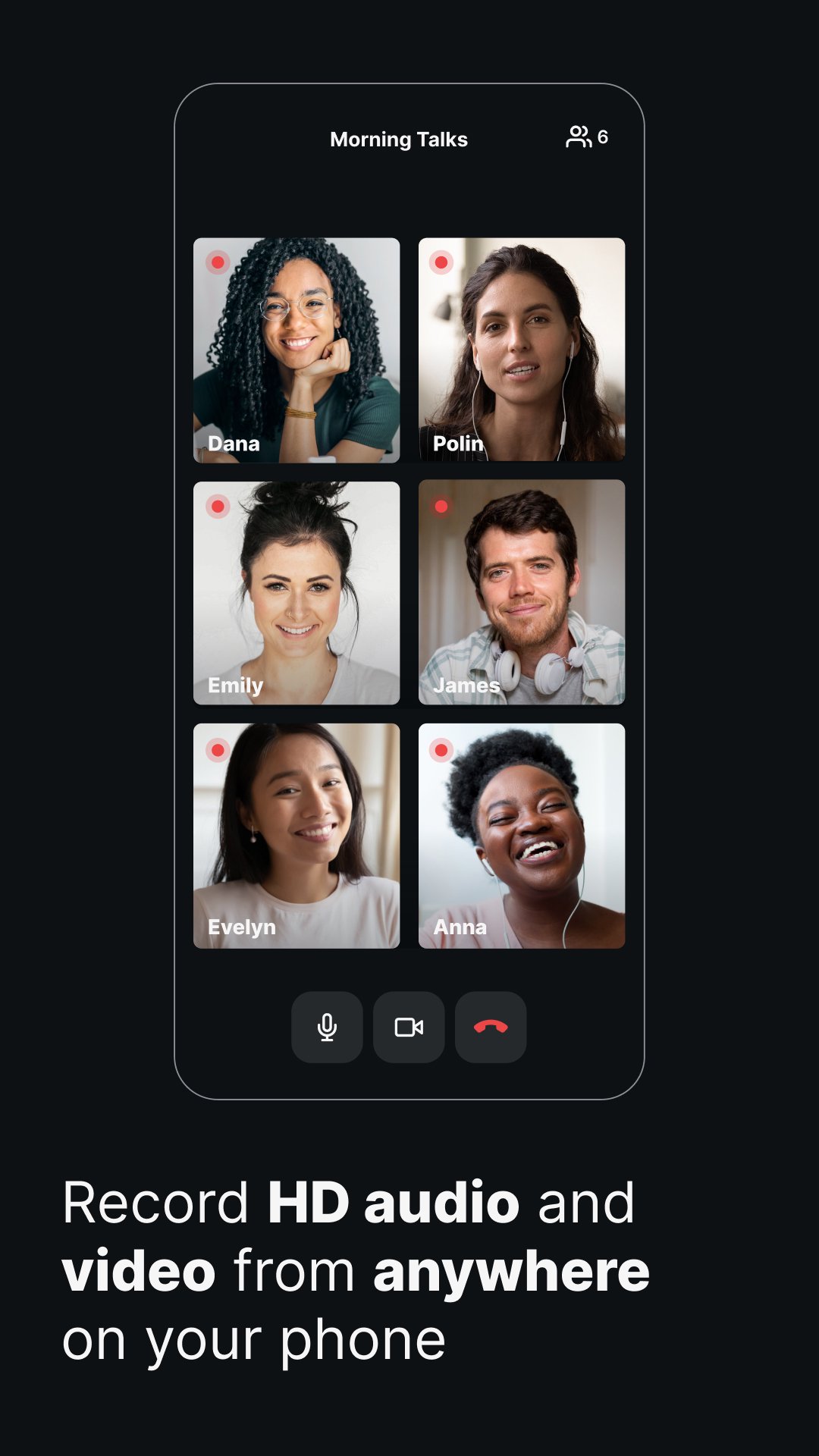
The platform is ideal for podcasters, media companies, and online content creators that prioritize quality. You can capture up to 4K video and 48kHz WAV audio, regardless of your internet connection. With local recording, everything records directly on your device instead of over the internet. The app automatically uploads all files to the cloud so you can access them from your desktop and use Riverside’s online tools, to enhance your content. Record with up to 8 participants in one session, and download separate audio and video tracks to maximize your editing control. Plus, you can use Multicam mode to turn your phone into a secondary webcam for your desktop (and often your mobile phone has a far better camera than your laptop webcam). With Riverside.fm, you can record high-quality audio and video content even when you're on the move. It’s the perfect solution for dynamic webinars or talking head-style videos that can be shared on TikTok, YouTube or Instagram.
The easy-to-use platform is used by podcasters, media companies, and online content creators that care about quality. You receive locally recorded, individual WAV audio and up to 4k video tracks for up to 8 participants per session.
★★★★★ “Riverside.fm allowed us to record speakers locally in remote locations… We would always get high-quality video & audio every time we recorded, which was a huge help!” - TED Talks
★★★★★ "It’s basically transforming the offline studio into a virtual studio." - Guy Raz
Features:
- Easy to use interface for seamless professional podcast and video recordings
- Access the power of recording locally - recording quality is independent of the internet connection.
- Record HD video and audio from anywhere with up to 8 people.
Receive separate audio and video tracks for each participant.
- All files are automatically uploaded to the cloud.
- Multicam mode to turn your phone into a second webcam for your desktop
- Studio chat available for easily sharing messages with participants
After recording, access your files from the desktop, where you can also access AI-powered transcriptions of your recordings and our text-based video and audio editor. You can make precise cuts as easily as editing a text transcript. Plus, you can use our Clip tool to create short-form content ideal for YouTube shorts, TikTok and Instagram reels.
The Riverside app is perfect for professional content on the move. You can record dynamic webinars or talking-head-style videos even when you don’t your standard setup is unavailable.
Imagine you’ve got a guest on the move, or perhaps you want to podcast while you’re away from home at a conference or vacation. Using Riverside, you’ll never miss key moments even if you don’t have a good connection. Riverside will still upload your recording in the highest quality. Once you’ve got your final video, you can easily s export it for publishing to Spotify, Apple, Amazon and more. You can also share you clips for your social channels like TikTok and Instagram.
預覽
標籤
工具訊息
開發商
Riverside.fm
最新版本
4.6.2
更新時間
2025-12-26
類別
工具
同時可用
Google Play
更多
如何在電腦上用 GameLoop 玩 Riverside: Record podcasts
1. 從官網下載GameLoop,然後運行exe文件安裝GameLoop
2. 打開GameLoop,搜索“Riverside: Record podcasts”,在搜索結果中找到Riverside: Record podcasts,點擊“安裝”
3. 享受在 GameLoop 上玩 Riverside: Record podcasts 的樂趣
Minimum requirements
OS
Windows 8.1 64-bit or Windows 10 64-bit
GPU
GTX 1050
CPU
i3-8300
Memory
8GB RAM
Storage
1GB available space
Recommended requirements
OS
Windows 8.1 64-bit or Windows 10 64-bit
GPU
GTX 1050
CPU
i3-9320
Memory
16GB RAM
Storage
1GB available space