
Reverse Image Search: Reverse 電腦版
Essence Apps Studio
用GameLoop模拟器在電腦上玩Reverse Image Search: Reverse
Reverse Image Search: Reverse 電腦版
來自發行商 Essence Apps Studio 的 Reverse Image Search: Reverse 能夠在安卓系統上運行。
現在,您可以在電腦上使用 GameLoop 模擬器流暢地玩 Reverse Image Search: Reverse 。
在 GameLoop 遊戲庫或搜索結果中下載。 不需要再暢玩遊戲時盯著電池電量或被令人懊惱的來電打斷。
只需在電腦大屏幕上免費下載暢玩Reverse Image Search: Reverse 電腦版!
Reverse Image Search: Reverse 簡介
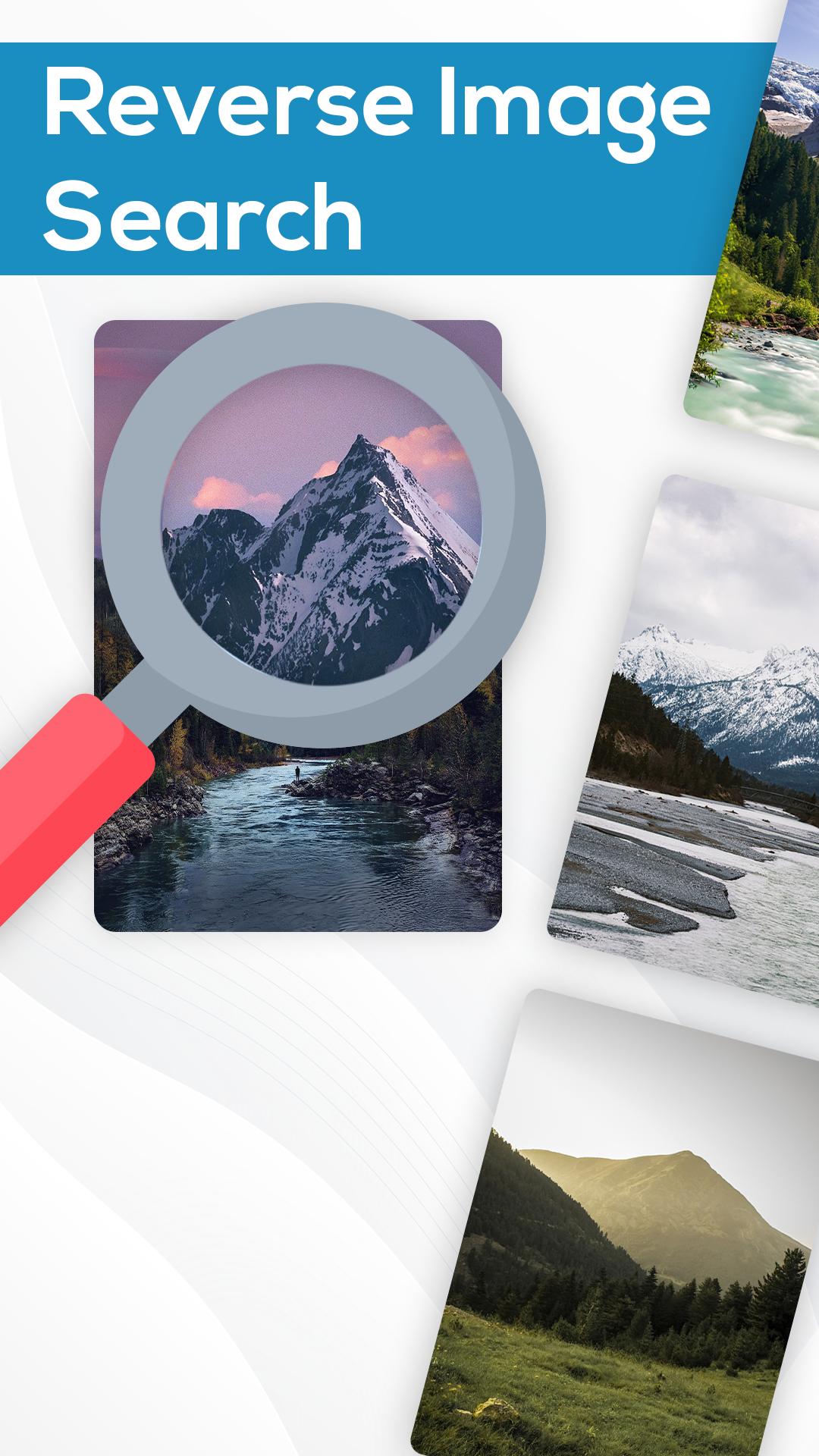
Reverse Image Search: Search by image is one of the simplest and easiest photo searching. With this image search, you are just a single tap away from searching your images with hundreds of similar or matching images from across the globe. This search by picture uses various powerful and popular reverse - reverse image search for image searching purpose more recherche is useful to verify the source of photo or image which means that you can check that in which websites your related images are used. Let suppose you see a beautiful place on the social media website, you want to go there but don’t know that place. You just upload that photo in this picture lookup app then powerful search engine of this app that will find related photos or images where you will also find the name of the location. find images is a helpful app that will amaze you and find related images on the internet, tool search can help you to plan travel. This reverse image search engine gives you the ability to find a photo's location while traveling. You can crop image then upload the image to search by using a reverse image search or image search.
Core Features:
1. Reverse image search
2. Search by URL or Image
3. Crop, rotate and flip images before searching
Search Results:
1. Show similar images
2. Show visually similar images
3. Safe Search
Reverse - reverse image search is actually a reverse quick reverse image search by which you should upload a photo from the camera and then tap on the search to find related photos or images from the internet. Reverse Image Search: Search by image to show you the Result on Which to Match your Search Vision. more recherche is simple photos searching app. You can easily have all the desired pictures according to the image you search for. Picture lookup tool search, Reverse Image processing is a very great application for the searching of a specific picture. reverse image search is useful for verifying the source of photographs, images, screenshots, and memes. This Image finder used "Search by Image" to research pictures of their potential dates while travelers use it for finding the photo's location
App Usage
1. Select image/Picture from Camera or Gallery.
2. Rotate, flip horizontally or Vertically, Crop photo and then Search.
3. Wait a moment, the app finds similar photos on Google.
4. Search image with the help of Voice. Speak Word and find
pictures/images.
5. Search image by Text, just typing the text and this app helps you to
find a similar photo
6. Save Search History, easily open again & delete whenever you want.
This app allows you to search for any image using a reverse image search by picture, not through keywords. If you want to search for any image? Or if you are searching for a public photo, while selected one of his/her pictures. this is the best and powerful app to search for photos with speed and accuracy.
Main Features Reverse Image Search: Reverse Photo Search Engine
1. Reverse Photo Search powerful search engine.
2. Reverse Photo Search Tool is used to find similar images.
3. Quick Reverse Image Search is a fastest search tool .
4. Search by Voice.
5. Search by Text.
Why this application is useful?
Reverse image search app is an important role in your phone. You can easily all the related photos of its websites and other specific sources through this application. reverse image search clothes source through image search. Professional designers can use this application to find their interest pictures.
If you enjoy our App Please support us by rating and reviews and if you have any suggestions or want to give us feedback write to us at apps.essence@gmail.com.
預覽
標籤
工具訊息
開發商
Essence Apps Studio
最新版本
1.1.0
更新時間
2024-08-26
類別
工具
同時可用
Google Play
更多
如何在電腦上用 GameLoop 玩 Reverse Image Search: Reverse
1. 從官網下載GameLoop,然後運行exe文件安裝GameLoop
2. 打開GameLoop,搜索“Reverse Image Search: Reverse ”,在搜索結果中找到Reverse Image Search: Reverse ,點擊“安裝”
3. 享受在 GameLoop 上玩 Reverse Image Search: Reverse 的樂趣
Minimum requirements
OS
Windows 8.1 64-bit or Windows 10 64-bit
GPU
GTX 1050
CPU
i3-8300
Memory
8GB RAM
Storage
1GB available space
Recommended requirements
OS
Windows 8.1 64-bit or Windows 10 64-bit
GPU
GTX 1050
CPU
i3-9320
Memory
16GB RAM
Storage
1GB available space