TV Remote control for All TV 電腦版
BoostVision
用GameLoop模拟器在電腦上玩TV Remote control for All TV
TV Remote control for All TV 電腦版
來自發行商 BoostVision 的 TV Remote control for All TV 能夠在安卓系統上運行。
現在,您可以在電腦上使用 GameLoop 模擬器流暢地玩 TV Remote control for All TV。
在 GameLoop 遊戲庫或搜索結果中下載。 不需要再暢玩遊戲時盯著電池電量或被令人懊惱的來電打斷。
只需在電腦大屏幕上免費下載暢玩TV Remote control for All TV 電腦版!
TV Remote control for All TV 簡介
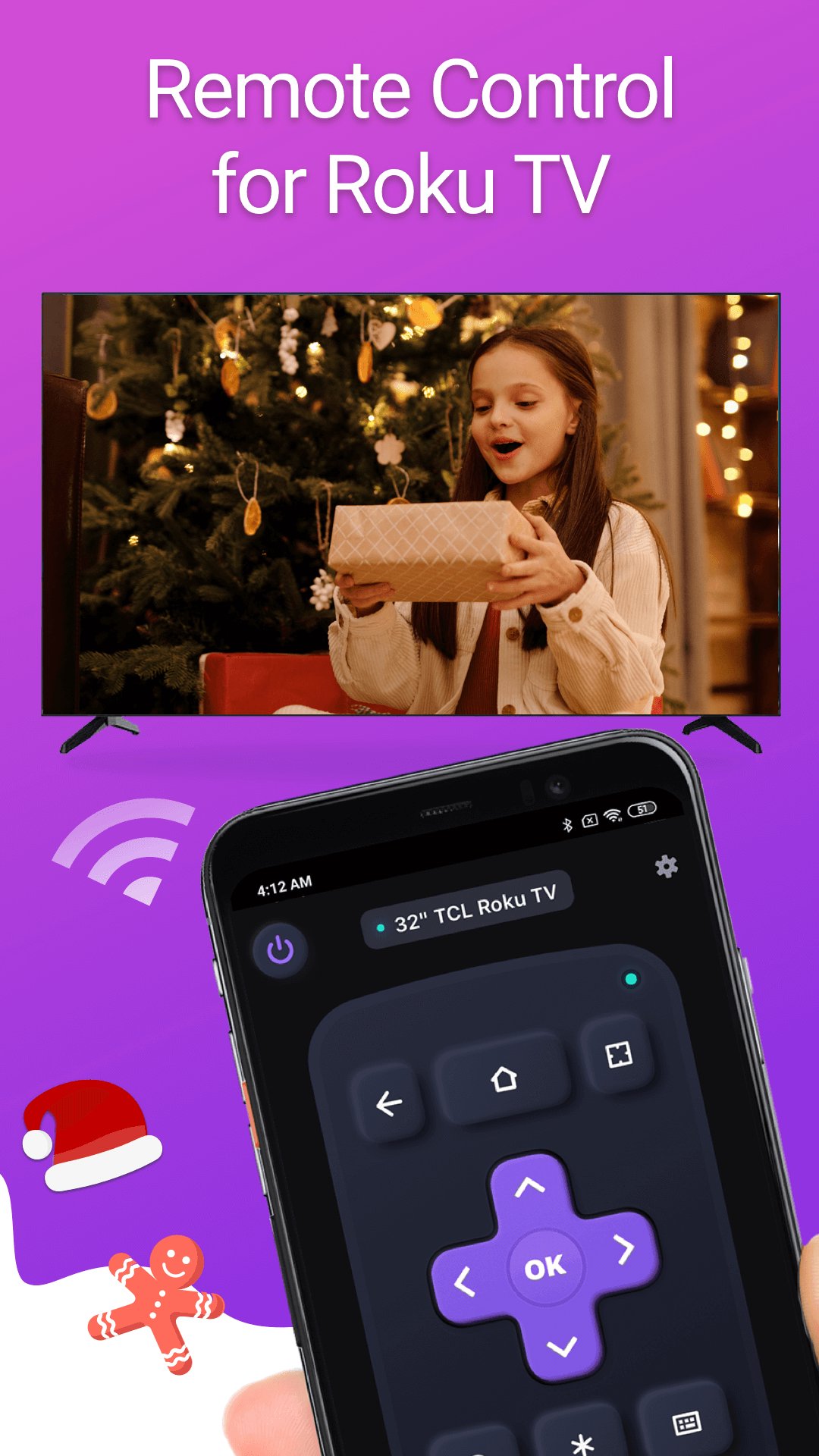
TV Remote control for All TV is a mobile TV remote control app that specially designed for popular smart TVs & streaming devices. This TV control application allows you to use your mobile device as a remote control to turn on/off the TV, control volume, browse and stream content and launch channels, which provide all the same functionality as your physical Smart TV remote.
This TV remote control app works with common Smart TV models, such as Samsung、LG、Vizio、Sony、Fire、Apple TV, etc. Whether you've misplaced your physical TV stick remote or just prefer the convenience of using your phone, the TV remote replacement app is the perfect solution for controlling your Home TV.
Features:
- Easy setup: Download the app and connect it to your TV to start using it right away.
- Simple navigation: Easily navigate the TV interface with a touchpad for scrolling and swiping.
- Playback controls: You can control the playback of your content with this app's usual buttons like Play/pause and fast forward/rewind and volume control.
- Keyboard input: Virtual keyboard makes it easy to enter text, passwords, and search queries when typing on TV is needed.
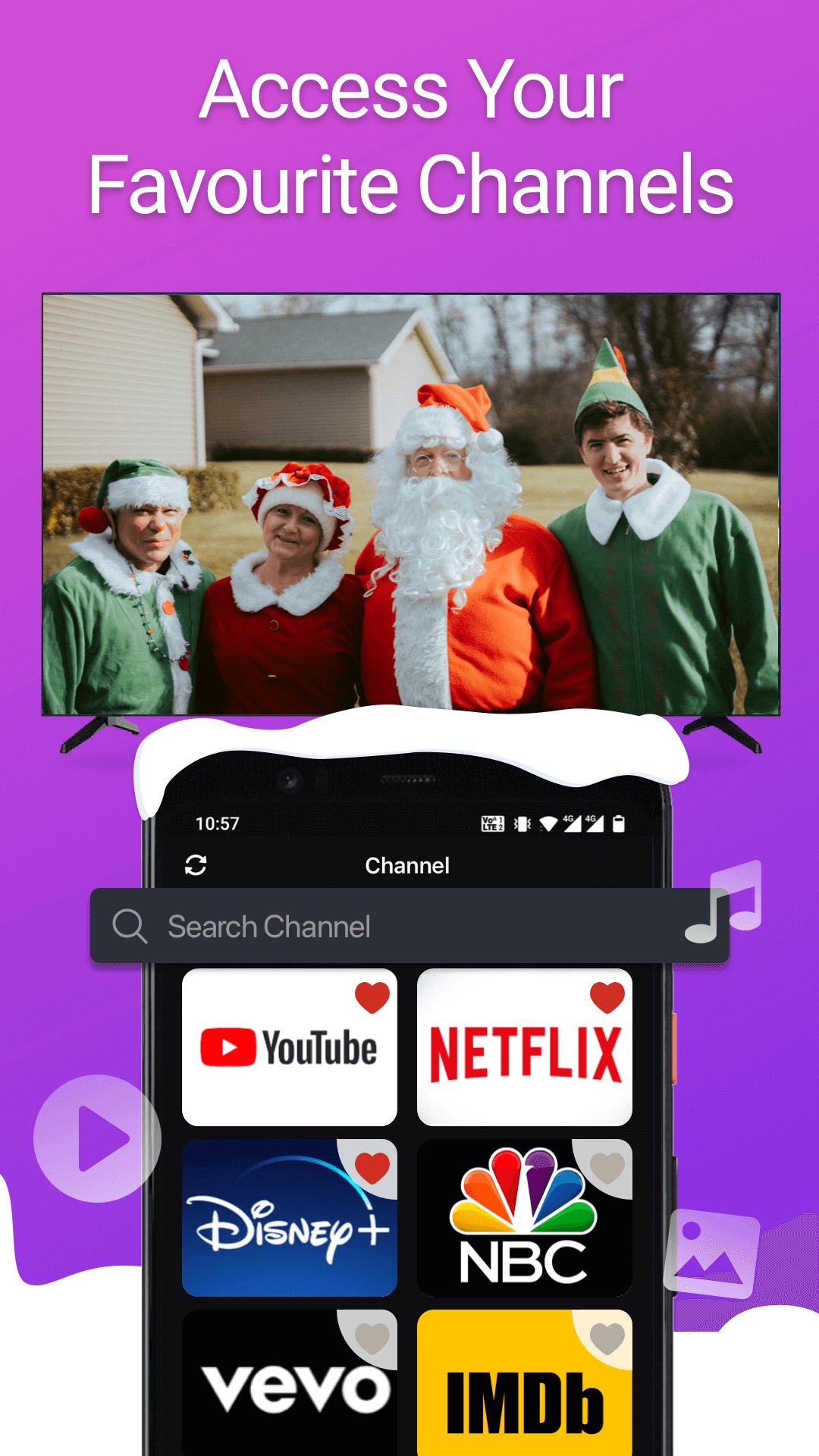
- Channel shortcuts: You can create shortcuts for your favorite channels, making it easy to launch them with a single tap.
- Power ON/OFF: Power on or power off your home TV with one tap on your mobile device
- Screen Mirroring: Screen share on smart view TV with its mirroring function
- Cast to TV: Watch local photos/videos on big TV by casting screen
How to Connect the Remote Controller App to Smart TV:
1. Your Android smart phone must be connected to the same network as Smart TV.
2. Download and launch this TV controller app and tap to select the target device to connect.
3. Once connected, you can control your TV devices with the smart remote control app.
Troubleshoot:
• This TV control app can only connect if you are on the same WiFi network as your smart TV device.
• For cases of not being able to connect to TV, reinstall this remote app and reboot the TV will fix most of the bugs.
Terms of Use: https://www.boostvision.tv/terms-of-use
Privacy Policy: https://www.boostvision.tv/privacy-policy
預覽
標籤
工具訊息
開發商
BoostVision
最新版本
1.7.9
更新時間
2026-01-29
類別
工具
同時可用
Google Play
更多
如何在電腦上用 GameLoop 玩 TV Remote control for All TV
1. 從官網下載GameLoop,然後運行exe文件安裝GameLoop
2. 打開GameLoop,搜索“TV Remote control for All TV”,在搜索結果中找到TV Remote control for All TV,點擊“安裝”
3. 享受在 GameLoop 上玩 TV Remote control for All TV 的樂趣
Minimum requirements
OS
Windows 8.1 64-bit or Windows 10 64-bit
GPU
GTX 1050
CPU
i3-8300
Memory
8GB RAM
Storage
1GB available space
Recommended requirements
OS
Windows 8.1 64-bit or Windows 10 64-bit
GPU
GTX 1050
CPU
i3-9320
Memory
16GB RAM
Storage
1GB available space