Remote control for Sky Q 電腦版
Mobile-Care
用GameLoop模拟器在電腦上玩Remote control for Sky Q
Remote control for Sky Q 電腦版
來自發行商 Mobile-Care 的 Remote control for Sky Q 能夠在安卓系統上運行。
現在,您可以在電腦上使用 GameLoop 模擬器流暢地玩 Remote control for Sky Q。
在 GameLoop 遊戲庫或搜索結果中下載。 不需要再暢玩遊戲時盯著電池電量或被令人懊惱的來電打斷。
只需在電腦大屏幕上免費下載暢玩Remote control for Sky Q 電腦版!
Remote control for Sky Q 簡介
📺 SKY TV Remote: Smart Control for SKY Devices
Transform Your Phone into a Powerful SKY Remote.
Tired of searching for your SKY remote or dealing with dead batteries? Turn your smartphone into the ultimate SKY TV remote control! Get full command over your SKY device, just like the physical remote—and even more.
💡 WHY CHOOSE OUR SKY REMOTE APP?
Our app enhances your TV remote's features for a smooth, reliable, and rich user experience. Easily launch your favorite streaming apps or control volume during movie night. This smart, all-in-one SKY TV remote app handles everything—from navigating your SKY home screen to launching Netflix, Disney+, Amazon Prime Video, and YouTube. Works flawlessly with various SKY models, including SKY Q, SKY Stream, and SKY Glass.
⭐ KEY FEATURES
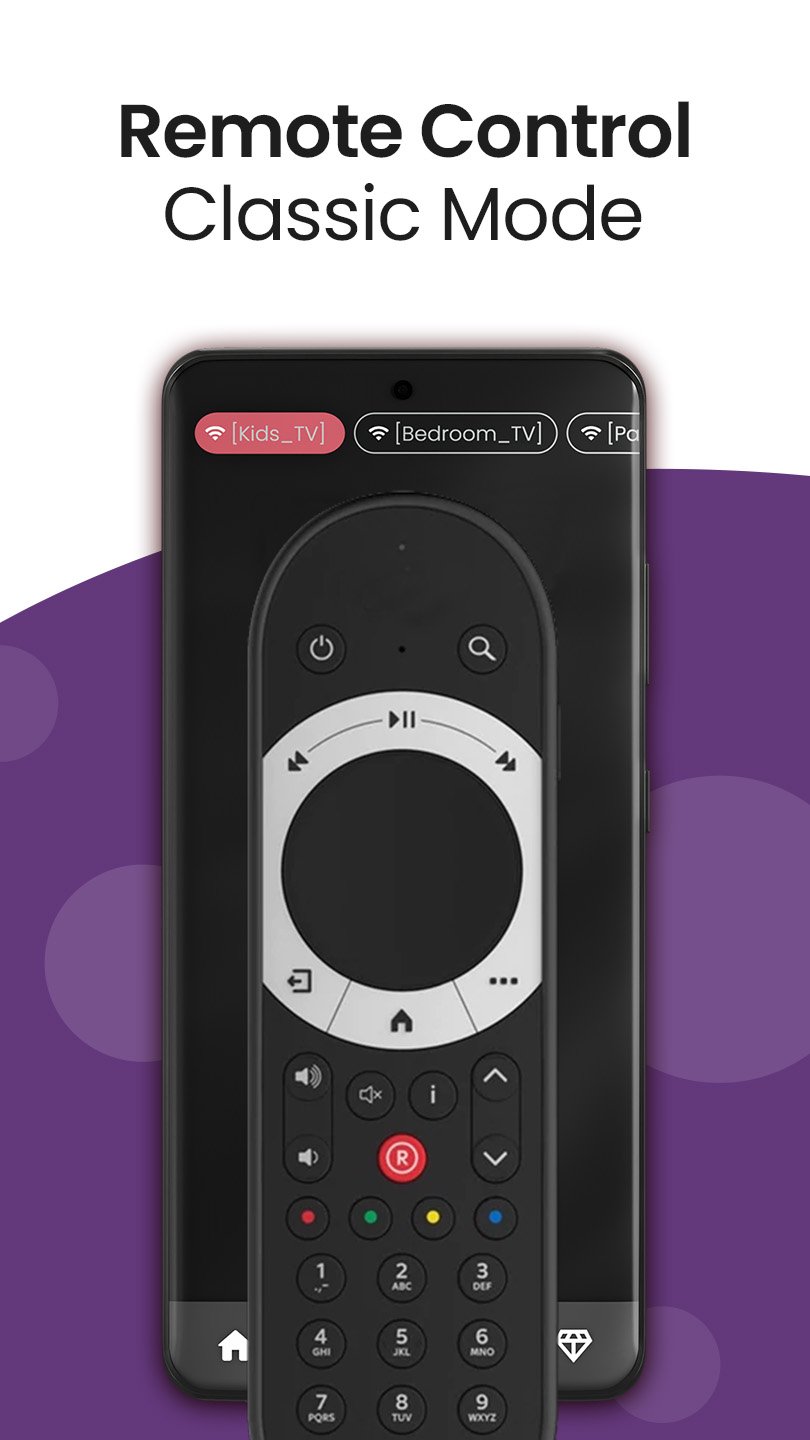
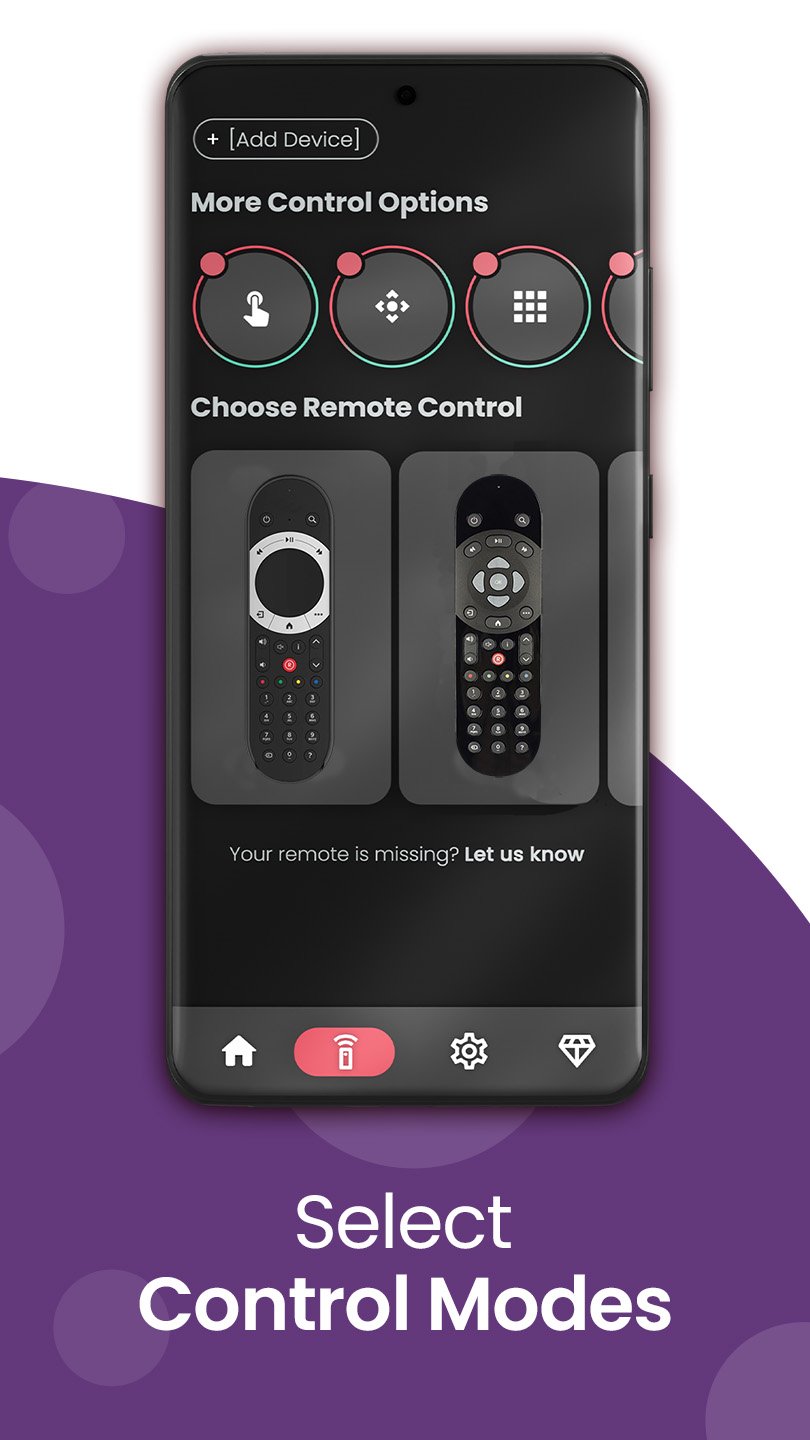
* Customizable Remote Skins: Choose skins that mimic your actual SKY remote or offer fresh designs.
* Intuitive Touchpad: Navigate menus and apps with ease.
* Full Playback Control: Play, pause, rewind, fast-forward, and adjust volume effortlessly.
* Faster Text Entry: Type searches and login details quickly with the built-in keyboard.
* Voice Commands: Enjoy hands-free control for searching content or navigating menus.
* Direct App Launch: Launch Netflix, Amazon Prime, YouTube, and more directly.
* Multi-Device Management: Control multiple SKY devices; switch between them easily.
* Content Tracking: Resume favorite shows/movies instantly.
* Premium Upgrade: Go ad-free and unlock more features.
* Real-Time Sync: Instant commands between phone and SKY device.
* Android Optimized: Great universal SKY controller app for Android users.
🔧 HOW IT WORKS
1. Connect phone and SKY device to the same Wi-Fi network.
2. Ensure your SKY box is turned on.
3. Open the app and follow simple pairing instructions.
4. Start using your phone as a powerful smart remote!
🎯 WHO NEEDS THIS SKY REMOTE APP?
Perfect for anyone with SKY TV devices (SKY Q, SKY Stream, SKY Glass) seeking a modern, convenient, and reliable universal SKY remote control experience. Ideal for families, binge-watchers, and tech-savvy Android users.
🚀 BENEFITS OF USING OUR APP
* No more lost or broken remotes.
* Smoother navigation and faster typing.
* Easily launch and switch between streaming apps.
* Simplify TV usage with voice and gesture input.
* Great for accessibility and elderly users needing a larger interface.
* Universal SKY Remote: Robust control for all compatible SKY models.
* Wi-Fi Connectivity: Seamlessly control over Wi-Fi – no extra hardware.
* A must-have SKY smart remote app for Android phones.
❓ FAQs
✔️ Do I need Wi-Fi?
Yes, both phone and SKY device must be on the same Wi-Fi network.
✔️ Will this app work with other devices?
Optimized for SKY TV devices; best experience with them. May support basic functions on other smart TV brands.
✔️ How can I remove ads?
Upgrade to Premium within the app for an ad-free experience and bonus features.
⬇️ Download Now: Your Ultimate SKY Remote!
Get the Remote Control for SKY TV app today and transform your Android phone into the powerful, intuitive smart remote you've always desired.
Simple. Powerful. Personalized. Control your SKY device like never before! Whether watching on your SKY Q or simply browsing content, our app makes it easier. Ready for smarter streaming? Start now!
---
Disclaimer: This app is an independent product and is not an official SKY application. It is not affiliated with, endorsed by, or sponsored by Sky Limited or any of its subsidiaries.
預覽
標籤
工具訊息
開發商
Mobile-Care
最新版本
6.5.0.3
更新時間
2026-03-21
類別
工具
同時可用
Google Play
更多
如何在電腦上用 GameLoop 玩 Remote control for Sky Q
1. 從官網下載GameLoop,然後運行exe文件安裝GameLoop
2. 打開GameLoop,搜索“Remote control for Sky Q”,在搜索結果中找到Remote control for Sky Q,點擊“安裝”
3. 享受在 GameLoop 上玩 Remote control for Sky Q 的樂趣
Minimum requirements
OS
Windows 8.1 64-bit or Windows 10 64-bit
GPU
GTX 1050
CPU
i3-8300
Memory
8GB RAM
Storage
1GB available space
Recommended requirements
OS
Windows 8.1 64-bit or Windows 10 64-bit
GPU
GTX 1050
CPU
i3-9320
Memory
16GB RAM
Storage
1GB available space