Remote Control For Roku TV Pro 電腦版
MoonTechZ Studio
用GameLoop模拟器在電腦上玩Remote Control For Roku TV Pro
Remote Control For Roku TV Pro 電腦版
來自發行商 MoonTechZ Studio 的 Remote Control For Roku TV Pro 能夠在安卓系統上運行。
現在,您可以在電腦上使用 GameLoop 模擬器流暢地玩 Remote Control For Roku TV Pro。
在 GameLoop 遊戲庫或搜索結果中下載。 不需要再暢玩遊戲時盯著電池電量或被令人懊惱的來電打斷。
只需在電腦大屏幕上免費下載暢玩Remote Control For Roku TV Pro 電腦版!
Remote Control For Roku TV Pro 簡介
The Roku remote control app is a comprehensive solution that lets you control every Roku device in your home through your smartphone.
📲 You have small children who often lose things at home; you are a busy person, so you cannot remember the exact location of your Roku remote TV. Or your remote control suddenly ran out of battery, broken. If you are trying to find a solution, download our Roku remote control application now and experience it!
🌈The remote for Roku TV control app is a perfect alternative to a regular TV remote. In addition to the main features of a common TV remote, the Roku tv remote control app also allows you to integrate many hot channels right on the application. Now you can comfortably enjoy your favorite movies with the smart roku remote control app.
⚡ With the remote control for the Roku app, you can turn on/off the TV in the living room while lulling your baby into the bedroom. Control any Roku device in your home as long as your phone and Roku devices are connected to the same WiFi network. Now everything becomes much simpler and more convenient.
👉 Download and experience the roku tv remote control app now!
⚜️ Here are some outstanding features of the remote for Roku TV application:
🔥 Outstanding Features: 🔥
☘ User interface helps users quickly understand the functions of the application, saving maximum time with roku remote control app
️☘ Automatically scan and find for your Roku device via WiFi; you can use the Roku tv remote control app as soon as it connects to the TV
☘ All connected Roku devices will be automatically saved for quick searching later with roku tv remote control app
☘ Easily add channels to the app for fast access to channels
️☘ Display a variety of online TV channels to choose from, serving the entertainment needs, watching movies, watching football, reading the information,... of users.
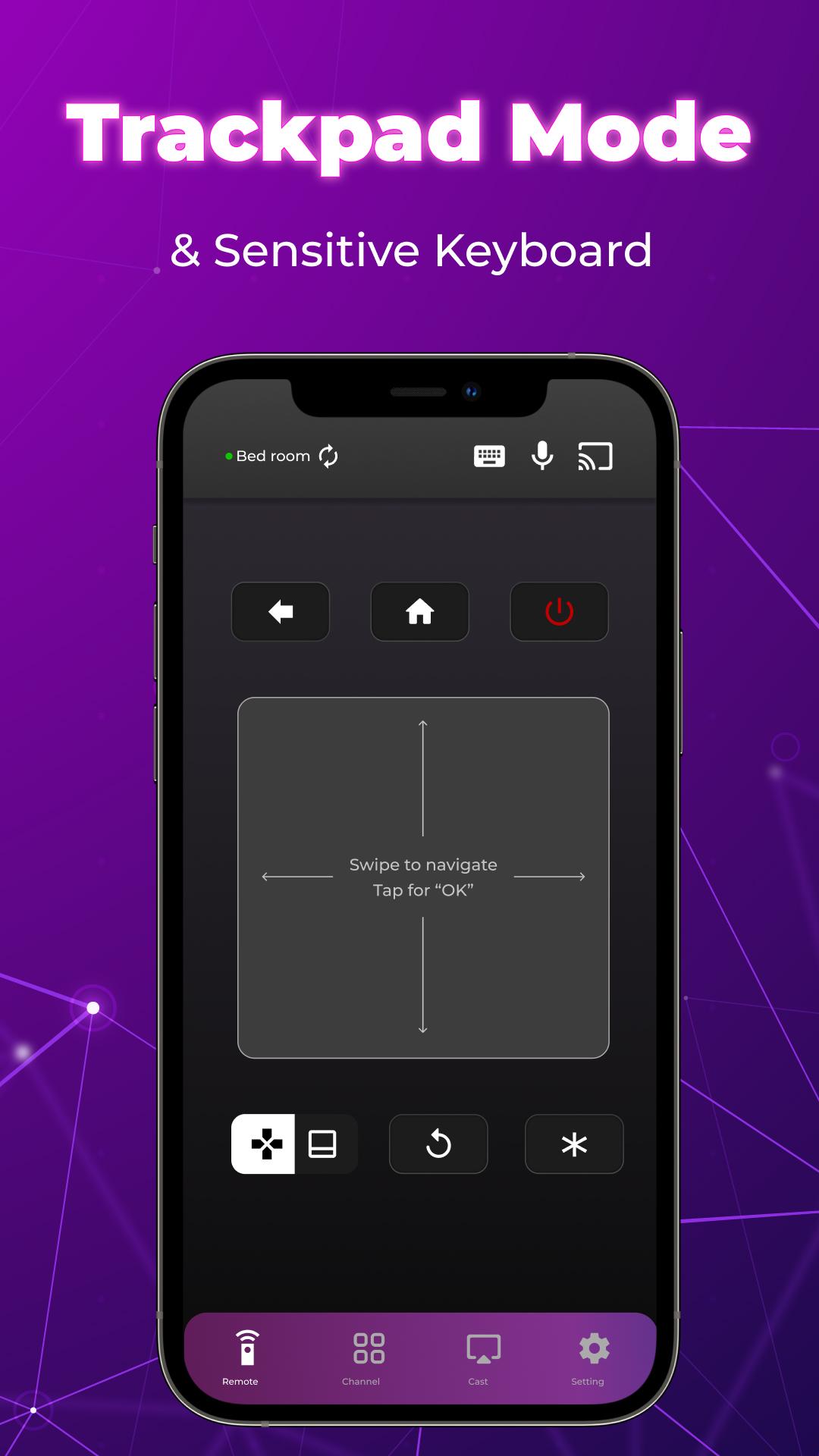
☘ Superfast search channel by entering text on keyboard or speaking voice with Roku tv remote control app
️☘ Support to control multiple Roku devices at the home: TV devices in the living room, bedroom, office, kitchen with smart
☘ The main functions of the remote control app for Roku TV:
✔ Power control,
✔ Mute, volume control
✔ Voice search
✔ Switch channel up or down
✔ Home screen
✔ Menu
✔ Play, pause
✔ Reverse, fast reverse
✔ Forward, fast forward.
The above features include the full functionality of the roku remote control app. You can turn off, on, volume up and down, return to the home screen, play, pause Roku TV via remote control app quickly. Helps save time and increase user satisfaction.
🌐Note: Your smartphone and Roku device need to be connected to the same WiFi network
👉 Many useful features are waiting for you to discover, download the Roku remote control app & experience it. The remote control app for Roku TV is still in development. We appreciate your sincere comments to make the roku tv remote control app more and more perfect, giving you a better experience.
Subscription term
👉 Users need to become our VIP members by paying a subscription fee to use all app’s outstanding features. You will have three days to try all app features for free without paying anything and can cancel anytime during this period.
The subscription will automatically renew at the end of each subscription period unless auto-renew is turned off at least 24 hours before the end of the current period. The subscription fee will be charged to the Google Play account at confirmation of purchase.
Feel free to contact us if you have any questions; we are willing to help you as soon as possible.
Disclaimer: This application is not an affiliated entity nor endorsed of Roku Inc. and it is not an official product of Roku Inc.
預覽

標籤
工具訊息
開發商
MoonTechZ Studio
最新版本
1.3.4
更新時間
2022-05-20
類別
工具
同時可用
Google Play
更多
如何在電腦上用 GameLoop 玩 Remote Control For Roku TV Pro
1. 從官網下載GameLoop,然後運行exe文件安裝GameLoop
2. 打開GameLoop,搜索“Remote Control For Roku TV Pro”,在搜索結果中找到Remote Control For Roku TV Pro,點擊“安裝”
3. 享受在 GameLoop 上玩 Remote Control For Roku TV Pro 的樂趣
Minimum requirements
OS
Windows 8.1 64-bit or Windows 10 64-bit
GPU
GTX 1050
CPU
i3-8300
Memory
8GB RAM
Storage
1GB available space
Recommended requirements
OS
Windows 8.1 64-bit or Windows 10 64-bit
GPU
GTX 1050
CPU
i3-9320
Memory
16GB RAM
Storage
1GB available space