RD Map 電腦版
Radiodetection LTD
用GameLoop模拟器在電腦上玩RD Map
RD Map 電腦版
來自發行商 Radiodetection LTD 的 RD Map 能夠在安卓系統上運行。
現在,您可以在電腦上使用 GameLoop 模擬器流暢地玩 RD Map。
在 GameLoop 遊戲庫或搜索結果中下載。 不需要再暢玩遊戲時盯著電池電量或被令人懊惱的來電打斷。
只需在電腦大屏幕上免費下載暢玩RD Map 電腦版!
RD Map 簡介
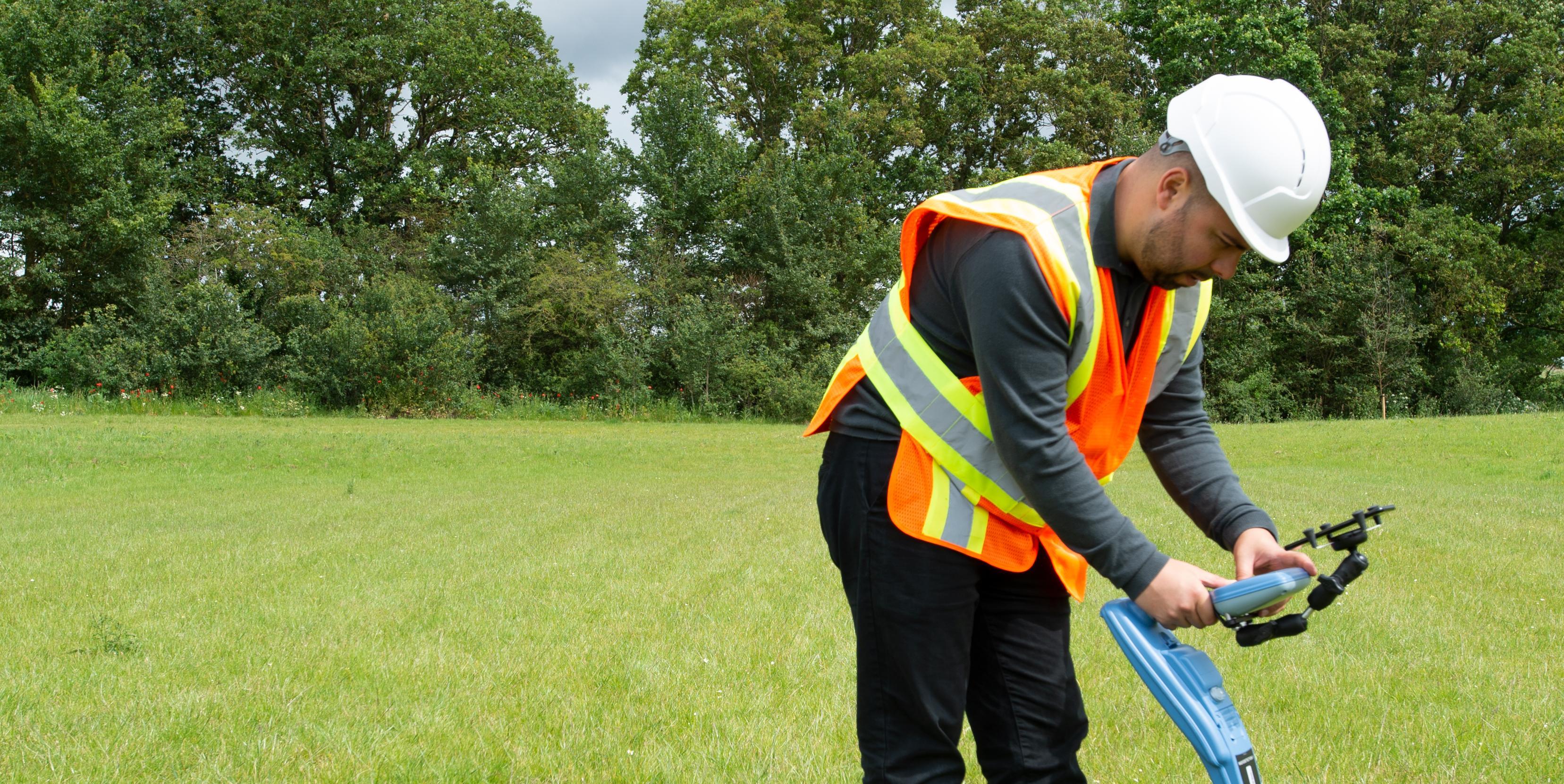
RD Map is the Map&Share app which gathers survey measurements automatically to create maps of buried utility maps in real time*.
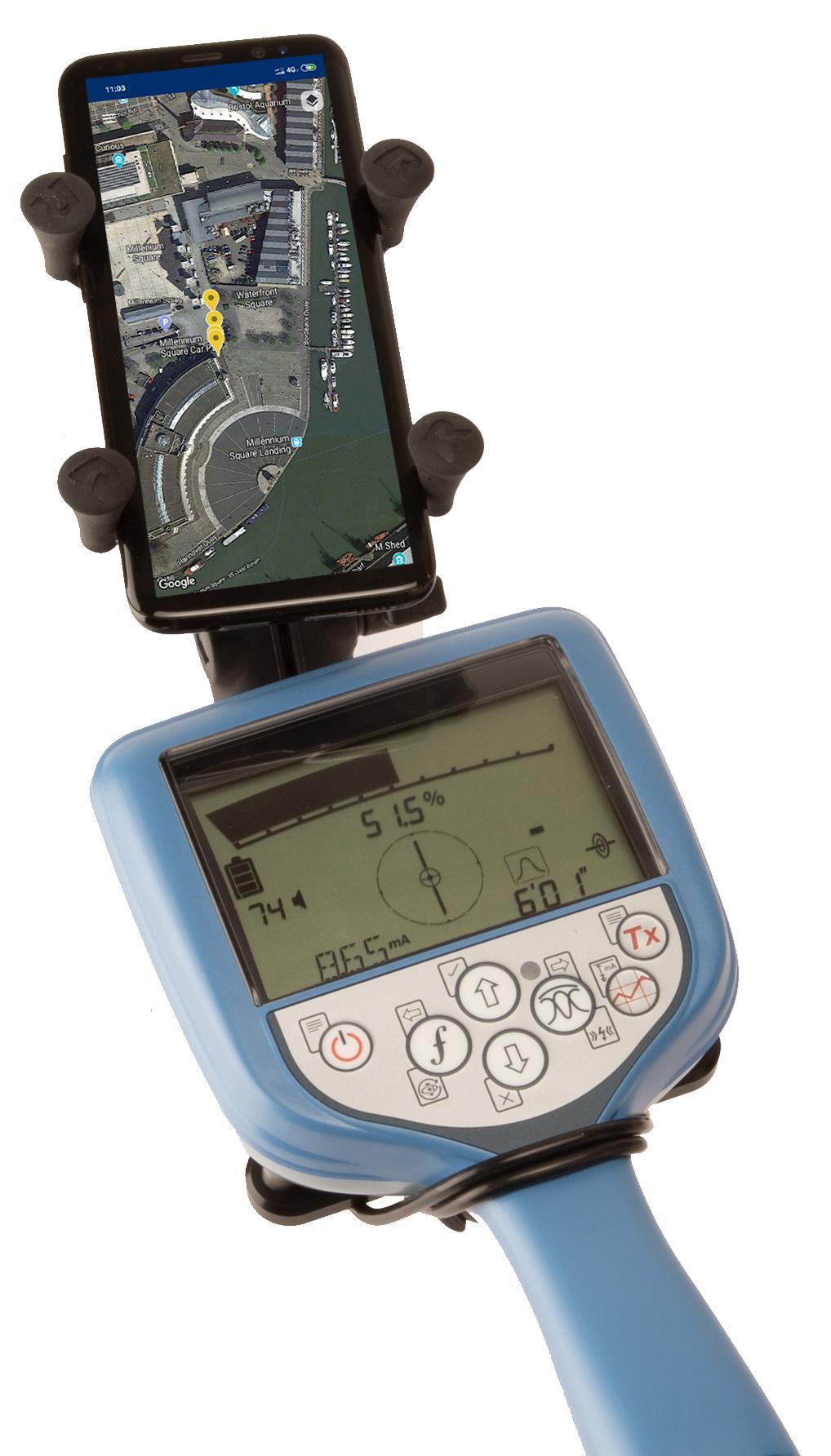
Designed to work with all of Radiodetection’s current Bluetooth Precision locators (all RD7100 RF marker and all RD8100 models) this simple to use app enables the creation of detailed maps of the utility being located:
Every time a survey measurement is taken using a paired locator, it is automatically added to a Google Maps map. Utility paths and icons are color coded, using standard utility colors, compliant with American Public Works Association
RD Map is powered by Google Maps mapping technology, allowing common gestures to change map type, pan, rotate or zoom the map. Distance measure and radius tools provide an easy way to validate the accuracy of the measurements’ position and enables manual correction of any position offset.
Utility maps can be shared as kml or csv files, using any compatible application.
Access to Support, FAQs, Operation Manuals, How To videos and much more is available on the Radiodetection Support Portal: support.radiodetection.com.
* Requires Android 5.1 or higher, data connectivity and Google Maps
預覽
標籤
工具訊息
開發商
Radiodetection LTD
最新版本
1.1.0
更新時間
2019-07-11
類別
工具
同時可用
Google Play
更多
如何在電腦上用 GameLoop 玩 RD Map
1. 從官網下載GameLoop,然後運行exe文件安裝GameLoop
2. 打開GameLoop,搜索“RD Map”,在搜索結果中找到RD Map,點擊“安裝”
3. 享受在 GameLoop 上玩 RD Map 的樂趣
Minimum requirements
OS
Windows 8.1 64-bit or Windows 10 64-bit
GPU
GTX 1050
CPU
i3-8300
Memory
8GB RAM
Storage
1GB available space
Recommended requirements
OS
Windows 8.1 64-bit or Windows 10 64-bit
GPU
GTX 1050
CPU
i3-9320
Memory
16GB RAM
Storage
1GB available space