
QR Code Reader - QR Scanner 電腦版
Komorebi Inc.
用GameLoop模拟器在電腦上玩QR Code Reader - QR Scanner
QR Code Reader - QR Scanner 電腦版
來自發行商 Komorebi Inc. 的 QR Code Reader - QR Scanner 能夠在安卓系統上運行。
現在,您可以在電腦上使用 GameLoop 模擬器流暢地玩 QR Code Reader - QR Scanner。
在 GameLoop 遊戲庫或搜索結果中下載。 不需要再暢玩遊戲時盯著電池電量或被令人懊惱的來電打斷。
只需在電腦大屏幕上免費下載暢玩QR Code Reader - QR Scanner 電腦版!
QR Code Reader - QR Scanner 簡介
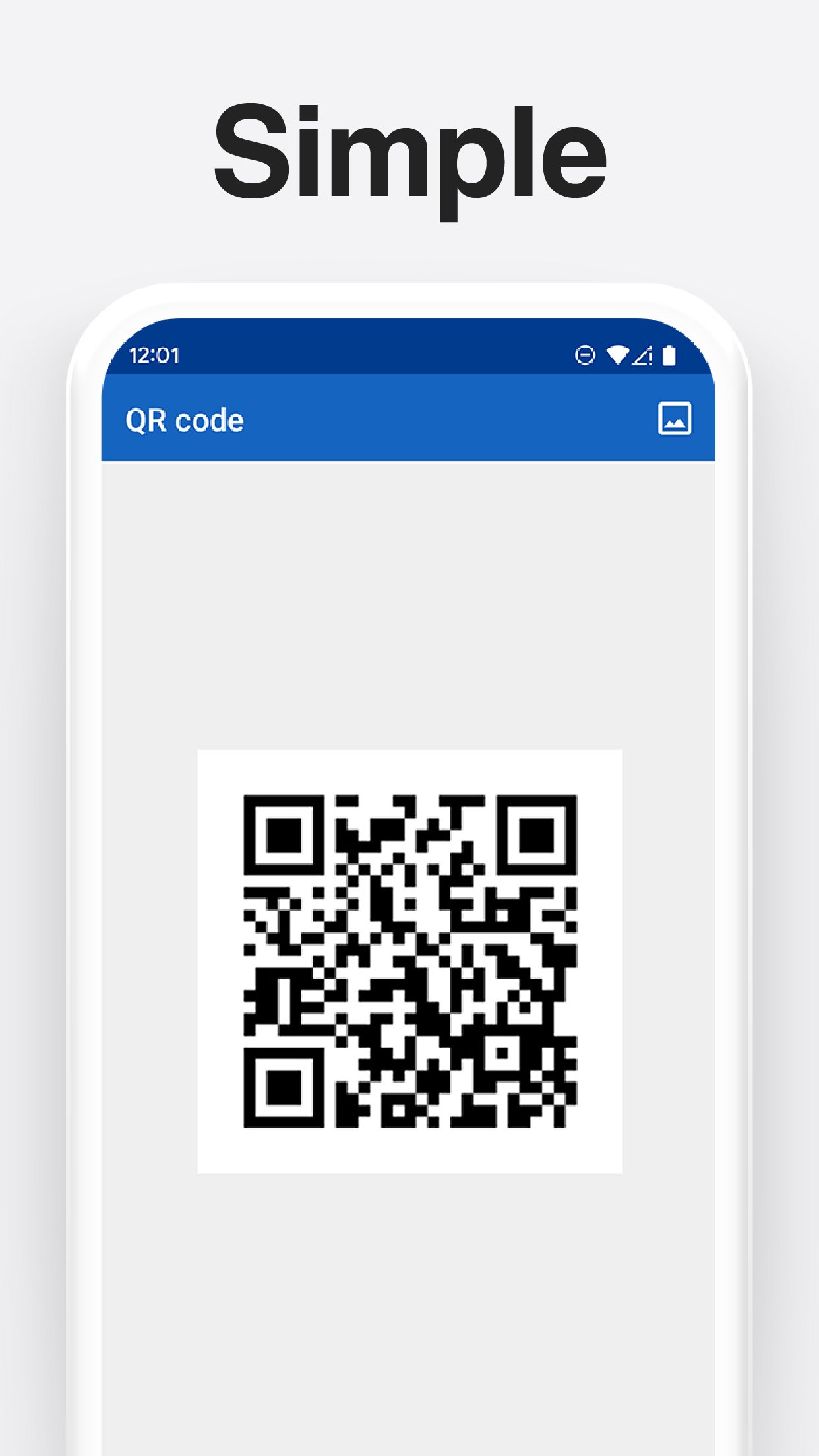
A fast, free QR code reader and barcode scanner — simple and easy to use. Point your camera at a code and the QR scanner reads it instantly: no buttons to press, no photos to take. URLs, text, contacts, products, locations and more, decoded in seconds.
■ Scan QR codes in seconds
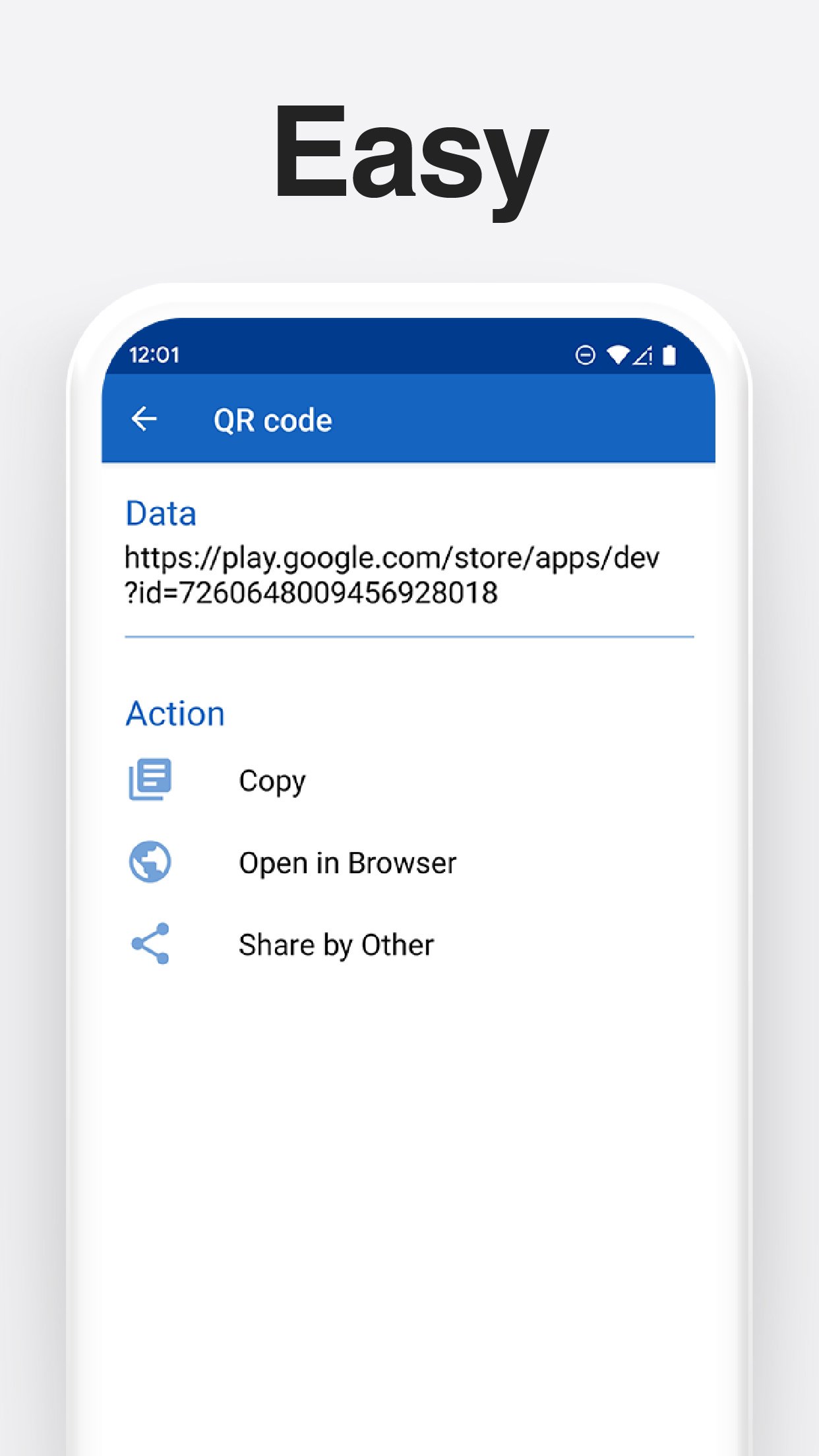
Open the app, aim your camera and the code is detected automatically. Copy the link, open it in your browser or share the result with anyone — no more typing URLs or fussing with copy-paste.
■ Scan QR codes from images
Got a QR code in a screenshot or a photo? The scanner reads QR codes directly from images in your gallery — no second device needed.
■ Scan history always at hand
Every scan is saved to your history, so you can reopen links, websites and contact details anytime. Your history is stored on your device and visible only to you.
■ Scan barcodes to look up products
Point the camera at a product barcode and jump straight to a product search: compare prices and check details while shopping.
■ Main features
✓ Automatic scanning — just point the camera, the rest is instant
✓ QR code & barcode scanner — reads QR and UPC product codes
✓ Scan from image — detect codes in photos and screenshots
✓ Scan history — reopen any past scan with one tap
✓ Flashlight — scan QR codes even in the dark or in low light
✓ Copy, open or share — send results to your browser or your friends
✓ Private — scan history stays on your device
✓ Free to use
■ One scanner for every code
✓ QR codes — open websites, read text, view locations
✓ Barcodes & UPC codes — check product info while shopping
✓ Coupons & promos — scan for discounts from your favorite brands
✓ Food QR codes — learn what's behind the label
✓ Business contacts — save contact info from a code in a tap
■ Simple, fast and free
QR codes are everywhere these days — menus, ads, posters, packages and tickets. With a lightweight QR scanner on your phone, you can check any code in seconds. A clean design, no complicated settings, and it's completely free.
■ Good to know
This app is a scanner only: it does not create or generate QR codes. Your scan history is stored locally on your device, and no account is needed at any point.
■ Pricing
All features are free to use. The app shows ads, and there are no subscriptions, no in-app purchases and no paid plans.
■ Download the QR code reader today
Scan, save and share with the only QR and barcode scanner app you'll need — download now and read any code in seconds!
預覽
標籤
工具訊息
開發商
Komorebi Inc.
最新版本
7.6
更新時間
2026-10-20
類別
工具
同時可用
Google Play
更多
如何在電腦上用 GameLoop 玩 QR Code Reader - QR Scanner
1. 從官網下載GameLoop,然後運行exe文件安裝GameLoop
2. 打開GameLoop,搜索“QR Code Reader - QR Scanner”,在搜索結果中找到QR Code Reader - QR Scanner,點擊“安裝”
3. 享受在 GameLoop 上玩 QR Code Reader - QR Scanner 的樂趣
Minimum requirements
OS
Windows 8.1 64-bit or Windows 10 64-bit
GPU
GTX 1050
CPU
i3-8300
Memory
8GB RAM
Storage
1GB available space
Recommended requirements
OS
Windows 8.1 64-bit or Windows 10 64-bit
GPU
GTX 1050
CPU
i3-9320
Memory
16GB RAM
Storage
1GB available space