Photo Converter: File Converte 電腦版
TSACom
用GameLoop模拟器在電腦上玩Photo Converter: File Converte
Photo Converter: File Converte 電腦版
來自發行商 TSACom 的 Photo Converter: File Converte 能夠在安卓系統上運行。
現在,您可以在電腦上使用 GameLoop 模擬器流暢地玩 Photo Converter: File Converte。
在 GameLoop 遊戲庫或搜索結果中下載。 不需要再暢玩遊戲時盯著電池電量或被令人懊惱的來電打斷。
只需在電腦大屏幕上免費下載暢玩Photo Converter: File Converte 電腦版!
Photo Converter: File Converte 簡介
💎 Photo Converter: File Converter & JPEG Converter is your number one application for converting image file formats on your device.
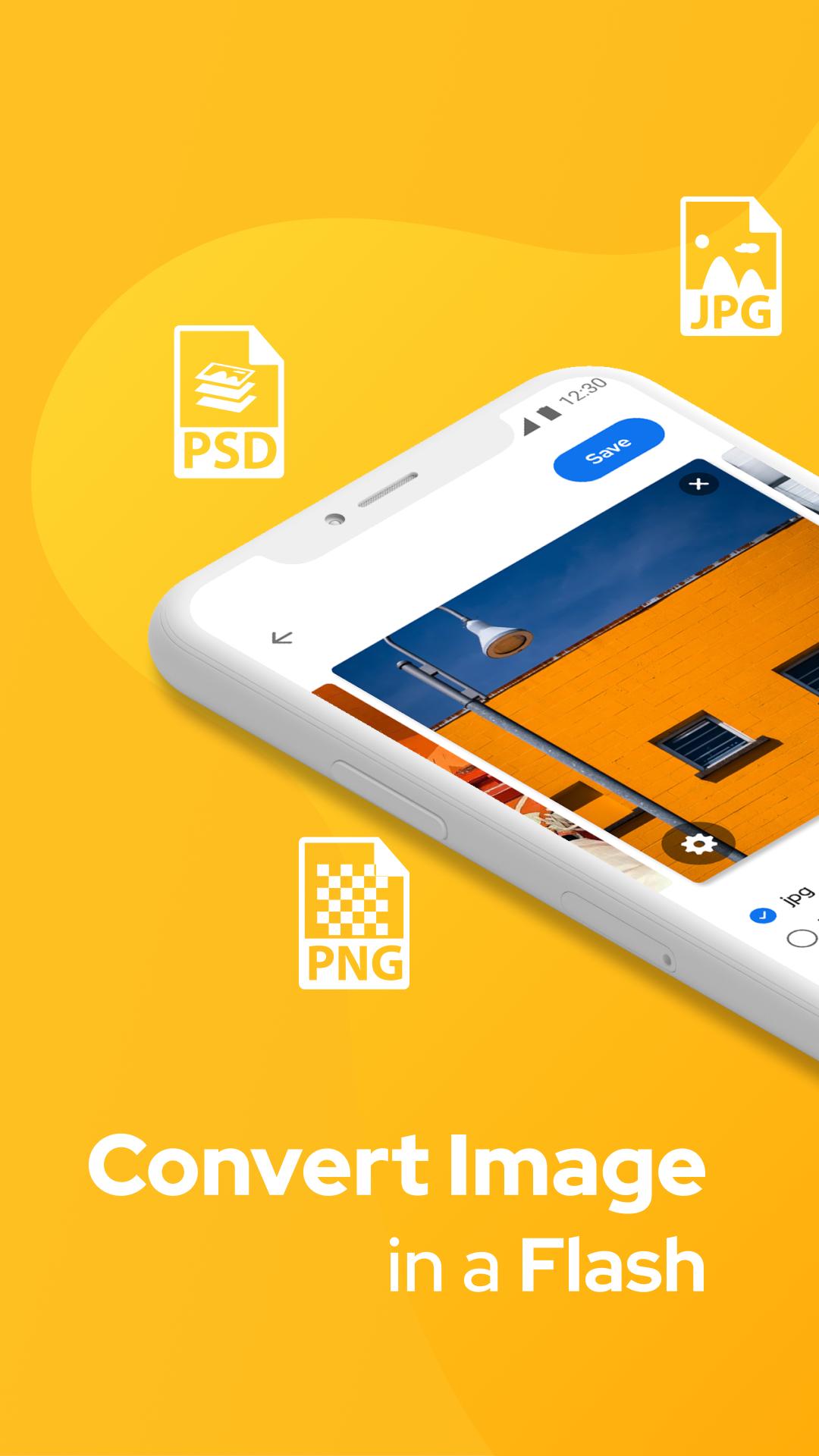
💎 Photo Converter: File Converter & JPEG Converter app helps convert many images into jpg, png, webp, gif or pdf.
💎JPEG Converter: JPG to PNG & Photo Converter App helps to convert from JPG / JPEG to PNG image or PNG to JPG / JPEG image.
💎 Image Converter: File Converter & Photo Converter is a simple step to follow and convert your photos in the best format.
💎 JPEG Converter: JPG to PNG & Photo Converter is mainly used when you have to share photos via the Internet in a slow network, you can easily convert.
💎 This is an Image Converter: JPG to PNG & Picture Converter app to convert images to JPEG format.
🎀 JPEG Converter: JPG to PNG & Picture Converter After simple steps to convert images like:
💧 Select images from Gallery or directly from the camera.
💧 Image Converter: JPG to PNG & Picture Converter applies the converted image in offline mode.
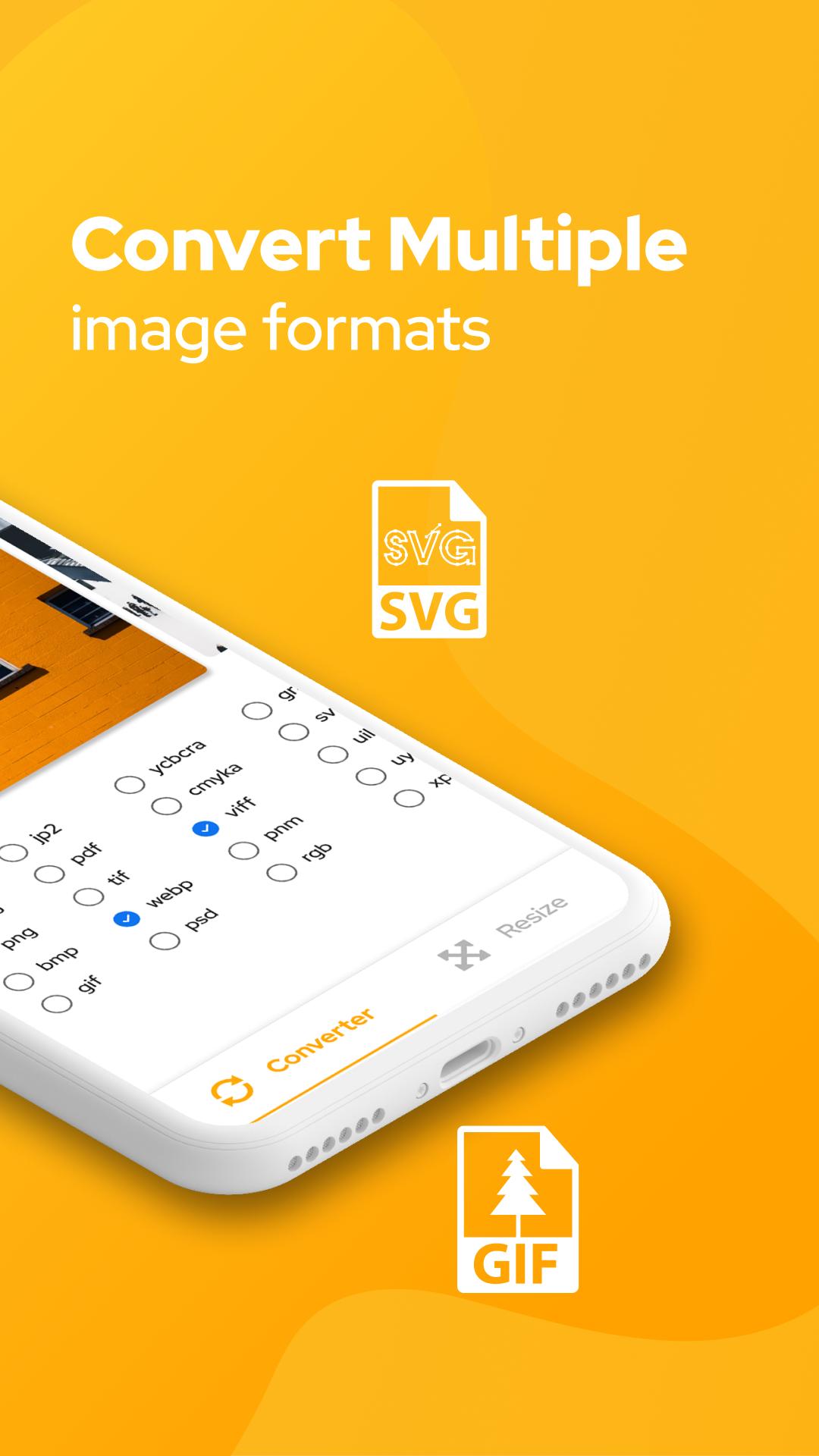
💧JPEG Converter: PNG Converter & Convert Image has more than file converters like BMP, GIF, JPG, WBMP, Tiff, PNG, TGA and more.
💧 You can also share directly from the images viewed according to the image converted.
💧 Image Converter: PNG Converter & Photo Converter also has the option to delete the images you convert.
Examples of Image Converter: PNG Converter & Convert Image:
✫ HEIC to JPG
✫ PNG to JPEG
✫ JPEG to PNG
✫ DDS to JPEG
✫ PNG to DDS
✫ JPG to VTF
🎀 Main features of JPEG Converter: PNG Converter & Picture Converter:
☂ Convert images to other formats: JPG, JPEG, PDF, PNG, BMP ...
☂ Easily save and share successfully converted files for friends when using the Image Converter: JPG to PNG & Picture Converter app.
☂ Select the output format of the image you want to convert (jpeg, png, jpg, pdf ...).
☂ Simple interface, friendly and easy to use with the Image Converter: File Converter & Photo Converter app.
☂ With Image Converter: PNG Converter & Picture Converter, you can easily convert JPG to BMP, BMP to PNG, GIF to JPG, BMP to JPG, etc.
👉 Download Image Converter: File Converter & Photo Converter app if you are looking to convert images in many different formats.
Subscription info:
- You will have 3 days to try all the app features for free and can cancel anytime during this period.
- Payment will be charged to your Google Account at confirmation of purchase.
- Subscription automatically renews unless auto-renew is turned off at least 24-hours before the end of the current period.
- Account will be charged for renewal within 24-hours prior to the end of the current period, and identify the cost of the renewal.
- Any unused portion of a free trial period, if offered, will be forfeited when the user purchases a subscription to that publication, where applicable.
If you find our Image Converter: File Converter & Photo Converter app useful, leave us 5 ⭐️ ⭐️ ⭐️ ⭐️ ⭐️and your feedback below. We will reply to you as soon as possible. Thank you!
預覽
標籤
工具訊息
開發商
TSACom
最新版本
1.0
更新時間
2021-04-29
類別
工具
同時可用
Google Play
更多
如何在電腦上用 GameLoop 玩 Photo Converter: File Converte
1. 從官網下載GameLoop,然後運行exe文件安裝GameLoop
2. 打開GameLoop,搜索“Photo Converter: File Converte”,在搜索結果中找到Photo Converter: File Converte,點擊“安裝”
3. 享受在 GameLoop 上玩 Photo Converter: File Converte 的樂趣
Minimum requirements
OS
Windows 8.1 64-bit or Windows 10 64-bit
GPU
GTX 1050
CPU
i3-8300
Memory
8GB RAM
Storage
1GB available space
Recommended requirements
OS
Windows 8.1 64-bit or Windows 10 64-bit
GPU
GTX 1050
CPU
i3-9320
Memory
16GB RAM
Storage
1GB available space