
Image Compressor png jpg gif 電腦版
APK Builder
用GameLoop模拟器在電腦上玩Image Compressor png jpg gif
Image Compressor png jpg gif 電腦版
來自發行商 APK Builder 的 Image Compressor png jpg gif 能夠在安卓系統上運行。
現在,您可以在電腦上使用 GameLoop 模擬器流暢地玩 Image Compressor png jpg gif。
在 GameLoop 遊戲庫或搜索結果中下載。 不需要再暢玩遊戲時盯著電池電量或被令人懊惱的來電打斷。
只需在電腦大屏幕上免費下載暢玩Image Compressor png jpg gif 電腦版!
Image Compressor png jpg gif 簡介
Resize, Crop, Compress, Convert Image
Welcome to our photo resizer app. This photo resolution and size changer tool will let you reduce image size perfectly according to your requirements. Our photo shrinking techniques make this app one the best image compressor out there. If you want an easy, smooth and super fast image resolution changer that will satisfy your needs, you are at the right place.
There are numerous occasions where we badly need an excellent image compressor while we do not want to lose the picture quality. Our photo resolution changer does that by removing unnecessary colors while maintaining the optimum quality and yet saving the space. Currently space plays an important role whether we are using a smartphone or a memory card and we do not want to fill up all the space as they are limited. Now let’s talk about some of the awesome features of our application.
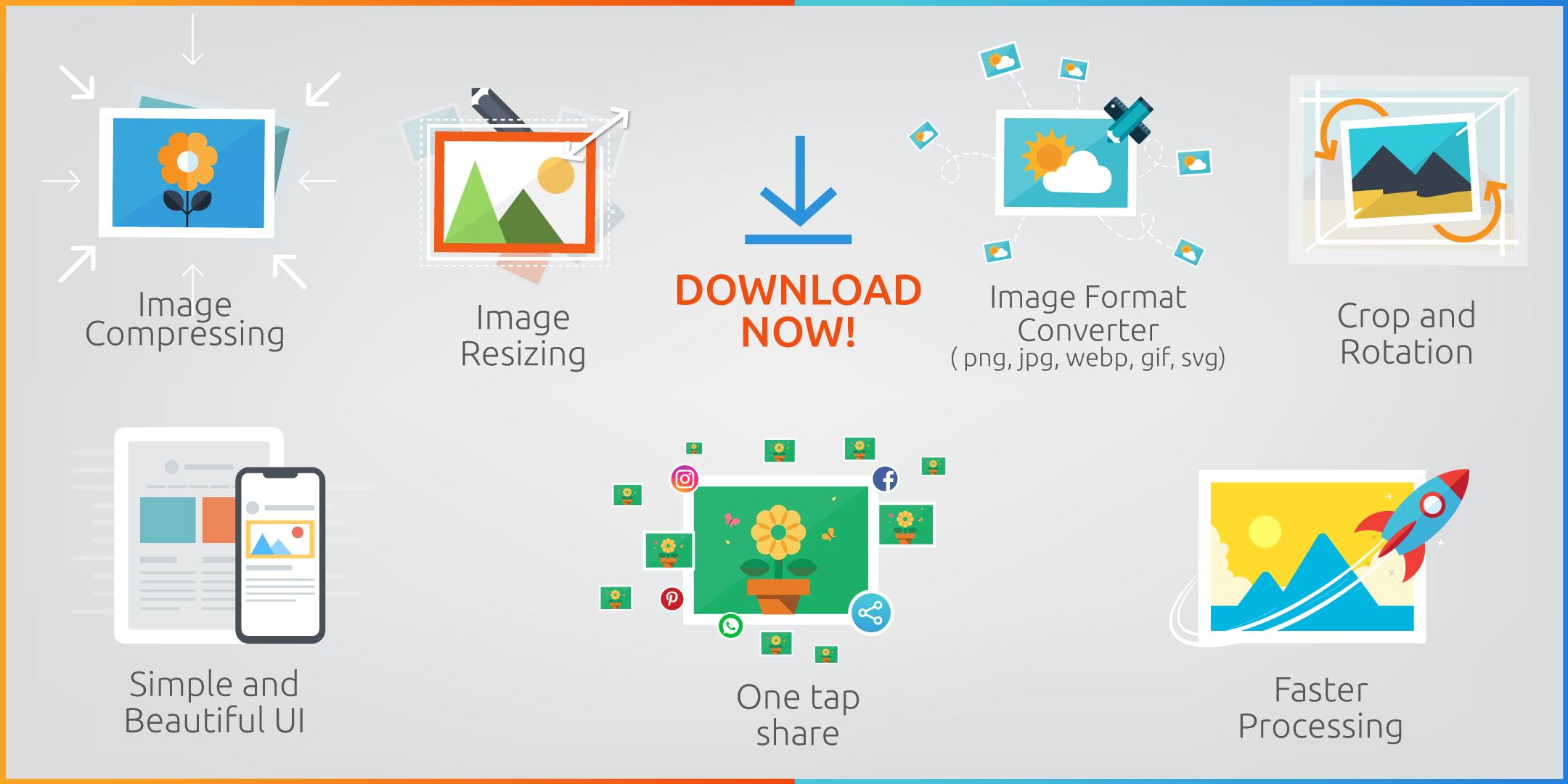
👉 Image Compressing
In this mode you will be able to shrink photo in two ways :
1) By downgrading quality
2) By selecting exact output size of the image in KB
In both modes you will be able to maintain the resolution of the picture if you want to.
👉 Image Resizing
You can also resize photo in two ways:
1) By putting number of custom pixel
2) By percentage
While selecting custom pixels you can put a custom aspect ratio also if you want to. And the photo compressing mode will be available also while resizing. Isn’t that amazing?
👉 Supported Image Format
Our photo editor tool supports tons of formats. JPG, PNG, SVG, WEBP, GIF you name it!
👉 Image Format Converter
You can change your output photo format while compressing or resizing. From jpg to png or png to jpg, webp to jpg, png to gif, jpg to gif etc.
👉 Batch Selection
You can select multiple photos for any kind of operation. And you can compress them all at once!
👉 Scaling
This is another cool feature. So far we’ve talked about shrinking. What about enlarging? Suppose you need to upload a photo in a site or wherever with an exact given size. But the image you have is smaller than the required one. At that very moment this feature comes in very handy.
👉 Crop and Rotation
By cropping you can filter out unnecessary details of an image. And rotation comes with that. You can crop and rotate images upto 360° very easily with several aspect ratios like 4:3, 3:2, 3:4, 2:3.
👉 One tap share
We are living in a world of sharing. You can share your edited photos to social media without saving it!
👉 Saving Work and Time
Suppose you need to email lots of photos to someone. While emailing attachments often exceed the limit and for that we need to send files or photos on more than one occasion. That’s annoying. By resizing and compressing while keeping the exact resolution and quality we can send them within given limits thus saving extra work and time!
👉 Simple and Beautiful UI
What is the point of an excellent tool if the mechanism of the tool can not be understood by a user. That’s why we keep our design so simple yet beautiful so that everyone can understand how to use it.
👉 Faster Processing
If an image compressor app takes too much time to operate that would be annoying. Our compression technique negates that bad user experience by providing a faster processing algorithm.
Form passport size photo making to social media posting, from dp to banner there is no such thing that you can not do with our image resizer. Shrinking photos saves space, saves hassle, saves mobile data as well while sharing. So, Download our superb image resizer now and enjoy saving space and hassle free sharing.
預覽
標籤
工具訊息
開發商
APK Builder
最新版本
3.0.0
更新時間
2024-01-05
類別
工具
同時可用
Google Play
更多
如何在電腦上用 GameLoop 玩 Image Compressor png jpg gif
1. 從官網下載GameLoop,然後運行exe文件安裝GameLoop
2. 打開GameLoop,搜索“Image Compressor png jpg gif”,在搜索結果中找到Image Compressor png jpg gif,點擊“安裝”
3. 享受在 GameLoop 上玩 Image Compressor png jpg gif 的樂趣
Minimum requirements
OS
Windows 8.1 64-bit or Windows 10 64-bit
GPU
GTX 1050
CPU
i3-8300
Memory
8GB RAM
Storage
1GB available space
Recommended requirements
OS
Windows 8.1 64-bit or Windows 10 64-bit
GPU
GTX 1050
CPU
i3-9320
Memory
16GB RAM
Storage
1GB available space