PDF Reader - PDF Viewer App 電腦版
Office Labs - Translator, PDF, Scanner
用GameLoop模拟器在電腦上玩PDF Reader - PDF Viewer App
PDF Reader - PDF Viewer App 電腦版
來自發行商 Office Labs - Translator, PDF, Scanner 的 PDF Reader - PDF Viewer App 能夠在安卓系統上運行。
現在,您可以在電腦上使用 GameLoop 模擬器流暢地玩 PDF Reader - PDF Viewer App。
在 GameLoop 遊戲庫或搜索結果中下載。 不需要再暢玩遊戲時盯著電池電量或被令人懊惱的來電打斷。
只需在電腦大屏幕上免費下載暢玩PDF Reader - PDF Viewer App 電腦版!
PDF Reader - PDF Viewer App 簡介
Can't open PDF files and other documents on mobile? Need a simple and easy-to-use document reader app? PDF Reader is the app you've been looking for!
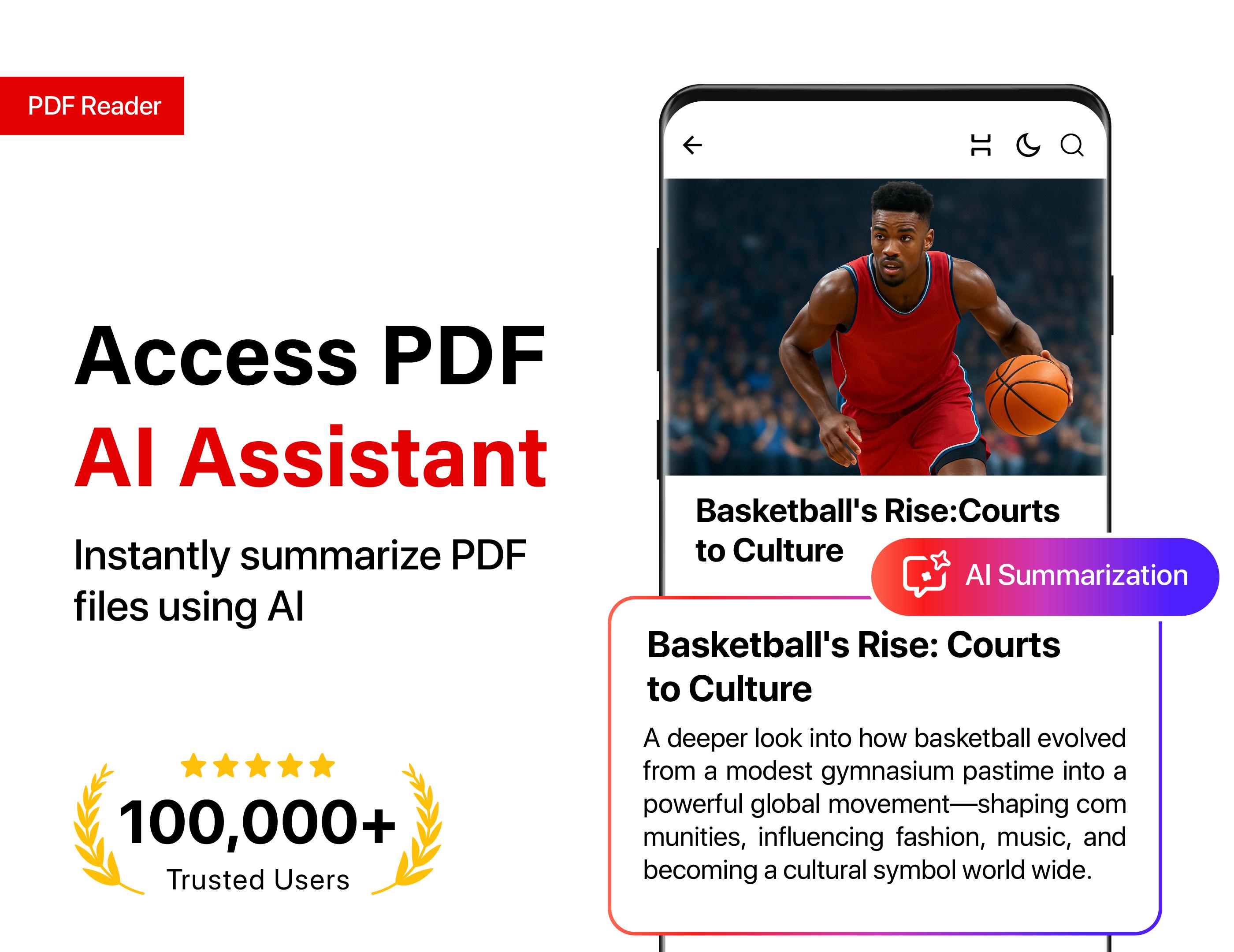
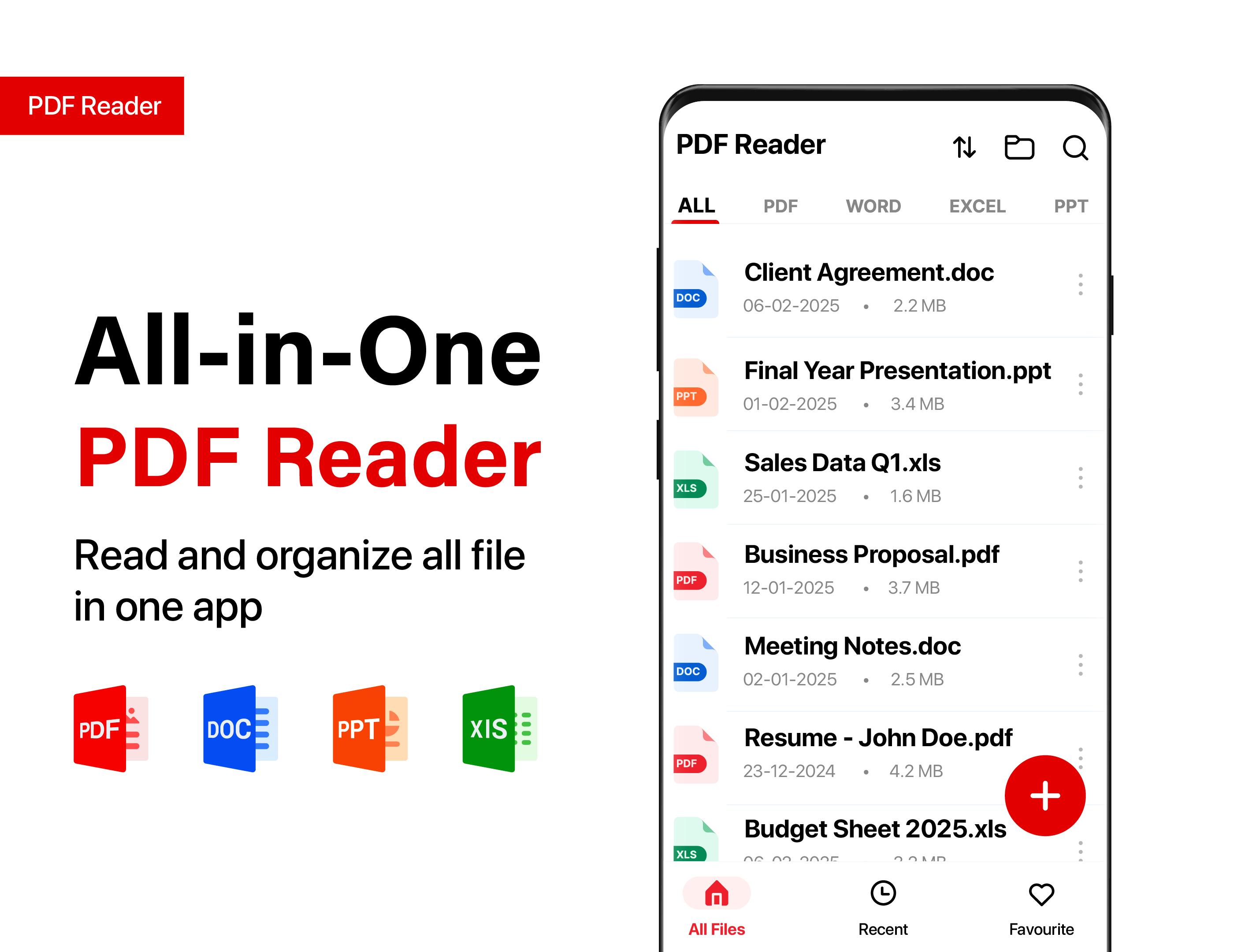
PDF reader can view pdf files on android & open PDF and all types of documents. Users can read, share and view pdf files and all other documents with the PDF viewer. PDF opener auto scan, find, and list all PDF files on the phone. PDF reader supports quick reading of files in all formats. PDF file opener can easily manage and view pdf files as well as all format documents. PDF viewer can also view excel files, read word documents, and open PowerPoint files.
Key Features of PDF Opener
View PDF File & All Documents Offline
● View office files, and assignments & read PDF documents.
● Read letters, memos & word reports in word viewer.
● View business forecasts, and pie charts in PPT reader.
● Read ebooks, stories, and novels in Epub reader
● View all files in dark mode in document reader.
Share & Print
● Share PDF documents & other files easily.
● Quickly print PDF & read documents.
Search In Document Reader
● Search & find text in all document reader.
● Search all types of documents by name.
● Search and go to different page numbers.
Add/Remove Password
● Protect documents by adding passwords in PDF file viewer.
● Add or remove passwords on PDF documents.
Manage all documents
● Arrange documents by name, size, and date.
● Delete/rename all documents in in PDF file viewer
● Bookmark frequently used documents.
● View recently opened documents in the recent folder.
PDF opener is a very simple and easy-to-use document reader app. PDF viewer app makes it very easy to scan and read PDF files and manage documents on mobile. Users can view and read PDF documents on full screen with very smooth scrolling. All PDF files & documents can be viewed without interruption with PDF file opener. PDF file reader offers horizontal and vertical views in reading mode. With the PDF viewer app, users can view all documents in dark mode. PDF file opener allows users to search text in documents. Users can rename and delete files in the PDF file reader app. Files can be sorted by name, file size, and date in the PDF viewer app. Frequently used files can be added to favorites for quick access in the PDF document viewer. Users can view recently opened documents in the recent folder in PDF file opener.
PDF reader also supports password-protected files. Users can add/remove passwords on PDF documents. Users can read PDF and share all types of documents with the PDF file reader. Documents can be searched easily by name in the PDF opener. Users can go to any page of any document by just entering the page number in the PDF file opener. PDF file viewer can also open Word documents and Excel files. Users can also view PowerPoint and epub files in the PDF viewer app. Other files like TXT, HTML, RTF, etc can also be viewed in the PDF reader app. Users can view and share all types of document files with the PDF file reader app.
PDF reader needs all file access permission to scan and manage the list of documents in the document reader on the user's phone. The developer of the PDF file viewer app doesn't collect any private data.
預覽
標籤
工具訊息
開發商
Office Labs - Translator, PDF, Scanner
最新版本
1.0.45
更新時間
2025-09-22
類別
工具
同時可用
Google Play
更多
如何在電腦上用 GameLoop 玩 PDF Reader - PDF Viewer App
1. 從官網下載GameLoop,然後運行exe文件安裝GameLoop
2. 打開GameLoop,搜索“PDF Reader - PDF Viewer App”,在搜索結果中找到PDF Reader - PDF Viewer App,點擊“安裝”
3. 享受在 GameLoop 上玩 PDF Reader - PDF Viewer App 的樂趣
Minimum requirements
OS
Windows 8.1 64-bit or Windows 10 64-bit
GPU
GTX 1050
CPU
i3-8300
Memory
8GB RAM
Storage
1GB available space
Recommended requirements
OS
Windows 8.1 64-bit or Windows 10 64-bit
GPU
GTX 1050
CPU
i3-9320
Memory
16GB RAM
Storage
1GB available space