
PDF Reader - Fast PDF Viewer 電腦版
BANANA Studio
用GameLoop模拟器在電腦上玩PDF Reader - Fast PDF Viewer
PDF Reader - Fast PDF Viewer 電腦版
來自發行商 BANANA Studio 的 PDF Reader - Fast PDF Viewer 能夠在安卓系統上運行。
現在,您可以在電腦上使用 GameLoop 模擬器流暢地玩 PDF Reader - Fast PDF Viewer。
在 GameLoop 遊戲庫或搜索結果中下載。 不需要再暢玩遊戲時盯著電池電量或被令人懊惱的來電打斷。
只需在電腦大屏幕上免費下載暢玩PDF Reader - Fast PDF Viewer 電腦版!
PDF Reader - Fast PDF Viewer 簡介
This is a great addition! Image to PDF is one of the most searched features in the PDF category and will significantly improve your ASO and organic reach.
I have updated the Long Description to include the new feature, using relevant keywords like Image to PDF, Photo to PDF, and Create PDF to capture more traffic.
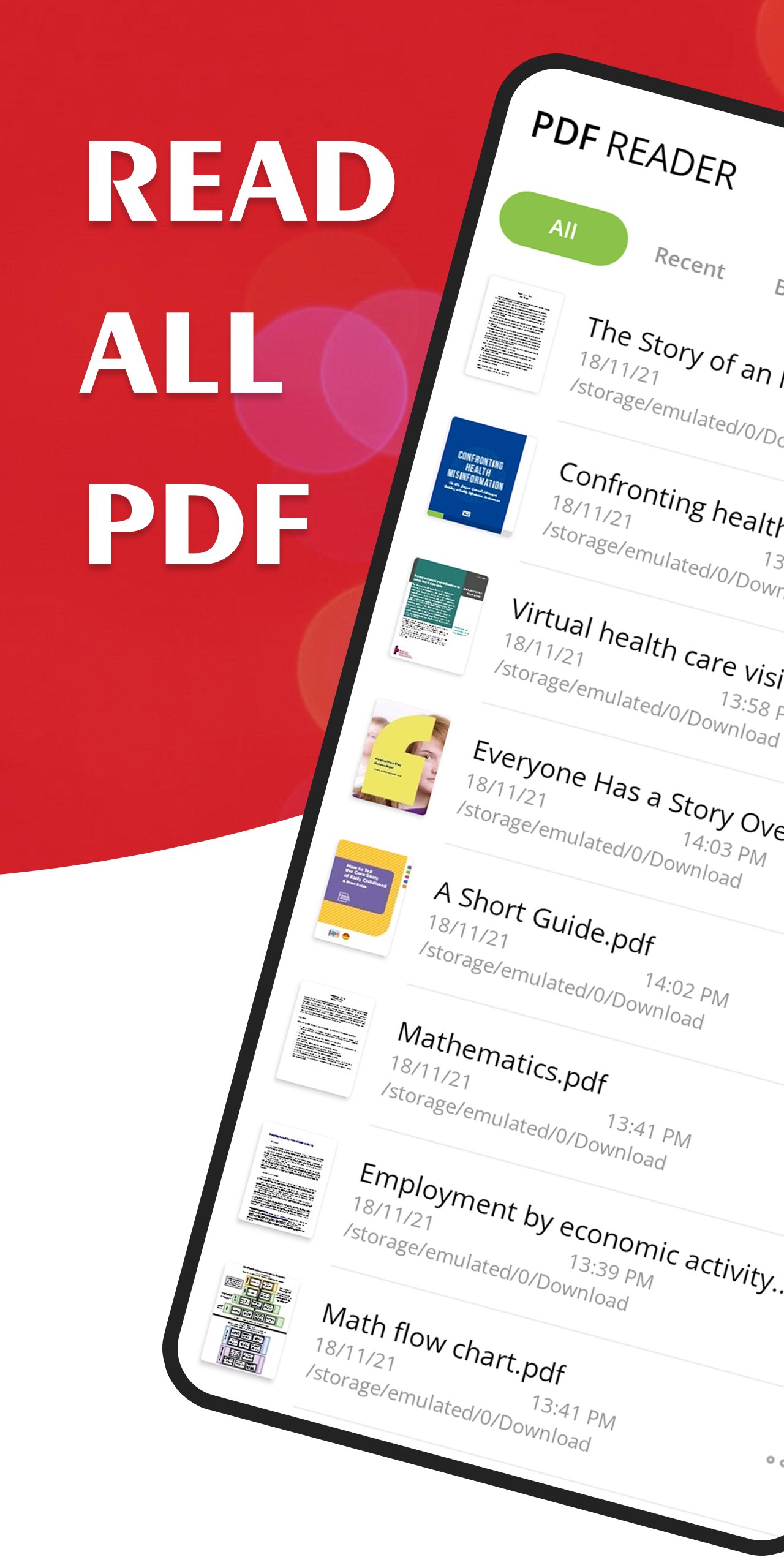
Looking for a PDF Reader that is simple, fast, and efficient? Whether you are a student or a professional, PDF Viewer - PDF Reader is the ultimate tool to manage, read, and create PDF documents on the go.
Tired of heavy apps that lag? Our PDF Viewer is designed to be lightweight and ultra-fast, allowing you to open even the largest PDF files in a split second. This is more than just a Document Viewer; it is your portable office for all your PDF needs.
🚀 KEY FEATURES OF PDF READER:
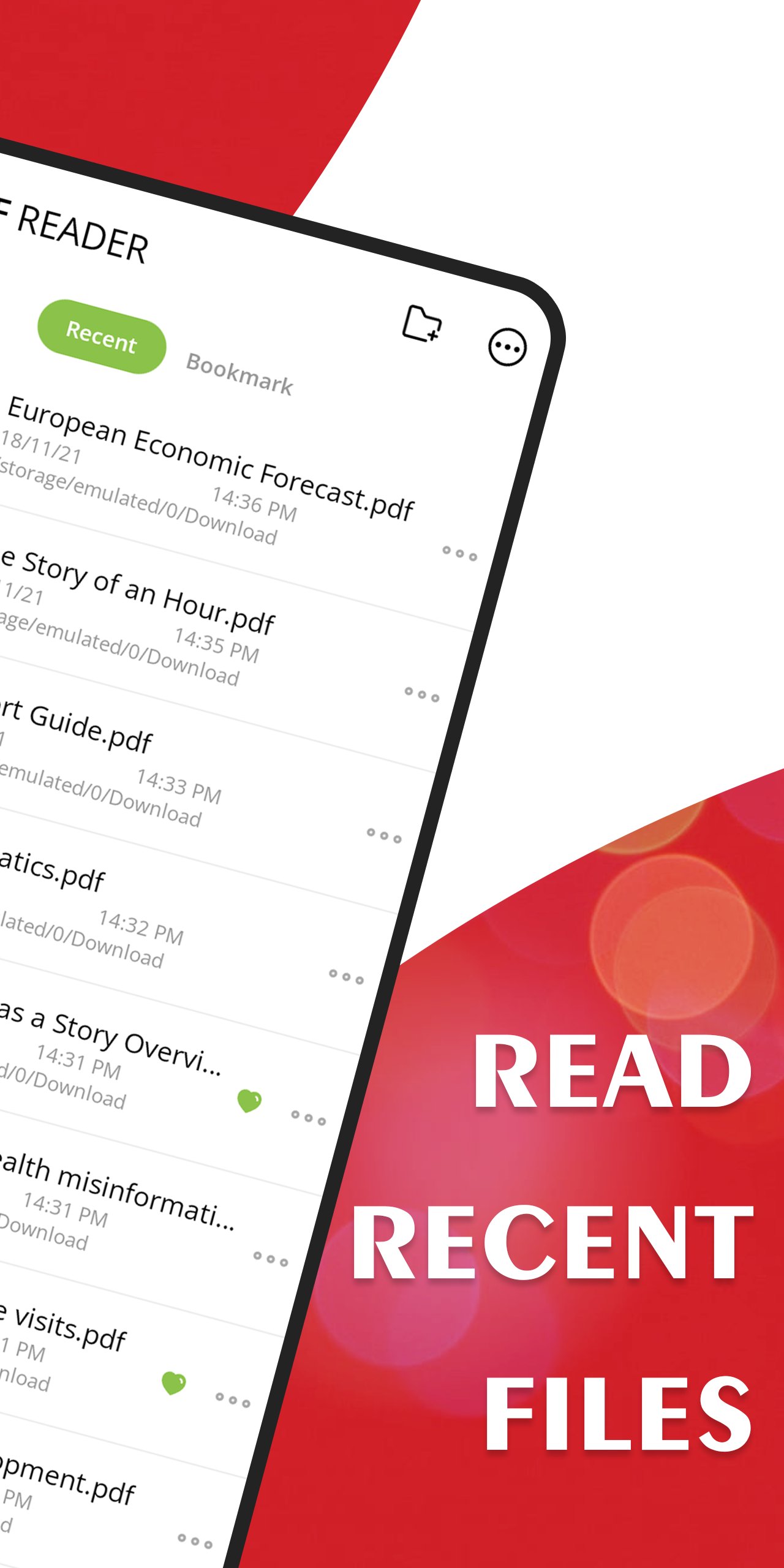
• Image to PDF Converter: Easily convert photos to PDF with just a few taps. Select images from your gallery and create PDF files instantly. It’s the perfect JPG to PDF tool! • Instant Opening: Experience the fastest PDF Reader for Android. No more waiting—open your PDF documents instantly. • Auto-Scan & Find: The app automatically scans your device to find every PDF file. Easily manage your document library in one place. • Smooth Scrolling: Enjoy a seamless reading experience with vertical or horizontal scrolling modes in our PDF Viewer. • Smart Search: Quickly locate any specific file using our Fast Search tool. Finding your PDF documents has never been easier. • Night Mode: Protect your eyes during late-night study sessions with our Dark Mode feature for comfortable reading. • Bookmark & Save: Never lose your place again. Bookmark important pages in your Ebook or report for quick access later. • Offline Support: A true Offline PDF Reader—read your files anywhere, anytime, without needing an internet connection.
📂 PROFESSIONAL DOCUMENT MANAGEMENT:
Our PDF Manager allows you to rename, delete, and view file details with ease. You can also Share PDF files with friends and colleagues via email or social apps instantly. Use our Photo to PDF feature to scan receipts or notes and send them as professional documents. If you need a reliable Office App, this PDF Reader is the perfect choice.
🌟 WHY CHOOSE OUR PDF VIEWER?
Minimalist Design: A clean and intuitive interface that makes reading PDF and creating PDF from images a breeze.
Battery Efficient: Optimized to consume minimal resources, making it the best PDF app for long reading sessions.
Completely Free: Enjoy all premium-quality PDF Viewer and Image to PDF features without any hidden costs.
Download PDF Reader – Fast PDF Viewer today and take control of your digital documents with the most efficient PDF opener and converter on the market!
預覽
標籤
工具訊息
開發商
BANANA Studio
最新版本
75
更新時間
2026-07-06
類別
工具
同時可用
Google Play
更多
如何在電腦上用 GameLoop 玩 PDF Reader - Fast PDF Viewer
1. 從官網下載GameLoop,然後運行exe文件安裝GameLoop
2. 打開GameLoop,搜索“PDF Reader - Fast PDF Viewer”,在搜索結果中找到PDF Reader - Fast PDF Viewer,點擊“安裝”
3. 享受在 GameLoop 上玩 PDF Reader - Fast PDF Viewer 的樂趣
Minimum requirements
OS
Windows 8.1 64-bit or Windows 10 64-bit
GPU
GTX 1050
CPU
i3-8300
Memory
8GB RAM
Storage
1GB available space
Recommended requirements
OS
Windows 8.1 64-bit or Windows 10 64-bit
GPU
GTX 1050
CPU
i3-9320
Memory
16GB RAM
Storage
1GB available space