
PCS Manager 電腦版
Sony Storage Media Solutions Corporation
用GameLoop模拟器在電腦上玩PCS Manager
PCS Manager 電腦版
來自發行商 Sony Storage Media Solutions Corporation 的 PCS Manager 能夠在安卓系統上運行。
現在,您可以在電腦上使用 GameLoop 模擬器流暢地玩 PCS Manager。
在 GameLoop 遊戲庫或搜索結果中下載。 不需要再暢玩遊戲時盯著電池電量或被令人懊惱的來電打斷。
只需在電腦大屏幕上免費下載暢玩PCS Manager 電腦版!
PCS Manager 簡介
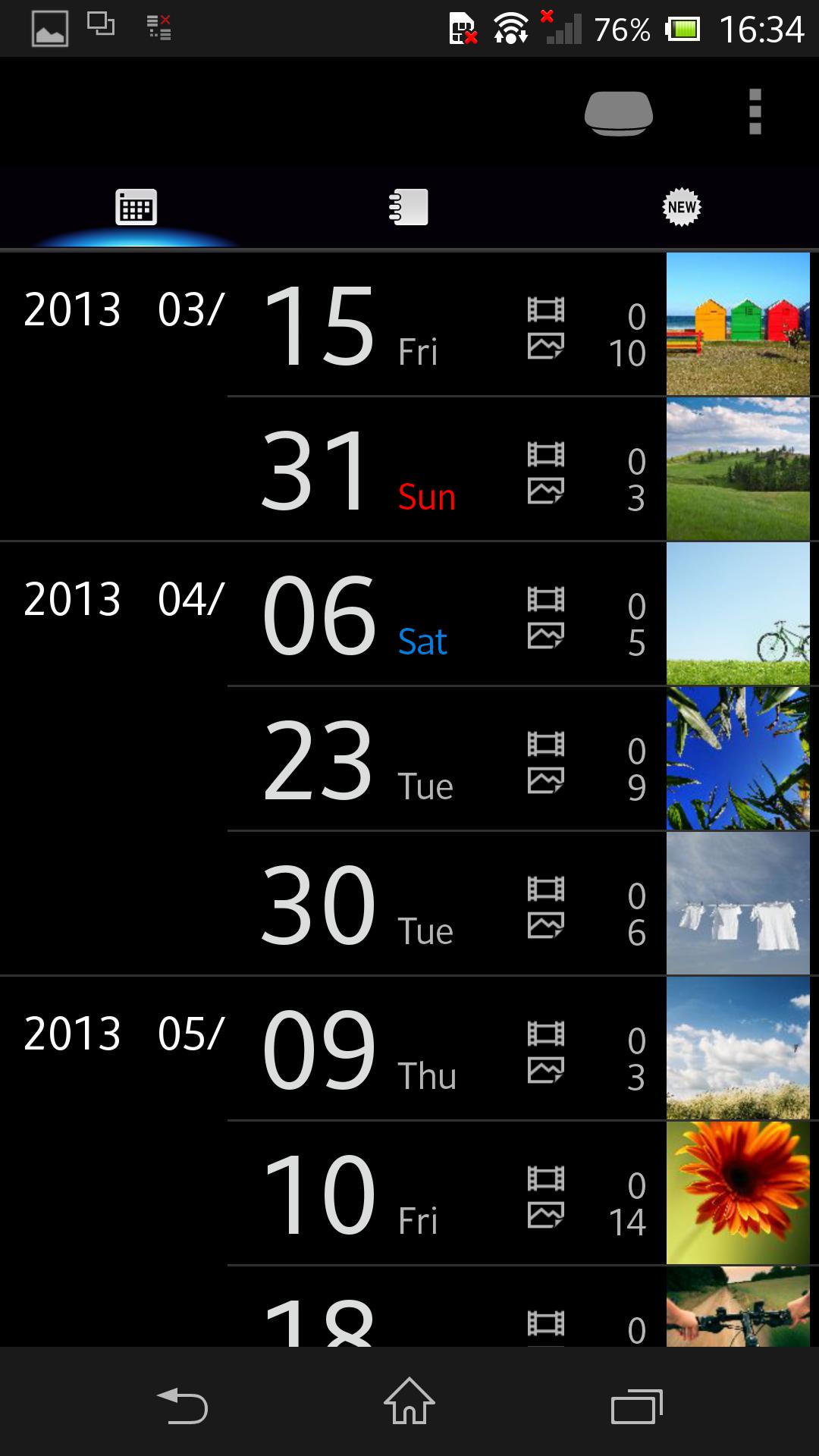
Control and manage your Sony Personal Content Station™ LLS-201 from smartphones and tablets.
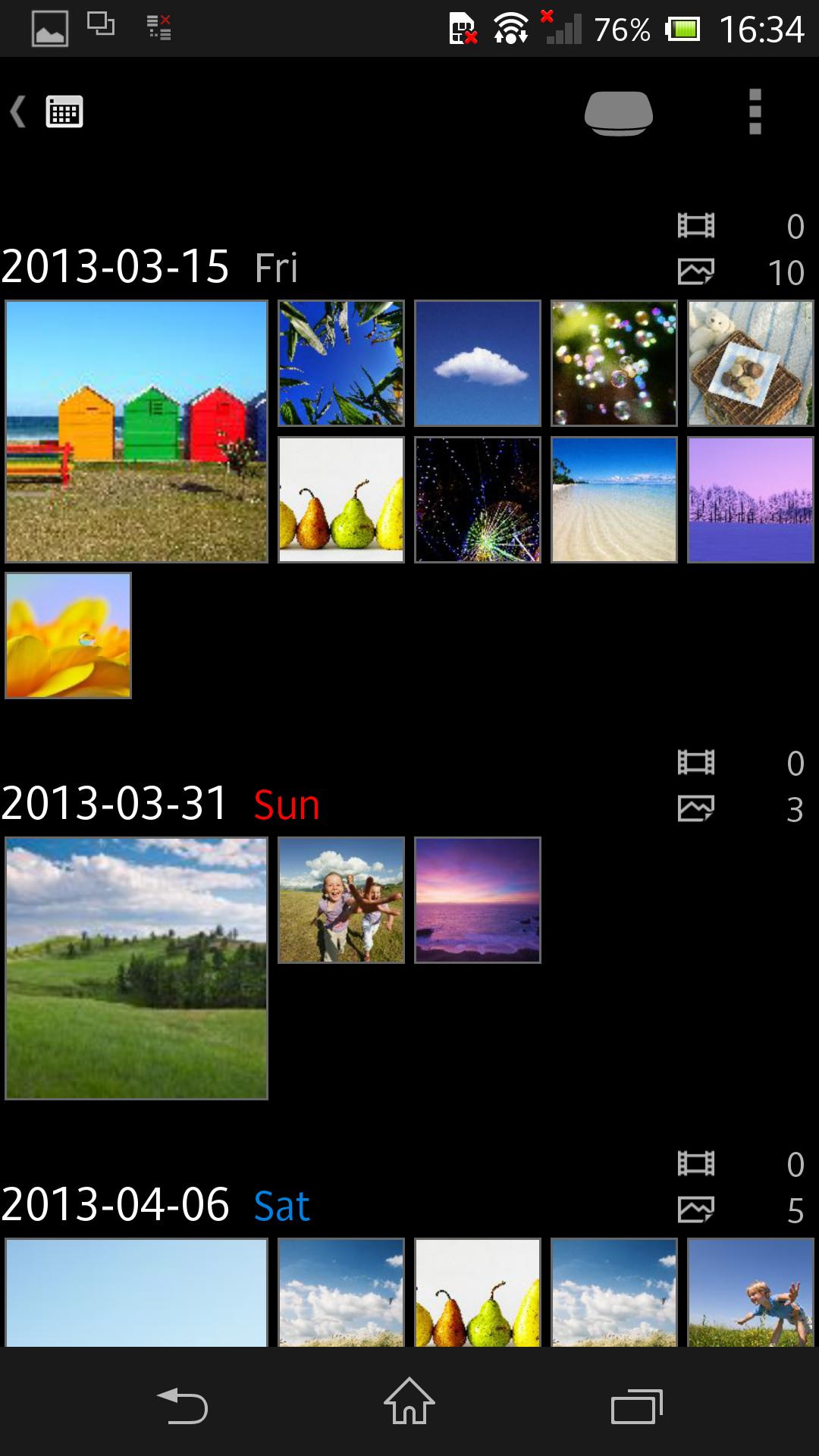
Your photos and videos can be stored to LLS-201, then be viewed and shared among smartphones and tablets, with more features enjoyable!
- Wirelessly transfer your photos and videos from your smartphone and tablet.
- Also support transfer from various shooting devices like digital still cameras, digital SLR cameras, and video cameras, via the USB terminal and memory card slot.
- The built-in video transcoder can automatically convert videos to appropriate format for playback on smartphones and tablets.
- The photos and videos stored on LLS-201 can be enjoyed in many ways -- wirelessly viewed on your smartphone and tablet; played on a large screen TV connected with an HDMI cable in full HD (up to 1080/60p) quality; transferred and posted to network services through a smartphone or tablet for sharing with your friends and family; etc.
- Back up your photos and videos to external USB storage (FAT32; up to 2TB supported) or memory card.
For details about Sony Personal Content Station LLS-201, see http://www.sony.net/pcs/.
預覽
訊息
開發商
Sony Storage Media Solutions Corporation
最新版本
3.1.4
更新時間
2018-07-11
類別
工具
同時可用
Google Play
更多
如何在電腦上用 GameLoop 玩 PCS Manager
1. 從官網下載GameLoop,然後運行exe文件安裝GameLoop
2. 打開GameLoop,搜索“PCS Manager”,在搜索結果中找到PCS Manager,點擊“安裝”
3. 享受在 GameLoop 上玩 PCS Manager 的樂趣
Minimum requirements
OS
Windows 8.1 64-bit or Windows 10 64-bit
GPU
GTX 1050
CPU
i3-8300
Memory
8GB RAM
Storage
1GB available space
Recommended requirements
OS
Windows 8.1 64-bit or Windows 10 64-bit
GPU
GTX 1050
CPU
i3-9320
Memory
16GB RAM
Storage
1GB available space