
Optigrün Smart Flow Control 電腦版
Optigrün international AG
用GameLoop模拟器在電腦上玩Optigrün Smart Flow Control
Optigrün Smart Flow Control 電腦版
來自發行商 Optigrün international AG 的 Optigrün Smart Flow Control 能夠在安卓系統上運行。
現在,您可以在電腦上使用 GameLoop 模擬器流暢地玩 Optigrün Smart Flow Control。
在 GameLoop 遊戲庫或搜索結果中下載。 不需要再暢玩遊戲時盯著電池電量或被令人懊惱的來電打斷。
只需在電腦大屏幕上免費下載暢玩Optigrün Smart Flow Control 電腦版!
Optigrün Smart Flow Control 簡介
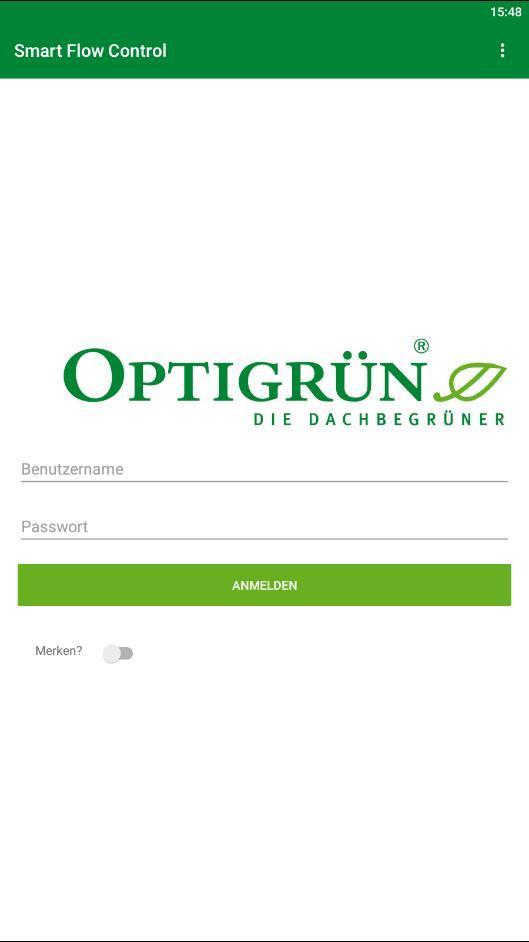
The app enables the monitoring of built-in Smart Flow Control throttles and is relevant for residents, building owners and companies on whose property a Smart Flow Control system has been installed. Optigreen international AG provides a username and password for access to the Smart Flow Control app. The people responsible for a building with built-in Smart Flow Control are also given access to enable them to control Smart Flow Control. This means that, if necessary, an emergency opening can be triggered via the app.
The Optigrün Smart Flow Control app provides an insight into intelligent stormwater management: If a Smart Flow Control throttle is built into a retention roof, it regulates the storage or discharge of stormwater depending on the weather forecast. Retained stormwater is available to the vegetation and thus to evaporation, which restores the natural water cycle, cools the urban environment and counteracts flooding by relieving pressure on drains.
For each Smart Flow Control, the app displays the current temperature in the shaft, the water level in the retention chamber in % and in mm, and impending rainfall events.
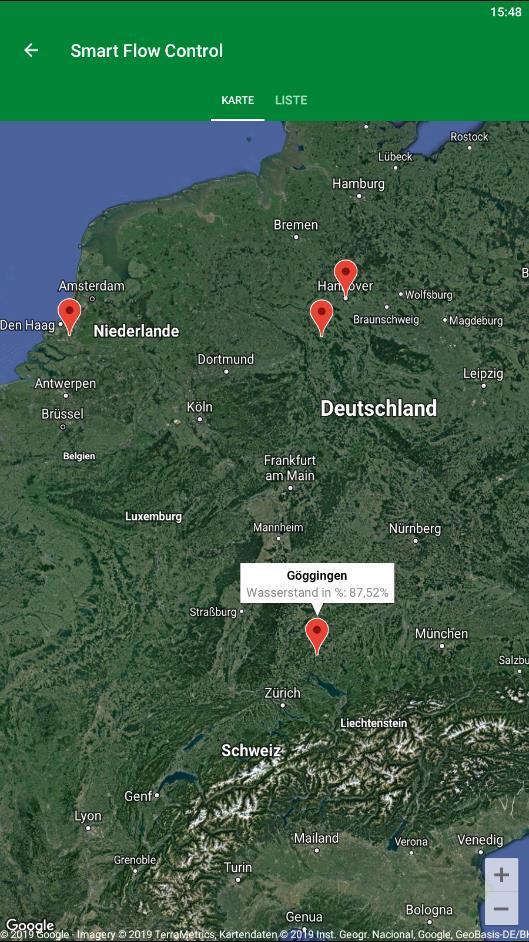
After logging in, a map appears showing the location of the Smart Flow Control throttle.
A second option allows for a list view, which also contains a summary of the most important information (property name, water level and location).
If you now click on one of the listed Smart Flow Controls, a diagram appears with the water level in mm and the expected precipitation. The current temperature in the Smart Flow Control shaft is also displayed along with the water level in mm.
預覽
標籤
工具訊息
開發商
Optigrün international AG
最新版本
1.2.3
更新時間
2019-08-01
類別
工具
同時可用
Google Play
更多
如何在電腦上用 GameLoop 玩 Optigrün Smart Flow Control
1. 從官網下載GameLoop,然後運行exe文件安裝GameLoop
2. 打開GameLoop,搜索“Optigrün Smart Flow Control”,在搜索結果中找到Optigrün Smart Flow Control,點擊“安裝”
3. 享受在 GameLoop 上玩 Optigrün Smart Flow Control 的樂趣
Minimum requirements
OS
Windows 8.1 64-bit or Windows 10 64-bit
GPU
GTX 1050
CPU
i3-8300
Memory
8GB RAM
Storage
1GB available space
Recommended requirements
OS
Windows 8.1 64-bit or Windows 10 64-bit
GPU
GTX 1050
CPU
i3-9320
Memory
16GB RAM
Storage
1GB available space