
Notification Manager: Notisave 電腦版
Quantum4u
用GameLoop模拟器在電腦上玩Notification Manager: Notisave
Notification Manager: Notisave 電腦版
來自發行商 Quantum4u 的 Notification Manager: Notisave 能夠在安卓系統上運行。
現在,您可以在電腦上使用 GameLoop 模擬器流暢地玩 Notification Manager: Notisave。
在 GameLoop 遊戲庫或搜索結果中下載。 不需要再暢玩遊戲時盯著電池電量或被令人懊惱的來電打斷。
只需在電腦大屏幕上免費下載暢玩Notification Manager: Notisave 電腦版!
Notification Manager: Notisave 簡介
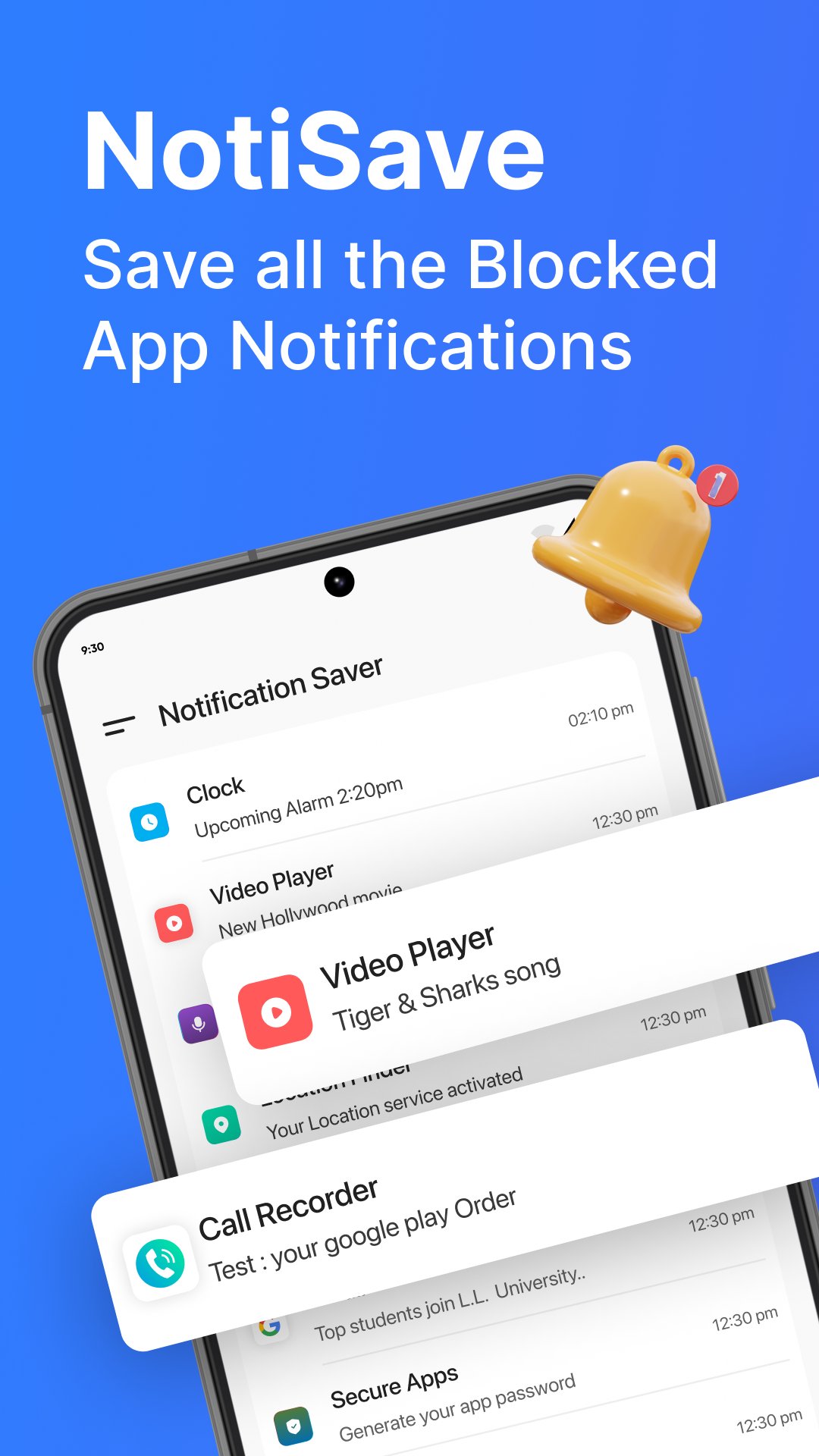
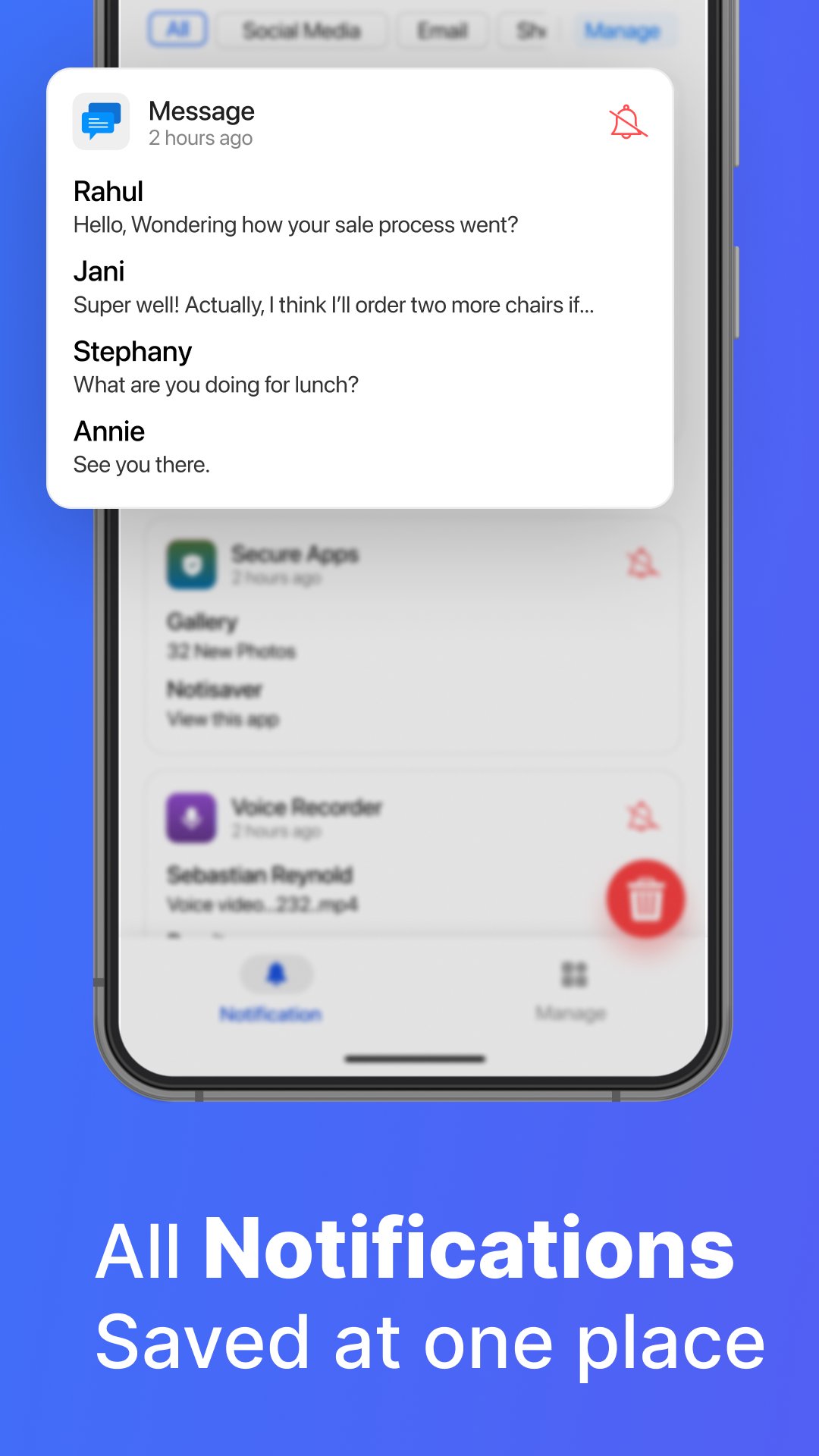
Notification Manager: Notisave is a smart Notification manager, Notification saver, Notification Blocker app that lets you filter junk notifications and block app notifications. Notifications from blocked apps are saved directly within the NotiSaver app. This stops unwanted junk notifications from appearing in your notification bar. Hence, your noti-bar (notification bar) stays clean & clutter-free. You will only see notifications from apps that you find useful on the notification bar.
Reasons why NotiSave: Notification Manager is useful:
Block Notifications
NotiSave: Notification Blocker & notification manager lets you block all the unwanted or junk notifications. All the unwanted notifications or junk notifications are saved within the Notisaver app which keeps your notification bar clean. Users can simply select the apps from the Notisave: junk notification blocker app that sends too many annoying junk notifications. You will only see notifications from apps you use in the notification bar.
Delete Junk Notifications or Unwanted Notifications
The NotiSaver: Notification Blocker lets you delete all the junk notifications with a simple swipe gesture from the Notisaver app. You can view the notifications on yearly, monthly, yesterday and today basis.
Notification History
The NotiSave: Notification Blocker lets you view the notification history log.
NOTE: The notification history of the apps will not be visible before a few of the notifications are saved in Notisave: notification manager or junk notification blocker app.
Edit and Create App Groups
The NotiSave: Notification Blocker lets you edit and create app groups based on app categories like Social Media, Emails and Shopping. With the help of this notification cleaner app, you can easily filter out apps and manage notifications.
Whats Delete
The NotiSave: Notification Blocker & manager has an additional feature- Whats Delete, that lets you view all the deleted messages and media.
Caller ID or Call Info
The NotiSave: Notification Blocker (notification cleaner) has an additional feature, Caller ID. This feature allows you to view all the calls information such as missed call, completed call, no answer, unknown caller after the calls.
Get NotiSave: Notification Manager
With NotiSave:Notification manager, you will get
👉🏻 ad-free junk notification blocker (notification saver) app experience.
👉🏻 an unlimited access to all the Pro features of notification saver or junk notification blocker app.
We are always open to suggestions and queries for our junk notification cleaner app. If you have any issues related to the Notification Manager: NotiSave, you can shoot us an email at feedback@quantum4u.in
Privacy policy: https://quantum4u.in/privacy-policy
Terms & conditions: https://quantum4u.in/terms
EULA: https://quantum4u.in/eula
預覽
標籤
工具訊息
開發商
Quantum4u
最新版本
1.22
更新時間
2024-06-28
類別
工具
同時可用
Google Play
更多
如何在電腦上用 GameLoop 玩 Notification Manager: Notisave
1. 從官網下載GameLoop,然後運行exe文件安裝GameLoop
2. 打開GameLoop,搜索“Notification Manager: Notisave”,在搜索結果中找到Notification Manager: Notisave,點擊“安裝”
3. 享受在 GameLoop 上玩 Notification Manager: Notisave 的樂趣
Minimum requirements
OS
Windows 8.1 64-bit or Windows 10 64-bit
GPU
GTX 1050
CPU
i3-8300
Memory
8GB RAM
Storage
1GB available space
Recommended requirements
OS
Windows 8.1 64-bit or Windows 10 64-bit
GPU
GTX 1050
CPU
i3-9320
Memory
16GB RAM
Storage
1GB available space