
Notes Notepad App 電腦版
Marco Meyer
用GameLoop模拟器在電腦上玩Notes Notepad App
Notes Notepad App 電腦版
來自發行商 Marco Meyer 的 Notes Notepad App 能夠在安卓系統上運行。
現在,您可以在電腦上使用 GameLoop 模擬器流暢地玩 Notes Notepad App。
在 GameLoop 遊戲庫或搜索結果中下載。 不需要再暢玩遊戲時盯著電池電量或被令人懊惱的來電打斷。
只需在電腦大屏幕上免費下載暢玩Notes Notepad App 電腦版!
Notes Notepad App 簡介
Secure Document Scanner & Notes: PDF Creator & Organizer
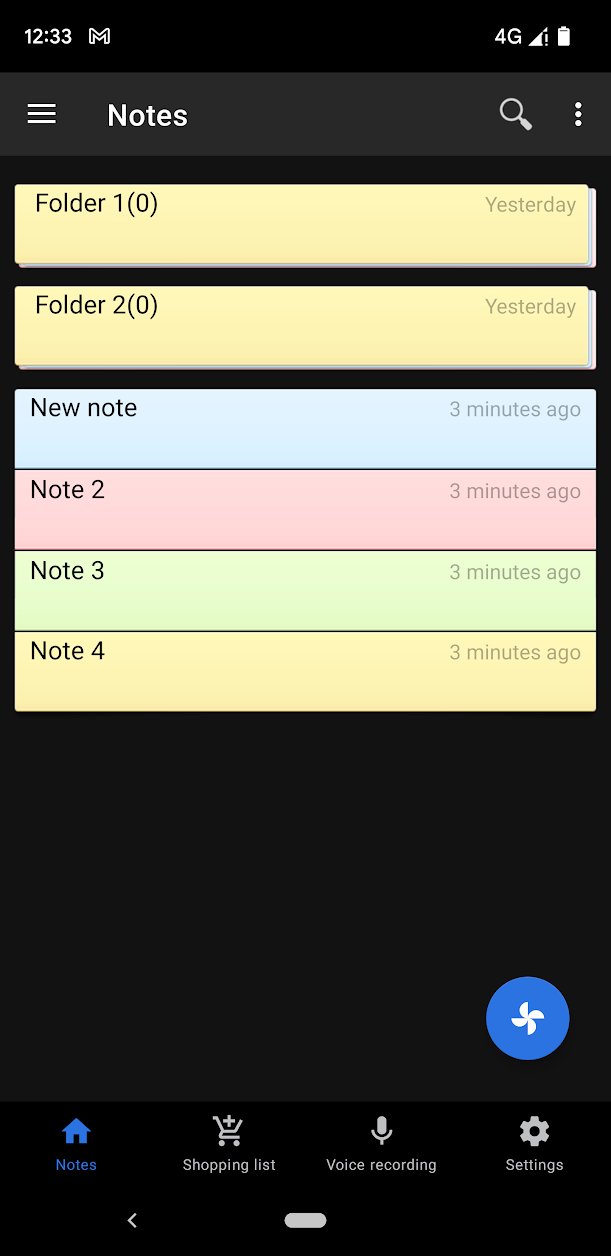
Transform your Android device into a powerhouse scanner and secure notepad! Our app delivers powerful document scanning, reliable PDF creation, and advanced note-taking tools, all protected by top-tier security. Say goodbye to clutter and keep your digital life organized and safe.
Pro-Grade Scanning & Document Handling
Integrated Document Scanner (NEW): Scan physical documents, receipts, whiteboards, or any paper instantly using your phone's camera.
Instant PDF Creation: Save all your scanned documents directly as high-quality PDF files.
OCR Text Recognition (NEW): Capture text from scanned documents or images and paste it straight into your notes for editing.
Multi-Format Export: Export your valuable notes and files as PDF, .doc, or simple text files.
Security & Cloud Sync
Unbreakable Security: Protect your private scans and notes with password authentication.
Fast Fingerprint Unlock (NEW): Skip the password and access your data securely with a touch.
Google Drive Synchronization (NEW): Effortlessly sync your entire database between multiple phones and tablets, ensuring your files are always accessible and backed up in the cloud.
Backup & Restore: Full data backup and recovery capability.
Smart Note-Taking & Productivity
Voice Recorder & Voice-to-Text (NEW): Record audio memos or dictate notes hands-free using Google's reliable voice-to-text feature.
QR Code Scanner (NEW): Scan QR codes and automatically insert the content into a new note.
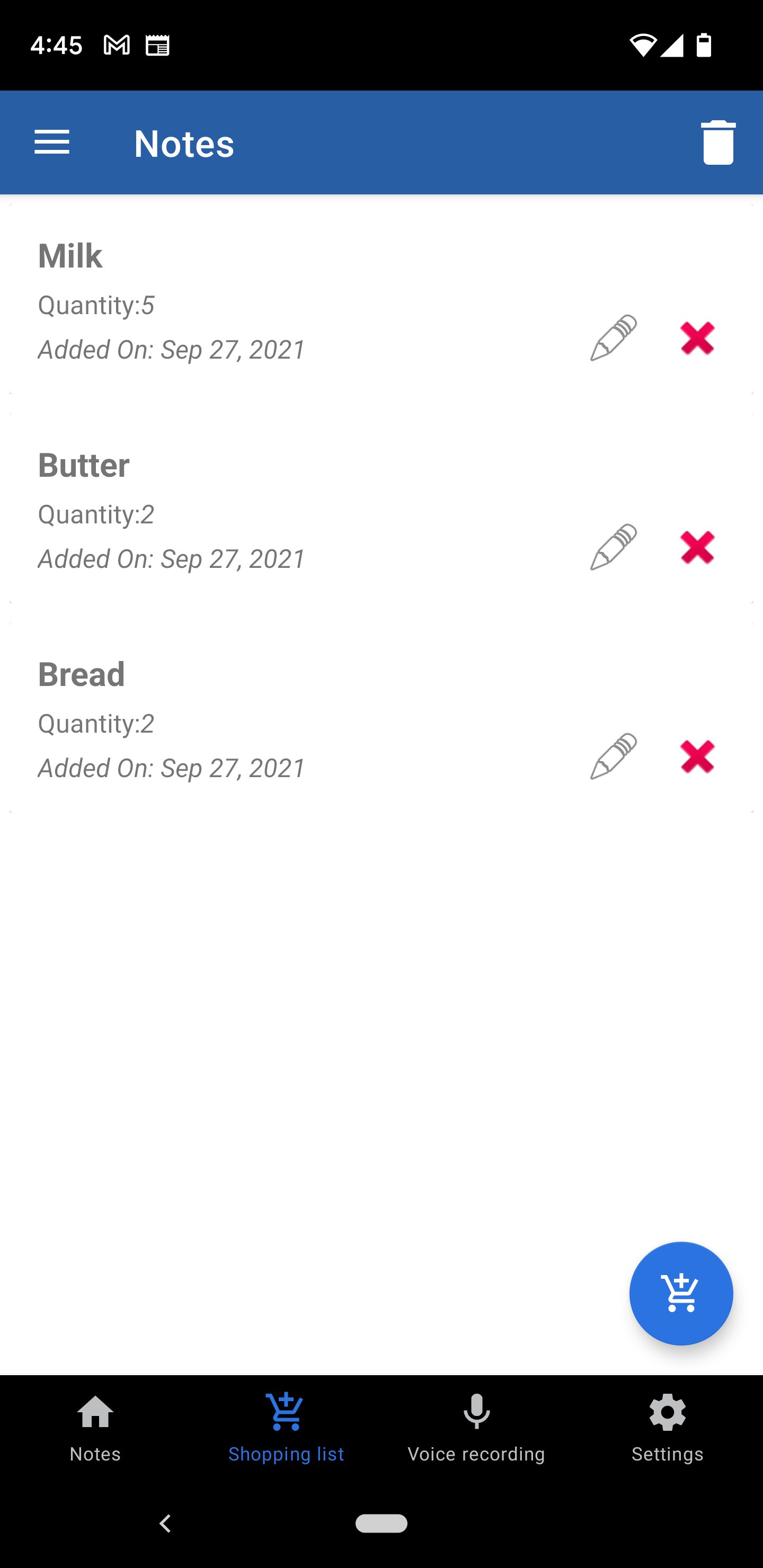
Checklists & Alarms: Create to-do lists and set alarm reminders on specific notes so you never miss a deadline.
Translator (NEW): Translate your notes into many languages right within the app.
Quick Actions: Long-click on highlighted emails or phone numbers within a note to instantly send an email or open the dial pad.
Customization: Adjust font size, print notes, and utilize the new share-in functionality to receive text from other apps.
Permissions Required:
Camera: Necessary for the Document Scanner and QR Code Scanner functions.
Phone Call: Only opens the dial pad when you long-click a number in a note, allowing you to confirm before calling.
Download this free App now and combine the power of a secure note-taker with a portable document scanner!
預覽
標籤
工具訊息
開發商
Marco Meyer
最新版本
4.0
更新時間
2026-03-22
類別
工具
同時可用
Google Play
更多
如何在電腦上用 GameLoop 玩 Notes Notepad App
1. 從官網下載GameLoop,然後運行exe文件安裝GameLoop
2. 打開GameLoop,搜索“Notes Notepad App”,在搜索結果中找到Notes Notepad App,點擊“安裝”
3. 享受在 GameLoop 上玩 Notes Notepad App 的樂趣
Minimum requirements
OS
Windows 8.1 64-bit or Windows 10 64-bit
GPU
GTX 1050
CPU
i3-8300
Memory
8GB RAM
Storage
1GB available space
Recommended requirements
OS
Windows 8.1 64-bit or Windows 10 64-bit
GPU
GTX 1050
CPU
i3-9320
Memory
16GB RAM
Storage
1GB available space