Night Mode - ONLY NOUGAT 7.0 電腦版
DIY APPS
用GameLoop模拟器在電腦上玩Night Mode - ONLY NOUGAT 7.0
Night Mode - ONLY NOUGAT 7.0 電腦版
來自發行商 DIY APPS 的 Night Mode - ONLY NOUGAT 7.0 能夠在安卓系統上運行。
現在,您可以在電腦上使用 GameLoop 模擬器流暢地玩 Night Mode - ONLY NOUGAT 7.0。
在 GameLoop 遊戲庫或搜索結果中下載。 不需要再暢玩遊戲時盯著電池電量或被令人懊惱的來電打斷。
只需在電腦大屏幕上免費下載暢玩Night Mode - ONLY NOUGAT 7.0 電腦版!
Night Mode - ONLY NOUGAT 7.0 簡介
Note: Night Mode Tile Is Back for Android 7.1 But Its Not Same As Android 7.0!! (We'll Make it Much Better Very Soon!)
Note: This App enables the night mode when It is installed on Android 7.0 & When It is installed on 7.1 Then it works as a screen filter Called Night Mode.
THIS APP USES OVERLAY IN ANDROID 7.1 (DON'T DOWNLOAD THIS APP IF YOU ARE NOT INTERESTED IN OVERLAY!!)
Would you like to have Night Mode Quick Tile on Android Nougat 7.0? Seems like it's hidden. But with an amazing App, you can get a Special Pass to that awesome Night Mode Quick Tile To save your EYE!
In the pre-release version of the Android Nougat, we were able to see the night mode feature which allowed Nexus handset to work more efficient at night or in low-light situations. Unfortunately for the tinkerers, the night mode was hidden before the final release. However, with a little help from this App, you can this feature back.
1) Download the Night Mode Enabler App
You just need to download a small free application from Play Store to unlock the feature. The best part of the Night Mode Enable application is that it does need root to cancel the blue light feature on Android 7.0 Nougat.
2) Enable Android System UI Tuner
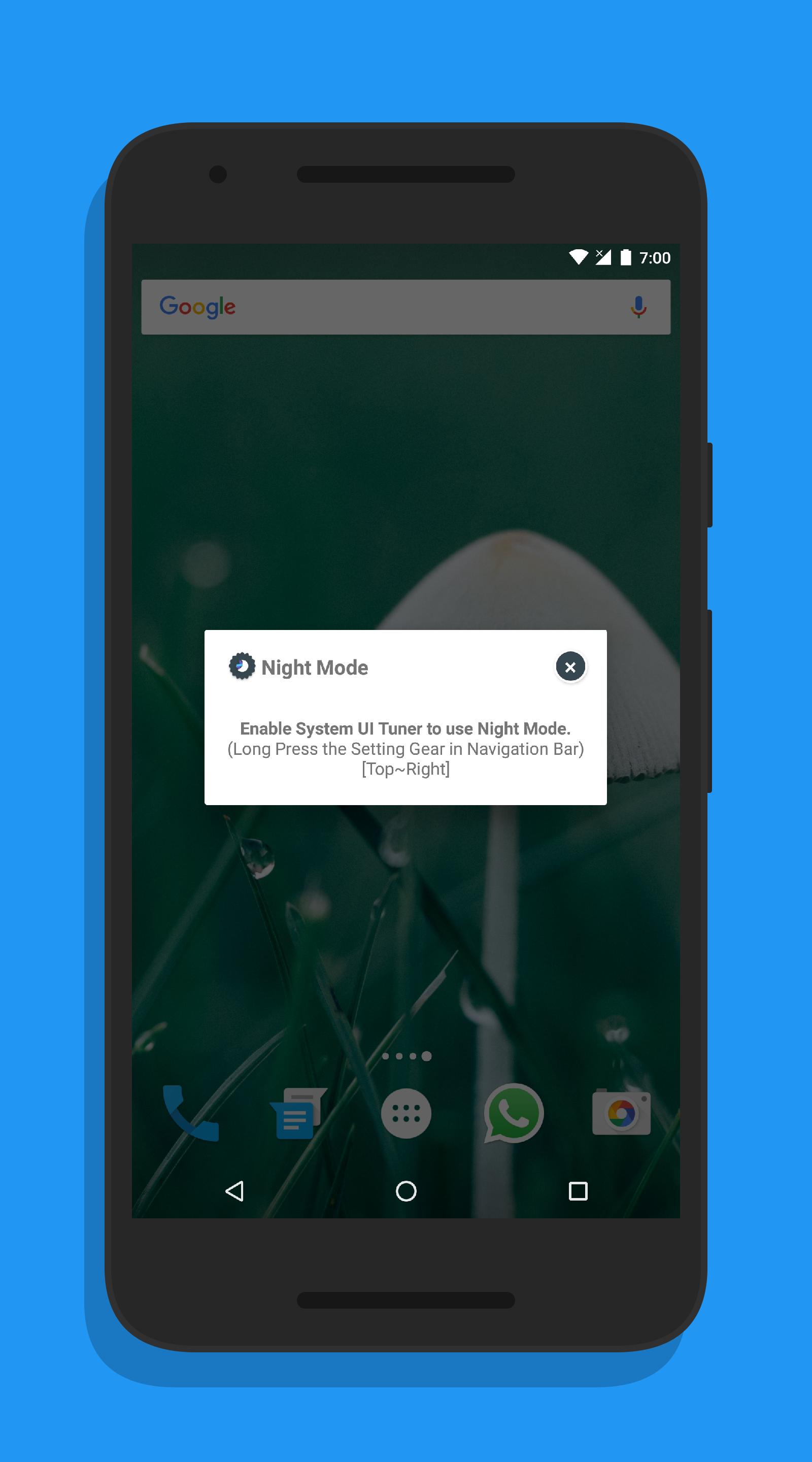
After launching the application for the very first time, it prompts your to activate the Android System UI Tuner from Quick Setting Menu. You only have to slide down the notification bar and then press the Setting gear icon and hold it till it starts to go round.
3) Activate the Night Mode
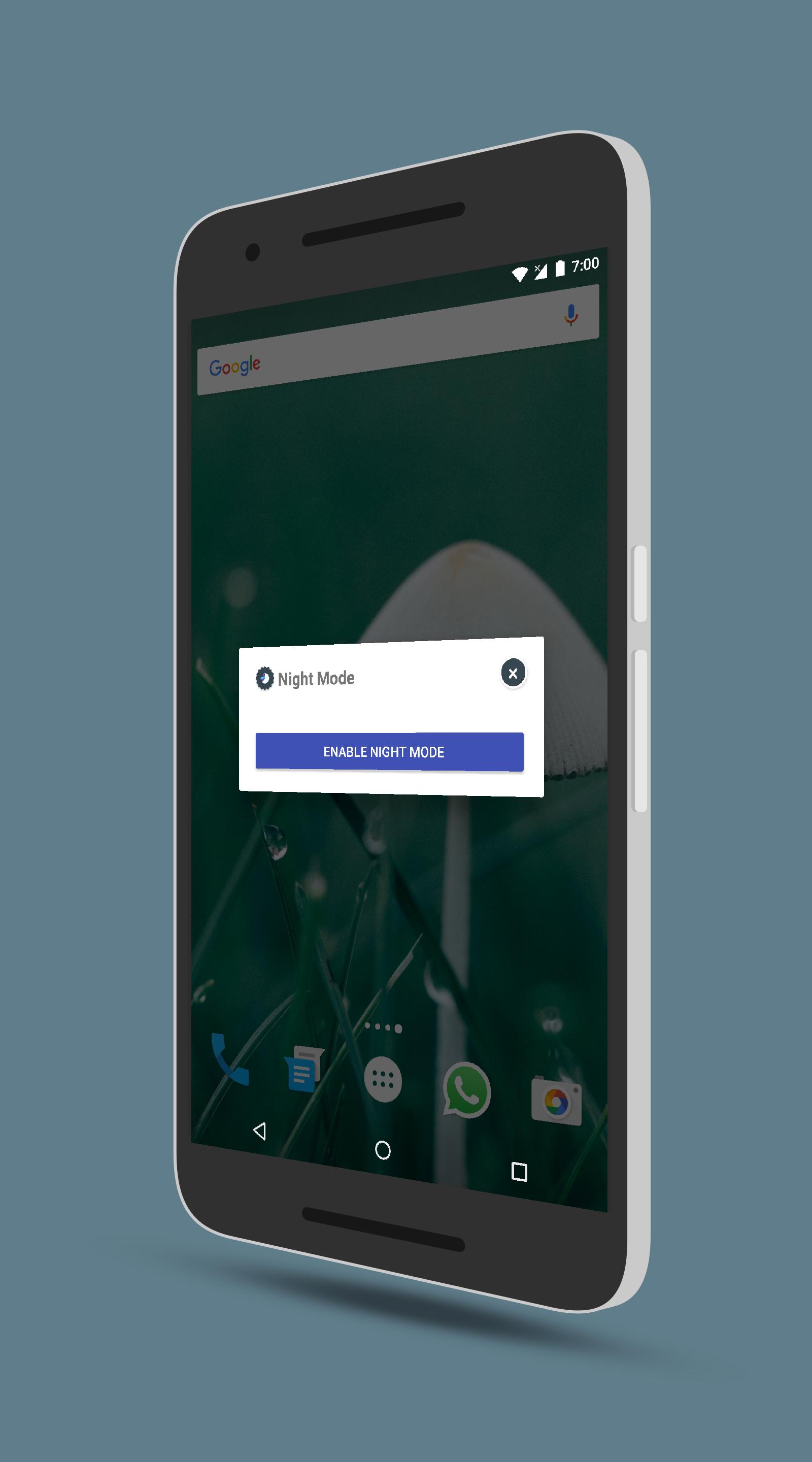
Go back to Night Mode Enable app and then tap on the sole button at the middle of the screen. You will be taken to the hidden Night Mode settings in the System UI Tuner. Click on the Night Mode icon to enable warmer colors on the screen for a pleasant night viewing experience.
Avoiding the blues!!
According to scientific research, the blue light emitted by smartphone and tablet displays have a detrimental effect on the victim’s sleep patterns. This is because the wavelengths generated from the blue light tends to stimulate parts of a human brain that control alertness. This stimulation can convince our brains that it is still daytime. The result of such stimulation is that using your phone or tablet late in the evening can make it hard for you to get enough sleep.
The Night Mode feature will address this by removing the blue light on your smartphone’s screen by increasing the reds in an effort to minimize disruptions to unnecessary brain simulations. However, this is not a guaranteed solution. It is still a good idea to get rid of the blue light issue.
Note: On Android 7.1 and higher - this feature is officially built into the operating system, called Night Light. However, this feature requires a driver, and as a result, only is available on Pixel and Pixel XL (and newer devices). As a result this will not work on Nexus devices on that version. BUT THIS APP HAS OTHER OPTION WHICH USES OVERLAY IN ANDROID 7.1 (DON'T DOWNLOAD THIS APP IF YOU ARE NOT INTERESTED IN OVERLAY!!)
預覽
標籤
工具訊息
開發商
DIY APPS
最新版本
2.0.2
更新時間
2016-12-08
類別
工具
同時可用
Google Play
更多
如何在電腦上用 GameLoop 玩 Night Mode - ONLY NOUGAT 7.0
1. 從官網下載GameLoop,然後運行exe文件安裝GameLoop
2. 打開GameLoop,搜索“Night Mode - ONLY NOUGAT 7.0”,在搜索結果中找到Night Mode - ONLY NOUGAT 7.0,點擊“安裝”
3. 享受在 GameLoop 上玩 Night Mode - ONLY NOUGAT 7.0 的樂趣
Minimum requirements
OS
Windows 8.1 64-bit or Windows 10 64-bit
GPU
GTX 1050
CPU
i3-8300
Memory
8GB RAM
Storage
1GB available space
Recommended requirements
OS
Windows 8.1 64-bit or Windows 10 64-bit
GPU
GTX 1050
CPU
i3-9320
Memory
16GB RAM
Storage
1GB available space