MyFRITZ!App 電腦版
AVM GmbH
用GameLoop模拟器在電腦上玩MyFRITZ!App
MyFRITZ!App 電腦版
來自發行商 AVM GmbH 的 MyFRITZ!App 能夠在安卓系統上運行。
現在,您可以在電腦上使用 GameLoop 模擬器流暢地玩 MyFRITZ!App。
在 GameLoop 遊戲庫或搜索結果中下載。 不需要再暢玩遊戲時盯著電池電量或被令人懊惱的來電打斷。
只需在電腦大屏幕上免費下載暢玩MyFRITZ!App 電腦版!
MyFRITZ!App 簡介
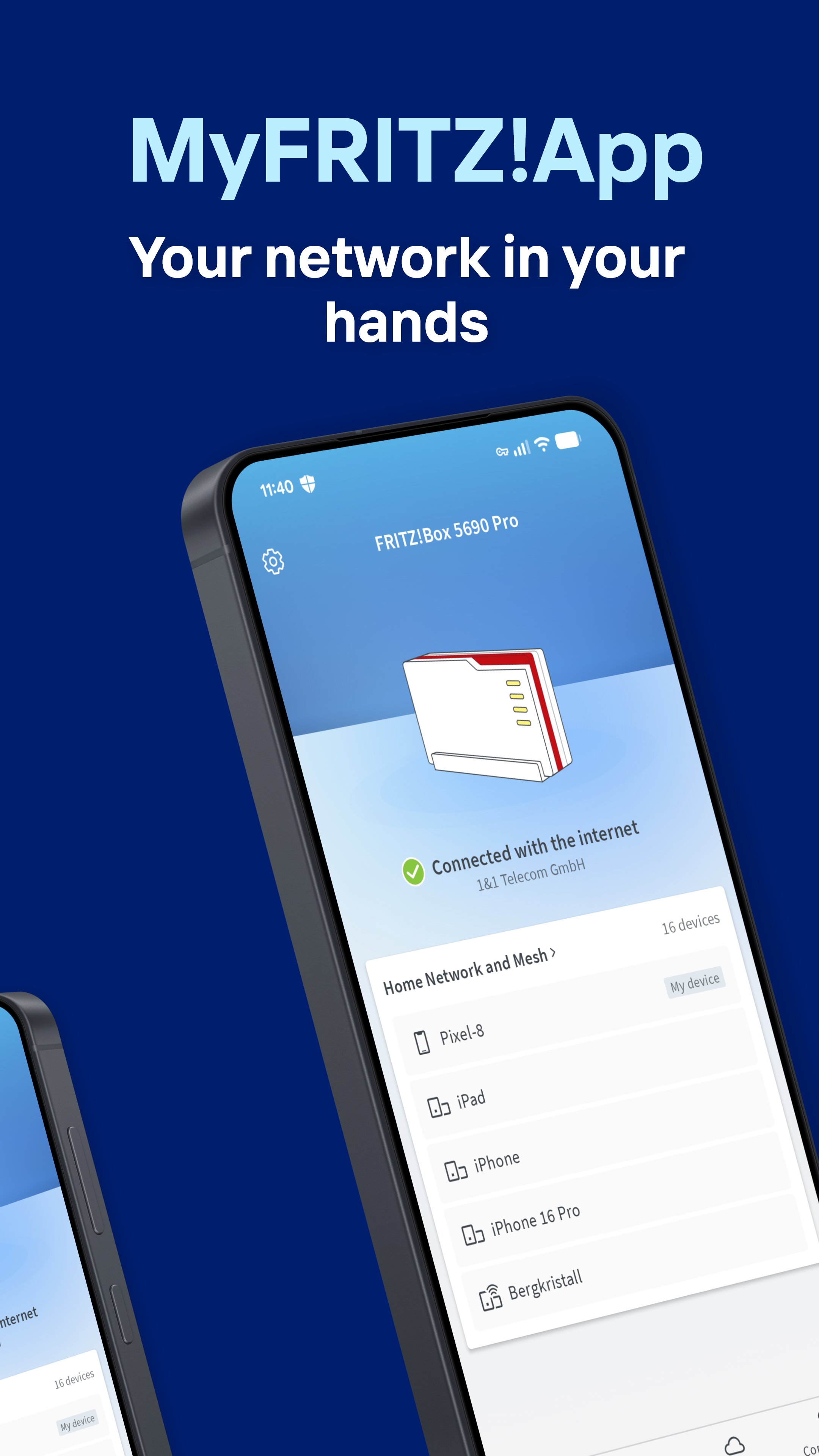
The MyFRITZ!App is your key to an intelligent, secure home network. With this app you always have complete control of your FRITZ!Box and all connected devices from everywhere.
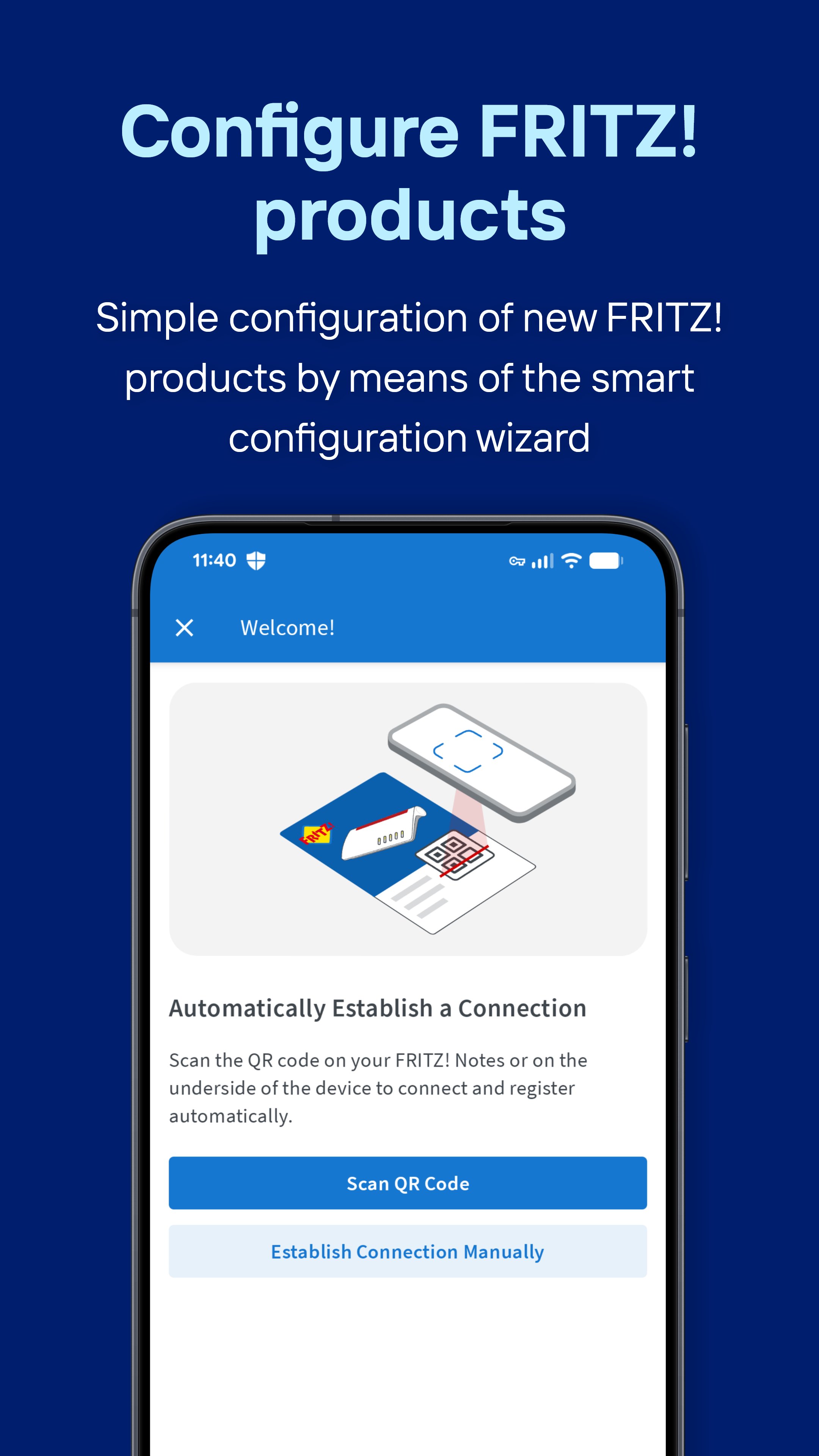
Simple configuration of new FRITZ! products
Thanks to the smart configuration wizard, new FRITZ!Boxes and FRITZ!Mesh Sets can be integrated into your home network effortlessly. A wizard takes you step by step through the configuration to ensure that everything works straightaway.
Control of your home network
Keep track of all devices and events in your home network. With the MyFRITZ!App you can prioritize devices, block internet access for selected devices, rename devices and much more. With just a few clicks, you can also establish a secure and private VPN connection to your FRITZ!Box, allowing you to access devices in your home network even when you’re on the go. Thanks to the MyFRITZ!App you always have complete control of your home network.
Share Wi-Fi access
Set up a Wi-Fi guest access for easy sharing via QR code. This way you can grant your guests fast, secure internet access without revealing your home network password. Of course, it is also easy to share access to your home network.
Access to your private cloud
With the NAS storage integrated in your FRITZ!Box you can access the data saved there from anywhere. Be it photos, videos or documents – your data is stored safely at your home.
Notifications in real time
Always keep informed about important events in your home network. The MyFRITZ!App notifies you immediately about missed calls, new voice messages or available updates for your FRITZ!Box.
Experience a new level of convenience and security for your home network with the MyFRITZ!App.
https://fritzhelp.avm.de/help/privacy/en
預覽
標籤
工具桌遊訊息
開發商
AVM GmbH
最新版本
2.29.0
更新時間
2026-08-31
類別
工具
同時可用
Google Play
更多
如何在電腦上用 GameLoop 玩 MyFRITZ!App
1. 從官網下載GameLoop,然後運行exe文件安裝GameLoop
2. 打開GameLoop,搜索“MyFRITZ!App”,在搜索結果中找到MyFRITZ!App,點擊“安裝”
3. 享受在 GameLoop 上玩 MyFRITZ!App 的樂趣
Minimum requirements
OS
Windows 8.1 64-bit or Windows 10 64-bit
GPU
GTX 1050
CPU
i3-8300
Memory
8GB RAM
Storage
1GB available space
Recommended requirements
OS
Windows 8.1 64-bit or Windows 10 64-bit
GPU
GTX 1050
CPU
i3-9320
Memory
16GB RAM
Storage
1GB available space