
Move To Android 9 Theme 電腦版
Ma 2 Yo
用GameLoop模拟器在電腦上玩Move To Android 9 Theme
Move To Android 9 Theme 電腦版
來自發行商 Ma 2 Yo 的 Move To Android 9 Theme 能夠在安卓系統上運行。
現在,您可以在電腦上使用 GameLoop 模擬器流暢地玩 Move To Android 9 Theme。
在 GameLoop 遊戲庫或搜索結果中下載。 不需要再暢玩遊戲時盯著電池電量或被令人懊惱的來電打斷。
只需在電腦大屏幕上免費下載暢玩Move To Android 9 Theme 電腦版!
Move To Android 9 Theme 簡介
Did you hear about Android™ 9 ? Did you hear about Android™ Pie ? Do you want to have the latest theme of Android™ 9 but unfortunately your device is old or does not support this version of Android™ Pie?
Now it is possible for most devices.
A custom Android theme refers to a phone’s (icons, pictures, logos, songs....), based on Google’s Android platform. Android is open source and therefore any developer can edit the code, and re-release for a wide variety of devices.
And as many phones no longer receive updates to the latest version of Android™. We decided to help users with older phones to have the chance to have the latest theme of Android™ on their old device.
We have developed a custom theme based on the latest version of Android™ 9 - Android™ Pie. Our custom theme aims to bring the Android™ 9.0 Pie user experience (UX) and user interface (UI) while using a minimum of resources. Our custom theme is supported and tested by the most used phones in the market.
To install the latest custom theme of Android™ 9, this application will download all the necessary files to upgrade your old theme of Android™ to the latest theme of Android™ 9 - Android™ Pie.
Install steps
“Move To Android 9 Theme” app is simply a tool or a bridge to download as a first step our custom theme based on the latest version of Android™ 9 - Android™ Pie. After that, as a second step, this tool will configure your launcher.
The steps are:
1) Download custom theme based on the latest version of Android™ 9.
2) Unzip downloaded files.
3) Registration in our platform to ensure that you are a real user and not a robot.
4) Configure the launcher
5) Restart the phone
預覽
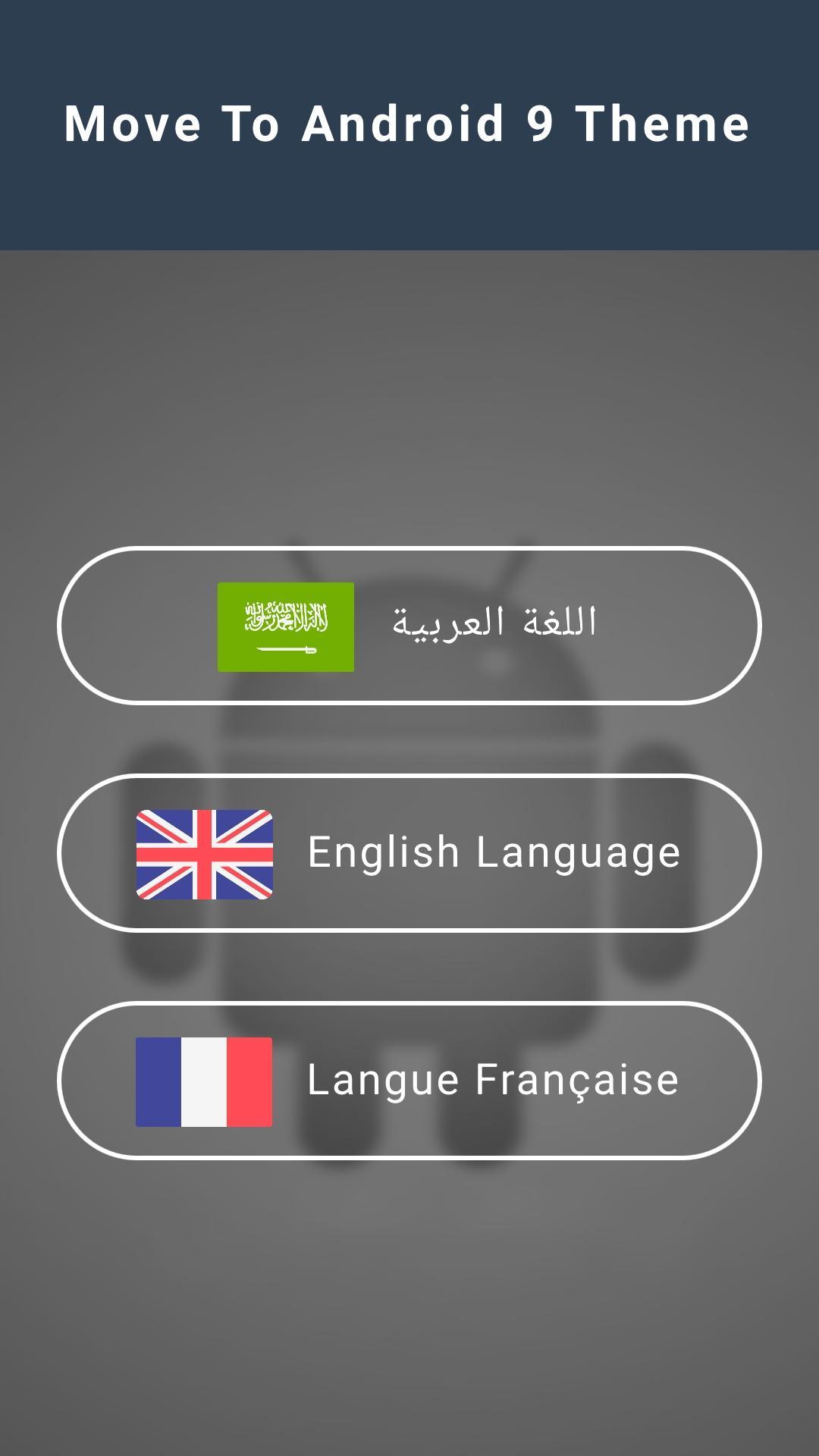
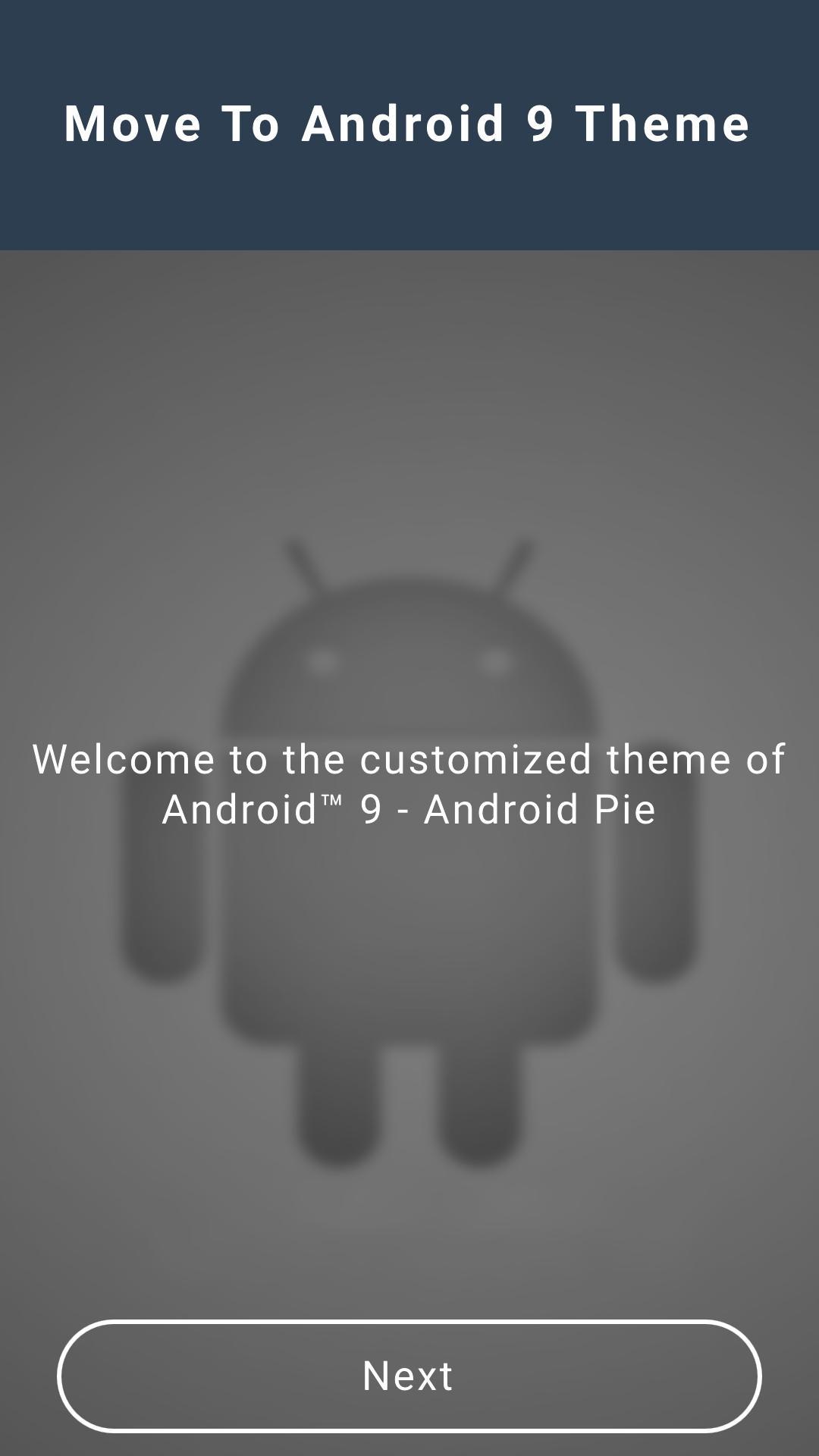
訊息
開發商
Ma 2 Yo
最新版本
2.0
更新時間
2019-04-26
類別
工具
同時可用
Google Play
更多
如何在電腦上用 GameLoop 玩 Move To Android 9 Theme
1. 從官網下載GameLoop,然後運行exe文件安裝GameLoop
2. 打開GameLoop,搜索“Move To Android 9 Theme”,在搜索結果中找到Move To Android 9 Theme,點擊“安裝”
3. 享受在 GameLoop 上玩 Move To Android 9 Theme 的樂趣
Minimum requirements
OS
Windows 8.1 64-bit or Windows 10 64-bit
GPU
GTX 1050
CPU
i3-8300
Memory
8GB RAM
Storage
1GB available space
Recommended requirements
OS
Windows 8.1 64-bit or Windows 10 64-bit
GPU
GTX 1050
CPU
i3-9320
Memory
16GB RAM
Storage
1GB available space