
Max VPN - Fast & Stable Proxy 電腦版
Acoben
用GameLoop模拟器在電腦上玩Max VPN - Fast & Stable Proxy
Max VPN - Fast & Stable Proxy 電腦版
來自發行商 Acoben 的 Max VPN - Fast & Stable Proxy 能夠在安卓系統上運行。
現在,您可以在電腦上使用 GameLoop 模擬器流暢地玩 Max VPN - Fast & Stable Proxy。
在 GameLoop 遊戲庫或搜索結果中下載。 不需要再暢玩遊戲時盯著電池電量或被令人懊惱的來電打斷。
只需在電腦大屏幕上免費下載暢玩Max VPN - Fast & Stable Proxy 電腦版!
Max VPN - Fast & Stable Proxy 簡介
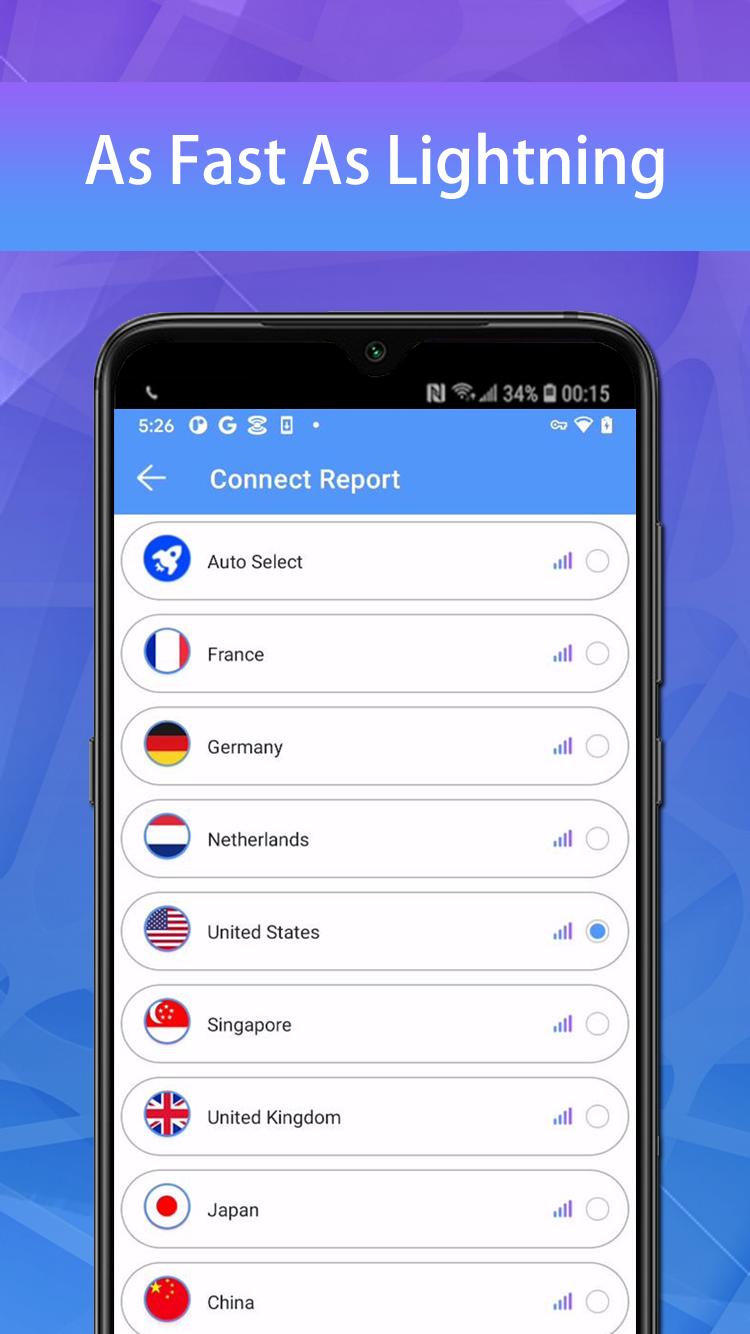
Max VPN is a free VPN with lightning-fast speeds, secure server connections, and no data caps.
When you're connected to Max VPN, you can access the internet anonymously and stay protected online. Max VPN encrypts all your data using encryption protocols. Max VPN is a trustworthy and good VPN provider with a zero logs policy. Your data can no longer be intercepted or read by third parties.
✔ 10000+ free servers around 100+ global locations
✔ Set fastest servers automatically for you
✔ Support for all major platforms Windows, MacOS, Android, iOS etc.
✔ Fast VPN server for torrenting, gaming & streaming
✔ Military-grade 256-bit encryption and unlimited bandwidth
✔ Access geo-restricted content
✔ Protect your privacy on public WiFi networks
✔ No registration required
✔ Protect your password and personal data
You can find more details on our official site:
Privacy Policy: https://d3cgubmp1140jz.cloudfront.net/max.html
預覽

標籤
工具訊息
開發商
Acoben
最新版本
1.3.7
更新時間
2023-05-25
類別
工具
同時可用
Google Play
更多
如何在電腦上用 GameLoop 玩 Max VPN - Fast & Stable Proxy
1. 從官網下載GameLoop,然後運行exe文件安裝GameLoop
2. 打開GameLoop,搜索“Max VPN - Fast & Stable Proxy”,在搜索結果中找到Max VPN - Fast & Stable Proxy,點擊“安裝”
3. 享受在 GameLoop 上玩 Max VPN - Fast & Stable Proxy 的樂趣
Minimum requirements
OS
Windows 8.1 64-bit or Windows 10 64-bit
GPU
GTX 1050
CPU
i3-8300
Memory
8GB RAM
Storage
1GB available space
Recommended requirements
OS
Windows 8.1 64-bit or Windows 10 64-bit
GPU
GTX 1050
CPU
i3-9320
Memory
16GB RAM
Storage
1GB available space