Map2Geo :Transfer to other map 電腦版
CatFish
用GameLoop模拟器在電腦上玩Map2Geo :Transfer to other map
Map2Geo :Transfer to other map 電腦版
來自發行商 CatFish 的 Map2Geo :Transfer to other map 能夠在安卓系統上運行。
現在,您可以在電腦上使用 GameLoop 模擬器流暢地玩 Map2Geo :Transfer to other map。
在 GameLoop 遊戲庫或搜索結果中下載。 不需要再暢玩遊戲時盯著電池電量或被令人懊惱的來電打斷。
只需在電腦大屏幕上免費下載暢玩Map2Geo :Transfer to other map 電腦版!
Map2Geo :Transfer to other map 簡介
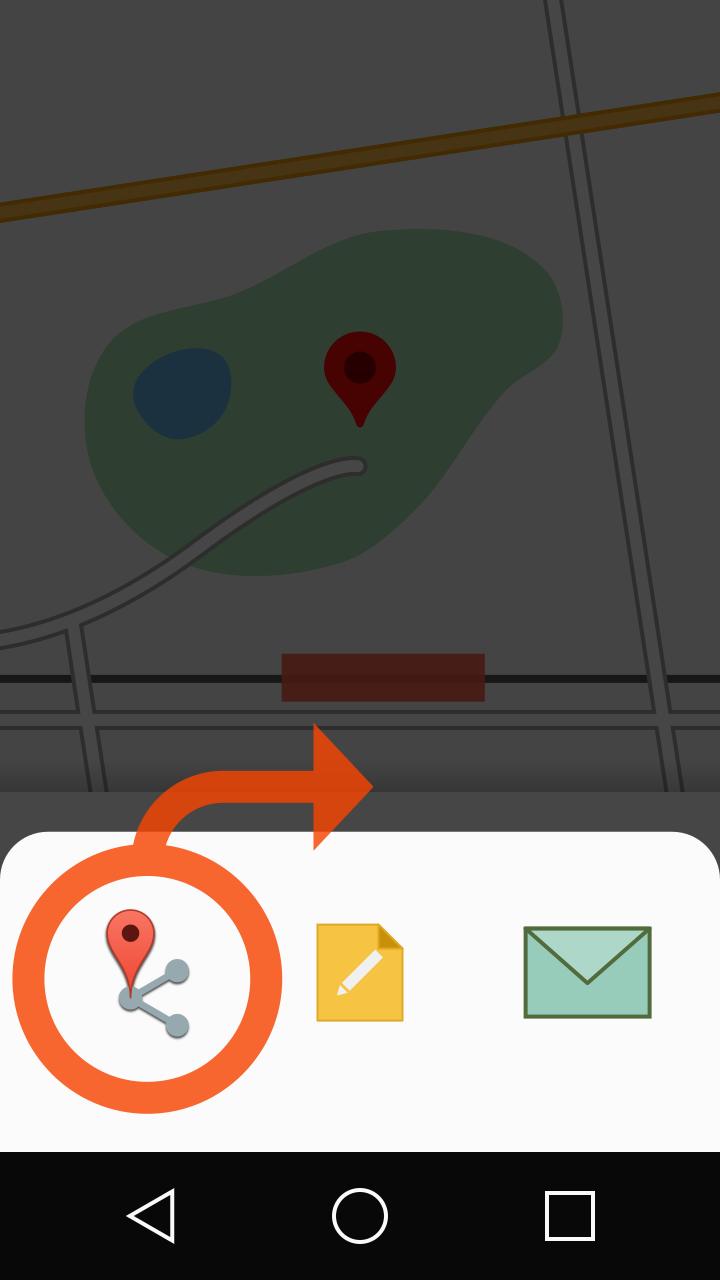
Add [Transfer to other map] to [Share] menu which provided by map apps.
[description]
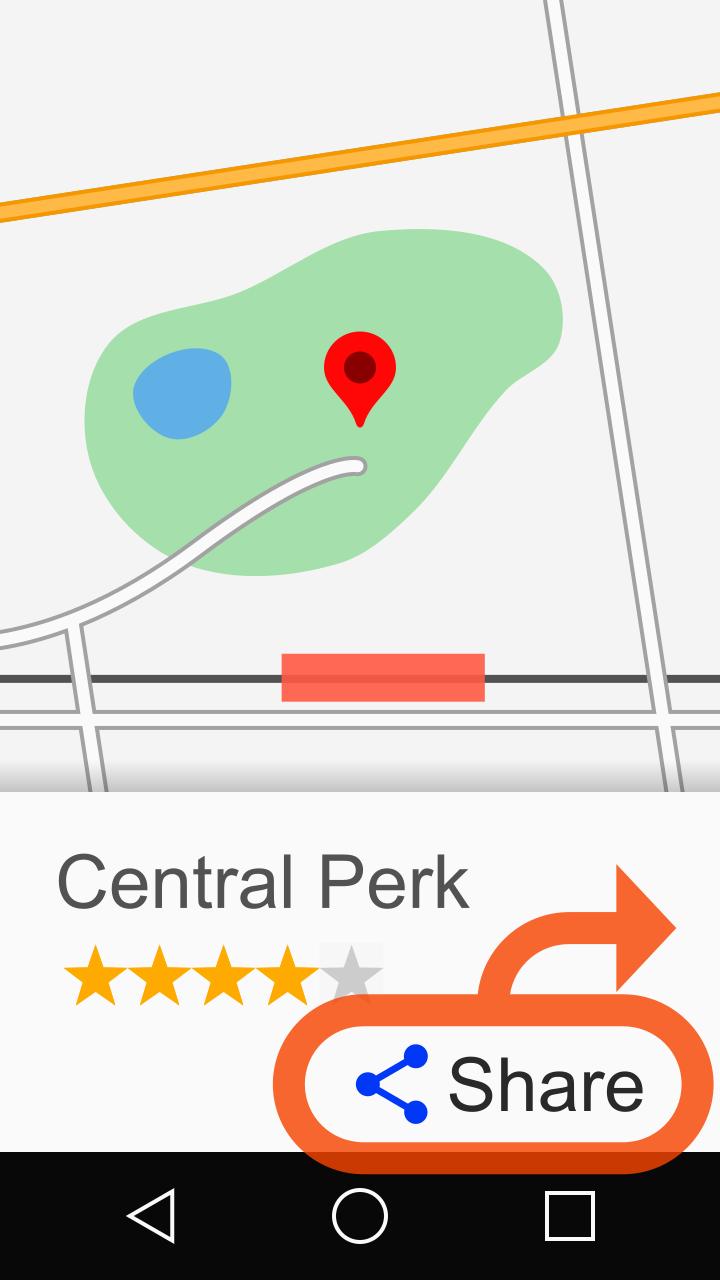
Add the [Transfer to other map] in the [Share] menu of the location where you point in the map app.
Through share action, displays the location on another map app.
For example, you will be able to open a navigation app from a map app.
Please refer to the help page for usage:
https://sites.google.com/site/appscatfish/android/map2geo/usage_en
■Supported apps
Apps that confirmed the behavior is as follows:
【Transfer from/to】
・Google Maps
・Google Earth
・MAPS.ME
・Yandex.Maps
・Waze
・OsmAnd
・Sygic
・Y!MAP
・Mapion
・MapFan
・TravelkoMap
・NAVITIME
・NAVITIMEDrive
・NAVITIMETruck
・PSR Navi
・au NaviWalk
・au Drive
・DOCOMO Maps
・ZENRIN ItsumoNAVI[Multi]
・NaviBridge(NaviCon)
・Locasma
・Chizroid
・Neshan "Map and Router Badge"
・Namaa
・Organic Maps
【Transfer from】
・Google Street View
・Google Keep
・Foursquare
・Yelp
・US Topo Maps(Text)
・Juutai Navi
・Rakuten Travel
・Jalan
・Booking.com
・Tripadvisor
・Other applications that can send geo intent
【Transfer to】
・Google Maps Navi
・Baidu Maps
・Magic Earth
・Yahoo!Navi
・CarNaviTime
・NAVITIME Touring Supporter
・NAVITIMECycle
・au CarNavi
・TC NAVI
・NAVIelite
・Mapion Weather
・JapanTaxi
・Ola
・UnwiredMaps
You can transfer to the app which accepts geo-intent.
【Route transfer from/to】
・Google Maps
・Yahoo!Navi
【Route transfer to】
・TC NAVI
・PSR Navi
・NAVITIME
・NAVITIME Drive
・au Drive
・Neshan
・Sygic
■Notice
・Due to specification changes of the map app side, there is a possibility that this app may not work correctly. Please note.
・Use the network communication in the indexing of the coordinates.In particular, Transfer from the share of Google Maps, please note that the amount of communication is relatively large (500 ~ 600KB).
■User-defined transfer format
Map2Geo sends coordinate and zoom level to the transfer destination by default.
For each application confirmed by the author, the appropriate format is applied.
If you want to apply your own format for sending to the unidentified application, it might be implemented in a user-defined file.
For details, please refer to the following page:
https://sites.google.com/site/appscatfish/android/map2geo/intents-ini_en
■Defining hidden apps
You can exclude unnecessary apps from transfer target list.
For details, please refer to the following page:
https://sites.google.com/site/appscatfish/android/map2geo/appfilter-ini_en
■User-defined decoder
Users can create programs to decode data transferred from the map app by sharing with JavaScript.
Users can add support individually for sender apps not supported by Map2Geo.
For details, please refer to the following page:
https://sites.google.com/site/appscatfish/android/map2geo/externaldecoder_en
預覽
標籤
工具訊息
開發商
CatFish
最新版本
6.15r1
更新時間
2023-03-08
類別
工具
同時可用
Google Play
更多
如何在電腦上用 GameLoop 玩 Map2Geo :Transfer to other map
1. 從官網下載GameLoop,然後運行exe文件安裝GameLoop
2. 打開GameLoop,搜索“Map2Geo :Transfer to other map”,在搜索結果中找到Map2Geo :Transfer to other map,點擊“安裝”
3. 享受在 GameLoop 上玩 Map2Geo :Transfer to other map 的樂趣
Minimum requirements
OS
Windows 8.1 64-bit or Windows 10 64-bit
GPU
GTX 1050
CPU
i3-8300
Memory
8GB RAM
Storage
1GB available space
Recommended requirements
OS
Windows 8.1 64-bit or Windows 10 64-bit
GPU
GTX 1050
CPU
i3-9320
Memory
16GB RAM
Storage
1GB available space