
KR Keyboard 電腦版
KHUN SOE ZAW THU
用GameLoop模拟器在電腦上玩KR Keyboard
KR Keyboard 電腦版
來自發行商 KHUN SOE ZAW THU 的 KR Keyboard 能夠在安卓系統上運行。
現在,您可以在電腦上使用 GameLoop 模擬器流暢地玩 KR Keyboard。
在 GameLoop 遊戲庫或搜索結果中下載。 不需要再暢玩遊戲時盯著電池電量或被令人懊惱的來電打斷。
只需在電腦大屏幕上免費下載暢玩KR Keyboard 電腦版!
KR Keyboard 簡介
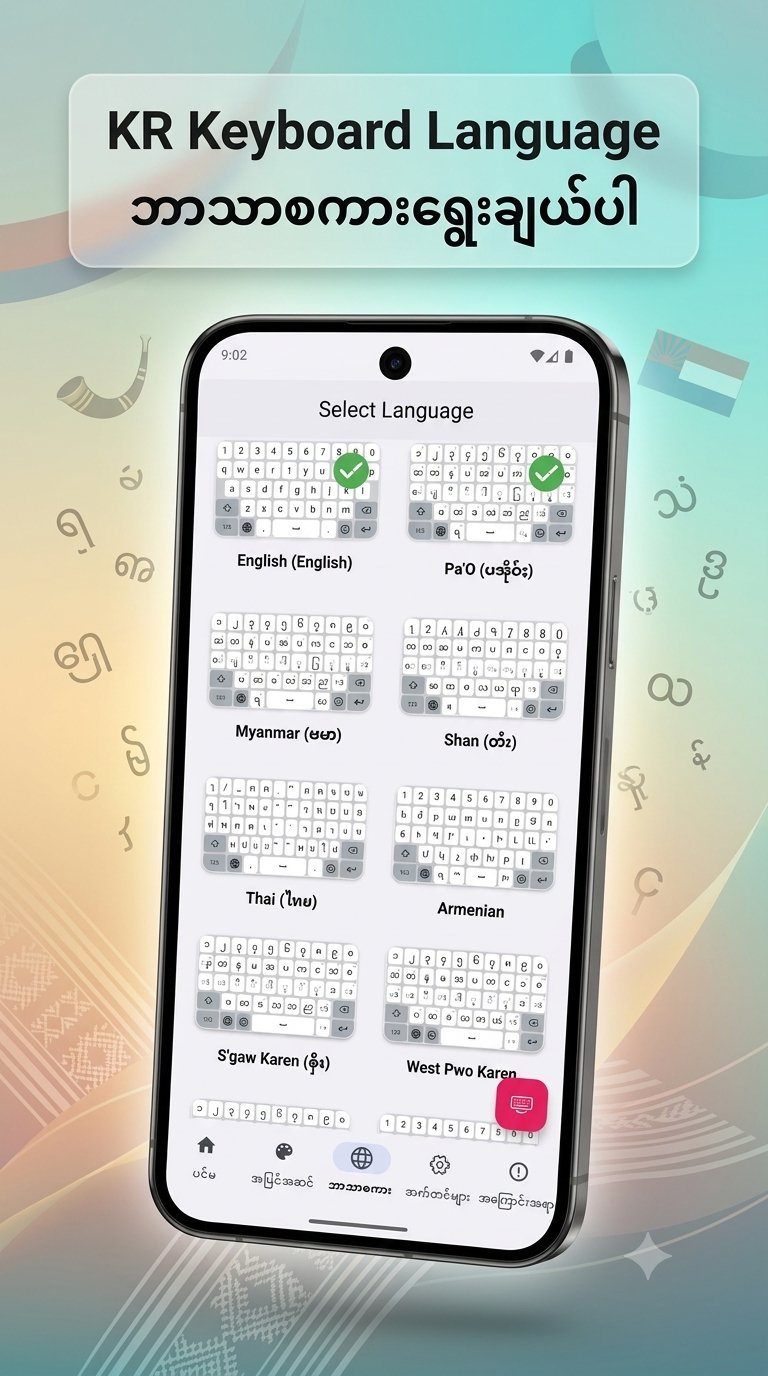
KR Keyboard language For Burmese, PaO, Shan, Karen, Mon, Ta'ang, Thai, Korean
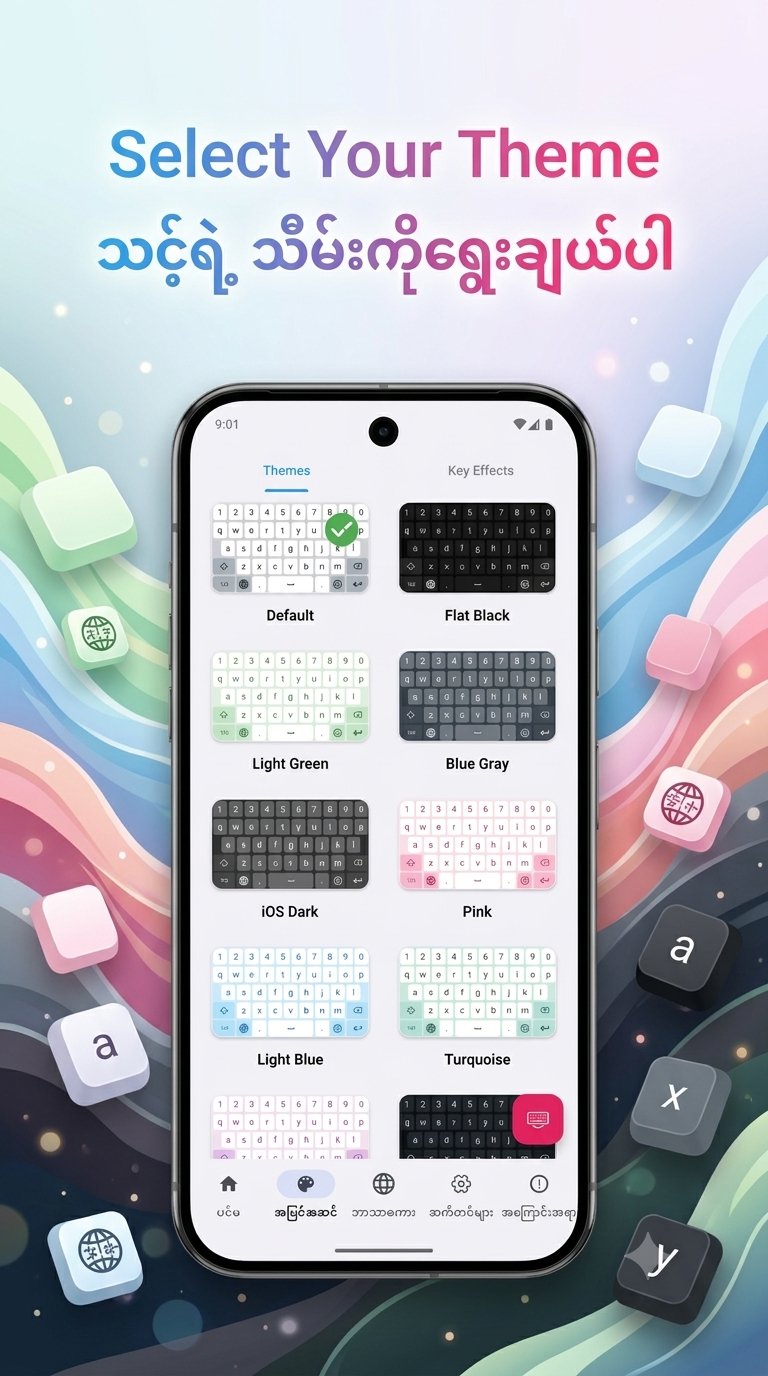
1. New Home UI - Access the Custom Theme editor directly from the Home screen for faster personalization.
2. Bold Key Text - Added a toggle in Font & Size settings to make keyboard characters bold and more visible.
3.Improved Dictionary Editor - Manage your personal word list more efficiently. The editor now focuses exclusively on user-added words.
4. Enhanced Space Key Logic - Improved character handling when pressing space to prevent accidental deletions and ensure smoother typing.
5. Bug Fixes & Optimizations:
◦ Fixed the touch issue on bottom keys in PaO Symbol layouts when the number row is enabled.
◦ Fixed the keyboard rendering issue where labels were missing on the first launch.
◦ Improved theme list stability; it no longer jumps to the top after selecting a theme
預覽
標籤
工具訊息
開發商
KHUN SOE ZAW THU
最新版本
2.8
更新時間
2026-08-21
類別
工具
同時可用
Google Play
更多
如何在電腦上用 GameLoop 玩 KR Keyboard
1. 從官網下載GameLoop,然後運行exe文件安裝GameLoop
2. 打開GameLoop,搜索“KR Keyboard”,在搜索結果中找到KR Keyboard,點擊“安裝”
3. 享受在 GameLoop 上玩 KR Keyboard 的樂趣
Minimum requirements
OS
Windows 8.1 64-bit or Windows 10 64-bit
GPU
GTX 1050
CPU
i3-8300
Memory
8GB RAM
Storage
1GB available space
Recommended requirements
OS
Windows 8.1 64-bit or Windows 10 64-bit
GPU
GTX 1050
CPU
i3-9320
Memory
16GB RAM
Storage
1GB available space