Korean Voice Typing Keyboard 電腦版
Uncle Keyboards Inc.
用GameLoop模拟器在電腦上玩Korean Voice Typing Keyboard
Korean Voice Typing Keyboard 電腦版
來自發行商 Uncle Keyboards Inc. 的 Korean Voice Typing Keyboard 能夠在安卓系統上運行。
現在,您可以在電腦上使用 GameLoop 模擬器流暢地玩 Korean Voice Typing Keyboard。
在 GameLoop 遊戲庫或搜索結果中下載。 不需要再暢玩遊戲時盯著電池電量或被令人懊惱的來電打斷。
只需在電腦大屏幕上免費下載暢玩Korean Voice Typing Keyboard 電腦版!
Korean Voice Typing Keyboard 簡介
Korean Keyboard 2025 – Type in Korean with Ease!
Experience smooth, fast, and accurate Korean typing with Korean Keyboard 2025. Whether you're a learner or a fluent user, this app is designed to help you stay connected, compose messages, and share stories in Korean with ease.
Features at a Glance:
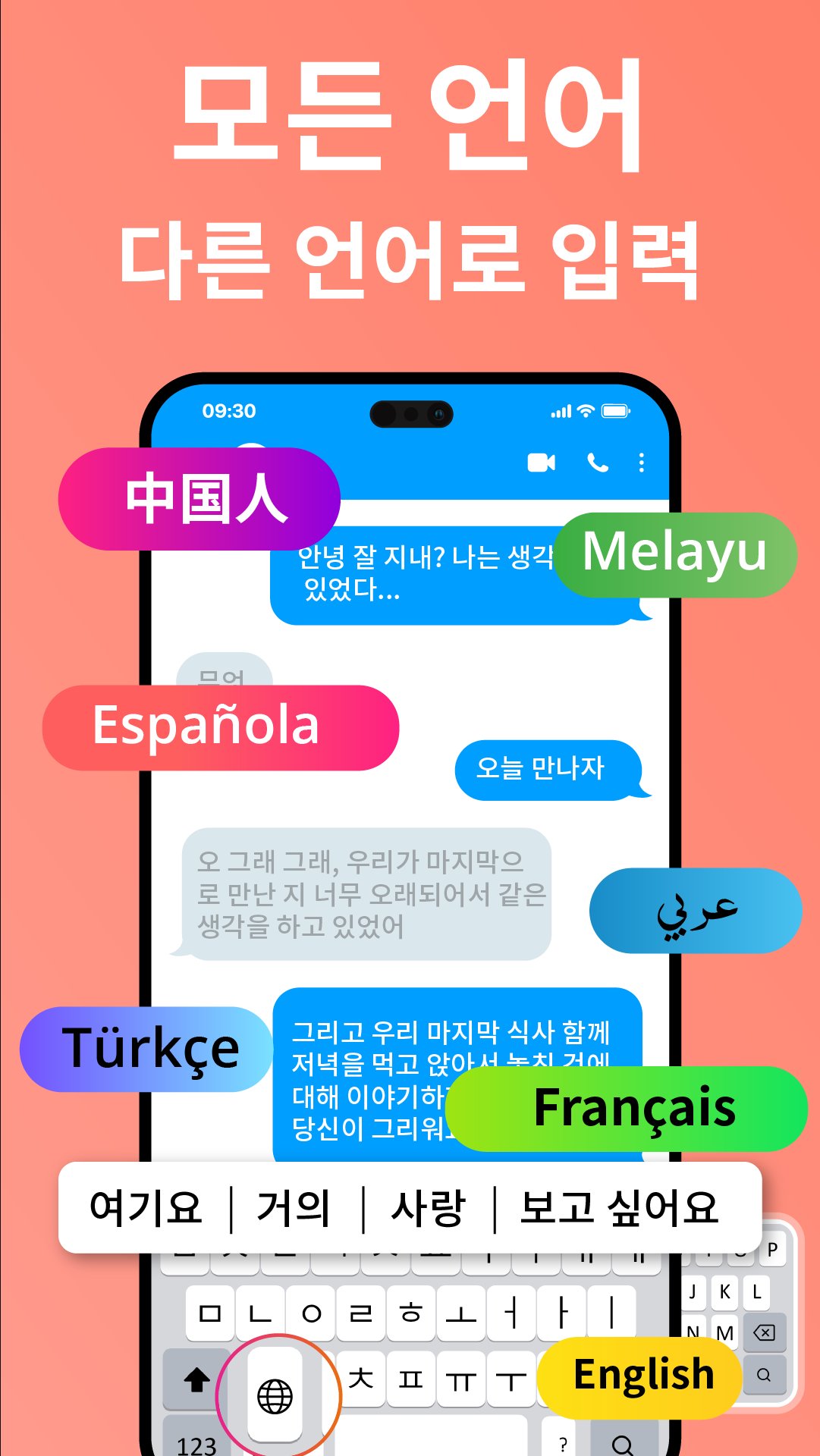
Dual Typing Modes: Type in both Korean and English without the need to switch keyboards.
Automatic Conversion: Simply type in English, and the app will instantly convert it into Korean for quick communication.
Voice-to-Text Converter: Dictate in Korean, and the app will transcribe your words, speeding up your conversations.
Customizable Themes: Personalize your keyboard with stylish themes, custom fonts, or upload your own images.
Korean Dictionary Support: Enjoy word suggestions and auto-correction for accurate and error-free typing.
Why Choose Korean Keyboard 2025?
Fast and Accurate: Phonetic Korean typing ensures smooth and quick conversations.
Emoji Keyboard: Express yourself with a wide range of emojis and stickers.
Perfect for Learners: Beginners will find it easy to learn Korean with our intuitive interface and helpful features.
Enhance Your Conversations:
Compose emails and messages in Korean effortlessly.
Share updates and posts on social media in Korean.
Stay connected with Korean-speaking friends and family with ease.
How to Use Korean Keyboard 2025:
Install the Korean Keyboard 2025 app on your device.
Enable the keyboard in your device settings.
Start typing and enjoy seamless Korean text input.
Join thousands of happy users and download the Korean Keyboard 2025 app today. Make every conversation more meaningful and connect with the world in Korean!
We value your feedback! Share your thoughts with us to help make the app even better for you. 🌟
預覽

標籤
工具訊息
開發商
Uncle Keyboards Inc.
最新版本
2.2.0
更新時間
2025-11-23
類別
工具
同時可用
Google Play
更多
如何在電腦上用 GameLoop 玩 Korean Voice Typing Keyboard
1. 從官網下載GameLoop,然後運行exe文件安裝GameLoop
2. 打開GameLoop,搜索“Korean Voice Typing Keyboard”,在搜索結果中找到Korean Voice Typing Keyboard,點擊“安裝”
3. 享受在 GameLoop 上玩 Korean Voice Typing Keyboard 的樂趣
Minimum requirements
OS
Windows 8.1 64-bit or Windows 10 64-bit
GPU
GTX 1050
CPU
i3-8300
Memory
8GB RAM
Storage
1GB available space
Recommended requirements
OS
Windows 8.1 64-bit or Windows 10 64-bit
GPU
GTX 1050
CPU
i3-9320
Memory
16GB RAM
Storage
1GB available space