
Keyboard Emoji 電腦版
Apps Technologies
用GameLoop模拟器在電腦上玩Keyboard Emoji
Keyboard Emoji 電腦版
來自發行商 Apps Technologies 的 Keyboard Emoji 能夠在安卓系統上運行。
現在,您可以在電腦上使用 GameLoop 模擬器流暢地玩 Keyboard Emoji。
在 GameLoop 遊戲庫或搜索結果中下載。 不需要再暢玩遊戲時盯著電池電量或被令人懊惱的來電打斷。
只需在電腦大屏幕上免費下載暢玩Keyboard Emoji 電腦版!
Keyboard Emoji 簡介
Features
✔ Adjust the keyboard size.
✔ Select the typing sound and vibration.
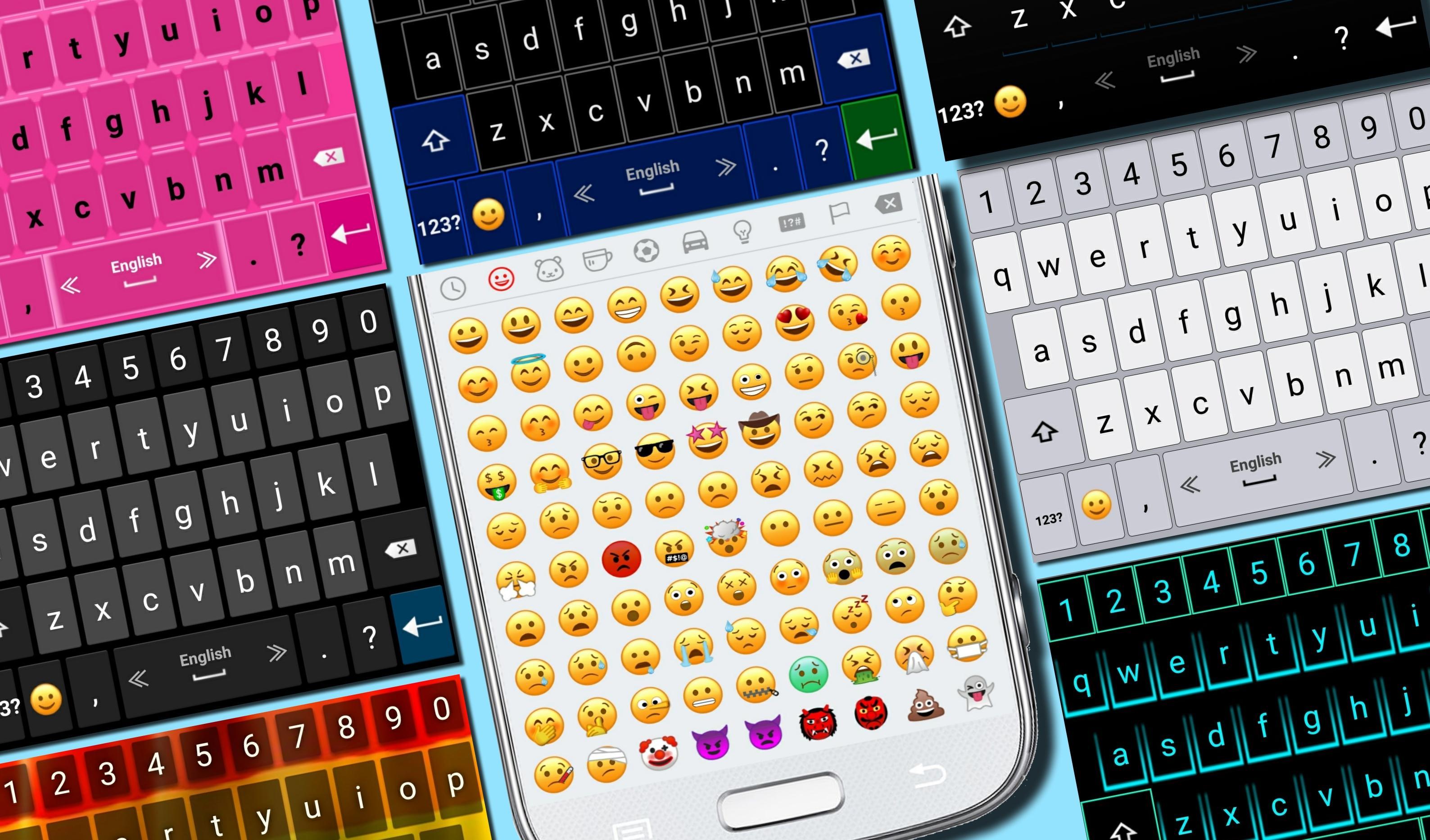
✔ Select your favorite theme.
✔ Select the top and bottom rows of the New Emoji Keyboard.
✔ The newest emojis.
✔ Emoji skin color.
✔ Microphone - translate speech into text.
✔ Settings of typing and display.
✔ Dictionary settings.
✔ Supports multiple languages.
Tips
• For switching between languages, swipe the spacebar from side to side.
• To open the keyboard settings, press and hold the "Enter" button.
• Press and hold the emoji button for textual emoji.
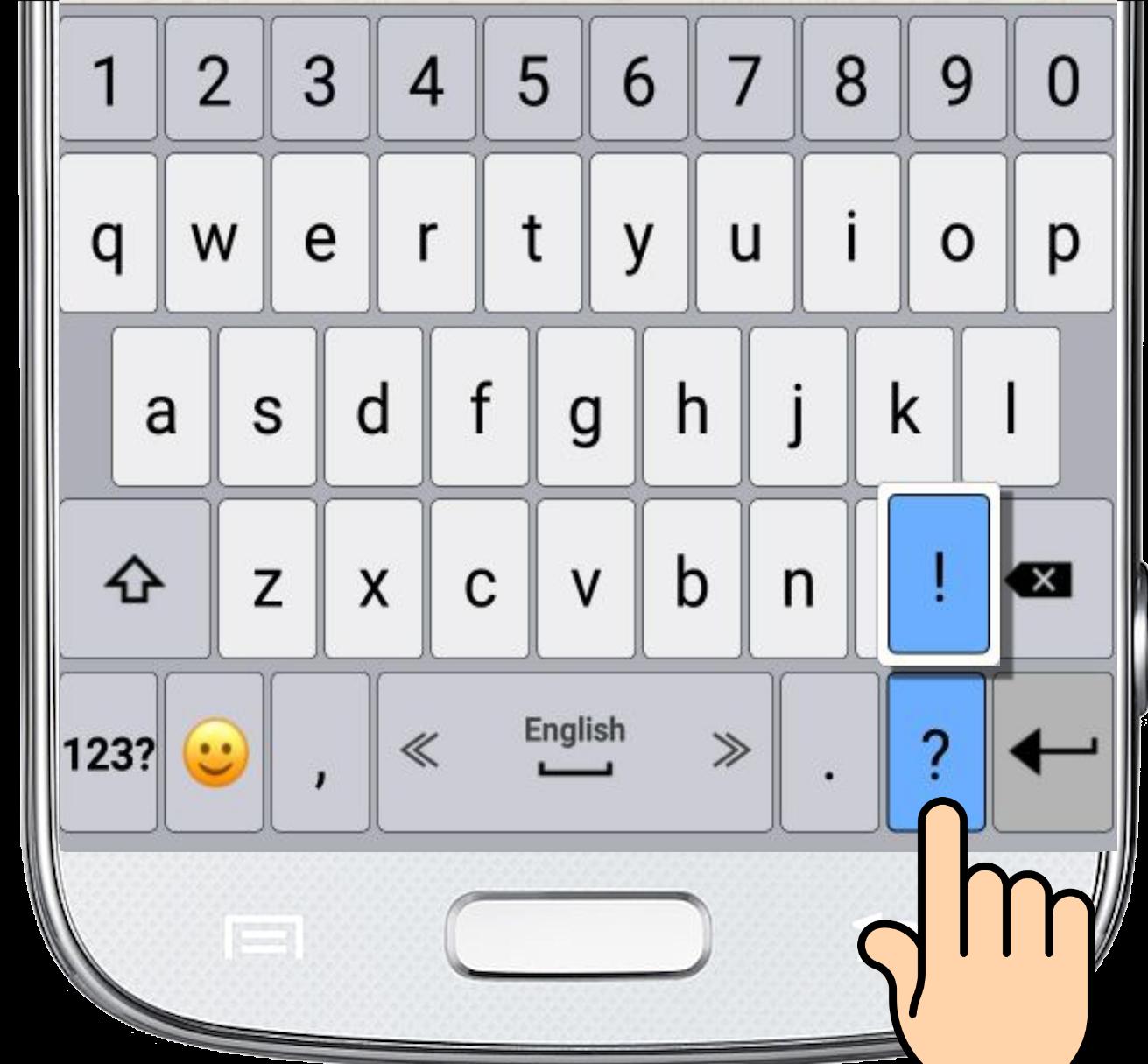
• Press and hold every key for additional characters.
• Microphone - Press and hold the comma button to translate your speech into text.
預覽
訊息
開發商
Apps Technologies
最新版本
5.0
更新時間
2019-02-12
類別
工具
同時可用
Google Play
更多
如何在電腦上用 GameLoop 玩 Keyboard Emoji
1. 從官網下載GameLoop,然後運行exe文件安裝GameLoop
2. 打開GameLoop,搜索“Keyboard Emoji”,在搜索結果中找到Keyboard Emoji,點擊“安裝”
3. 享受在 GameLoop 上玩 Keyboard Emoji 的樂趣
Minimum requirements
OS
Windows 8.1 64-bit or Windows 10 64-bit
GPU
GTX 1050
CPU
i3-8300
Memory
8GB RAM
Storage
1GB available space
Recommended requirements
OS
Windows 8.1 64-bit or Windows 10 64-bit
GPU
GTX 1050
CPU
i3-9320
Memory
16GB RAM
Storage
1GB available space