
JF Connect 電腦版
Junkfood Arcades
用GameLoop模拟器在電腦上玩JF Connect
JF Connect 電腦版
來自發行商 Junkfood Arcades 的 JF Connect 能夠在安卓系統上運行。
現在,您可以在電腦上使用 GameLoop 模擬器流暢地玩 JF Connect。
在 GameLoop 遊戲庫或搜索結果中下載。 不需要再暢玩遊戲時盯著電池電量或被令人懊惱的來電打斷。
只需在電腦大屏幕上免費下載暢玩JF Connect 電腦版!
JF Connect 簡介
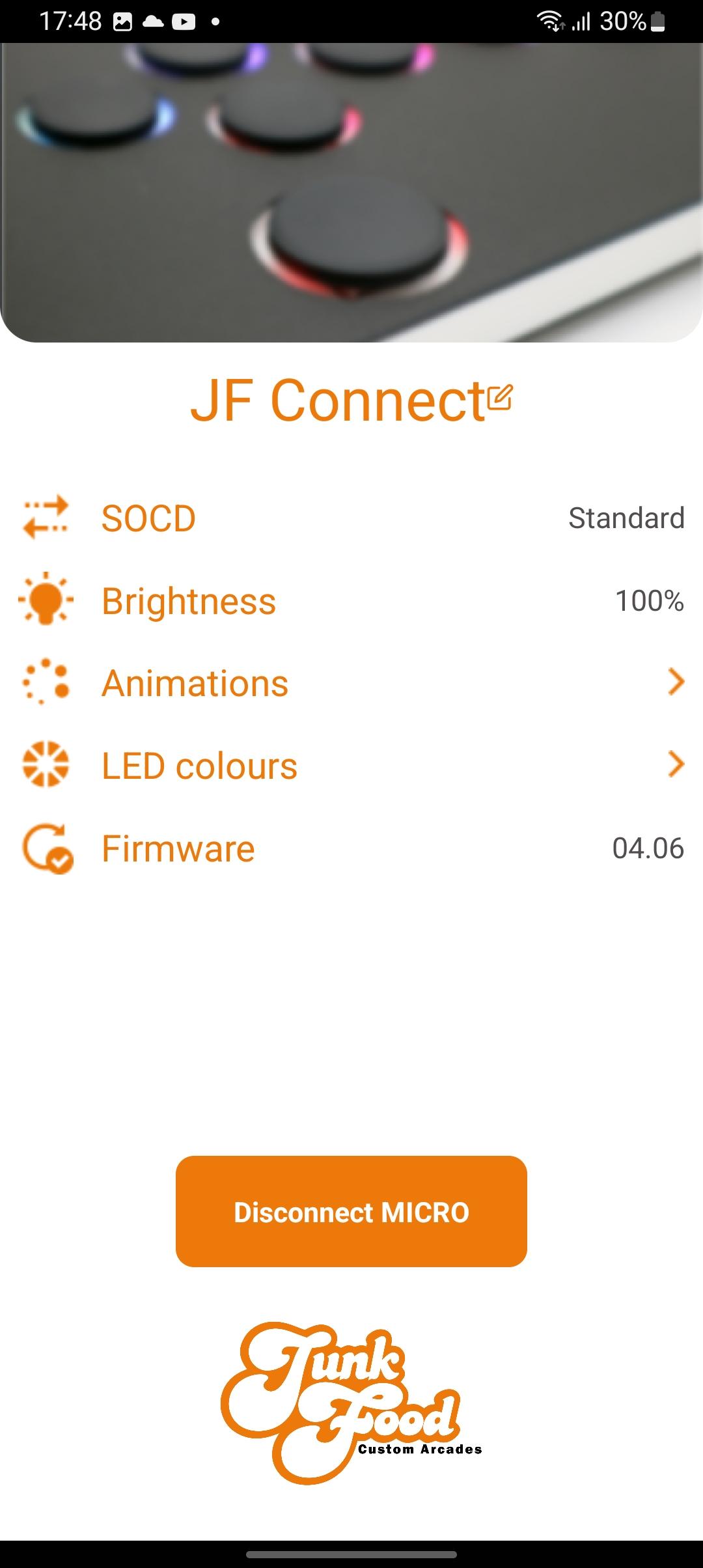
The JF Connect app helps make the MICRO your own! Take control of the features on your Snack Box Micro.
Works with the second generation of the Snack Box MICRO PCB (the white “M2” series PCB). This app gives you control over important features
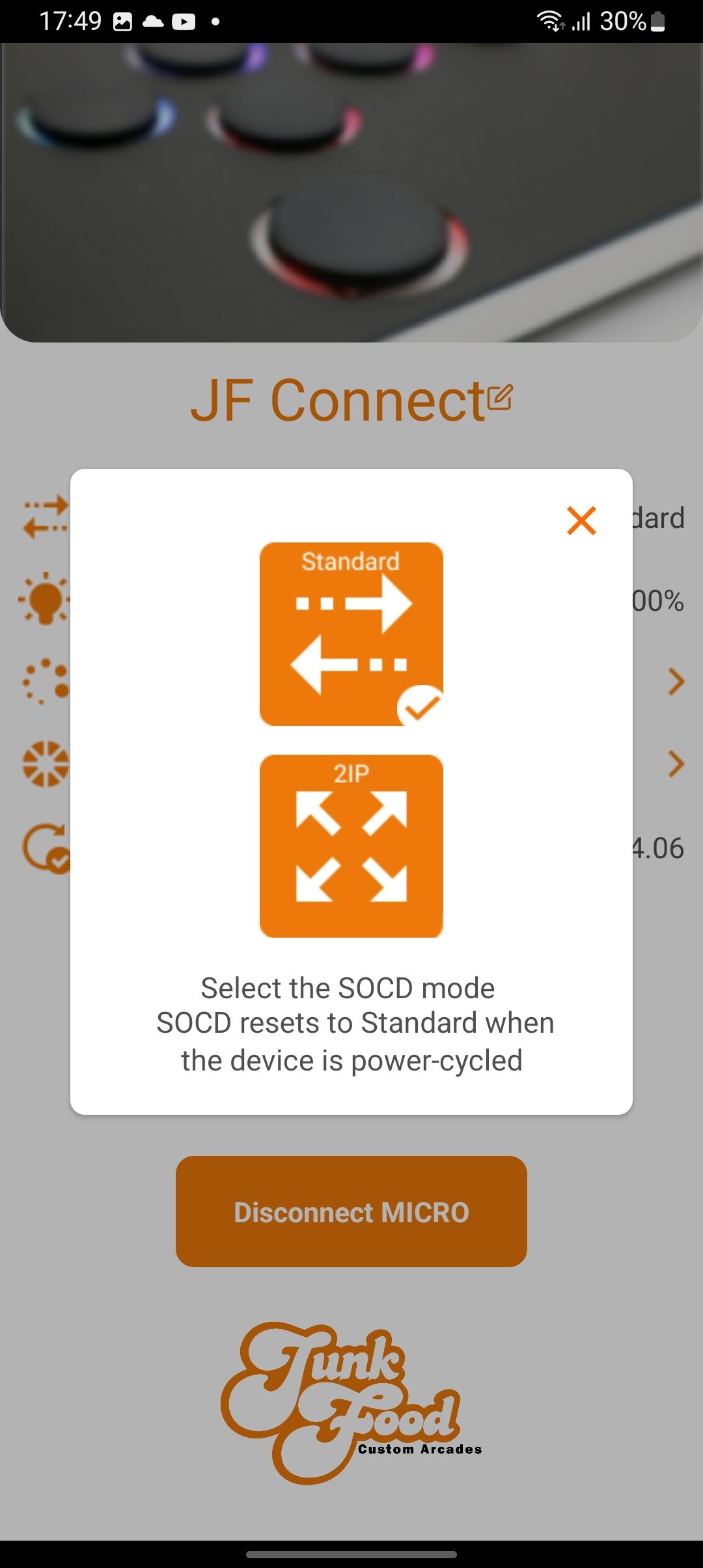
• Toggle between SOCD modes
• Adjust LED brightness
• Pick a primary/secondary LED colors
• Choose your favorite LED animation
• Update the Micro’s JFA firmware
Additional info:
The MICRO must be in edit mode to allow the app to change settings. This ensures that no one can change settings remotely without physical access to the device. To enter hold the edit mode button down while plugging in the USBC cable. Afterwards you can start the JF Connect app.
A video explaining the features of the app can be found on the JunkFood Arcades YouTube channel.
More features are planned for future updates! Stay tuned!
預覽
標籤
工具訊息
開發商
Junkfood Arcades
最新版本
3.33
更新時間
2023-10-06
類別
工具
同時可用
Google Play
更多
如何在電腦上用 GameLoop 玩 JF Connect
1. 從官網下載GameLoop,然後運行exe文件安裝GameLoop
2. 打開GameLoop,搜索“JF Connect”,在搜索結果中找到JF Connect,點擊“安裝”
3. 享受在 GameLoop 上玩 JF Connect 的樂趣
Minimum requirements
OS
Windows 8.1 64-bit or Windows 10 64-bit
GPU
GTX 1050
CPU
i3-8300
Memory
8GB RAM
Storage
1GB available space
Recommended requirements
OS
Windows 8.1 64-bit or Windows 10 64-bit
GPU
GTX 1050
CPU
i3-9320
Memory
16GB RAM
Storage
1GB available space