
Internet Blocker - No Root 電腦版
chargingwatts
用GameLoop模拟器在電腦上玩Internet Blocker - No Root
Internet Blocker - No Root 電腦版
來自發行商 chargingwatts 的 Internet Blocker - No Root 能夠在安卓系統上運行。
現在,您可以在電腦上使用 GameLoop 模擬器流暢地玩 Internet Blocker - No Root。
在 GameLoop 遊戲庫或搜索結果中下載。 不需要再暢玩遊戲時盯著電池電量或被令人懊惱的來電打斷。
只需在電腦大屏幕上免費下載暢玩Internet Blocker - No Root 電腦版!
Internet Blocker - No Root 簡介
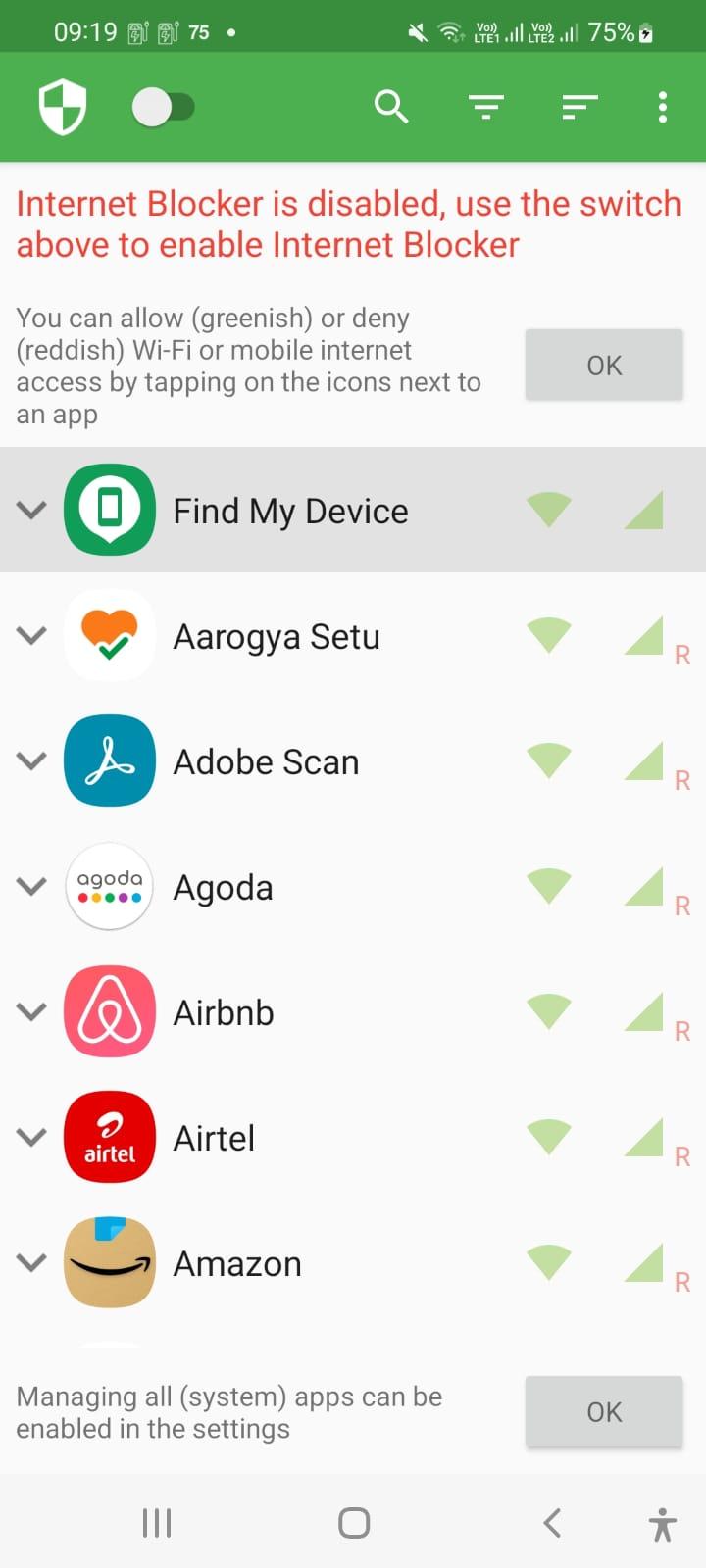
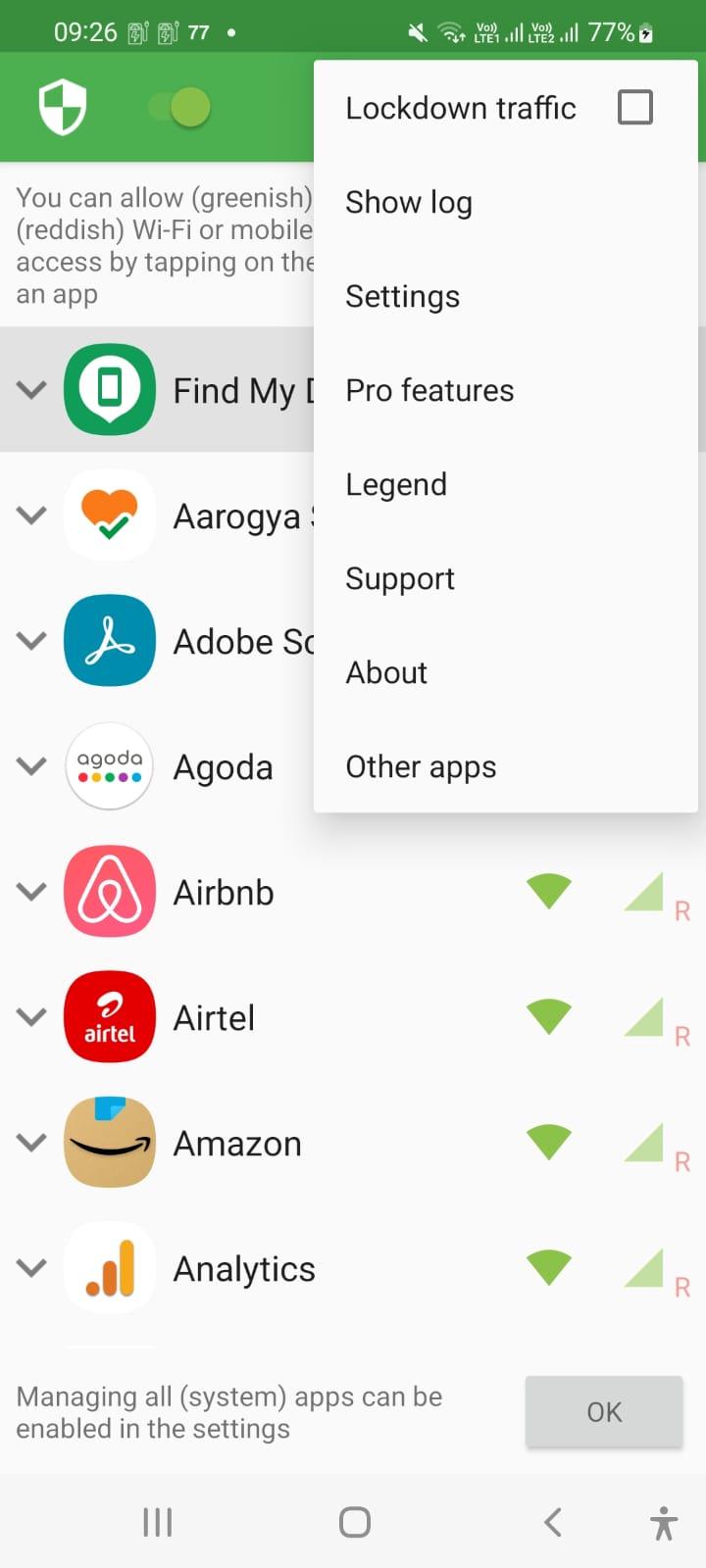
Internet Blocker provides simple and advanced ways to block access to the internet - no root required.
Applications and addresses can individually be allowed or denied access to your Wi-Fi and/or mobile connection.
Blocking access to the internet can help:
• reduce your data usage
• increase your privacy
Features:
• Simple to use
• 100% open source
• No root required
• No advertisements
• No calling home
• Actively developed and supported
• Android 5.1 and later supported
• IPv4/IPv6 TCP/UDP supported
• Tethering supported
• Optionally allow when screen on
• Optionally block when roaming
• Optionally block system applications
• Optionally notify when an application accesses the internet
• Optionally record network usage per application per address
There is no other no-root firewall offering all these features.
If you have a question or problem, you can send an e-mail to er.abhishek.luthra@gmail.com
All required permissions are described here: https://github.com/M66B/NetGuard/blob/master/FAQ.md#user-content-faq42
The source code is available here: https://github.com/M66B/NetGuard
預覽
標籤
工具訊息
開發商
chargingwatts
最新版本
1.8
更新時間
2022-07-06
類別
工具
同時可用
Google Play
更多
如何在電腦上用 GameLoop 玩 Internet Blocker - No Root
1. 從官網下載GameLoop,然後運行exe文件安裝GameLoop
2. 打開GameLoop,搜索“Internet Blocker - No Root”,在搜索結果中找到Internet Blocker - No Root,點擊“安裝”
3. 享受在 GameLoop 上玩 Internet Blocker - No Root 的樂趣
Minimum requirements
OS
Windows 8.1 64-bit or Windows 10 64-bit
GPU
GTX 1050
CPU
i3-8300
Memory
8GB RAM
Storage
1GB available space
Recommended requirements
OS
Windows 8.1 64-bit or Windows 10 64-bit
GPU
GTX 1050
CPU
i3-9320
Memory
16GB RAM
Storage
1GB available space