Image to PDF: PDF Converter 電腦版
TrustedApp
用GameLoop模拟器在電腦上玩Image to PDF: PDF Converter
Image to PDF: PDF Converter 電腦版
來自發行商 TrustedApp 的 Image to PDF: PDF Converter 能夠在安卓系統上運行。
現在,您可以在電腦上使用 GameLoop 模擬器流暢地玩 Image to PDF: PDF Converter。
在 GameLoop 遊戲庫或搜索結果中下載。 不需要再暢玩遊戲時盯著電池電量或被令人懊惱的來電打斷。
只需在電腦大屏幕上免費下載暢玩Image to PDF: PDF Converter 電腦版!
Image to PDF: PDF Converter 簡介
🚀 Turn Your Smartphone Into a Powerful Image to PDF Tool!
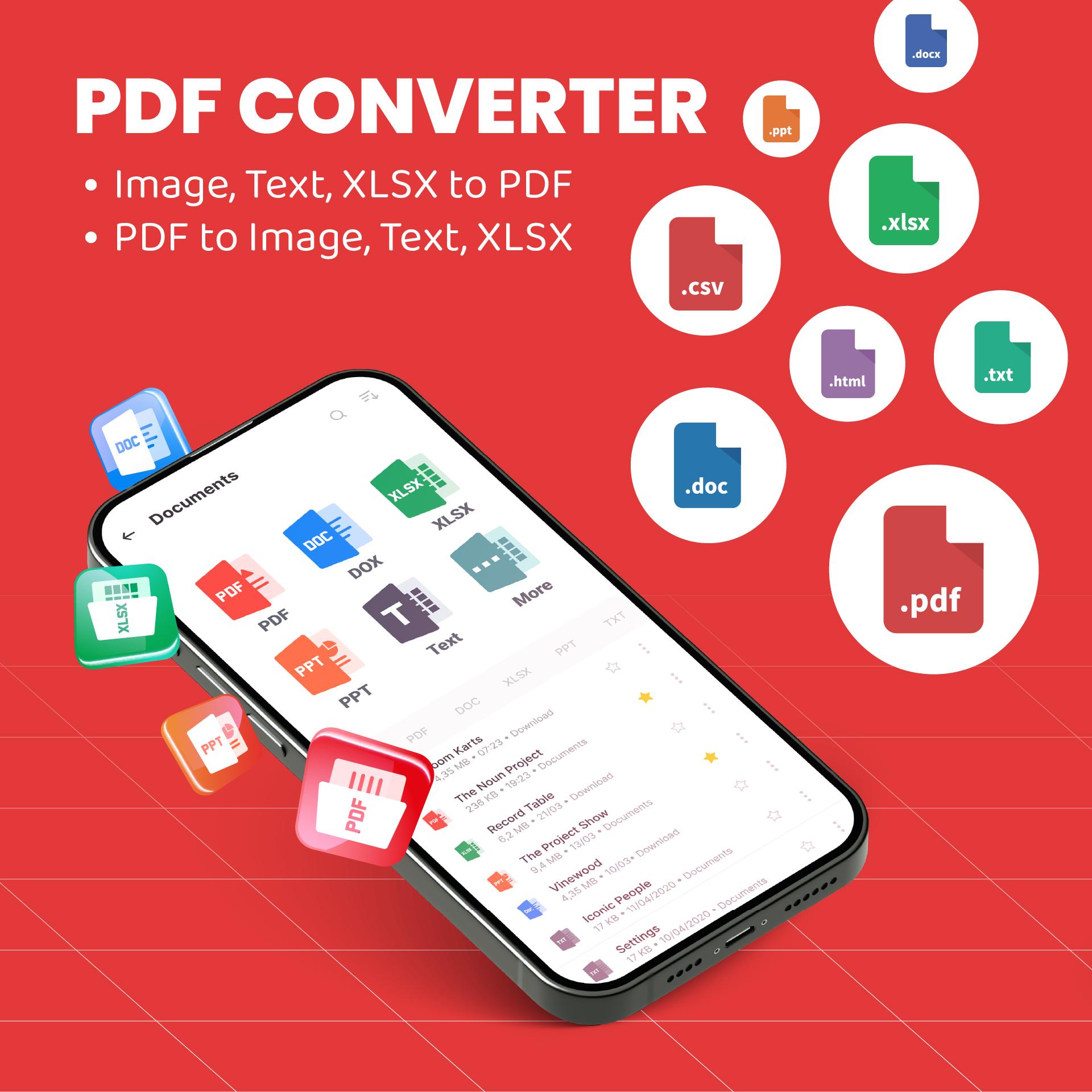
Transform your phone into an all-in-one PDF converter and document solution. Whether you need to convert image to PDF, image to PDF, JPG to PDF, or create files on the go, this PDF maker makes it fast and easy. Perfect for students, professionals, or anyone looking for a reliable PDF reader or file converter.
🔥 NEW: Smart Scanning and Conversion Features
🔸Snap and scan documents with text detection.
🔸Instantly convert to PDF, use text to PDF, or convert PDF to Word in seconds!
🔸Built-in PDF scanner and file scanner for smooth, fast scanning anytime.
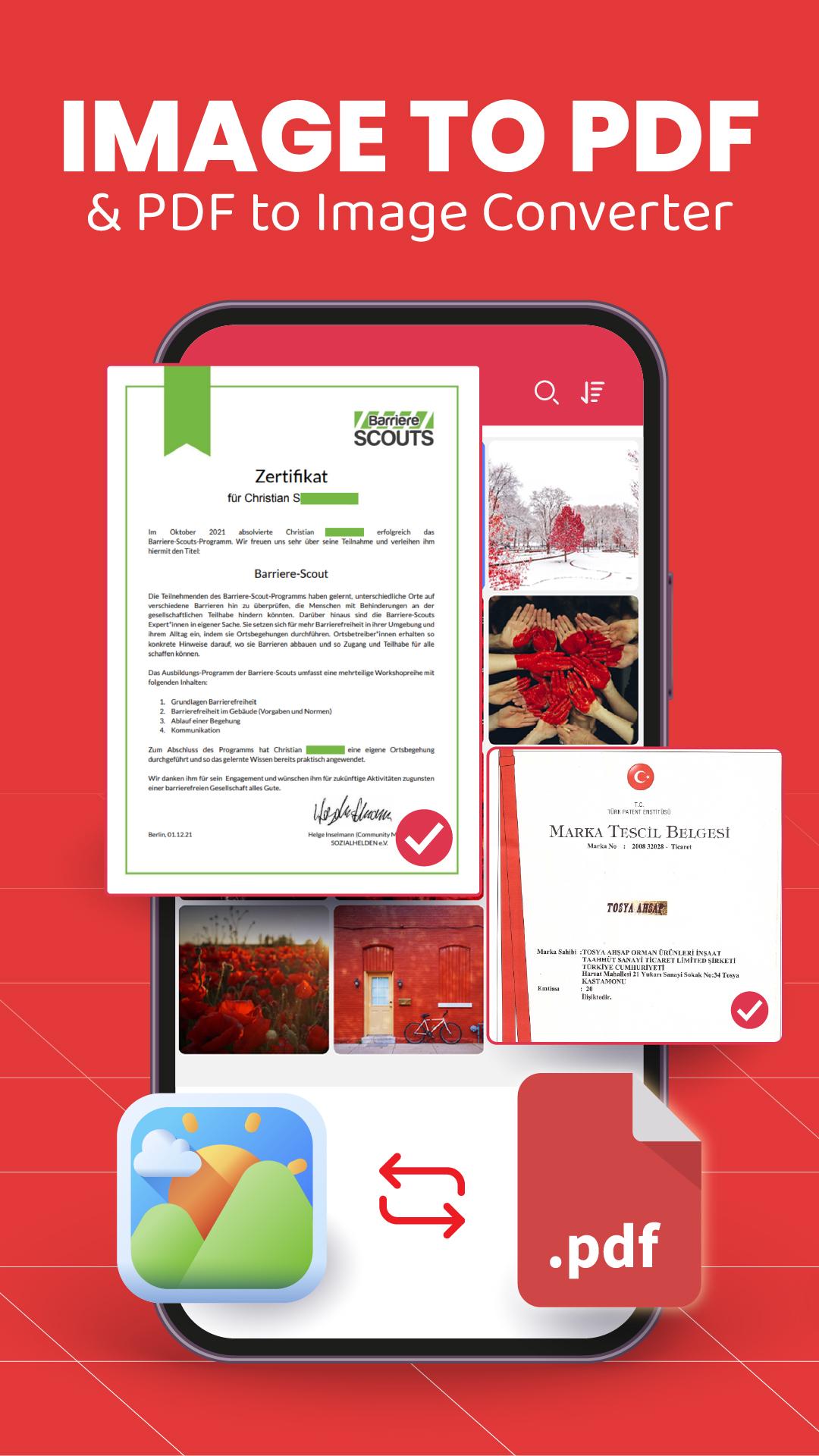
📸 Convert Images to PDF Easily
🔹Quickly convert image to PDF, photo to PDF, JPG to PDF, or use the PNG converter.
🔹Powerful photo to PDF convert scanner makes document scanning effortless.
🔹Use PDF reader and PDF viewer to scroll, zoom, search, and read PDF files with ease.
🔹Manage class assignments or business documents on the go.
✏️ Edit Documents Like a Pro
🔸Use the PDF editor to sign, annotate, highlight, and markup your PDFs.
🔸Edit documents and edit PDF content: add password protection, watermarks, or modify layouts.
🔸Merge, split, or rearrange files easily with the built-in document editor.
🔸Reliable document reader for quick access to any file, online or offline.
🔸Need to make PDF quickly? Our tools let you create and modify PDFs effortlessly.
📚 All-in-One PDF Reader and Viewer
🔹Enjoy smooth reading with the all PDF reader - featuring both dark and light modes.
🔹Bookmark key PDF photos, pages, or entire documents.
🔹Instantly read PDF files - even offline with complete PDF viewer functionality.
🛠️ Smart Tools Built-In
🔻One-tap scan documents and scan to PDF with automatic edge detection.
🔻Use the advanced file scanner or PDF scanner for high-quality scans.
🔻Print directly using print to PDF for maximum convenience.
🔻Full control with convert PDF, convert to PDF, convert image to PDF, and text to PDF options.
💼 Perfect For:
🔻Students who need to make PDF and convert image to PDF for assignments.
🔻Professionals using the app as a PDF converter, file converter, PDF scanner, or file scanner.
🔻Anyone simplifying paperwork with edit documents, convert PDF to Word, or document editor features.
📥 Why Users Love This App
🔺Seamless offline access - no internet required.
🔺Clean, intuitive design with fast file browsing.
🔺Handle every task, from convert to PDF to edit PDF, or even convert PDF to Word - all in one app.
➡️ Try Image to PDF: PDF Converter now and experience the smartest way to scan, view, create, and manage PDF files directly from your mobile!
預覽
標籤
工具效率提升訊息
開發商
TrustedApp
最新版本
3.2.17
更新時間
2025-08-21
類別
工具
同時可用
Google Play
更多
如何在電腦上用 GameLoop 玩 Image to PDF: PDF Converter
1. 從官網下載GameLoop,然後運行exe文件安裝GameLoop
2. 打開GameLoop,搜索“Image to PDF: PDF Converter”,在搜索結果中找到Image to PDF: PDF Converter,點擊“安裝”
3. 享受在 GameLoop 上玩 Image to PDF: PDF Converter 的樂趣
Minimum requirements
OS
Windows 8.1 64-bit or Windows 10 64-bit
GPU
GTX 1050
CPU
i3-8300
Memory
8GB RAM
Storage
1GB available space
Recommended requirements
OS
Windows 8.1 64-bit or Windows 10 64-bit
GPU
GTX 1050
CPU
i3-9320
Memory
16GB RAM
Storage
1GB available space