
HiQ OCR Screenshot Tool 電腦版
Firecracker Software LLC
用GameLoop模拟器在電腦上玩HiQ OCR Screenshot Tool
HiQ OCR Screenshot Tool 電腦版
來自發行商 Firecracker Software LLC 的 HiQ OCR Screenshot Tool 能夠在安卓系統上運行。
現在,您可以在電腦上使用 GameLoop 模擬器流暢地玩 HiQ OCR Screenshot Tool。
在 GameLoop 遊戲庫或搜索結果中下載。 不需要再暢玩遊戲時盯著電池電量或被令人懊惱的來電打斷。
只需在電腦大屏幕上免費下載暢玩HiQ OCR Screenshot Tool 電腦版!
HiQ OCR Screenshot Tool 簡介
Does your phone take blurry low resolution JPEG screenshots (Samsung device users, we’re talking to you)? HiQ OCR Screenshot Tool is the answer.
Our screenshot app is configured out of the box to take high resolution screenshots for our OCR apps such as Word Breaker and Snap Assist. These screenshots are crystal-clear, without the strange artifacts caused by JPEG compression.
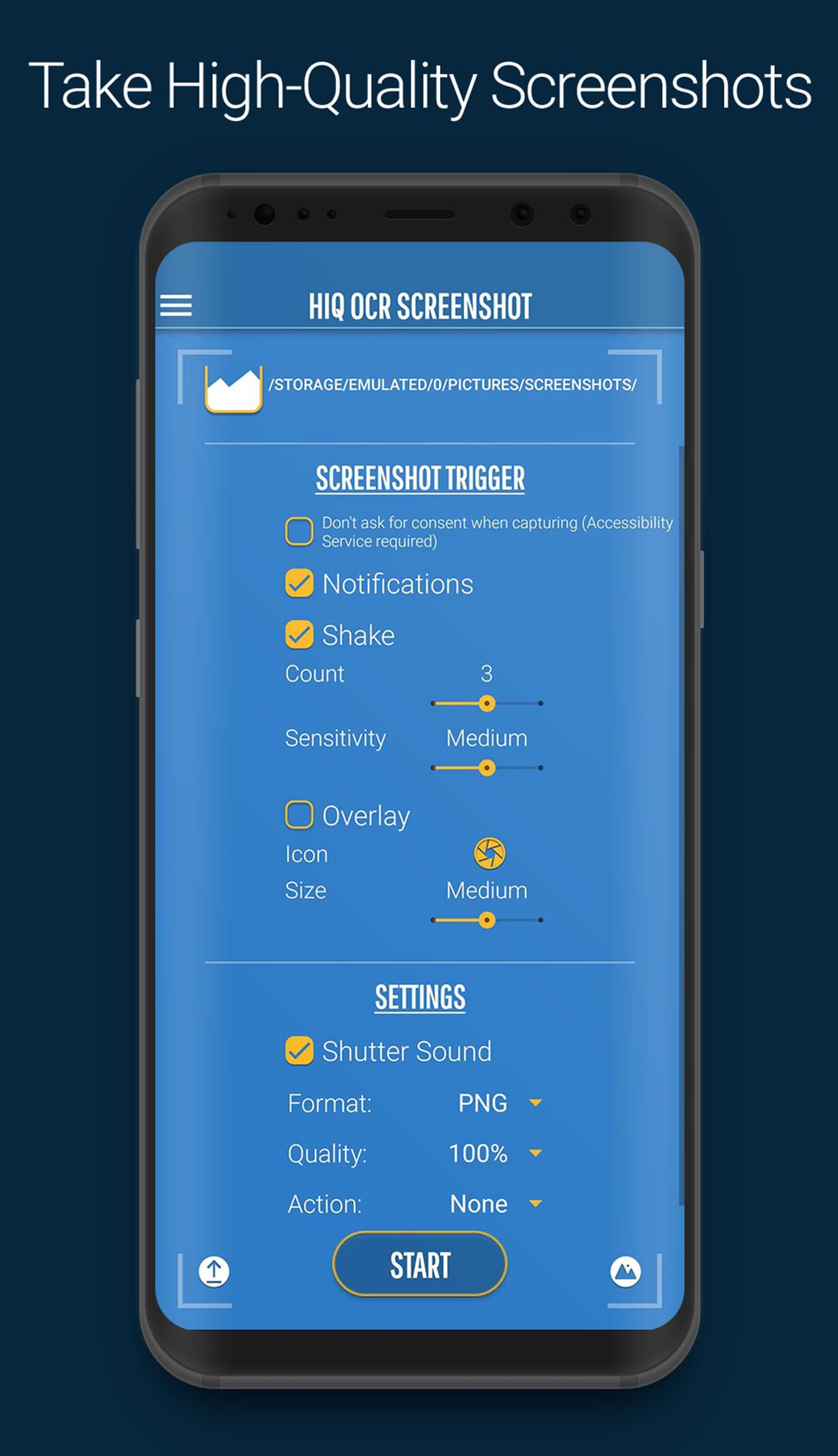
We offer 3 ways to take a screenshot.
1. Shake your device.
2. From the overlay button. (We even hide the overlay momentarily while taking the screenshot for a perfect snap every time.)
3. From the app’s notification.
Do you need more versatility? HiQ OCR Screenshot Tool can do more than just take perfect screenshots ready for OCR, it also offers:
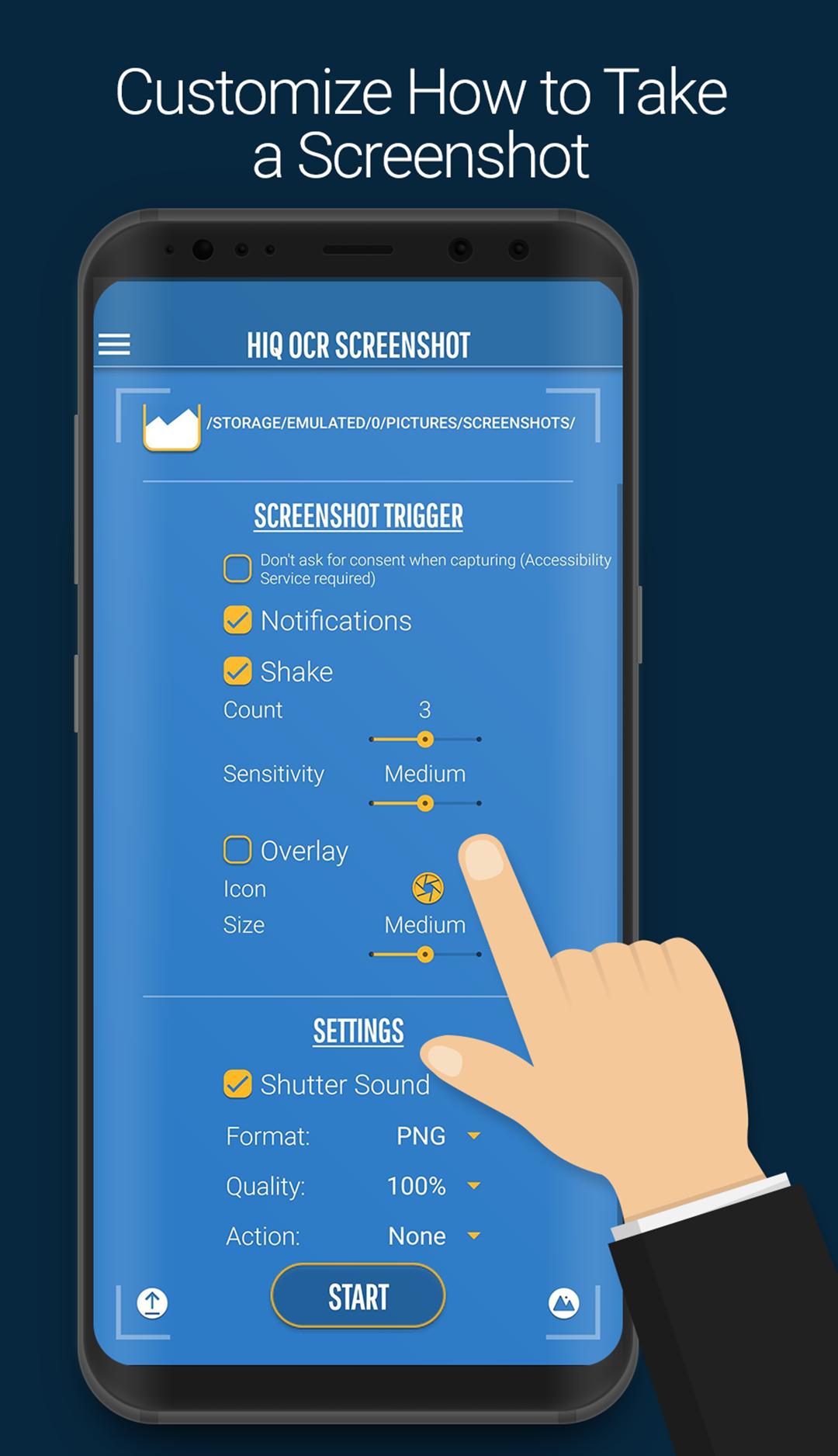
Full customization – choose your screenshot format (PNG, JPEG, WebP, HEIF) and adjust quality for perfect results.
Overlay controls – resize, reposition, and personalize the floating capture icon to fit your style.
Smarter actions – decide what happens after a screenshot: preview with a thumbnail, jump into our new viewer, or save silently.
Seamless screenshots – improved settings for Android 13+ ensure smoother use with accessibility services.
Permissions – our app requires a few permissions:
1) Read/Write permission to your SD Card. We require this permission to write our beautiful screenshots to your SD card.
2) Capture your screen. This is required to take a screenshot. Don’t worry—we aren’t recording all the time. We only record for a brief second, just enough for a single screenshot, and you can see when we’re recording because an icon briefly flashes in your notification drawer.
3) Draw on top of the screen permission. This permission is only necessary when you activate the overlay.
預覽
標籤
工具訊息
開發商
Firecracker Software LLC
最新版本
2.0.1
更新時間
2025-09-29
類別
工具
同時可用
Google Play
更多
如何在電腦上用 GameLoop 玩 HiQ OCR Screenshot Tool
1. 從官網下載GameLoop,然後運行exe文件安裝GameLoop
2. 打開GameLoop,搜索“HiQ OCR Screenshot Tool”,在搜索結果中找到HiQ OCR Screenshot Tool,點擊“安裝”
3. 享受在 GameLoop 上玩 HiQ OCR Screenshot Tool 的樂趣
Minimum requirements
OS
Windows 8.1 64-bit or Windows 10 64-bit
GPU
GTX 1050
CPU
i3-8300
Memory
8GB RAM
Storage
1GB available space
Recommended requirements
OS
Windows 8.1 64-bit or Windows 10 64-bit
GPU
GTX 1050
CPU
i3-9320
Memory
16GB RAM
Storage
1GB available space