
Chinese Pinyin-Zhuyin Convert 電腦版
Wateryan Studio
用GameLoop模拟器在電腦上玩Chinese Pinyin-Zhuyin Convert
Chinese Pinyin-Zhuyin Convert 電腦版
來自發行商 Wateryan Studio 的 Chinese Pinyin-Zhuyin Convert 能夠在安卓系統上運行。
現在,您可以在電腦上使用 GameLoop 模擬器流暢地玩 Chinese Pinyin-Zhuyin Convert。
在 GameLoop 遊戲庫或搜索結果中下載。 不需要再暢玩遊戲時盯著電池電量或被令人懊惱的來電打斷。
只需在電腦大屏幕上免費下載暢玩Chinese Pinyin-Zhuyin Convert 電腦版!
Chinese Pinyin-Zhuyin Convert 簡介
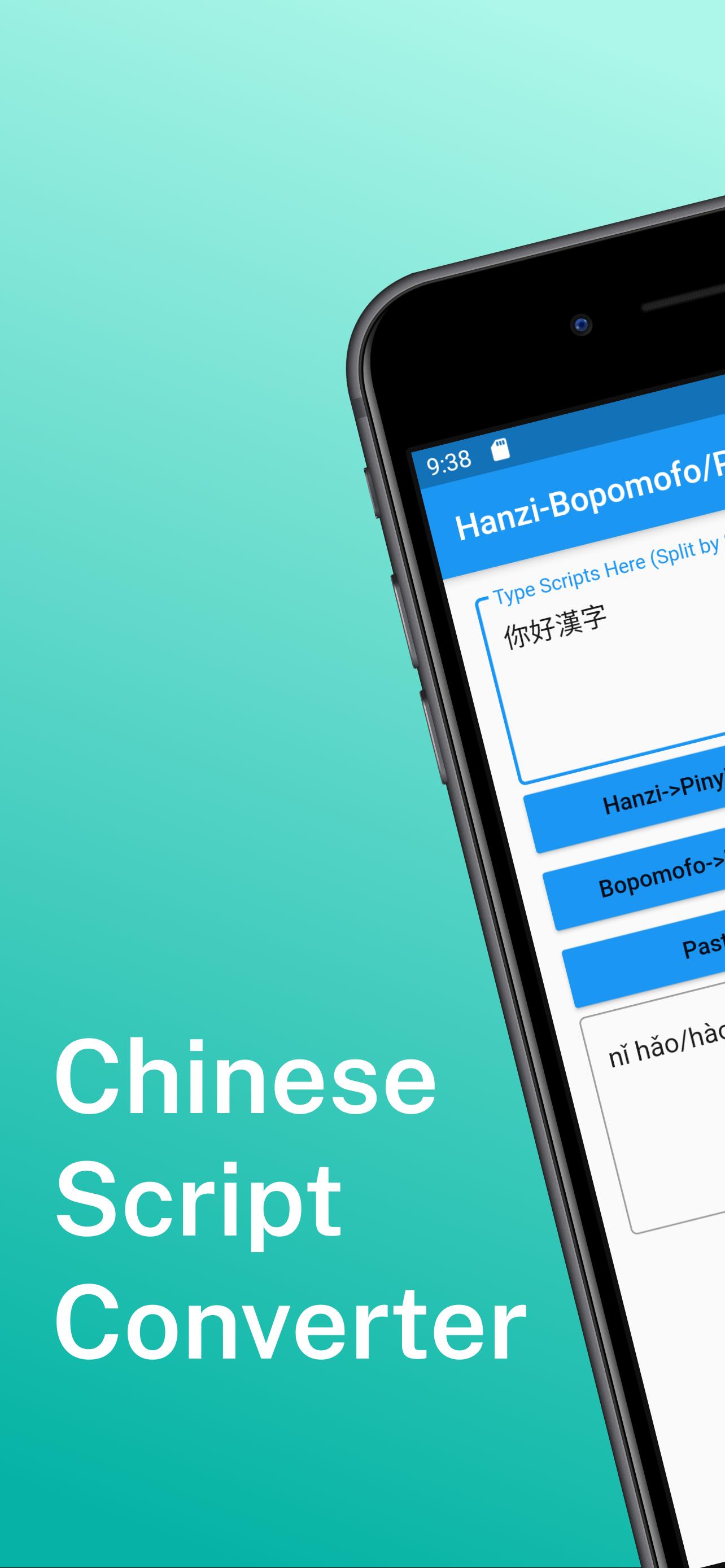
📘 Convert Chinese Between Pinyin and Bopomofo (Zhuyin) – Now with AI Sentence Generation
This app is designed for learners, educators, and everyday users who need a fast and intuitive way to convert Chinese text between Pinyin and Bopomofo (Zhuyin).
📌 Key Features:
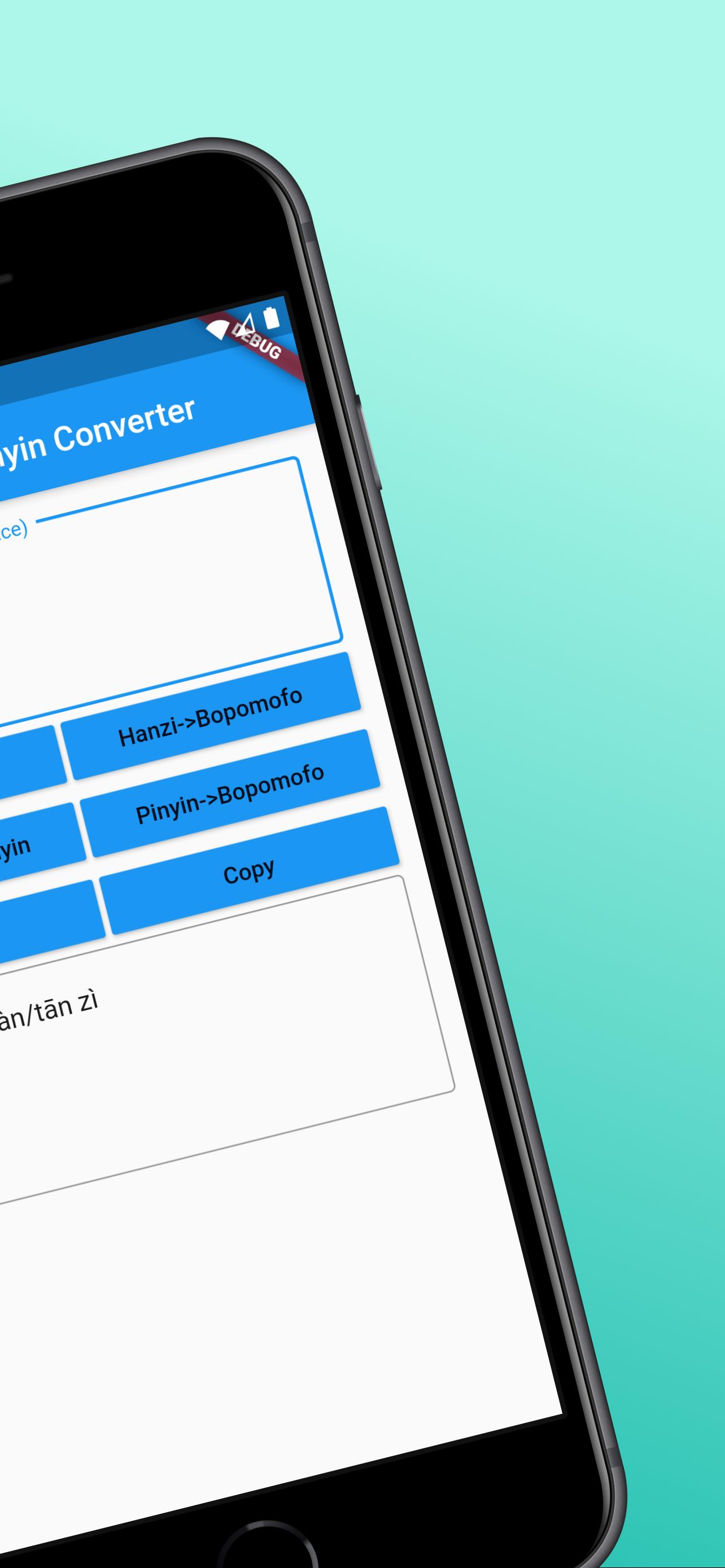
Convert Hanzi to Pinyin (with tone and auto-segmentation)
Convert Hanzi to Bopomofo (Zhuyin) (with tone and auto-segmentation)
Bidirectional conversion between Pinyin and Bopomofo (Zhuyin)
One-tap copy for easy sharing
No account required, clean and user-friendly interface
Pinyin and Bopomofo conversion works offline; AI sentence generation requires internet access
🧠 New: AI-Powered Sentence Generator
Just enter a word or phrase and get natural example sentences in Chinese – great for learning real-world usage.
🌟 Upgrade to Pro to unlock more:
Remove all ads for a distraction-free experience
Generate up to 200 AI sentences per day
Save your last 100 conversion results
Have feedback or questions? Leave a review on Google Play or contact us via the email listed on our store page.
Design support by hotpot.ai
預覽
標籤
工具訊息
開發商
Wateryan Studio
最新版本
3.0.2
更新時間
2025-06-20
類別
工具
同時可用
Google Play
更多
如何在電腦上用 GameLoop 玩 Chinese Pinyin-Zhuyin Convert
1. 從官網下載GameLoop,然後運行exe文件安裝GameLoop
2. 打開GameLoop,搜索“Chinese Pinyin-Zhuyin Convert”,在搜索結果中找到Chinese Pinyin-Zhuyin Convert,點擊“安裝”
3. 享受在 GameLoop 上玩 Chinese Pinyin-Zhuyin Convert 的樂趣
Minimum requirements
OS
Windows 8.1 64-bit or Windows 10 64-bit
GPU
GTX 1050
CPU
i3-8300
Memory
8GB RAM
Storage
1GB available space
Recommended requirements
OS
Windows 8.1 64-bit or Windows 10 64-bit
GPU
GTX 1050
CPU
i3-9320
Memory
16GB RAM
Storage
1GB available space