
FTDI UART Terminal 電腦版
Future Technology Devices International Ltd
用GameLoop模拟器在電腦上玩FTDI UART Terminal
FTDI UART Terminal 電腦版
來自發行商 Future Technology Devices International Ltd 的 FTDI UART Terminal 能夠在安卓系統上運行。
現在,您可以在電腦上使用 GameLoop 模擬器流暢地玩 FTDI UART Terminal。
在 GameLoop 遊戲庫或搜索結果中下載。 不需要再暢玩遊戲時盯著電池電量或被令人懊惱的來電打斷。
只需在電腦大屏幕上免費下載暢玩FTDI UART Terminal 電腦版!
FTDI UART Terminal 簡介
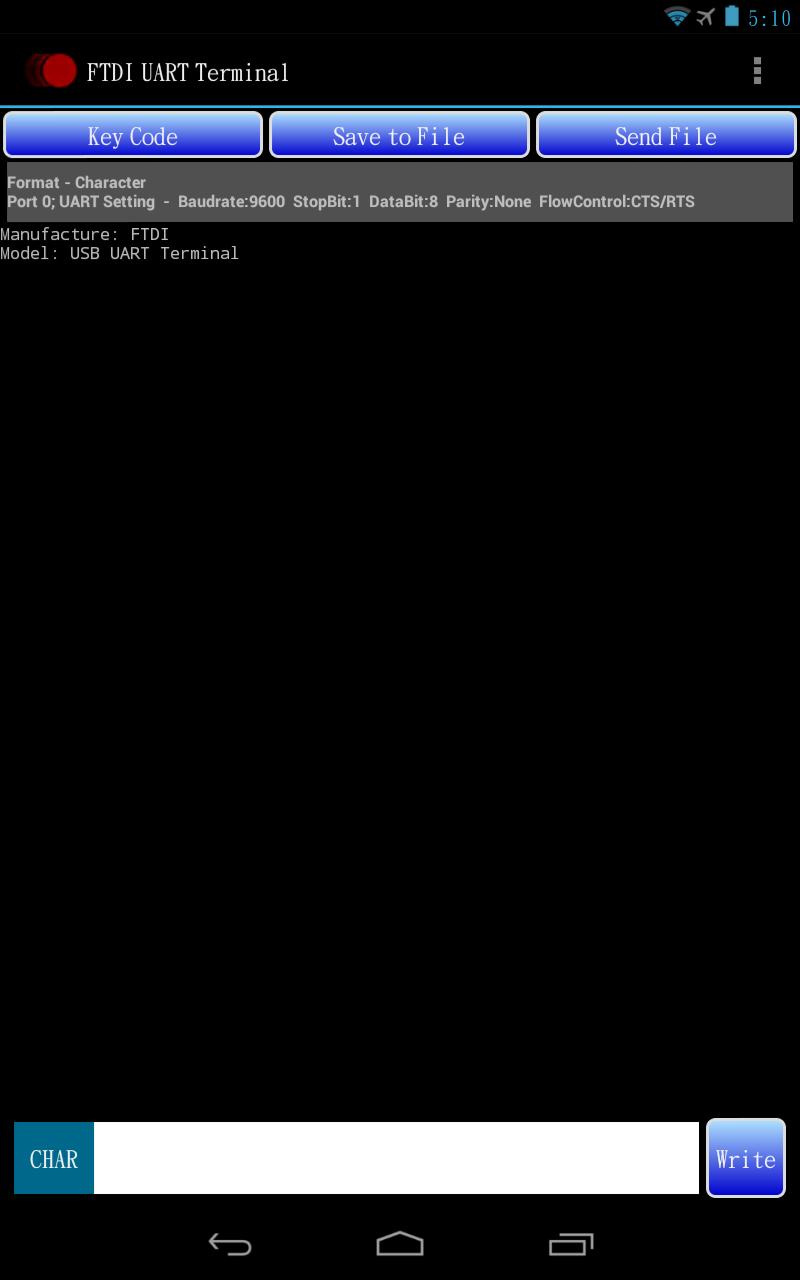
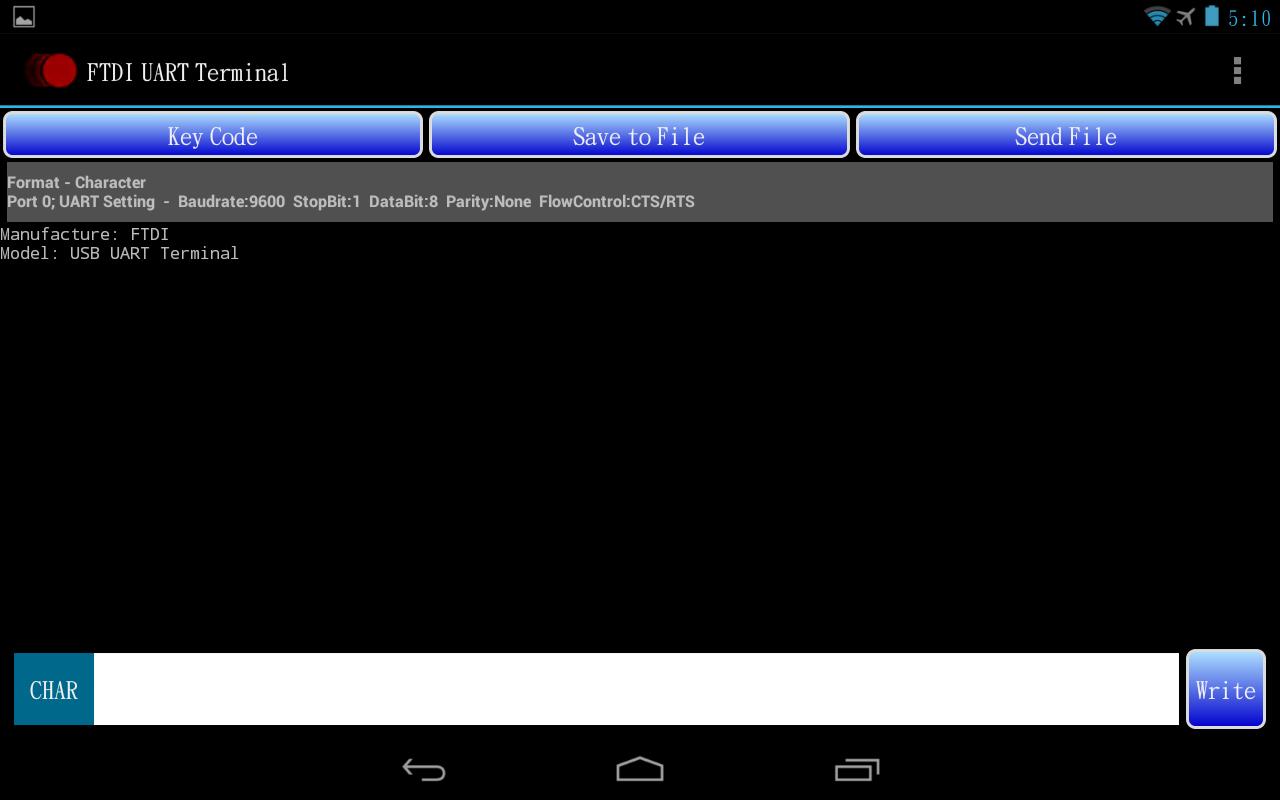
FTDI USB to UART COM Port Utility.
This utility is for use with FTDI USB to UART devices. The utility provides a terminal emulation function for use on Android devices. The Android system must use Android OS version 3.2 or later and provide a USB host port.
Features
• The application will open automatically when you plug in supported FTDI device controller like FT232R, FT245R, FT232H, FT2232D, FT2232H, FT4232H and FT230X, FT231X...
• It supports FTDI USB TTL Serial, USB RS232 and USB Hi-Speed cables.
• Suitable for use on any Android platform with Android v3.2 and later versions.
• Provide general terminal UART utility; easily adaptable to a console function.
• Support CTS/RTS, DTR/DSR and XOFF/XON Flow controls.
• Support Baud from 300 to 921600.
• Save file and Send file functions support XModem, YModem and ZModem file transfer protocols.
• USB Plug and Play.
• USB 2.0 Full Speed compatible.
預覽
標籤
工具訊息
開發商
Future Technology Devices International Ltd
最新版本
1.6
更新時間
2023-11-29
類別
工具
同時可用
Google Play
更多
如何在電腦上用 GameLoop 玩 FTDI UART Terminal
1. 從官網下載GameLoop,然後運行exe文件安裝GameLoop
2. 打開GameLoop,搜索“FTDI UART Terminal”,在搜索結果中找到FTDI UART Terminal,點擊“安裝”
3. 享受在 GameLoop 上玩 FTDI UART Terminal 的樂趣
Minimum requirements
OS
Windows 8.1 64-bit or Windows 10 64-bit
GPU
GTX 1050
CPU
i3-8300
Memory
8GB RAM
Storage
1GB available space
Recommended requirements
OS
Windows 8.1 64-bit or Windows 10 64-bit
GPU
GTX 1050
CPU
i3-9320
Memory
16GB RAM
Storage
1GB available space