
Forward and Sync SMS 電腦版
DimonVideo
用GameLoop模拟器在電腦上玩Forward and Sync SMS
Forward and Sync SMS 電腦版
來自發行商 DimonVideo 的 Forward and Sync SMS 能夠在安卓系統上運行。
現在,您可以在電腦上使用 GameLoop 模擬器流暢地玩 Forward and Sync SMS。
在 GameLoop 遊戲庫或搜索結果中下載。 不需要再暢玩遊戲時盯著電池電量或被令人懊惱的來電打斷。
只需在電腦大屏幕上免費下載暢玩Forward and Sync SMS 電腦版!
Forward and Sync SMS 簡介
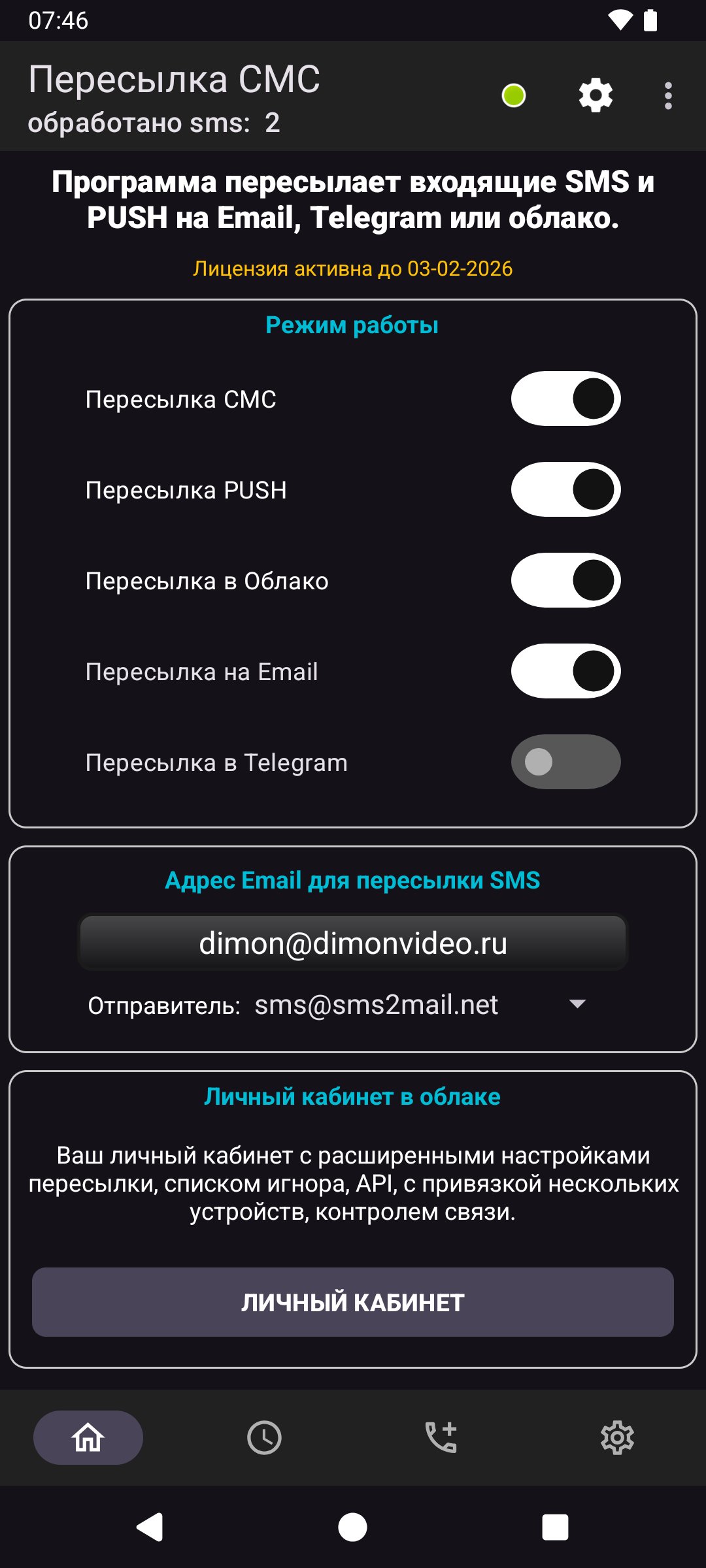
Forward and Backup SMS automatically forwards incoming SMS messages to Email, Telegram, or your secure cloud account for real-time access across all your devices.
The app uses a foreground service to ensure reliable, instant SMS forwarding. This foreground service runs only when SMS forwarding is enabled by the user and displays a persistent notification indicating that SMS forwarding is active.
Why foreground service is required:
The foreground service ensures that incoming SMS messages are processed and forwarded immediately, even when the app is not open. Without the foreground service, Android may stop or delay message processing, causing missed or delayed forwarding.
The foreground service:
Is started only after the user enables SMS forwarding in app settings
Shows a visible notification while active
Can be stopped anytime by the user from the app or notification
Runs only while forwarding is enabled
Is essential to provide reliable real-time SMS forwarding
Required permissions:
RECEIVE_SMS — Detect incoming SMS messages for forwarding
FOREGROUND_SERVICE_REMOTE_MESSAGING — Enables real-time SMS forwarding using a foreground service
POST_NOTIFICATIONS — Displays status notifications so the user knows forwarding is active
RECEIVE_BOOT_COMPLETED — Restores forwarding after device restart, if enabled by user
Data usage and privacy:
SMS messages are used only for forwarding to destinations configured by the user
Messages are transmitted securely to https://sms2mail.net
only to enable delivery to Email or Telegram
No messages are shared, sold, or used for advertising
The app does not collect contacts or unrelated personal data
User control and transparency:
SMS forwarding must be explicitly enabled by the user
A persistent notification clearly indicates when forwarding is active
Users can stop forwarding at any time
The foreground service runs only when necessary
Privacy Policy:
https://sms2mail.net/private_policy_sms2web.htm
預覽

標籤
工具訊息
開發商
DimonVideo
最新版本
10.3-google
更新時間
2026-06-16
類別
工具
同時可用
Google Play
更多
如何在電腦上用 GameLoop 玩 Forward and Sync SMS
1. 從官網下載GameLoop,然後運行exe文件安裝GameLoop
2. 打開GameLoop,搜索“Forward and Sync SMS”,在搜索結果中找到Forward and Sync SMS,點擊“安裝”
3. 享受在 GameLoop 上玩 Forward and Sync SMS 的樂趣
Minimum requirements
OS
Windows 8.1 64-bit or Windows 10 64-bit
GPU
GTX 1050
CPU
i3-8300
Memory
8GB RAM
Storage
1GB available space
Recommended requirements
OS
Windows 8.1 64-bit or Windows 10 64-bit
GPU
GTX 1050
CPU
i3-9320
Memory
16GB RAM
Storage
1GB available space