Floating Clock On Screen 電腦版
Expressway Apps
用GameLoop模拟器在電腦上玩Floating Clock On Screen
Floating Clock On Screen 電腦版
來自發行商 Expressway Apps 的 Floating Clock On Screen 能夠在安卓系統上運行。
現在,您可以在電腦上使用 GameLoop 模擬器流暢地玩 Floating Clock On Screen。
在 GameLoop 遊戲庫或搜索結果中下載。 不需要再暢玩遊戲時盯著電池電量或被令人懊惱的來電打斷。
只需在電腦大屏幕上免費下載暢玩Floating Clock On Screen 電腦版!
Floating Clock On Screen 簡介
⏰ See Time Anytime with a Floating Clock Overlay
Floating Clock On Screen keeps a floating clock overlay and clock on screen visible while using apps. Whether you're gaming, studying, watching videos, or working, the floating clock stays visible so you can check time instantly.
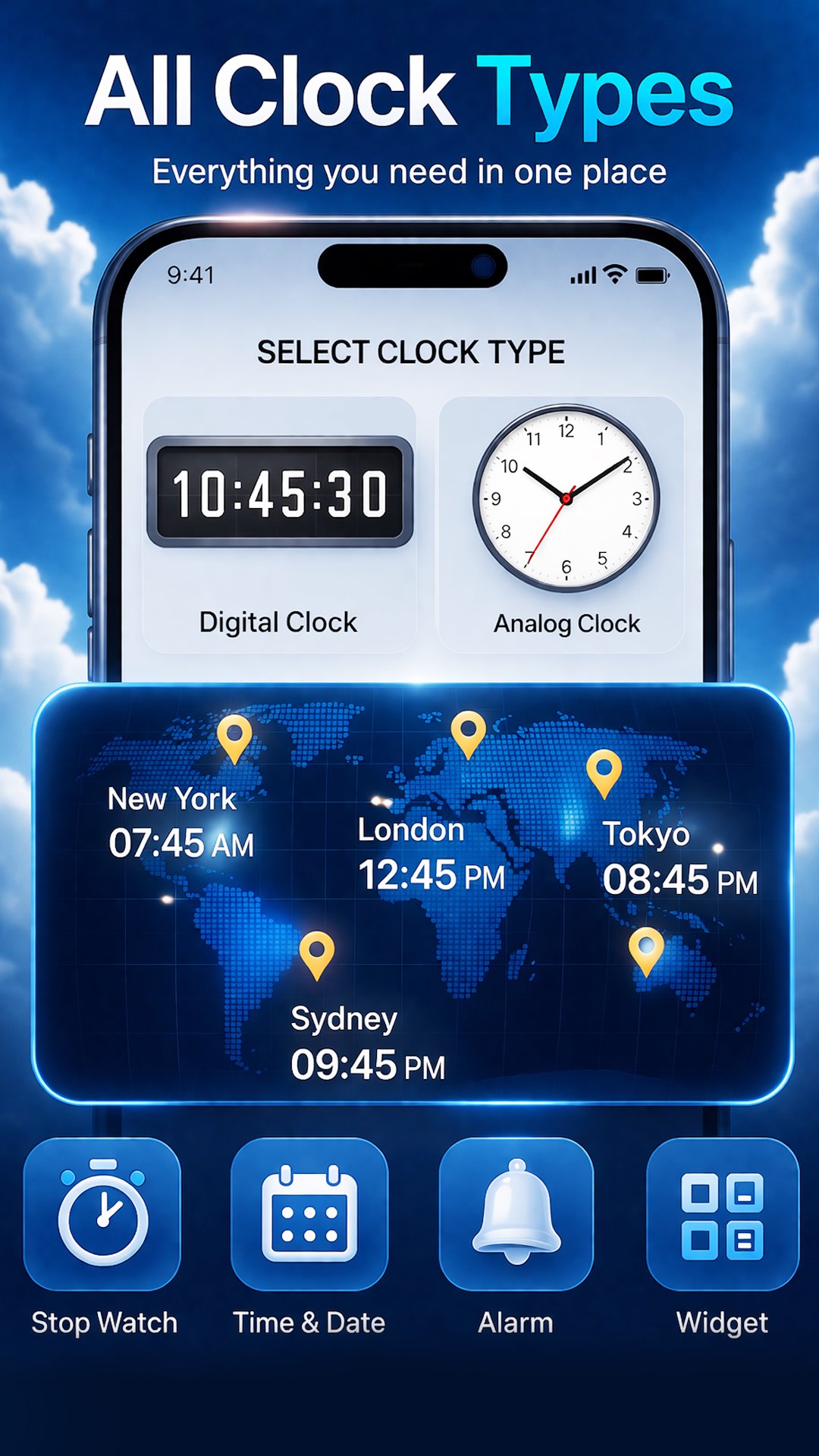
This lightweight clock overlay app includes a digital clock, analog clock, world clock widget, floating timer, stopwatch, alarm, and screensaver mode to help you stay organized.
Perfect for multitasking, gaming, studying, workouts, and daily productivity with a floating clock on screen.
━━━━━━━━━━━━━━━━
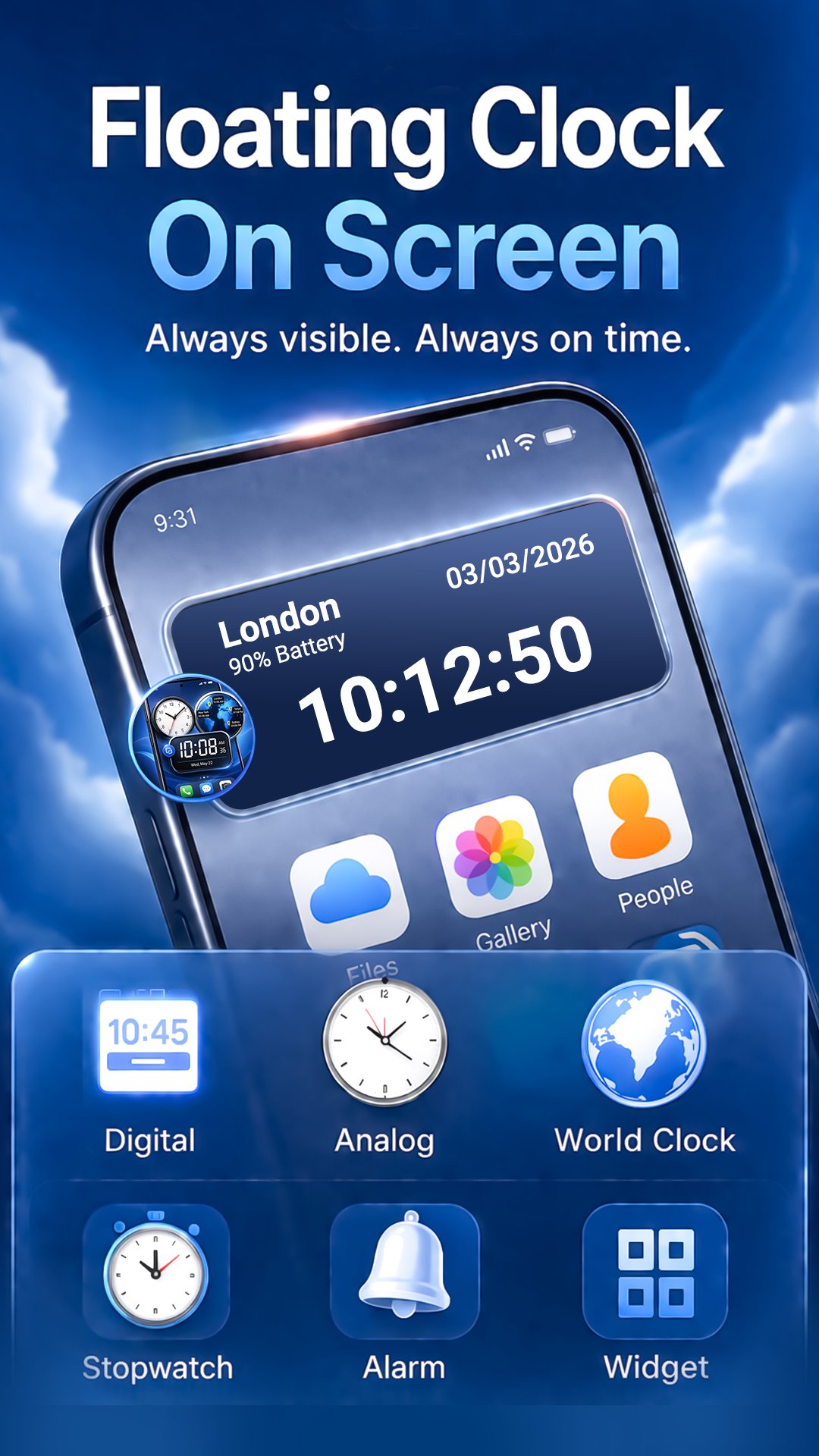
🕒 Floating Clock Overlay
Keep time visible anytime with a movable floating clock overlay.
• Clock visible above apps
• Move the screen clock anywhere
• Simple enable or disable control
• Smooth lightweight floating widget
Use it as an always on display clock or always on screen clock while multitasking.
━━━━━━━━━━━━━━━━
🕒 Digital Floating Clock
A simple digital clock widget overlay.
• Real-time digital clock overlay
• Date and time zone display
• Optional seconds display
• Battery percentage indicator
• 12-hour and 24-hour formats
━━━━━━━━━━━━━━━━
🕰 Analog Floating Clock
Prefer a classic look? Use the analog clock.
• Analog clock overlay
• Movable floating design
• Custom clock colors
• Adjustable clock size
━━━━━━━━━━━━━━━━
🌍 World Clock Widget – Multiple Time Zones
Track global time easily.
• Add multiple cities and time zones
• Each clock shows its own time
• Ideal for travel or global work
━━━━━━━━━━━━━━━━
⏳ Floating Timer on Screen
Use a timer while using apps.
• Countdown timer overlay
• Set timer duration easily
• Works without closing apps
Great for study, workouts, cooking, and productivity.
━━━━━━━━━━━━━━━━
⏱ Floating Stopwatch
Measure time with a stopwatch on screen.
• Fast floating stopwatch
• Visible while multitasking
• Ideal for workouts and tasks
━━━━━━━━━━━━━━━━
⏰ Floating Alarm System
Stay on schedule with alarms.
• Easy alarm scheduling
• Repeat day options
• Custom ringtone selection
• Alarm history management
━━━━━━━━━━━━━━━━
🎨 Clock Customization
Customize your floating clock.
• Adjust text size and padding
• Rounded corners and layout options
• Font and background colors
• Multiple font styles
• Camera or gallery backgrounds
Create a unique clock style.
━━━━━━━━━━━━━━━━
🖥 Clock Screensaver Mode
Turn your device into a clock screensaver or night clock.
• Multiple screensaver styles
• 12-hour or 24-hour format
• Auto start when locked or charging
• Adjustable brightness
• Customize font, color, and size
• Custom background colors
Perfect as a night clock, charging clock, bedside clock, or desk clock.
━━━━━━━━━━━━━━━━
⚙️ Easy Floating Controls
• Enable or disable floating clock quickly
• Control timer, stopwatch, and overlays
• Simple interface
━━━━━━━━━━━━━━━━
🔐 Permissions Required
SYSTEM_ALERT_WINDOW
Required to show floating clock and overlays above apps.
If not allowed: Floating tools will not appear.
CAMERA
Allows capturing photos for clock backgrounds.
If not allowed: Camera images cannot be used.
REQUEST_IGNORE_BATTERY_OPTIMIZATIONS
Keeps clock running after restart.
If not allowed: Updates may stop.
FOREGROUND_SERVICE_SPECIAL_USE
Allows floating clock and screensaver to run in background.
If not allowed: Features may stop.
POST_NOTIFICATIONS
Required for alarm alerts.
If not allowed: Notifications may not be delivered.
READ_MEDIA_AUDIO
Allows custom alarm ringtones.
If not allowed: Cannot select ringtones.
━━━━━━━━━━━━━━━━
⭐ Why Users Love This Floating Clock App
• Always visible clock on screen
• Floating timer and stopwatch
• Multiple time zones
• Customizable clocks
• Clock screensaver
• Lightweight and easy to use
━━━━━━━━━━━━━━━━
Install now and keep your floating clock, timer, stopwatch, and world clock visible anytime.
Stay in control of your time with a floating clock always visible on your screen.
預覽
標籤
工具訊息
開發商
Expressway Apps
最新版本
1.69
更新時間
2026-05-09
類別
工具
同時可用
Google Play
更多
如何在電腦上用 GameLoop 玩 Floating Clock On Screen
1. 從官網下載GameLoop,然後運行exe文件安裝GameLoop
2. 打開GameLoop,搜索“Floating Clock On Screen”,在搜索結果中找到Floating Clock On Screen,點擊“安裝”
3. 享受在 GameLoop 上玩 Floating Clock On Screen 的樂趣
Minimum requirements
OS
Windows 8.1 64-bit or Windows 10 64-bit
GPU
GTX 1050
CPU
i3-8300
Memory
8GB RAM
Storage
1GB available space
Recommended requirements
OS
Windows 8.1 64-bit or Windows 10 64-bit
GPU
GTX 1050
CPU
i3-9320
Memory
16GB RAM
Storage
1GB available space