Fix Play Store & Play Services 電腦版
Dollar Colony
用GameLoop模拟器在電腦上玩Fix Play Store & Play Services
Fix Play Store & Play Services 電腦版
來自發行商 Dollar Colony 的 Fix Play Store & Play Services 能夠在安卓系統上運行。
現在,您可以在電腦上使用 GameLoop 模擬器流暢地玩 Fix Play Store & Play Services。
在 GameLoop 遊戲庫或搜索結果中下載。 不需要再暢玩遊戲時盯著電池電量或被令人懊惱的來電打斷。
只需在電腦大屏幕上免費下載暢玩Fix Play Store & Play Services 電腦版!
Fix Play Store & Play Services 簡介
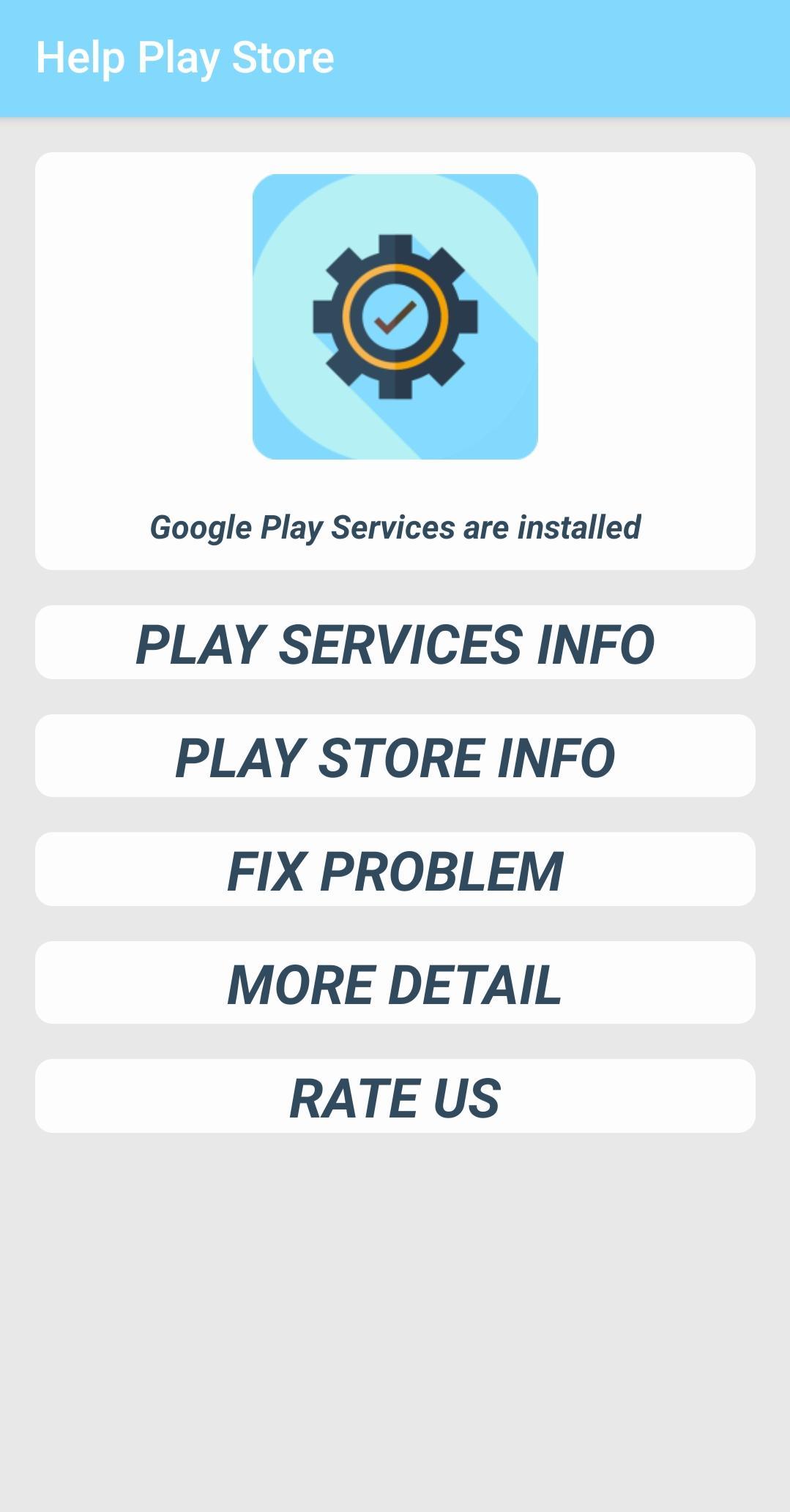
This app helps you to know the version of your google play services & Google Playstore, you can see the date of installation of the Play Services & Play Store and also the date of the last update.
You can fix "Google Play Services has stopped" errors, "Google Play Store has stopped" errors & any other apps install or update error, open the app info & select "clear cache" or "clear data".
&
To fix "Google Play Services has stopped" errors, try opening the play services info dialog and select "clear cache". If that does not work, try the "uninstall updates" option. Then download and re-install the latest version of the Google Play services using the Play Store link.
預覽
標籤
工具訊息
開發商
Dollar Colony
最新版本
1.0
更新時間
2019-12-26
類別
工具
同時可用
Google Play
更多
如何在電腦上用 GameLoop 玩 Fix Play Store & Play Services
1. 從官網下載GameLoop,然後運行exe文件安裝GameLoop
2. 打開GameLoop,搜索“Fix Play Store & Play Services”,在搜索結果中找到Fix Play Store & Play Services,點擊“安裝”
3. 享受在 GameLoop 上玩 Fix Play Store & Play Services 的樂趣
Minimum requirements
OS
Windows 8.1 64-bit or Windows 10 64-bit
GPU
GTX 1050
CPU
i3-8300
Memory
8GB RAM
Storage
1GB available space
Recommended requirements
OS
Windows 8.1 64-bit or Windows 10 64-bit
GPU
GTX 1050
CPU
i3-9320
Memory
16GB RAM
Storage
1GB available space