File Explorer & FileManager 電腦版
Softable Tech Studio
用GameLoop模拟器在電腦上玩File Explorer & FileManager
File Explorer & FileManager 電腦版
來自發行商 Softable Tech Studio 的 File Explorer & FileManager 能夠在安卓系統上運行。
現在,您可以在電腦上使用 GameLoop 模擬器流暢地玩 File Explorer & FileManager。
在 GameLoop 遊戲庫或搜索結果中下載。 不需要再暢玩遊戲時盯著電池電量或被令人懊惱的來電打斷。
只需在電腦大屏幕上免費下載暢玩File Explorer & FileManager 電腦版!
File Explorer & FileManager 簡介
In search of a well-functional and powerful file manager?🤔
File explorer is here to assist
SD Card Reader - File Manager is a simple but powerful file explorer, manager, and file organizer. Quickly open files, manage files, and rename files. The app is ideal for users who want something simple.
💥EASILY VIEW FILES
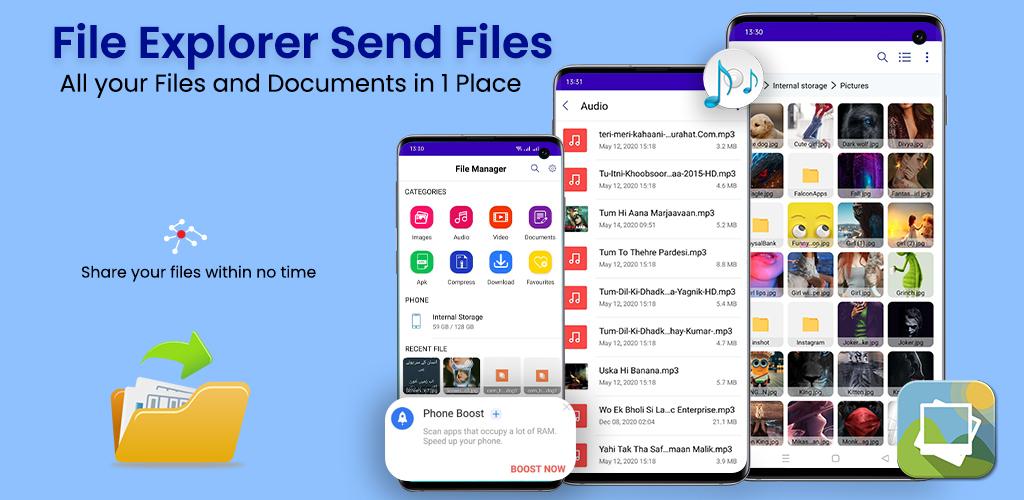
You can browse files using this file transfer app by browsing by directory structure or category. Files can be searched easily. It is an external mobile file organizer that offers functions such as delete, copy & paste, chop, navigation, explore, download, search, compress, rename, transfer, decompress, transfer, file transfer and much more.
💥SECURE
With this file organizer, we've added multiple security options like hiding specific items, password protecting specific apps, etc. You can choose from the pin, pattern, or fingerprint security methods. Simple file organizer is an external file transfer app that maintains your privacy by not requiring an internet connection.
💥CATEGORIES FILE TYPES
With the files manager app, files cannot be hidden on the mobile device. Finding and categorizing files is so simple. Among other features, the site offers global search, opening, unzipping, deleting, sharing, moving, copy-pasting, and renaming.
💥EXPLORE, ORGANIZE & COMPRESS
Easy organizing, compressing, converting media files in a few taps with File Explorer & File Manager, SD Card Reader. There are also features related to file transfer, file manager, organizer, and explorer in the file transfer app. You can select just a few folders that you want to access quickly - and customize how they appear.
💥SORTING METRICS
Different metrics are gathered by the file organizer and file explorer in order to sort and organize your phone. Copy the path of the selected folder by long-pressing and holding it. Choose ascending or descending folders.
💥INFORMATION STORED
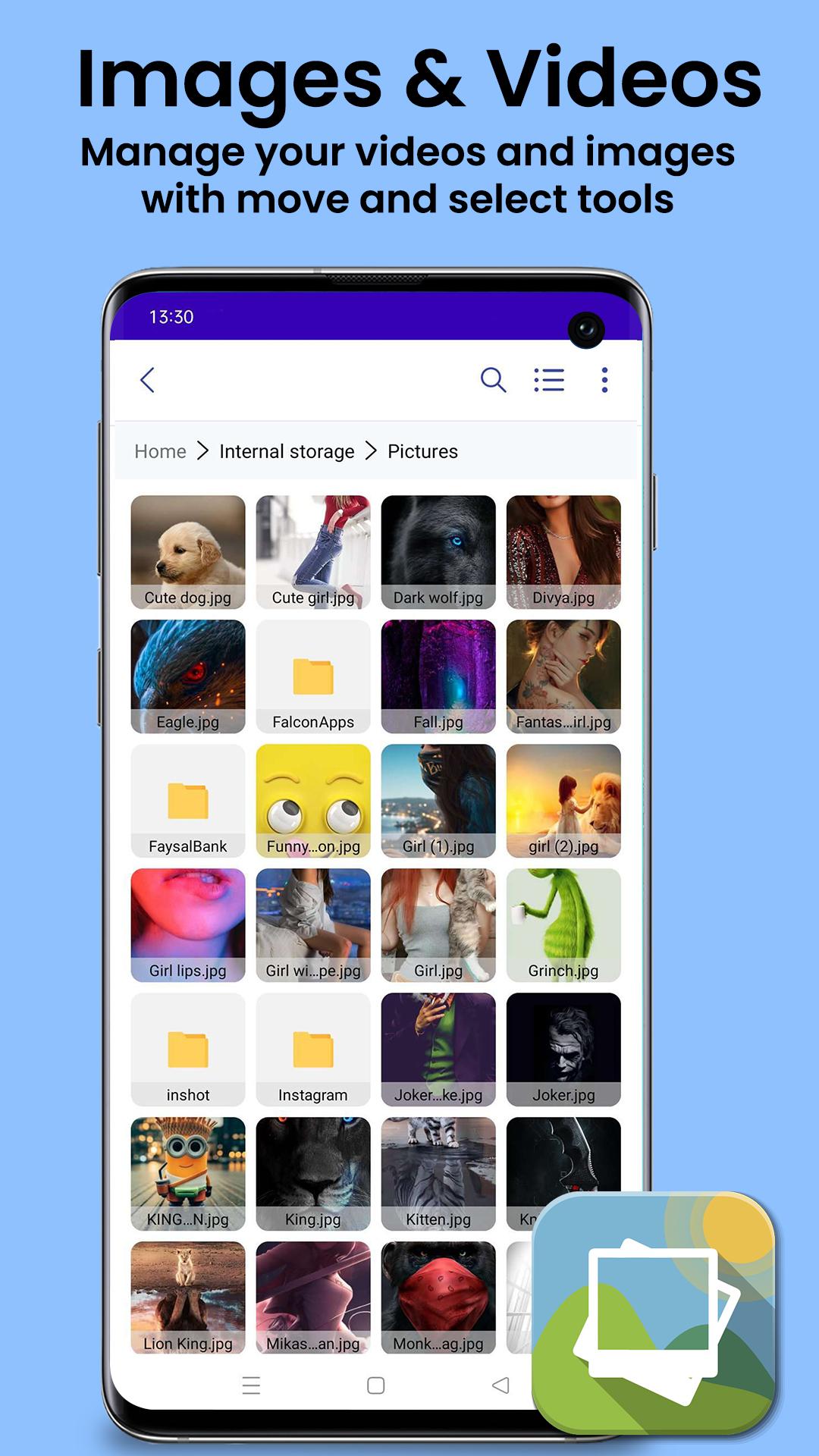
Keep you informed about how much storage is left and how much is being used. You can navigate using breadcrumbs beneath the app bar. Using breadcrumbs, click and browse the folder. Both big and small files can be found in this folder.
💥FILE EDITOR
A lot of external file managers, mobile file transfer apps come with a file editor that you can use to edit and print documents, as well as read them - zoom in, zoom out. You can customize and manage folders, files, and apps on your Android device with File Manager, SD Card Reader, fx file explorer, file organizer, and file explorer.
💥REVIEW PROPERTIES
File Manager, SD Card Reader organize your files, folders, and apps on your device so you can spend less time and energy on them. Review the properties of folders and files, such as size, last modification date, and EX-IF values, as well as the camera model and date of creation.
💥LIGHTWEIGHT
The file organizer app compresses folders and files to save space on your device. Its fast browsing capabilities help you organize files on USB devices, SD cards, and the root directory. A SD card reader, File Manager, can read all kinds of files, including videos, photos, audio and documents.
💥POCKET-SIZE
Manage and transfer data securely and easily using Android file transfer and cx file explorer. Now you can access all your favorite files on the go. You can create shortcuts to favorites so you can quickly access them.
💥SMOOTH INTERFACE
A full-featured, well-designed, highly intuitive file-transferring app for Android that provides a file explorer, file organizer, and folder management.
👉 Spread the word about this app.
Give us a rating!👌
We improve the app based on your feedback.
預覽
標籤
工具訊息
開發商
Softable Tech Studio
最新版本
1.0
更新時間
2022-08-17
類別
工具
同時可用
Google Play
更多
如何在電腦上用 GameLoop 玩 File Explorer & FileManager
1. 從官網下載GameLoop,然後運行exe文件安裝GameLoop
2. 打開GameLoop,搜索“File Explorer & FileManager”,在搜索結果中找到File Explorer & FileManager,點擊“安裝”
3. 享受在 GameLoop 上玩 File Explorer & FileManager 的樂趣
Minimum requirements
OS
Windows 8.1 64-bit or Windows 10 64-bit
GPU
GTX 1050
CPU
i3-8300
Memory
8GB RAM
Storage
1GB available space
Recommended requirements
OS
Windows 8.1 64-bit or Windows 10 64-bit
GPU
GTX 1050
CPU
i3-9320
Memory
16GB RAM
Storage
1GB available space