
eViewer 電腦版
Cegasa
用GameLoop模拟器在電腦上玩eViewer
eViewer 電腦版
來自發行商 Cegasa 的 eViewer 能夠在安卓系統上運行。
現在,您可以在電腦上使用 GameLoop 模擬器流暢地玩 eViewer。
在 GameLoop 遊戲庫或搜索結果中下載。 不需要再暢玩遊戲時盯著電池電量或被令人懊惱的來電打斷。
只需在電腦大屏幕上免費下載暢玩eViewer 電腦版!
eViewer 簡介
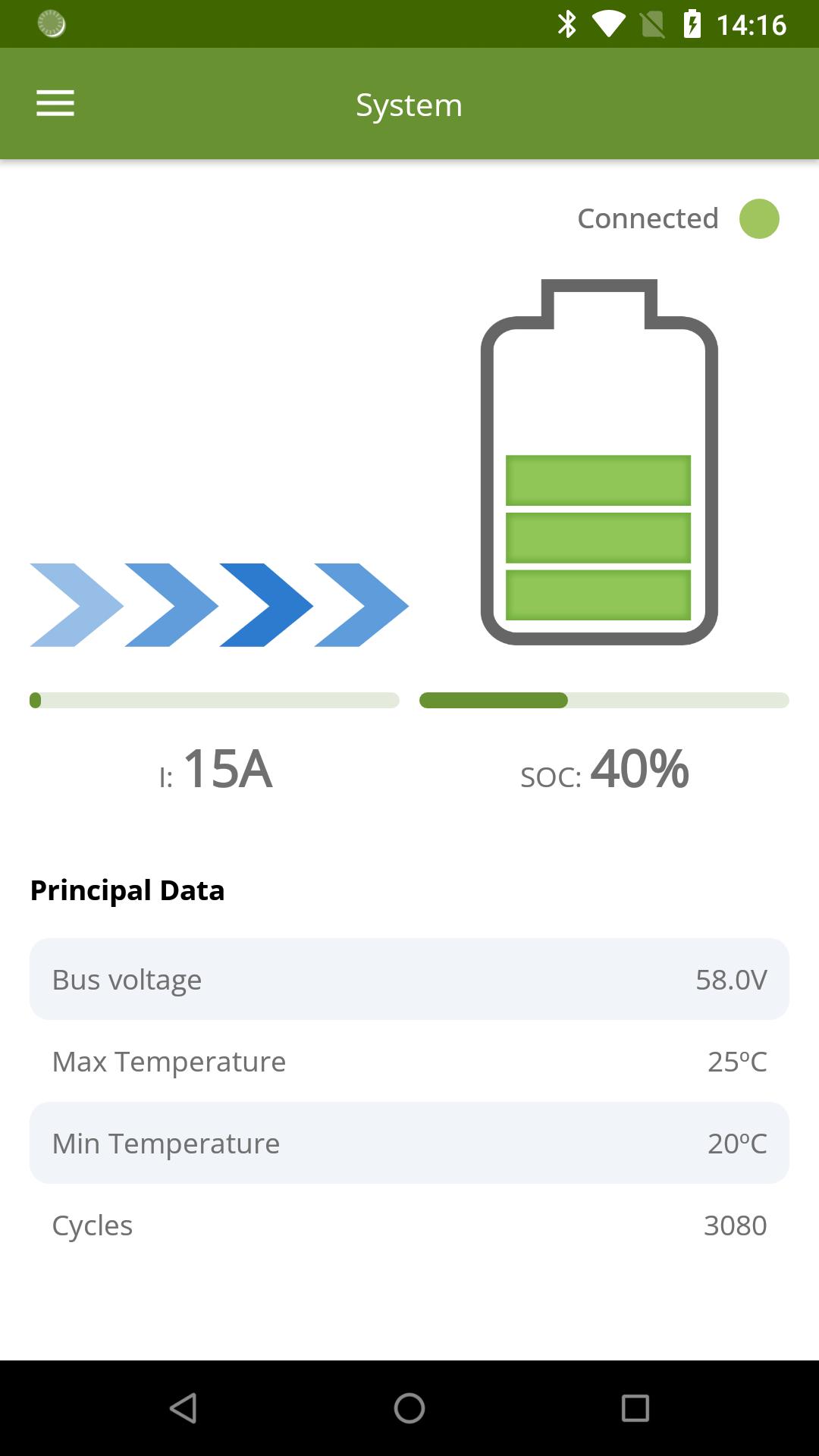
We present the official App of Cegasa Energía to display the status of your installation. With it, you will be able to know:
• Parameters of the complete system: system voltage, current, state of charge, temperature and cycles performed
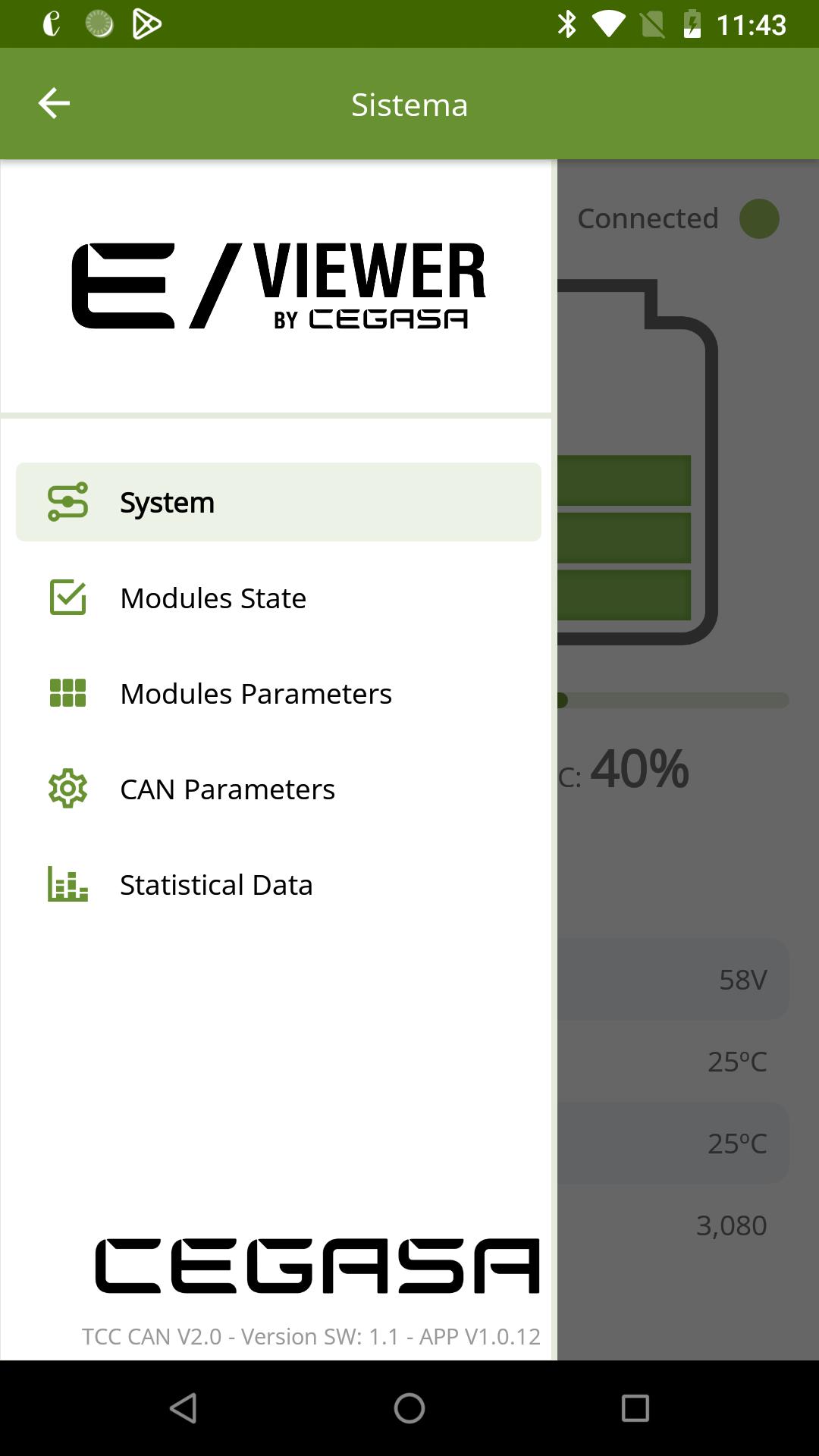
• Status of the modules: you will be able to know the status of each module, alarms, warnings, etc.
• Parameters of each module: Voltage, current, state of charge, temperature, etc.
• CAN parameters: It will be possible to view the premises sent by the system to your application.
• Statistical data: View the energy consumption used by our batteries in the last 24 hours, in the last month and even since it started.
To connect to our TCC management system, just follow the steps below. It is so simple!
1. Install our App
2. Activate your Bluetooth connection
3. Press the button on the TCC management system
4. Enter the code
5. Enjoy the experience !!
Take all your systems in real time on your favorite device and see how your electricity bill is reduced thanks to Cegasa Energía’s lithium ion batteries…
預覽
標籤
工具訊息
開發商
Cegasa
最新版本
1.0.14
更新時間
2023-06-22
類別
工具
同時可用
Google Play
更多
如何在電腦上用 GameLoop 玩 eViewer
1. 從官網下載GameLoop,然後運行exe文件安裝GameLoop
2. 打開GameLoop,搜索“eViewer”,在搜索結果中找到eViewer,點擊“安裝”
3. 享受在 GameLoop 上玩 eViewer 的樂趣
Minimum requirements
OS
Windows 8.1 64-bit or Windows 10 64-bit
GPU
GTX 1050
CPU
i3-8300
Memory
8GB RAM
Storage
1GB available space
Recommended requirements
OS
Windows 8.1 64-bit or Windows 10 64-bit
GPU
GTX 1050
CPU
i3-9320
Memory
16GB RAM
Storage
1GB available space