
Every Proxy Network Bridge 電腦版
Gorilla Software LLP
用GameLoop模拟器在電腦上玩Every Proxy Network Bridge
Every Proxy Network Bridge 電腦版
來自發行商 Gorilla Software LLP 的 Every Proxy Network Bridge 能夠在安卓系統上運行。
現在,您可以在電腦上使用 GameLoop 模擬器流暢地玩 Every Proxy Network Bridge。
在 GameLoop 遊戲庫或搜索結果中下載。 不需要再暢玩遊戲時盯著電池電量或被令人懊惱的來電打斷。
只需在電腦大屏幕上免費下載暢玩Every Proxy Network Bridge 電腦版!
Every Proxy Network Bridge 簡介
Every Proxy Network Bridge is a specialized companion application designed to work seamlessly with Every Proxy.
The Network Bridge provides a critical routing solution for Android devices that use "Per-App" VPN configurations or Split Tunneling. It ensures your VPN-protected connection can be shared with other devices on your local network without routing conflicts.
🚀 WHY USE THE NETWORK BRIDGE?
Standard Android proxies can face limitations when dealing with Per-App VPN clients. The Every Proxy Network Bridge acts as a dedicated relay, allowing Every Proxy to remain visible to your local network while successfully routing traffic through your active VPN tunnel.
🛠️ KEY FUNCTIONALITY
• VPN Chaining: Enables reliable sharing of VPN connections from clients that use per-app routing or split tunneling.
• Seamless Integration: Controlled entirely through the main Every Proxy interface — no separate setup required after initial configuration.
• No Root Required: Operates fully within user-space on modern Android devices.
• Lightweight: Minimal footprint, designed to run in the background only when needed.
📖 HOW TO USE
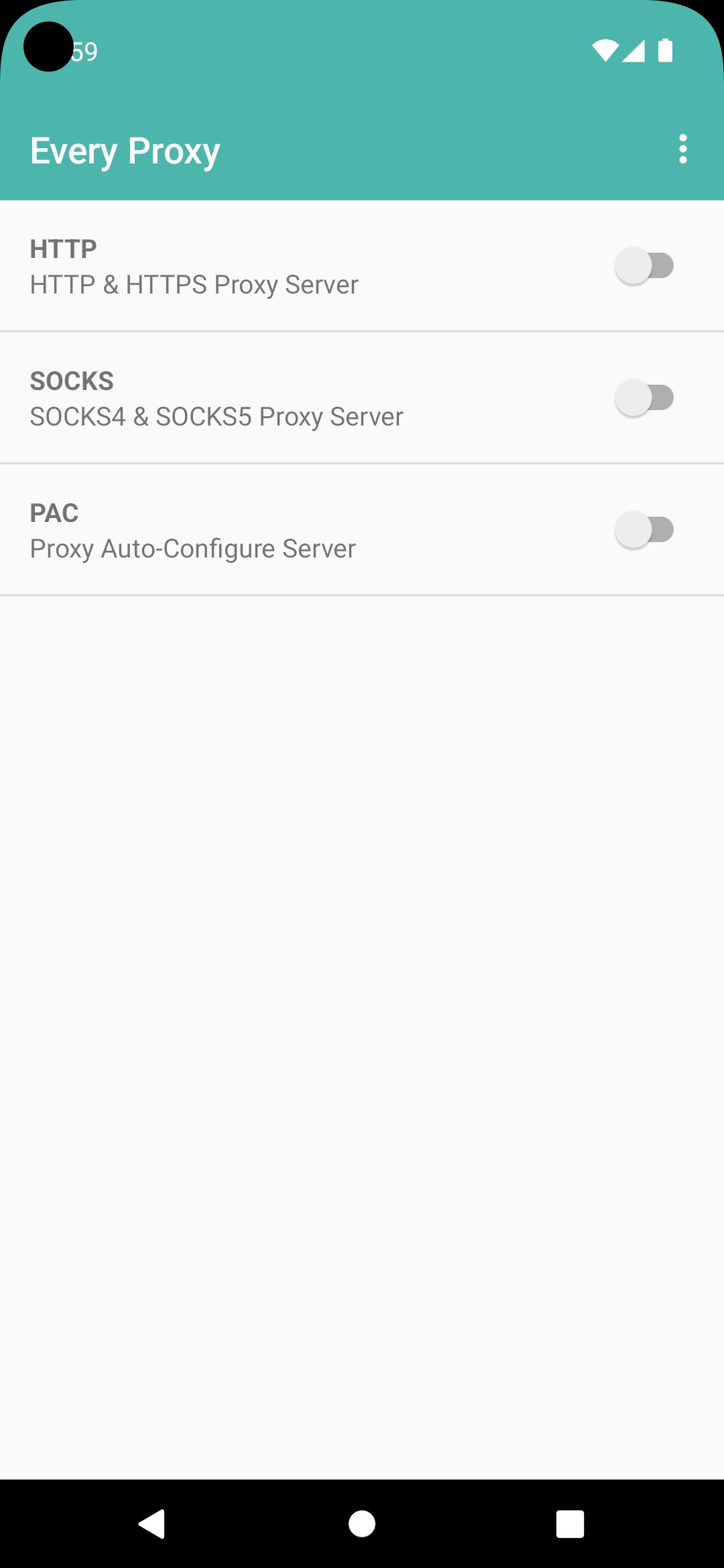
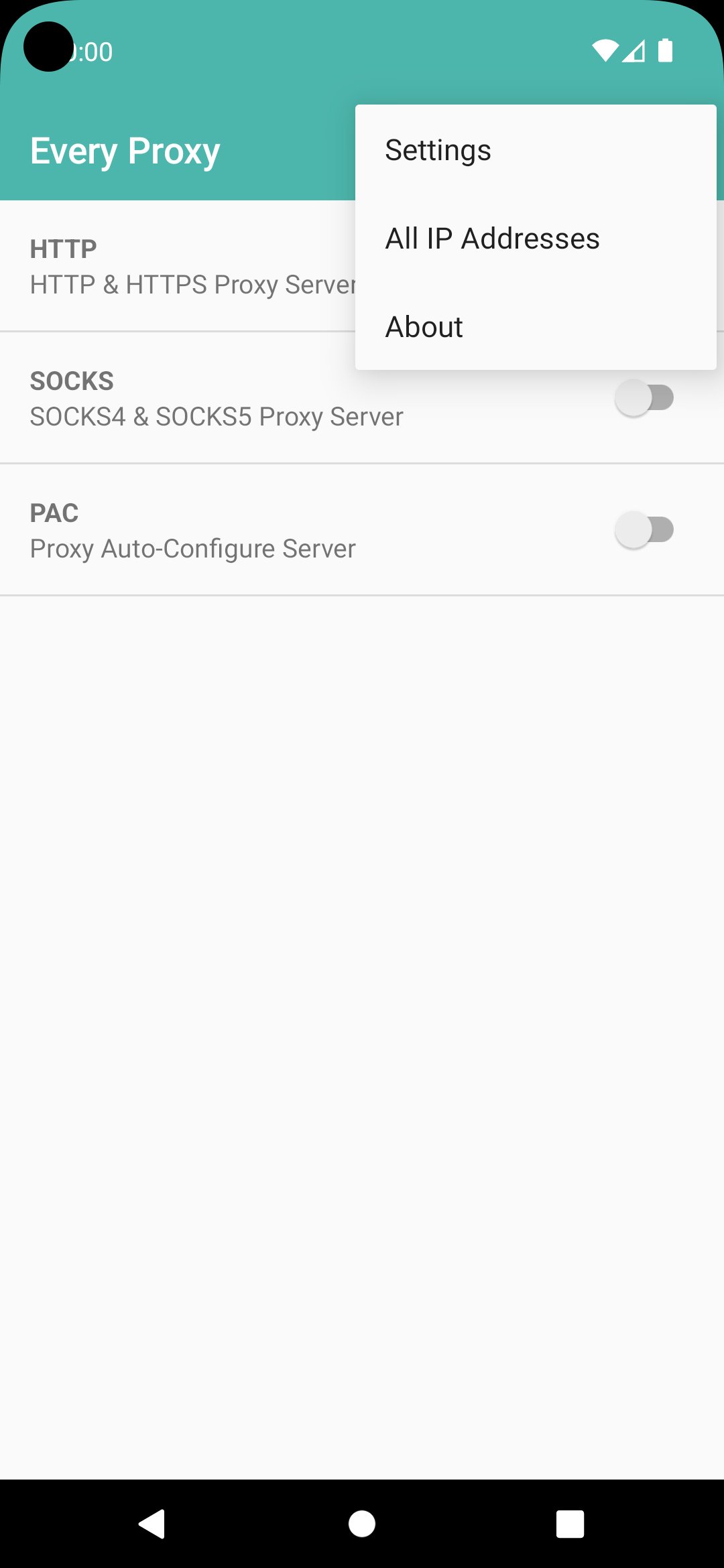
The user interface for this application is managed through the main Every Proxy app.
• Install both Every Proxy and the Network Bridge.
• In your VPN app settings, Exclude Every Proxy from the VPN list.
• In your VPN app settings, Include the Every Proxy Network Bridge in the VPN list.
• Open Every Proxy, enable the "Network Bridge" toggle in the Proxy Settings, and start your proxy.
🔗 RESOURCES & SUPPORT
• Tutorials: https://www.everyproxy.co.uk/every-proxy-network-bridge
• Help Community: https://groups.google.com/forum/#!forum/every-proxy
• Beta Testing: Join at https://play.google.com/apps/testing/com.gorillasoftware.everyproxybridge
⚠️ IMPORTANT NOTE
This is a companion app. It does not have a standalone launcher icon. All controls are accessed within the settings of the main Every Proxy application.
預覽
標籤
工具訊息
開發商
Gorilla Software LLP
最新版本
5.0.0
更新時間
2026-04-30
類別
工具
同時可用
Google Play
更多
如何在電腦上用 GameLoop 玩 Every Proxy Network Bridge
1. 從官網下載GameLoop,然後運行exe文件安裝GameLoop
2. 打開GameLoop,搜索“Every Proxy Network Bridge”,在搜索結果中找到Every Proxy Network Bridge,點擊“安裝”
3. 享受在 GameLoop 上玩 Every Proxy Network Bridge 的樂趣
Minimum requirements
OS
Windows 8.1 64-bit or Windows 10 64-bit
GPU
GTX 1050
CPU
i3-8300
Memory
8GB RAM
Storage
1GB available space
Recommended requirements
OS
Windows 8.1 64-bit or Windows 10 64-bit
GPU
GTX 1050
CPU
i3-9320
Memory
16GB RAM
Storage
1GB available space