
Encrypt Decrypt Text - Scan QR 電腦版
SocPay
用GameLoop模拟器在電腦上玩Encrypt Decrypt Text - Scan QR
Encrypt Decrypt Text - Scan QR 電腦版
來自發行商 SocPay 的 Encrypt Decrypt Text - Scan QR 能夠在安卓系統上運行。
現在,您可以在電腦上使用 GameLoop 模擬器流暢地玩 Encrypt Decrypt Text - Scan QR。
在 GameLoop 遊戲庫或搜索結果中下載。 不需要再暢玩遊戲時盯著電池電量或被令人懊惱的來電打斷。
只需在電腦大屏幕上免費下載暢玩Encrypt Decrypt Text - Scan QR 電腦版!
Encrypt Decrypt Text - Scan QR 簡介
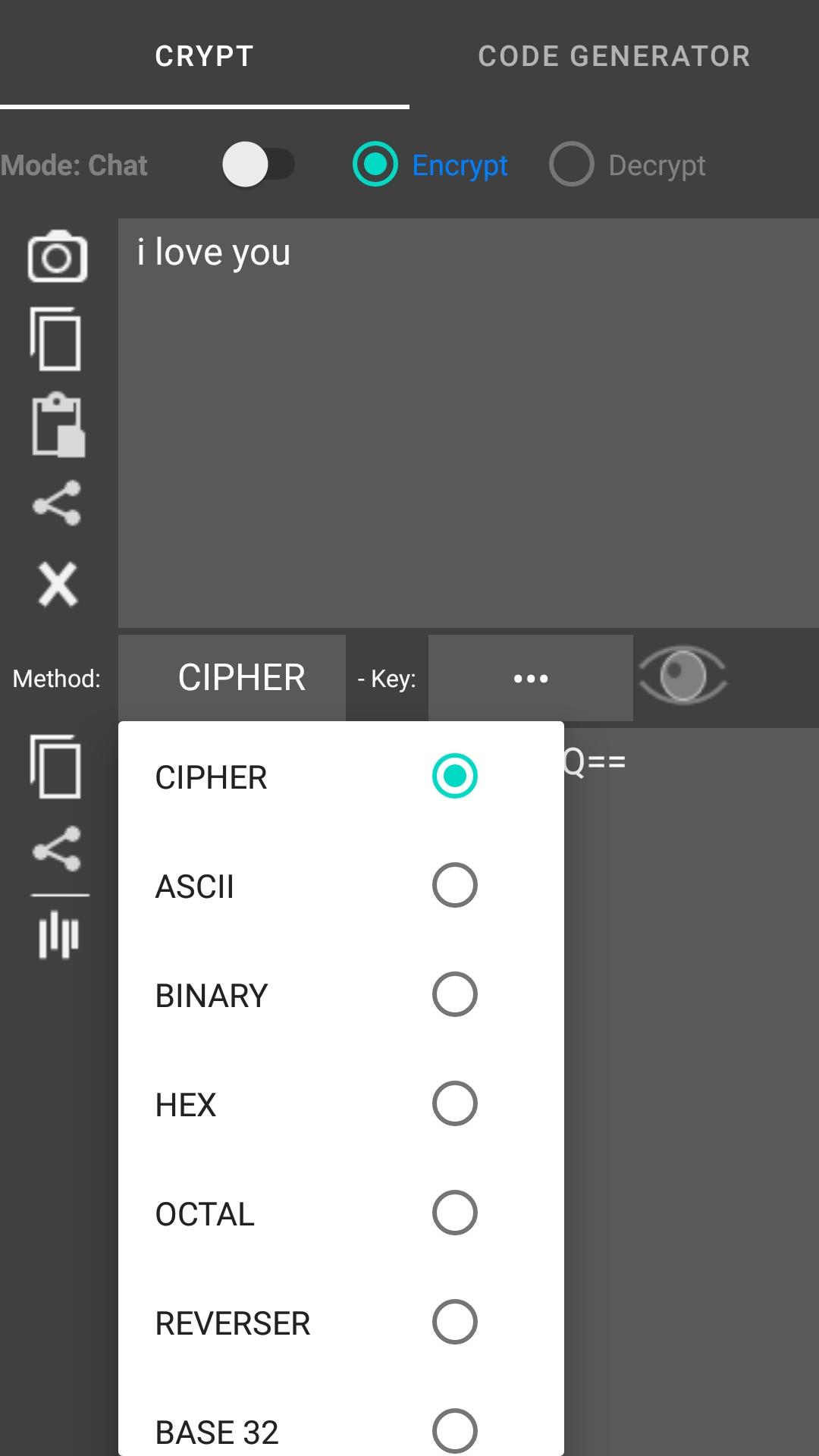
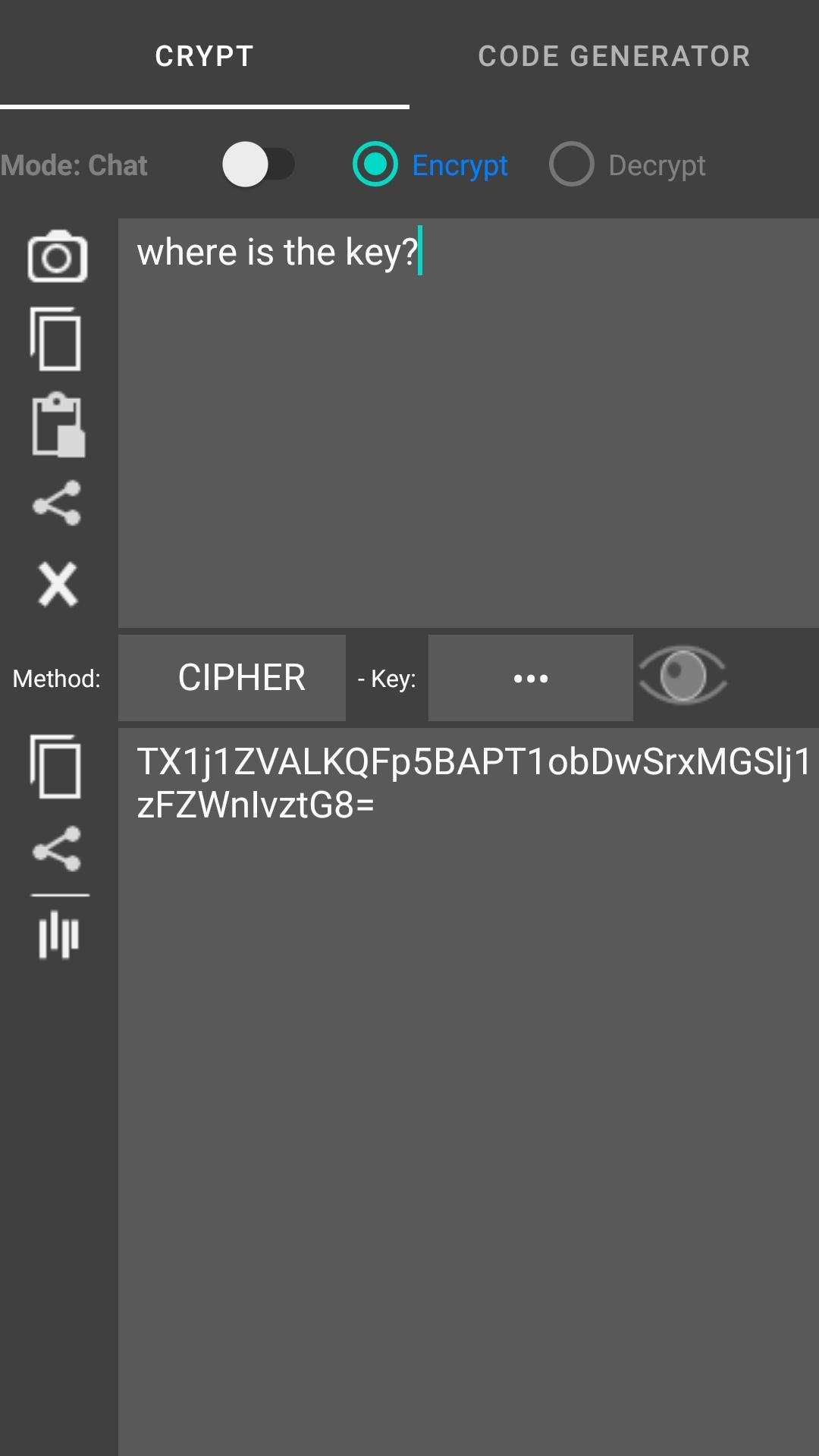
The app encrypts and decrypts your text in several different encryptions. The app when encrypting / decrypting the text you have the option to replace the current text (if you selected it), copy or share the encrypted / decrypted text.
The text converter (type input box for encode, output box for decode):
- Text to ascii (ab -> 97 98)
- Text to binary (abc -> 01100001 01100010)
- Text to hex (ab -> 61 62)
- Text to octal (ab -> 141 142)
- Reverser text (abc def -> fed cba)
- Upper text (abc -> ABC)
- Lower text (AbC -> abc)
Scan and generate code : QR Code, Barcode, Code 39, Code 128, DataMatrix,... and support convert text to rows wizard, delimiters: |,#,; You can encrypts text before generate code
預覽
標籤
工具訊息
開發商
SocPay
最新版本
1.0.49
更新時間
2024-03-05
類別
工具
同時可用
Google Play
更多
如何在電腦上用 GameLoop 玩 Encrypt Decrypt Text - Scan QR
1. 從官網下載GameLoop,然後運行exe文件安裝GameLoop
2. 打開GameLoop,搜索“Encrypt Decrypt Text - Scan QR”,在搜索結果中找到Encrypt Decrypt Text - Scan QR,點擊“安裝”
3. 享受在 GameLoop 上玩 Encrypt Decrypt Text - Scan QR 的樂趣
Minimum requirements
OS
Windows 8.1 64-bit or Windows 10 64-bit
GPU
GTX 1050
CPU
i3-8300
Memory
8GB RAM
Storage
1GB available space
Recommended requirements
OS
Windows 8.1 64-bit or Windows 10 64-bit
GPU
GTX 1050
CPU
i3-9320
Memory
16GB RAM
Storage
1GB available space