Easy Hindi Voice Keyboard App 電腦版
Media Dimond
用GameLoop模拟器在電腦上玩Easy Hindi Voice Keyboard App
Easy Hindi Voice Keyboard App 電腦版
來自發行商 Media Dimond 的 Easy Hindi Voice Keyboard App 能夠在安卓系統上運行。
現在,您可以在電腦上使用 GameLoop 模擬器流暢地玩 Easy Hindi Voice Keyboard App。
在 GameLoop 遊戲庫或搜索結果中下載。 不需要再暢玩遊戲時盯著電池電量或被令人懊惱的來電打斷。
只需在電腦大屏幕上免費下載暢玩Easy Hindi Voice Keyboard App 電腦版!
Easy Hindi Voice Keyboard App 簡介
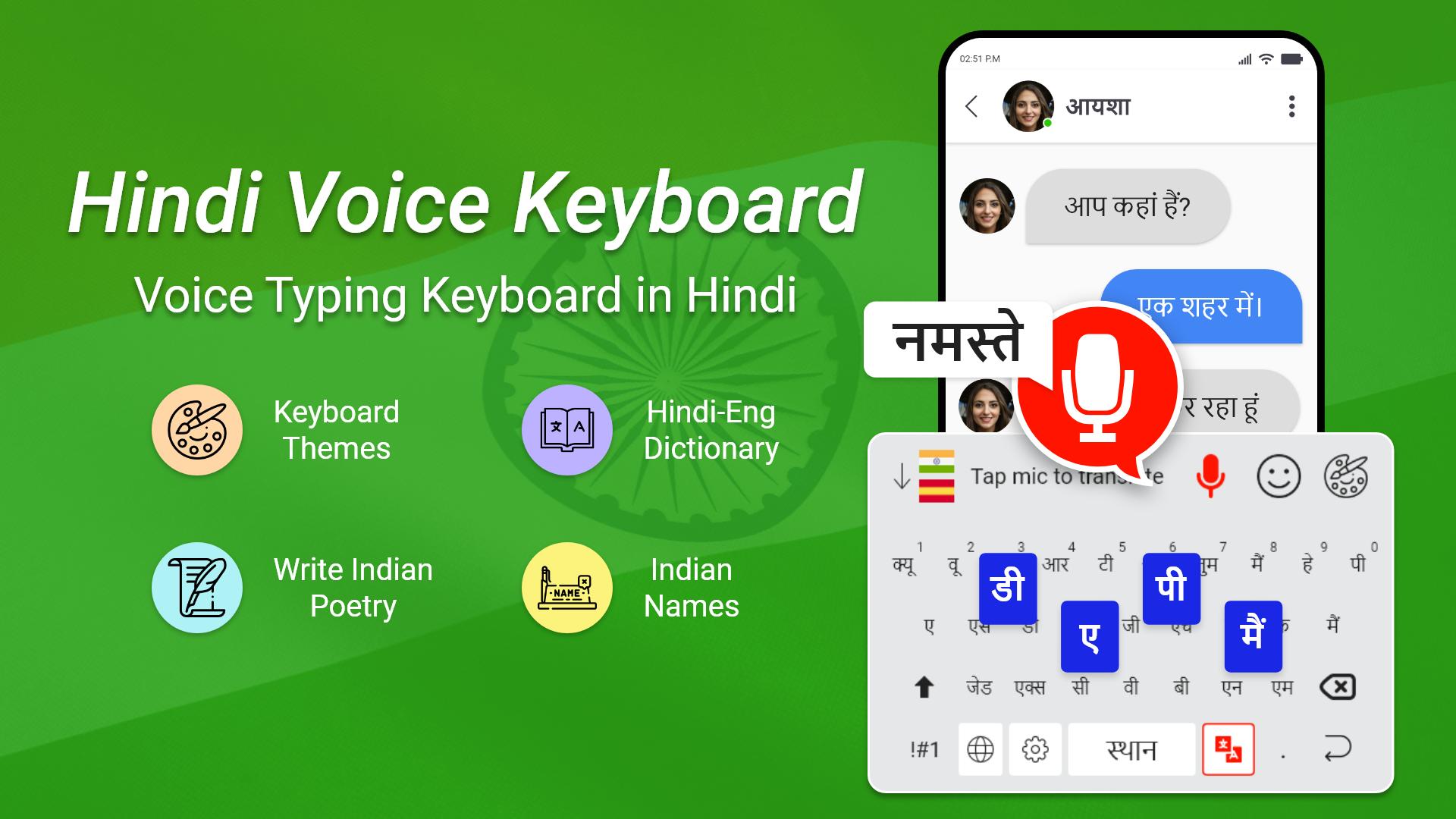
Do you find it difficult to type messages while chatting with your android keyboard? Then Easy Hindi voice typing keyboard is the best choice for the persons like you searching for a quick way to type Hindi language and this Fast Hindi voice keyboard will be the best choice for them. Leave your old difficult typing methods behind and make your conversations more convenient with Hindi translator keyboard.
Hindi English voice typing keyboard is one of the most efficient Hindi typing keyboards. This Hindi English translator keyboard can help you translate Hindi to English and at the same time it is a Hindi dictionary as well.
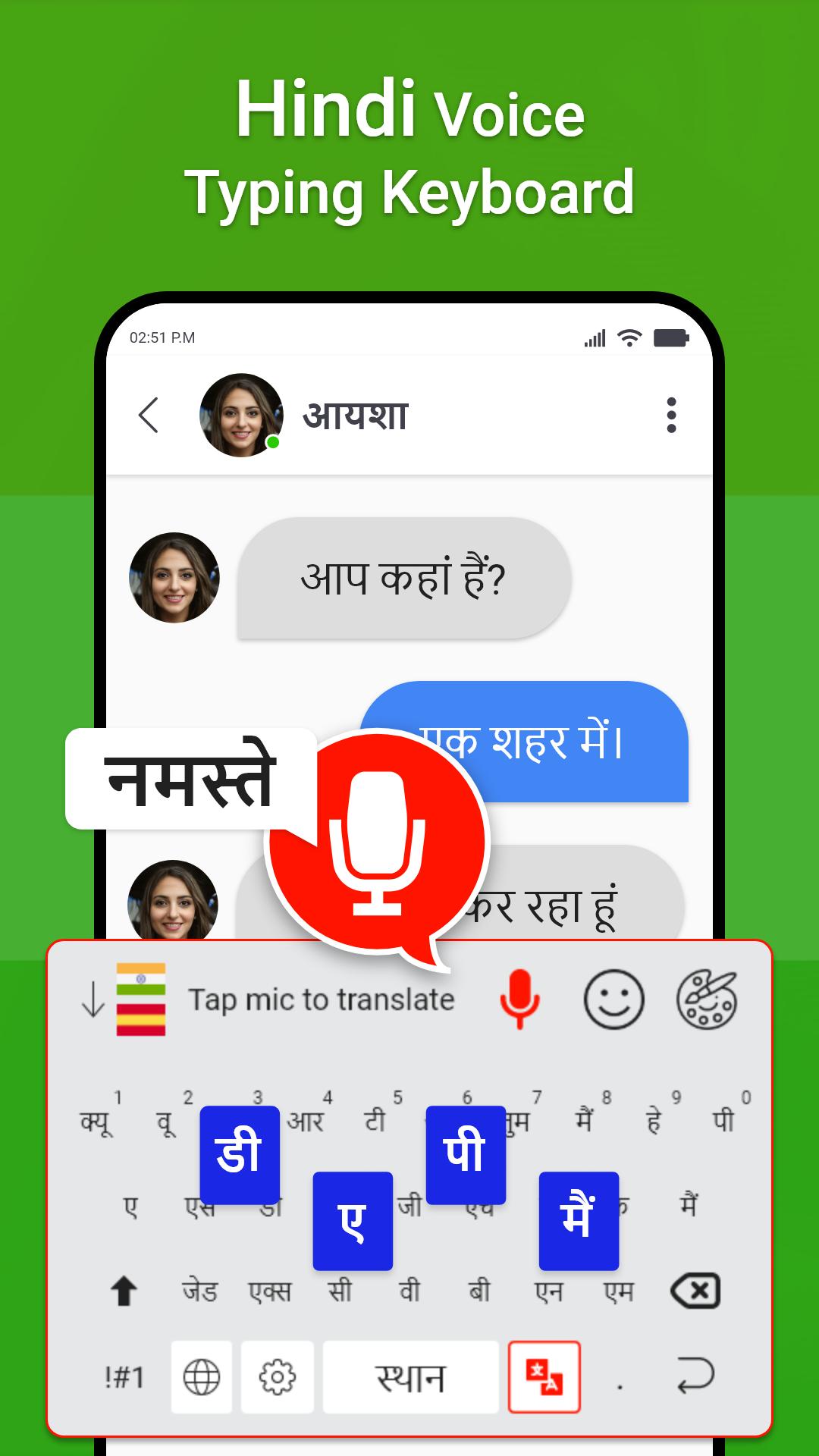
Easy Hindi voice keyboard allows you to type Hindi text easily through voice typing feature. This speech to text keyboard saves a lot of time and effort to type Hindi characters. The text appears as soon as you start speaking into the application. Once you get used to this app, you can use it to create and share long texts and articles on social media platform and messaging application.
Features of Fast Hindi Voice Keyboard App:
🔸 Voice typing in Hindi to get Hindi letters
🔸 Quick voice recognition
🔸 Translator Keyboard also provides Hindi to any language translator.
🔸 Apply Themes on keyboard background
🔸 Works inside all apps on your phone
🔸 Saves time compared to handwriting input
🔸 Fastest voice typing keyboard because it lets you type by your voice.
🔸 Neat and clean display of Hindi & English keys.
🔸 Beautiful keyboard layout with emoji’s and stylish Themes.
✅ How to use Hindi voice typing keyboard:
1. After enabling the voice keyboard, open any messaging app and just start using
2. On single tap microphone will start recording your voice
3. You can now start speaking in Hindi and it will convert your voice into text
4. You can also type with keys using Hindi keypad.
5. Enjoy using Hindi speaking keyboard as it is free.
🔰 Hindi English Dictionary
Search any Hindi or English word in voice dictionary to get the meaning. Easily share and copy the word detail with friends. You can also mark your words as favorite.
🔰 Daily Test
A quick test is part of the Hindi voice keyboard app so you can increase your vocabulary by answering different questions.
🔰 Thesaurus
This feature contains a huge list of words both in Hindi and English language. Just click the word and get the meaning.
🔰 Keyboard Themes
If a certain keyboard theme is not to your liking, you can simply select from various keyboard themes. You can choose from various themes and get the best experience out of your Hindi voice typing keyboard.
🔰 Indian Names
Find all the latest Indian Names and their meanings. We have categorized them with Male and Female Names. There is a huge list of names alphabet wise so you can easily pull the name from favorite alphabet
Just tap on the mic and speak the message you want to send. Moreover, the converted text can also be utilized for the other apps. It is great for the users with the busy schedule with less time in offering for chatting and other purposes. The Easy Hindi voice typing Keyboard has an easy to use interface and settings features which can be done in few simple steps.
Download Fast Hindi speech to text Keyboard for instant typing. Enjoy instant voice typing while chatting & don’t forget to share Hindi Speaking keyboard app with friends & family.
預覽
標籤
工具訊息
開發商
Media Dimond
最新版本
1.6
更新時間
2023-02-08
類別
工具
同時可用
Google Play
更多
如何在電腦上用 GameLoop 玩 Easy Hindi Voice Keyboard App
1. 從官網下載GameLoop,然後運行exe文件安裝GameLoop
2. 打開GameLoop,搜索“Easy Hindi Voice Keyboard App”,在搜索結果中找到Easy Hindi Voice Keyboard App,點擊“安裝”
3. 享受在 GameLoop 上玩 Easy Hindi Voice Keyboard App 的樂趣
Minimum requirements
OS
Windows 8.1 64-bit or Windows 10 64-bit
GPU
GTX 1050
CPU
i3-8300
Memory
8GB RAM
Storage
1GB available space
Recommended requirements
OS
Windows 8.1 64-bit or Windows 10 64-bit
GPU
GTX 1050
CPU
i3-9320
Memory
16GB RAM
Storage
1GB available space