
Easy Assistive Touch 電腦版
Droid Keypad
用GameLoop模拟器在電腦上玩Easy Assistive Touch
Easy Assistive Touch 電腦版
來自發行商 Droid Keypad 的 Easy Assistive Touch 能夠在安卓系統上運行。
現在,您可以在電腦上使用 GameLoop 模擬器流暢地玩 Easy Assistive Touch。
在 GameLoop 遊戲庫或搜索結果中下載。 不需要再暢玩遊戲時盯著電池電量或被令人懊惱的來電打斷。
只需在電腦大屏幕上免費下載暢玩Easy Assistive Touch 電腦版!
Easy Assistive Touch 簡介
★★ Easy Touch - Easy Assistive Touch 2026 for Android ★★
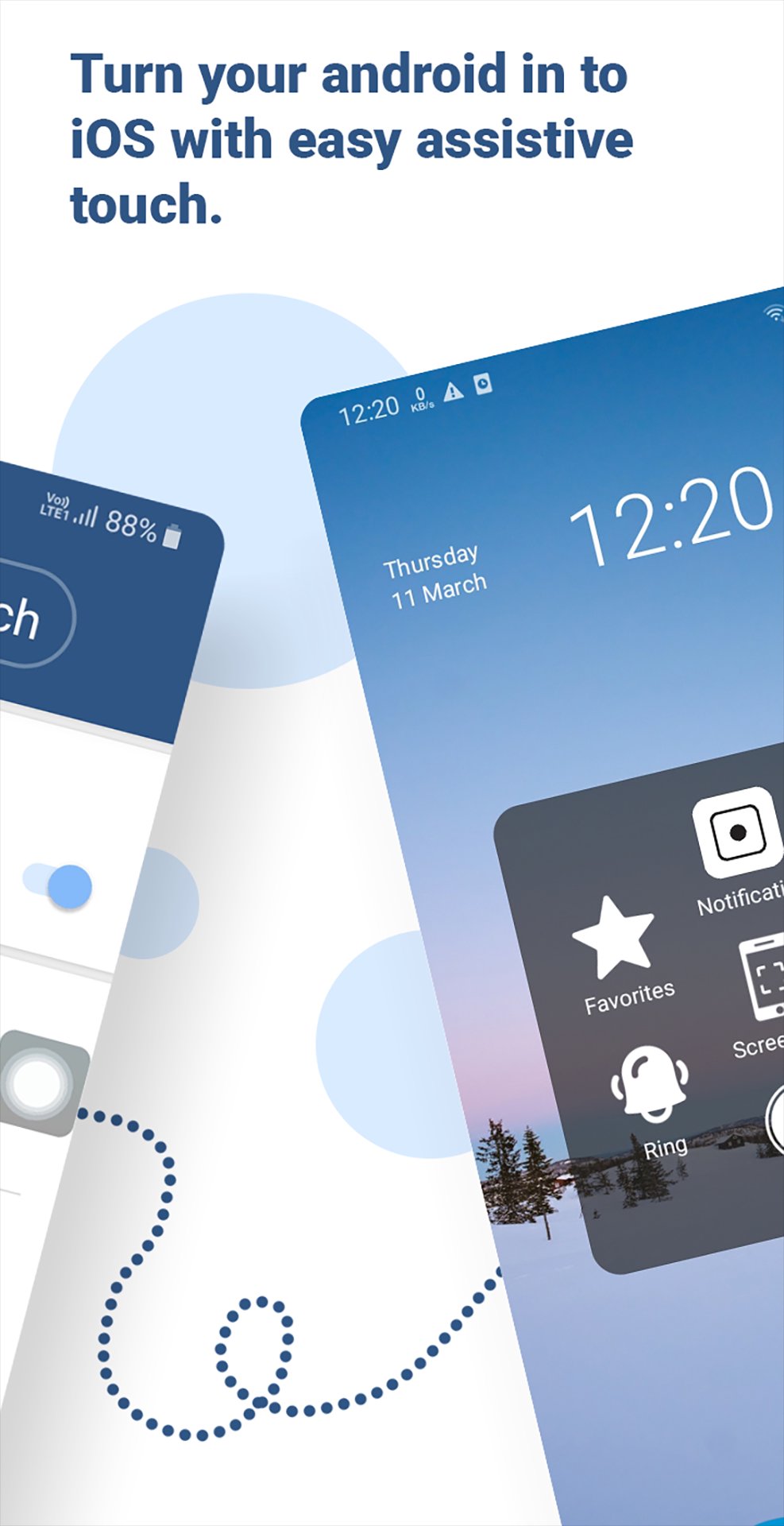
Easy Assistive Touch 2026 is an easy touch tool for iphone ios devices, now has similar apps for Android. It's fast, it’s smooth, and it’s totally FREE. Easy Assistive Touch is an assistant manipulation tool for your Android phone is a similar shortcut iphone cell phone and it's All Free!
Easy Assistive Touch is also an ideal app to protect the home button and volume button. It is very useful for big screen smart phone.Easy Assistive Touch is an easy tool for android devices. With a floating panel on the screen, you can easily use your android smartphone. More conveniently, you can quickly access to all your favorite apps, games, settings and quick toggle. Easy Assistive Touch is also an ideal app to protect the physical buttons home button and volume button. It is very useful for big screen smartphone.
★ Features Of Easy Touch - Easy Assistive Touch for Android ★
♦ Control your device with Easy Assistive Touch menu.
♦ Custom size and transparency of Floating icon.
♦ Custom color easy assistive touch menu.
♦ Change Floating icon with many cute icons.
♦ Virtual Home key, easy touch to lock screen and open recent task.
♦ Virtual Volume key, quick touch to change volume and change sound mode.
♦ Clean ram, boost speed, one touch boost.
♦ Easy touch to open your favorite application.
♦ Go to all setting very quick with a touch.
♦ Virtual back button.
Accessibility Service Disclosure
Easy Assistive Touch uses the AccessibilityService API to provide core features such as displaying an Assistive Touch floating button and enabling quick access to device functions like Home, Back, Recent Apps, Lock Screen, and Notification Panel.
The accessibility service is used only to perform these actions when the user activates them from the Assistive Touch menu. The service does not collect, store, or share any personal data.
This permission is required to simulate system navigation actions and improve accessibility for users who want quick access to device controls using the floating assistive touch interface.
Easy Assistive Touch does not use the Accessibility Service to monitor user activity, collect personal information, or perform actions without user interaction. Users can enable or disable the accessibility permission at any time from the device accessibility settings.
Rate Us and Enjoy the apps!!!!!!!!.
預覽

標籤
工具訊息
開發商
Droid Keypad
最新版本
1.5
更新時間
2026-09-23
類別
工具
同時可用
Google Play
更多
如何在電腦上用 GameLoop 玩 Easy Assistive Touch
1. 從官網下載GameLoop,然後運行exe文件安裝GameLoop
2. 打開GameLoop,搜索“Easy Assistive Touch”,在搜索結果中找到Easy Assistive Touch,點擊“安裝”
3. 享受在 GameLoop 上玩 Easy Assistive Touch 的樂趣
Minimum requirements
OS
Windows 8.1 64-bit or Windows 10 64-bit
GPU
GTX 1050
CPU
i3-8300
Memory
8GB RAM
Storage
1GB available space
Recommended requirements
OS
Windows 8.1 64-bit or Windows 10 64-bit
GPU
GTX 1050
CPU
i3-9320
Memory
16GB RAM
Storage
1GB available space