
DrDig Images Recovery 電腦版
GreatStuffApps
用GameLoop模拟器在電腦上玩DrDig Images Recovery
DrDig Images Recovery 電腦版
來自發行商 GreatStuffApps 的 DrDig Images Recovery 能夠在安卓系統上運行。
現在,您可以在電腦上使用 GameLoop 模擬器流暢地玩 DrDig Images Recovery。
在 GameLoop 遊戲庫或搜索結果中下載。 不需要再暢玩遊戲時盯著電池電量或被令人懊惱的來電打斷。
只需在電腦大屏幕上免費下載暢玩DrDig Images Recovery 電腦版!
DrDig Images Recovery 簡介
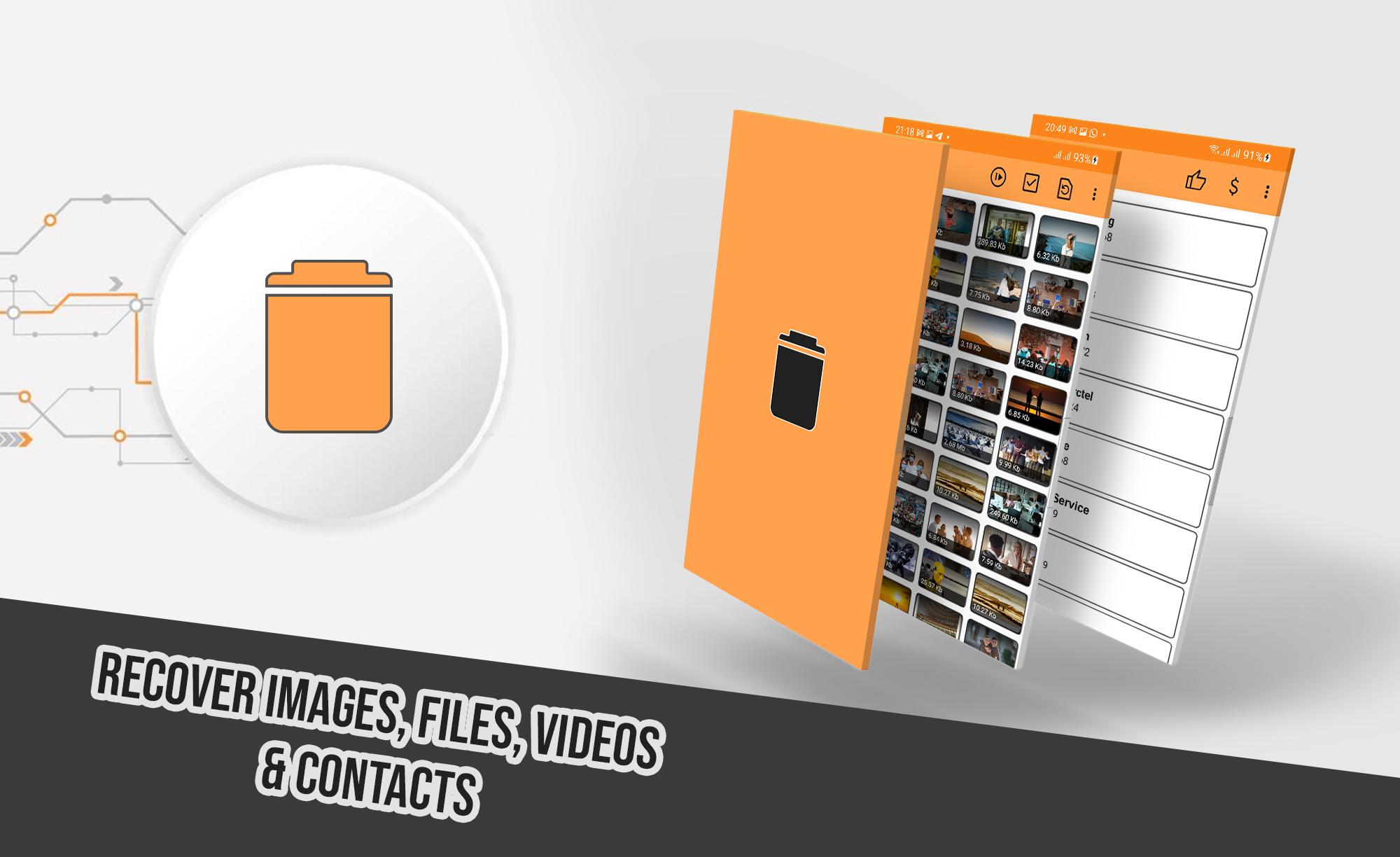
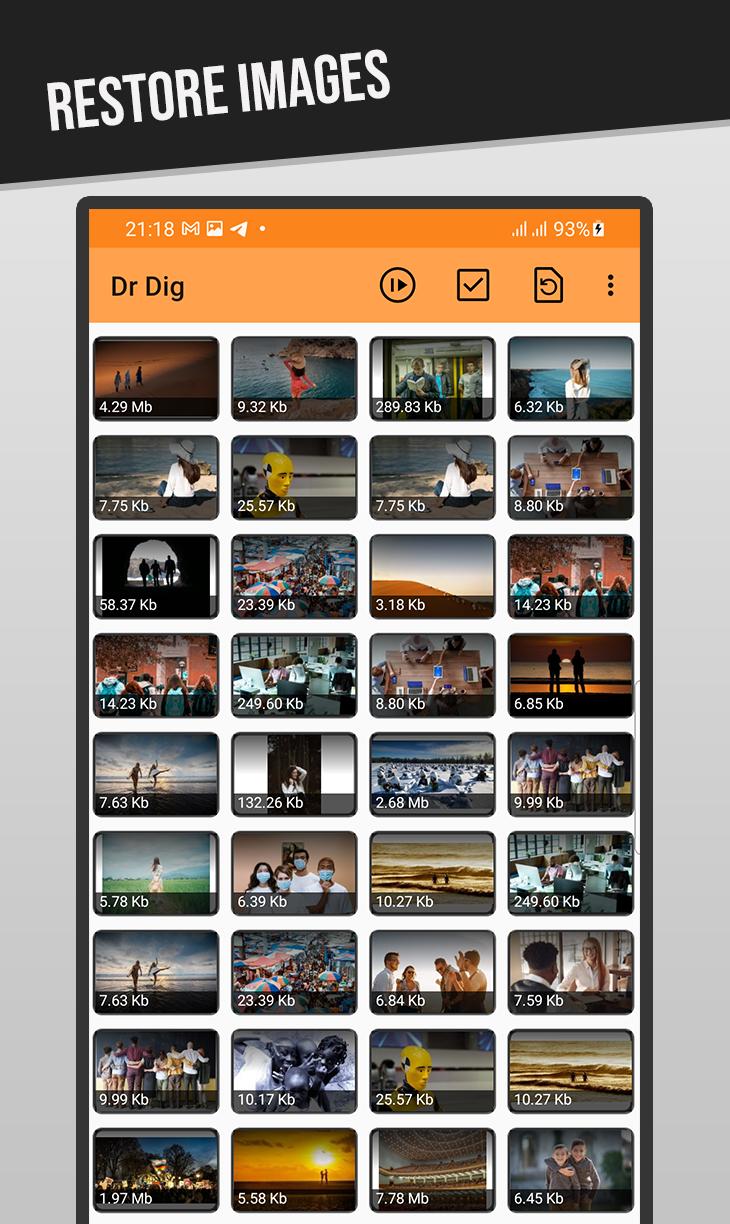
A revolutionary new tool to restore deleted files from your phone, it performs a deep scan for Internal Storage and SD Card memory looking for accidently deleted images, videos, audios, files and more.
It supports wide range of files extensions including the most known ones such as JPG, PNG, GIF, MP4, MP3, WAV, XLS, DOCX, AVI, MOV and much more.
HOW TO USE:
After launching the app and giving the necessary permission, Select desired file type from the menu, either images, videos, or files. The scan will start, wait until it finishes, the longer it takes depends in your device storage size. After that you can view and undelete files easily.
Note 1: The app uses "Access all files" permission to scan the storage of your device, when asked for it please give the permission to use it. Without this permission the app will not work properly.
Note 2: DrDig may show existing files along with the deleted one as it scans the whole memory, this is a normal thing across all data recovery softwares, just look carefully until you find the desired file to recover.
Note 3: This is not a Recycle-Bin app. And you can undelete files even the ones lost before this app was installed.
FEATURES:
-Supports multiple Languages
-Works without root permission
-Easy to use and understandable UI
預覽
標籤
工具訊息
開發商
GreatStuffApps
最新版本
5.5
更新時間
2025-07-15
類別
工具
同時可用
Google Play
更多
如何在電腦上用 GameLoop 玩 DrDig Images Recovery
1. 從官網下載GameLoop,然後運行exe文件安裝GameLoop
2. 打開GameLoop,搜索“DrDig Images Recovery”,在搜索結果中找到DrDig Images Recovery,點擊“安裝”
3. 享受在 GameLoop 上玩 DrDig Images Recovery 的樂趣
Minimum requirements
OS
Windows 8.1 64-bit or Windows 10 64-bit
GPU
GTX 1050
CPU
i3-8300
Memory
8GB RAM
Storage
1GB available space
Recommended requirements
OS
Windows 8.1 64-bit or Windows 10 64-bit
GPU
GTX 1050
CPU
i3-9320
Memory
16GB RAM
Storage
1GB available space