
Delete Old Files 電腦版
A.T. Online Services, LLC
用GameLoop模拟器在電腦上玩Delete Old Files
Delete Old Files 電腦版
來自發行商 A.T. Online Services, LLC 的 Delete Old Files 能夠在安卓系統上運行。
現在,您可以在電腦上使用 GameLoop 模擬器流暢地玩 Delete Old Files。
在 GameLoop 遊戲庫或搜索結果中下載。 不需要再暢玩遊戲時盯著電池電量或被令人懊惱的來電打斷。
只需在電腦大屏幕上免費下載暢玩Delete Old Files 電腦版!
Delete Old Files 簡介
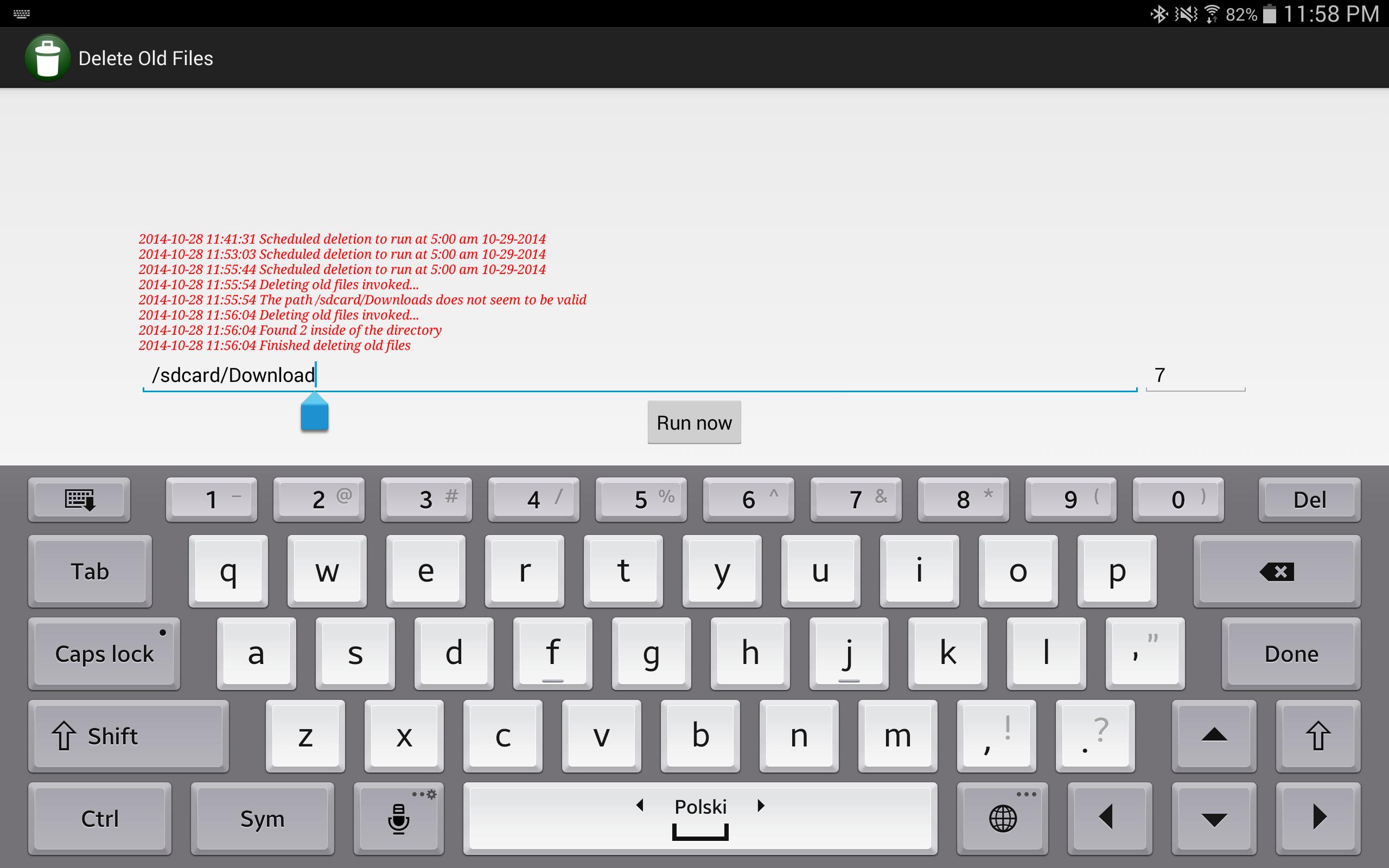
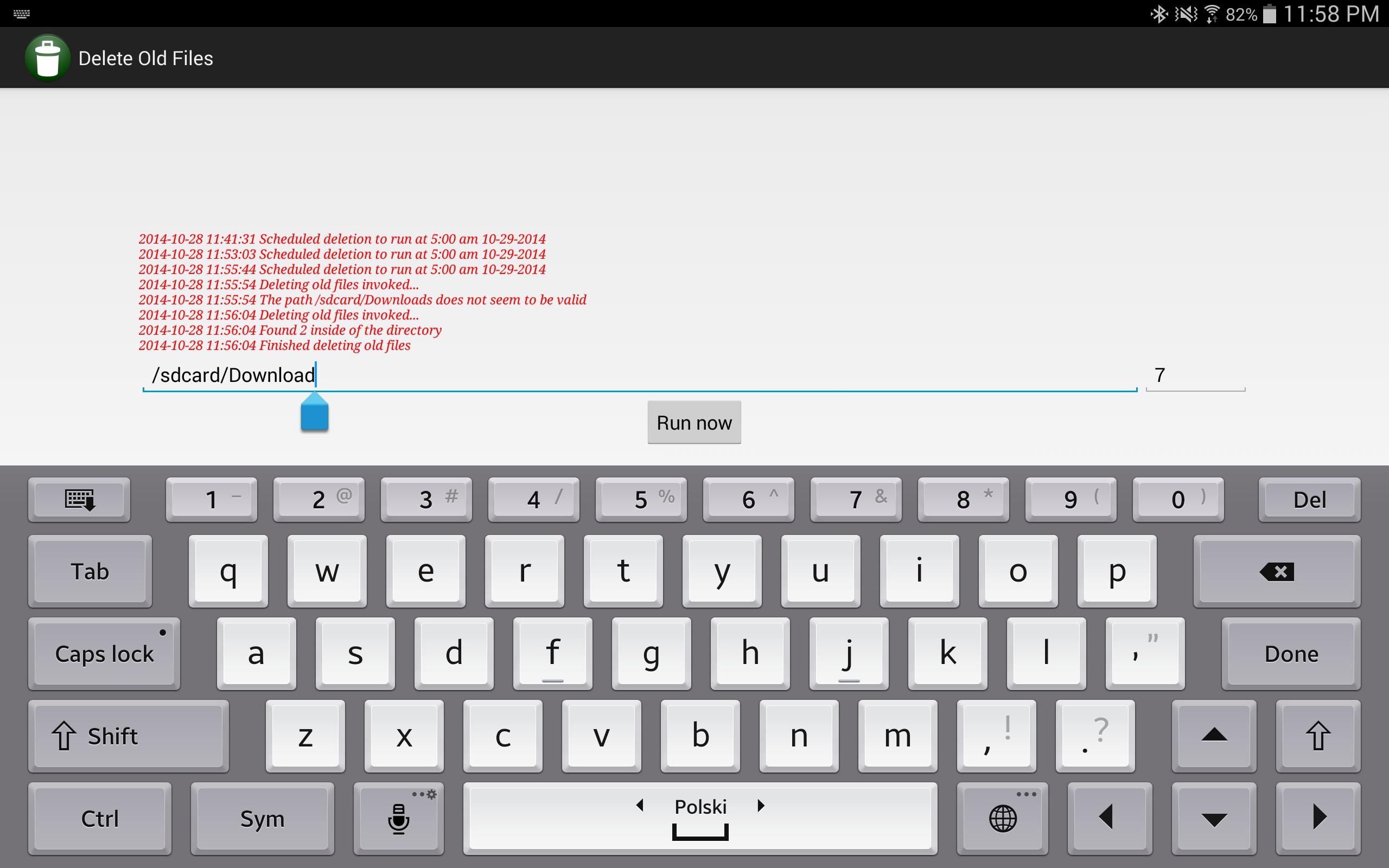
Use this very simple app to specify the path of a folder to keep clean, specify for how many days to keep the files and this simple app will run at 5:00 am every day and clean up this folder from old files. It does not traverse into sub folders and it does not delete folders. Make sure you provide a correct folder path so that you accidentally don't delete important files.
Files are checked using the "Last modified" metadata so if a file is constantly being updated, it won't be deleted. The app shows a log of recent activity which includes files that were recently deleted.
Potential uses for this app:
- Downloads folder - you probably already forgot what you have downloaded 2 weeks ago so why to keep these files around?
- Folder with log or temp files generated by some other app - you might want to keep only recent logs but logs from a week ago might be irrelevant
- A folder in which you store surveillance photos/videos generated by a surveillance app or uploaded using FTP server by an IP camera that would quickly fill up your device storage capacity otherwise
- If you found use of this app for any other type of folder content trimming, share it with us in the comments
預覽
標籤
工具訊息
開發商
A.T. Online Services, LLC
最新版本
1.0
更新時間
2014-10-28
類別
工具
同時可用
Google Play
更多
如何在電腦上用 GameLoop 玩 Delete Old Files
1. 從官網下載GameLoop,然後運行exe文件安裝GameLoop
2. 打開GameLoop,搜索“Delete Old Files”,在搜索結果中找到Delete Old Files,點擊“安裝”
3. 享受在 GameLoop 上玩 Delete Old Files 的樂趣
Minimum requirements
OS
Windows 8.1 64-bit or Windows 10 64-bit
GPU
GTX 1050
CPU
i3-8300
Memory
8GB RAM
Storage
1GB available space
Recommended requirements
OS
Windows 8.1 64-bit or Windows 10 64-bit
GPU
GTX 1050
CPU
i3-9320
Memory
16GB RAM
Storage
1GB available space