
Dago Browser (Web Inspector) 電腦版
Oscar Perdanakusuma
用GameLoop模拟器在電腦上玩Dago Browser (Web Inspector)
Dago Browser (Web Inspector) 電腦版
來自發行商 Oscar Perdanakusuma 的 Dago Browser (Web Inspector) 能夠在安卓系統上運行。
現在,您可以在電腦上使用 GameLoop 模擬器流暢地玩 Dago Browser (Web Inspector)。
在 GameLoop 遊戲庫或搜索結果中下載。 不需要再暢玩遊戲時盯著電池電量或被令人懊惱的來電打斷。
只需在電腦大屏幕上免費下載暢玩Dago Browser (Web Inspector) 電腦版!
Dago Browser (Web Inspector) 簡介
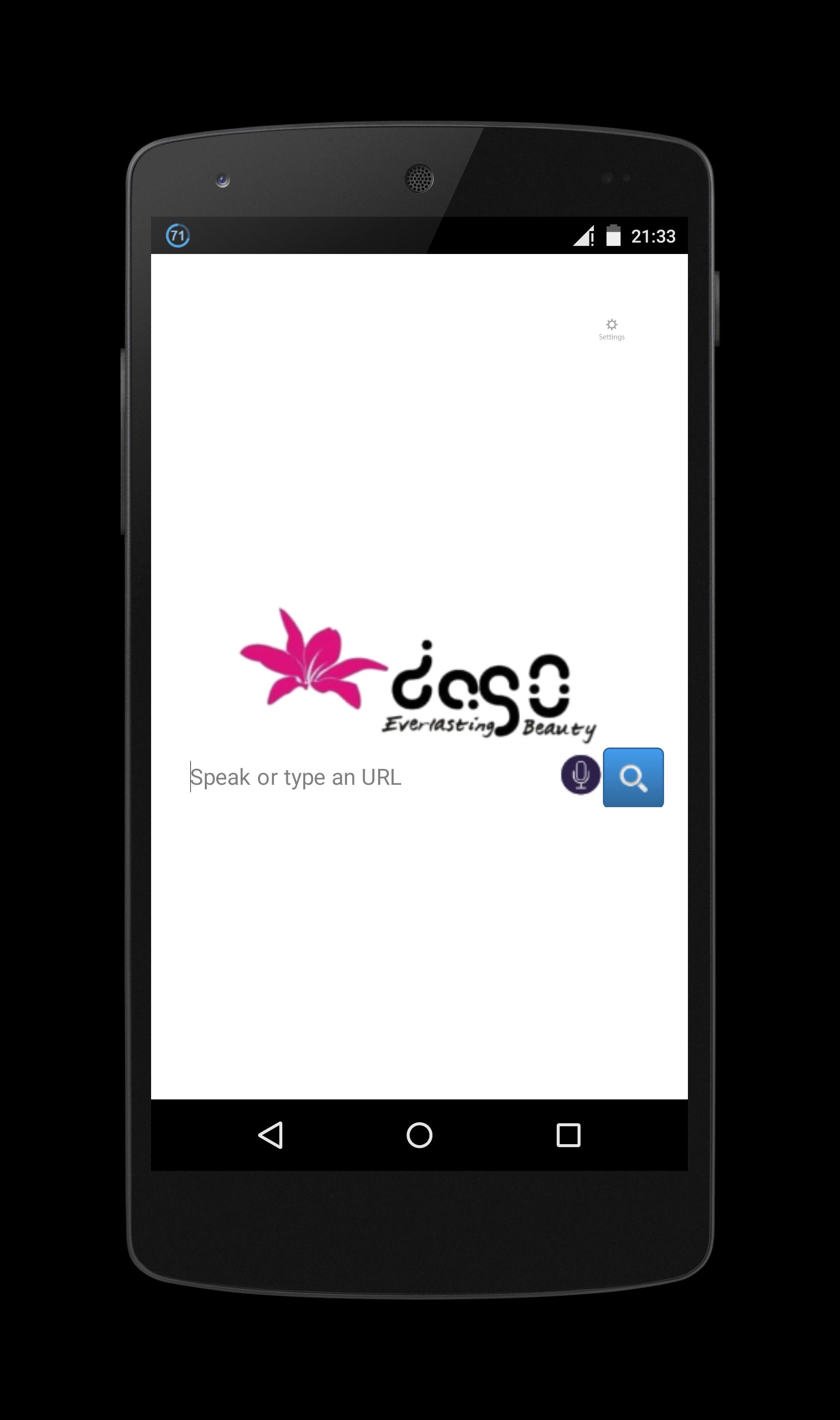
Dago Browser is a web browser with web inspector that can be opened by swipe right from a web browser page and choosing Inspect Element. Once open, it highlights the node on the page as it is selected in the hierarchy. You can also search for nodes by node name, id and CSS class name on page source.
Various CSS and JavaScript properties, including length of text nodes, offsetWidth/Height, class names, and parent/sibling information are vieweable in inspect element and page source.
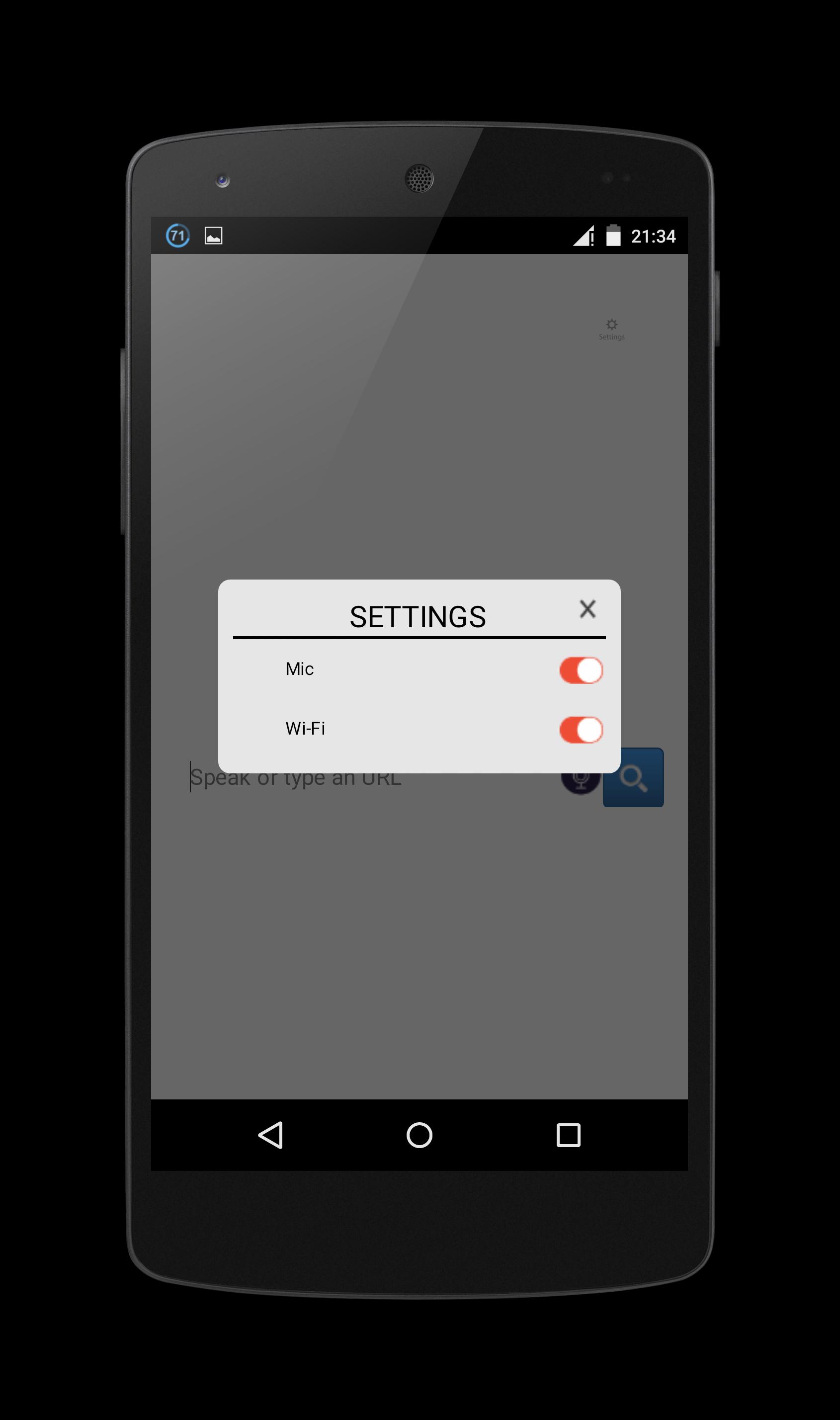
You can change Mic and Wi-Fi settings on top right of the screen.
Note: Some websites are restricted their node and script so on some websites, inspect element cannot get anything from it.
You can change use offline mic mode (but cannot search for website offline) with update/download more offline langguage from settings->language & input->voice input->gear settings button->offline speech recognition->all and download offline languages that you want.
If the mic error, you could repair it on settings->apps->Dago Browser->clear cache and clear data.
This Dago Browser can be use as potrait and landscape orientation, it will detect your device orientation with its sensor. But sometimes its sensor broken and the app sometimes stopped. But it can restarted back when you click Dago Browser again.
To copy, click CSS or JS in inspect element section, hold long on the start of the code text that you want to copy. It will show you the start and the end dots, just drag the end dots to the end of the code text that you want to copy. It will auto copy to clipboard.
預覽
標籤
工具訊息
開發商
Oscar Perdanakusuma
最新版本
1.0
更新時間
2015-09-11
類別
工具
同時可用
Google Play
更多
如何在電腦上用 GameLoop 玩 Dago Browser (Web Inspector)
1. 從官網下載GameLoop,然後運行exe文件安裝GameLoop
2. 打開GameLoop,搜索“Dago Browser (Web Inspector)”,在搜索結果中找到Dago Browser (Web Inspector),點擊“安裝”
3. 享受在 GameLoop 上玩 Dago Browser (Web Inspector) 的樂趣
Minimum requirements
OS
Windows 8.1 64-bit or Windows 10 64-bit
GPU
GTX 1050
CPU
i3-8300
Memory
8GB RAM
Storage
1GB available space
Recommended requirements
OS
Windows 8.1 64-bit or Windows 10 64-bit
GPU
GTX 1050
CPU
i3-9320
Memory
16GB RAM
Storage
1GB available space