
Copper Vpn 電腦版
copeak
用GameLoop模拟器在電腦上玩Copper Vpn
Copper Vpn 電腦版
來自發行商 copeak 的 Copper Vpn 能夠在安卓系統上運行。
現在,您可以在電腦上使用 GameLoop 模擬器流暢地玩 Copper Vpn。
在 GameLoop 遊戲庫或搜索結果中下載。 不需要再暢玩遊戲時盯著電池電量或被令人懊惱的來電打斷。
只需在電腦大屏幕上免費下載暢玩Copper Vpn 電腦版!
Copper Vpn 簡介
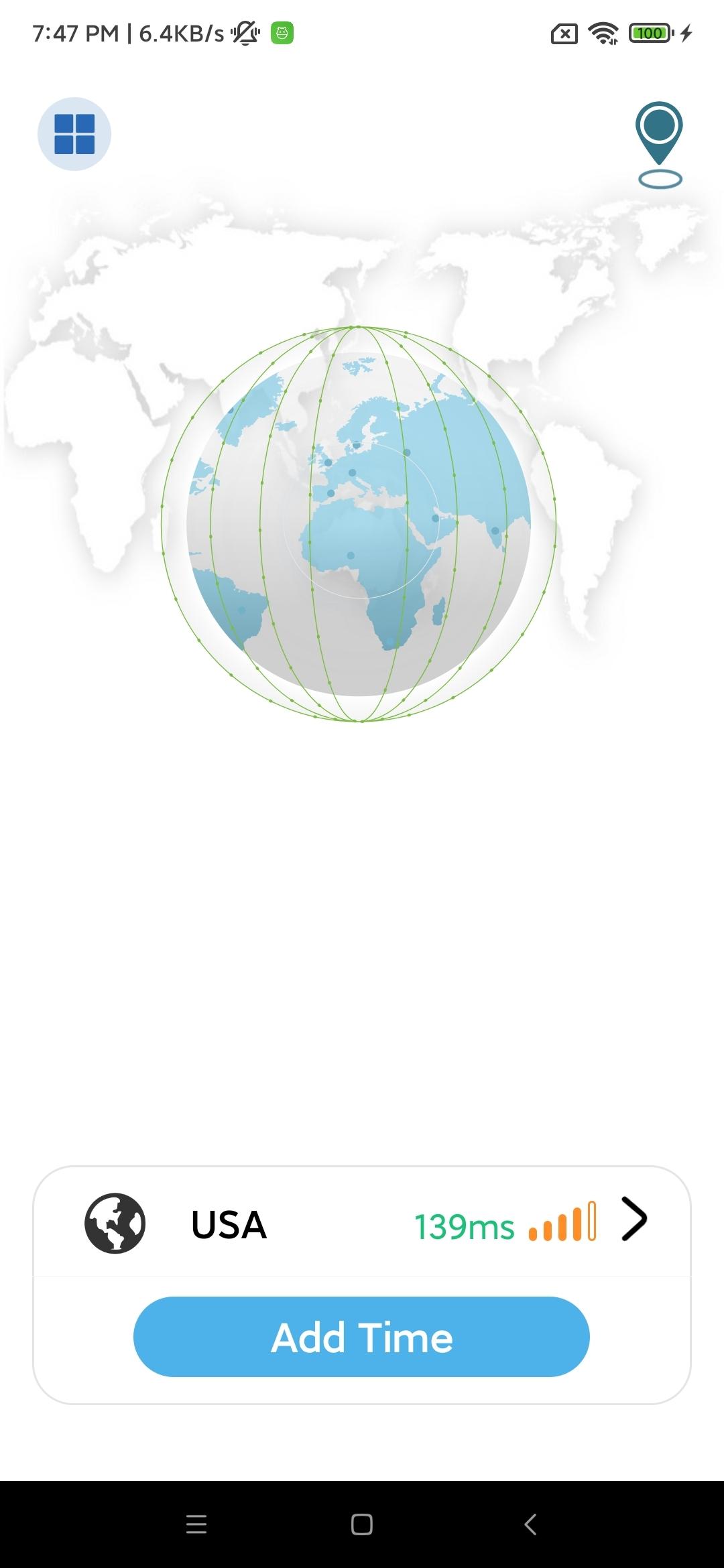
Enjoy a fast, secure and private internet connection with the world's most advanced VPN.
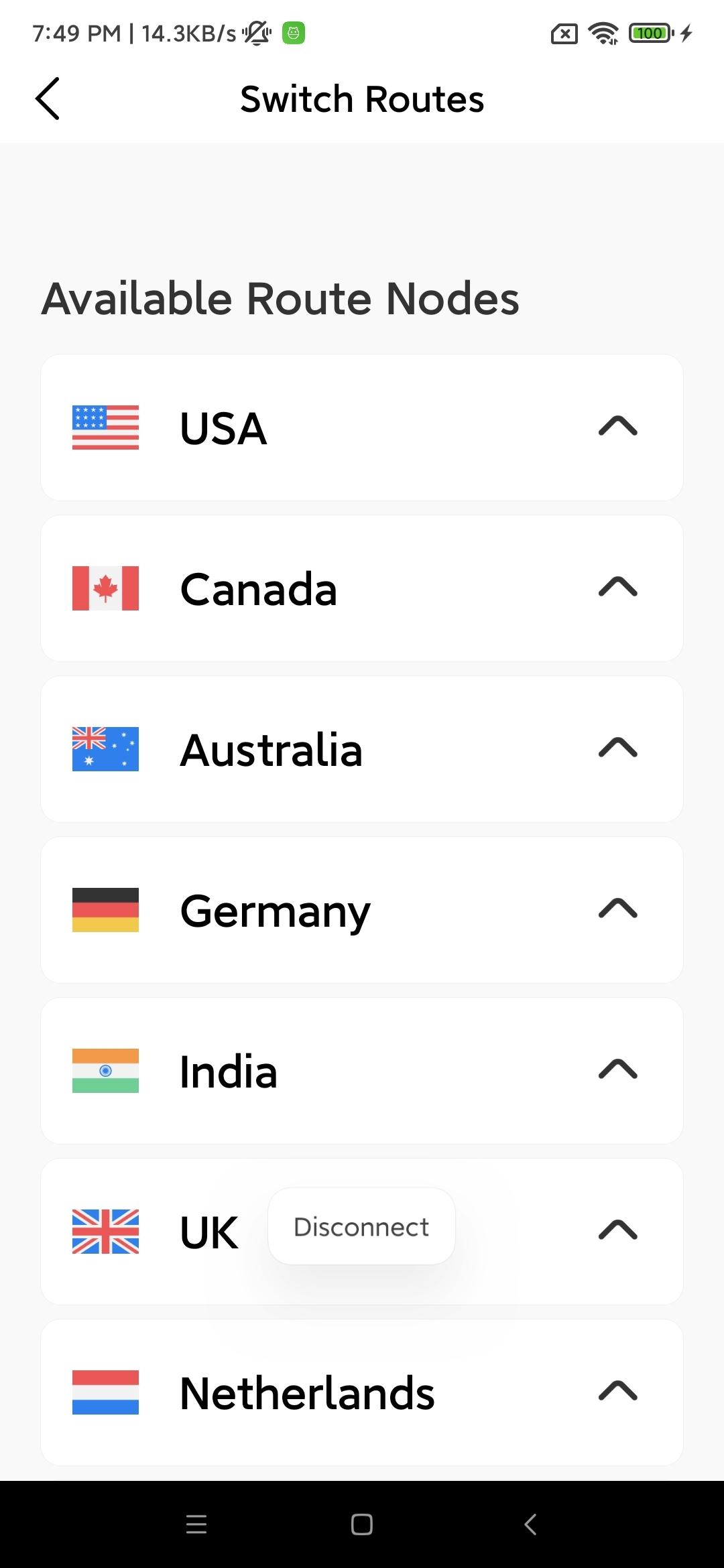
Copper VPN allows you to connect to more than 5000 servers in 60 countries, keeps your private data with military-grade encryption, and blocks intrusive ads and malicious sites.
Protect yourself from malware
Surf the web privately with Threat Protection Lite. It blocks you from visiting malicious websites and also protects your device from accidentally joining a botnet.
Skip annoying ads
CyberSec network security features also allow you to browse the Internet without ads, which not only increases connection speed, but also reduces mobile data consumption.
Effortlessly stay safe on WiFi
Enable automatic VPN connections on secure and/or unsecure Wi-Fi to keep your online data safe from hackers and unexpected snoopers. Just flick the switch once and sit back and relax.
Unlock entertainment
Copper VPN breaks through the geo-restrictions of websites, so you can enjoy your favorite videos no matter where you are.
Guarantee personal data privacy
After using Copper VPN, your IP address will be hidden and all your web traffic will be effectively encrypted.
Ready to surf the web? Just download the app, set it up, and you're ready to go!
預覽
標籤
工具訊息
開發商
copeak
最新版本
1.0.3
更新時間
2022-04-28
類別
工具
同時可用
Google Play
更多
如何在電腦上用 GameLoop 玩 Copper Vpn
1. 從官網下載GameLoop,然後運行exe文件安裝GameLoop
2. 打開GameLoop,搜索“Copper Vpn”,在搜索結果中找到Copper Vpn,點擊“安裝”
3. 享受在 GameLoop 上玩 Copper Vpn 的樂趣
Minimum requirements
OS
Windows 8.1 64-bit or Windows 10 64-bit
GPU
GTX 1050
CPU
i3-8300
Memory
8GB RAM
Storage
1GB available space
Recommended requirements
OS
Windows 8.1 64-bit or Windows 10 64-bit
GPU
GTX 1050
CPU
i3-9320
Memory
16GB RAM
Storage
1GB available space