
Cutlist: Video Editor Tool 電腦版
Soft Labs India
用GameLoop模拟器在電腦上玩Cutlist: Video Editor Tool
Cutlist: Video Editor Tool 電腦版
來自發行商 Soft Labs India 的 Cutlist: Video Editor Tool 能夠在安卓系統上運行。
現在,您可以在電腦上使用 GameLoop 模擬器流暢地玩 Cutlist: Video Editor Tool。
在 GameLoop 遊戲庫或搜索結果中下載。 不需要再暢玩遊戲時盯著電池電量或被令人懊惱的來電打斷。
只需在電腦大屏幕上免費下載暢玩Cutlist: Video Editor Tool 電腦版!
Cutlist: Video Editor Tool 簡介
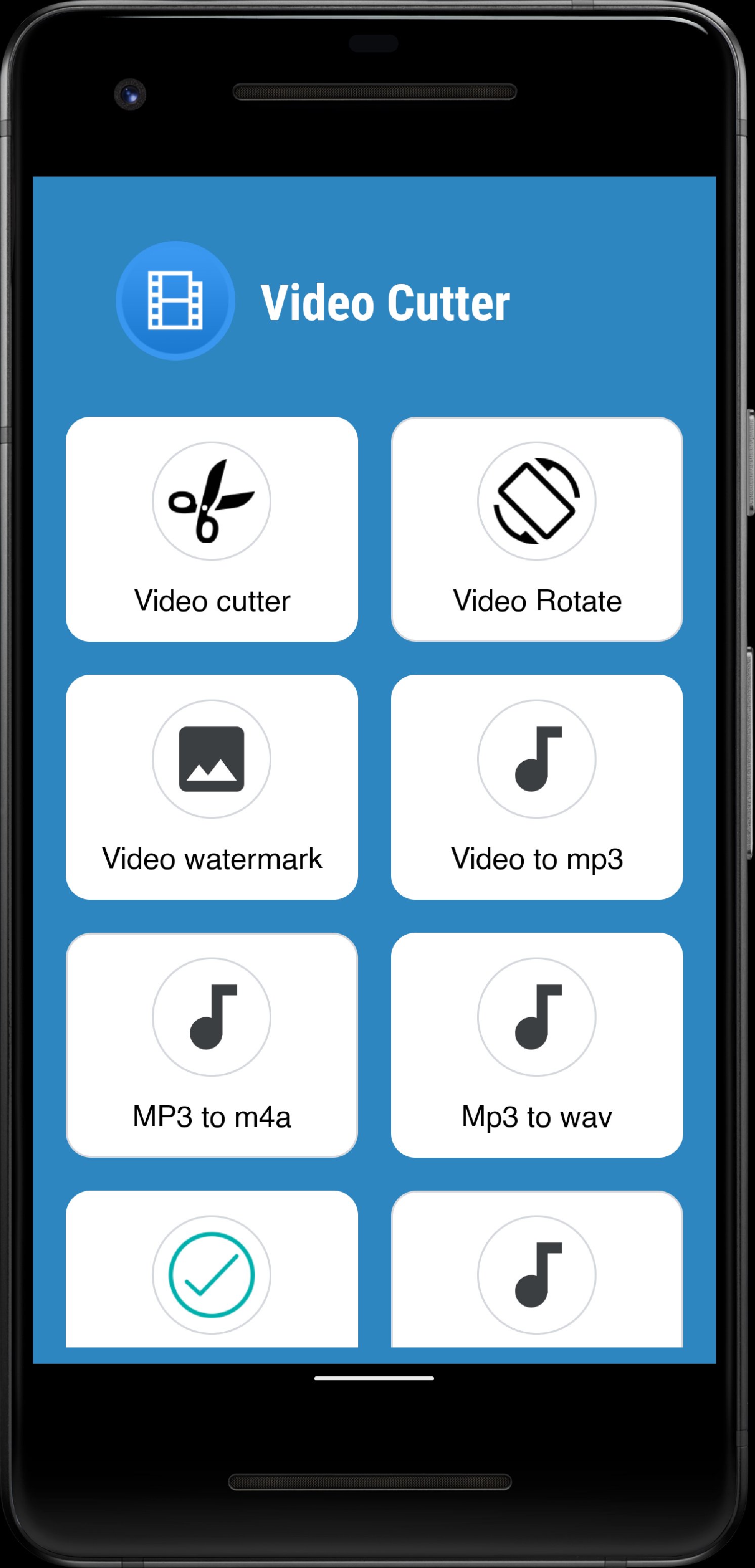
Cutlist is a smart and easy-to-use video editing app that helps you create, customize, and share stunning videos in just a few taps. Whether you want to mute, flip, merge, or brand your videos, Cutlist makes the entire editing process fast and effortless. Perfect for creators, vloggers, influencers, and anyone who wants to make their videos stand out.
🎬 Key Features
⭐ Mute Video
Remove unwanted background sounds instantly. Keep only the visuals and add your own music or effects later.
🎵 Extract Audio
Easily extract the original audio track from any video file. Save it as a separate audio file for reuse or remixing.
🎞️ Video Border
Add stylish borders to your videos for a professional look. Customize border color and thickness to make your clips pop on social media.
🎥 Video Joiner
Merge multiple video clips into one smooth, continuous video. Perfect for creating vlogs, highlight reels, or story compilations.
🖼️ Images to Video
Turn your favorite photos into beautiful slideshows with transitions and background music. Capture memories and share them as short videos.
🔄 Video Flip
Flip or mirror your videos horizontally or vertically. Fix orientation issues or create fun mirrored effects in one click.
📸 Video to Photos
Extract multiple frames or snapshots from your video. Perfect for capturing special moments, thumbnails, or story stills.
🏷️ Video Branding
Add your custom logo, watermark, or brand name to videos to protect your content and build your personal or business brand.
📁 Easy File Access and Sharing
Cutlist makes it super easy to view, manage, and share all your edited files. Every video you create is neatly saved in your local storage, allowing you to quickly find and share your creations with friends, family, or social media platforms like Instagram, YouTube, or WhatsApp.
💡 Why Choose Cutlist?
✅ Simple, modern, and user-friendly interface
✅ Fast processing with high-quality output
✅ Works offline — no internet required
✅ Compatible with all Android devices
✅ Safe — your videos never leave your device
Whether you’re trimming a short clip, merging travel videos, or branding your professional reels, Cutlist gives you all the tools you need in one app.
預覽
標籤
工具訊息
開發商
Soft Labs India
最新版本
1.2.3
更新時間
2025-10-05
類別
工具
同時可用
Google Play
更多
如何在電腦上用 GameLoop 玩 Cutlist: Video Editor Tool
1. 從官網下載GameLoop,然後運行exe文件安裝GameLoop
2. 打開GameLoop,搜索“Cutlist: Video Editor Tool”,在搜索結果中找到Cutlist: Video Editor Tool,點擊“安裝”
3. 享受在 GameLoop 上玩 Cutlist: Video Editor Tool 的樂趣
Minimum requirements
OS
Windows 8.1 64-bit or Windows 10 64-bit
GPU
GTX 1050
CPU
i3-8300
Memory
8GB RAM
Storage
1GB available space
Recommended requirements
OS
Windows 8.1 64-bit or Windows 10 64-bit
GPU
GTX 1050
CPU
i3-9320
Memory
16GB RAM
Storage
1GB available space