DocSign Upload Sign Docs 電腦版
Qplay squard
用GameLoop模拟器在電腦上玩DocSign Upload Sign Docs
DocSign Upload Sign Docs 電腦版
來自發行商 Qplay squard 的 DocSign Upload Sign Docs 能夠在安卓系統上運行。
現在,您可以在電腦上使用 GameLoop 模擬器流暢地玩 DocSign Upload Sign Docs。
在 GameLoop 遊戲庫或搜索結果中下載。 不需要再暢玩遊戲時盯著電池電量或被令人懊惱的來電打斷。
只需在電腦大屏幕上免費下載暢玩DocSign Upload Sign Docs 電腦版!
DocSign Upload Sign Docs 簡介
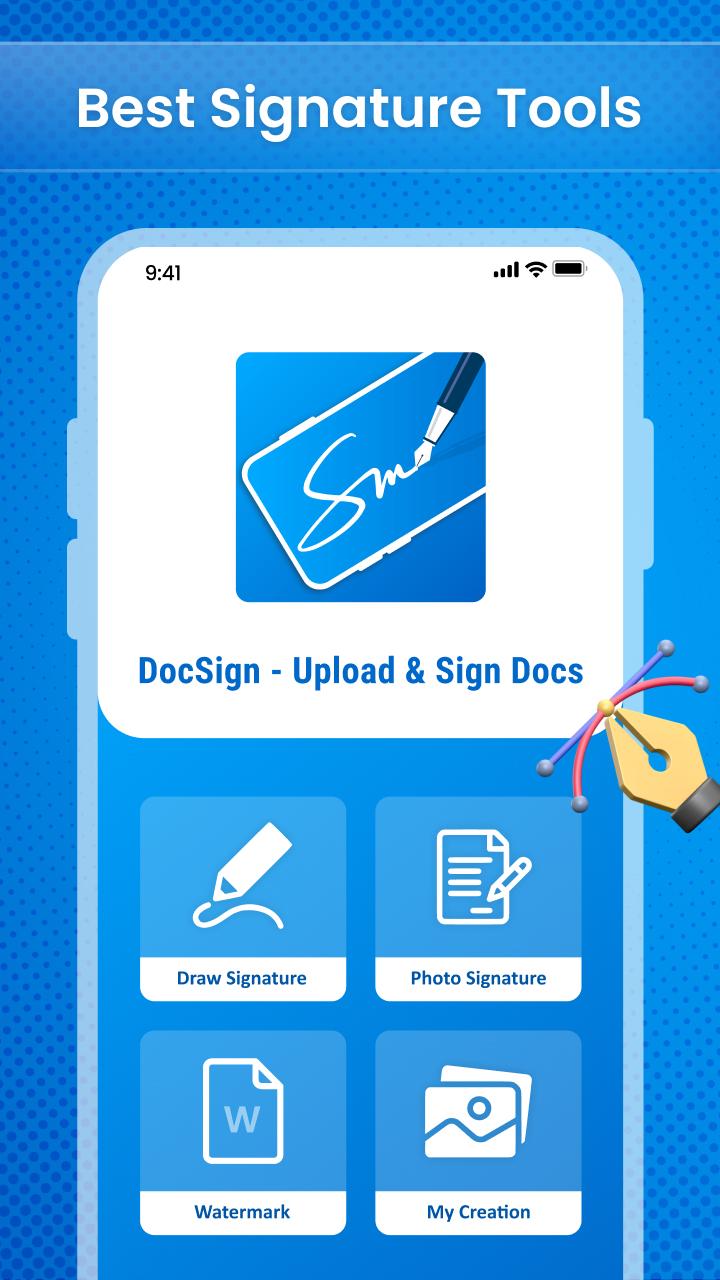
DocSign - Upload & Sign Docs app ✍️ is a free signature app in today's digital age, digital signatures and electronic signatures are required. This electronic signature doc 🖋 program may be used as a pdf signature as well as an email signature. So, using the Signature docx app📝, you can make digital signatures and update signatures.
Main Features
• Add auto signature
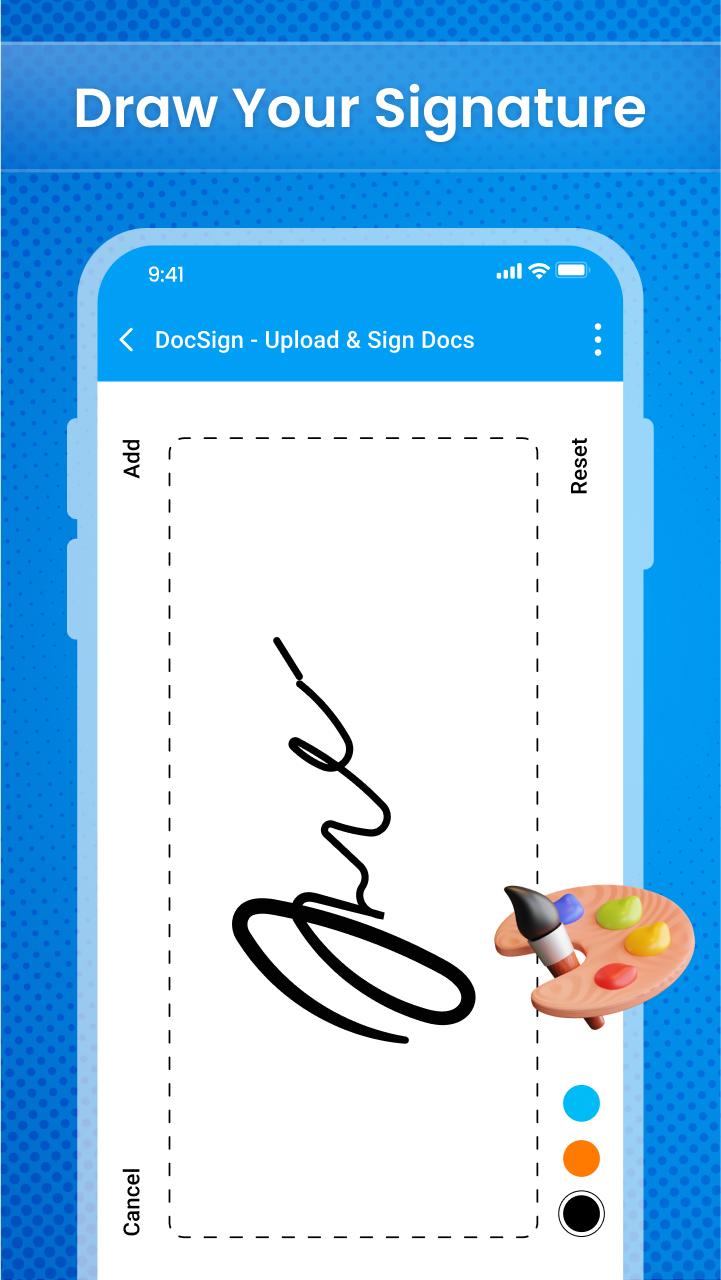
• Digital signature with lots of features
• Adjust the thickness of the signature pen
• Store your signature in storage
• Choose signature pen colour
• Make your signature bold and underline
• Organize the signing order
• Privacy and security
The simplest and fastest way to sign documents or have documents signed from your Android phone or tablet is with the help of the online signature app🖊. Use the document e-signature app 📄to easily and without extra effort govern document cycles and track modifications.
Other Features
• Delete previously drawn digital signature
• Simple and easy to use
• User interface
We built the digital sign doc app, and use the app's feature to sign papers. If you have any suggestions regarding this application then let us know at:
預覽
標籤
工具訊息
開發商
Qplay squard
最新版本
1.0.2
更新時間
2022-08-10
類別
工具
同時可用
Google Play
更多
如何在電腦上用 GameLoop 玩 DocSign Upload Sign Docs
1. 從官網下載GameLoop,然後運行exe文件安裝GameLoop
2. 打開GameLoop,搜索“DocSign Upload Sign Docs”,在搜索結果中找到DocSign Upload Sign Docs,點擊“安裝”
3. 享受在 GameLoop 上玩 DocSign Upload Sign Docs 的樂趣
Minimum requirements
OS
Windows 8.1 64-bit or Windows 10 64-bit
GPU
GTX 1050
CPU
i3-8300
Memory
8GB RAM
Storage
1GB available space
Recommended requirements
OS
Windows 8.1 64-bit or Windows 10 64-bit
GPU
GTX 1050
CPU
i3-9320
Memory
16GB RAM
Storage
1GB available space