
Tally Counter – Tap with Voice 電腦版
QBee520
用GameLoop模拟器在電腦上玩Tally Counter – Tap with Voice
Tally Counter – Tap with Voice 電腦版
來自發行商 QBee520 的 Tally Counter – Tap with Voice 能夠在安卓系統上運行。
現在,您可以在電腦上使用 GameLoop 模擬器流暢地玩 Tally Counter – Tap with Voice。
在 GameLoop 遊戲庫或搜索結果中下載。 不需要再暢玩遊戲時盯著電池電量或被令人懊惱的來電打斷。
只需在電腦大屏幕上免費下載暢玩Tally Counter – Tap with Voice 電腦版!
Tally Counter – Tap with Voice 簡介
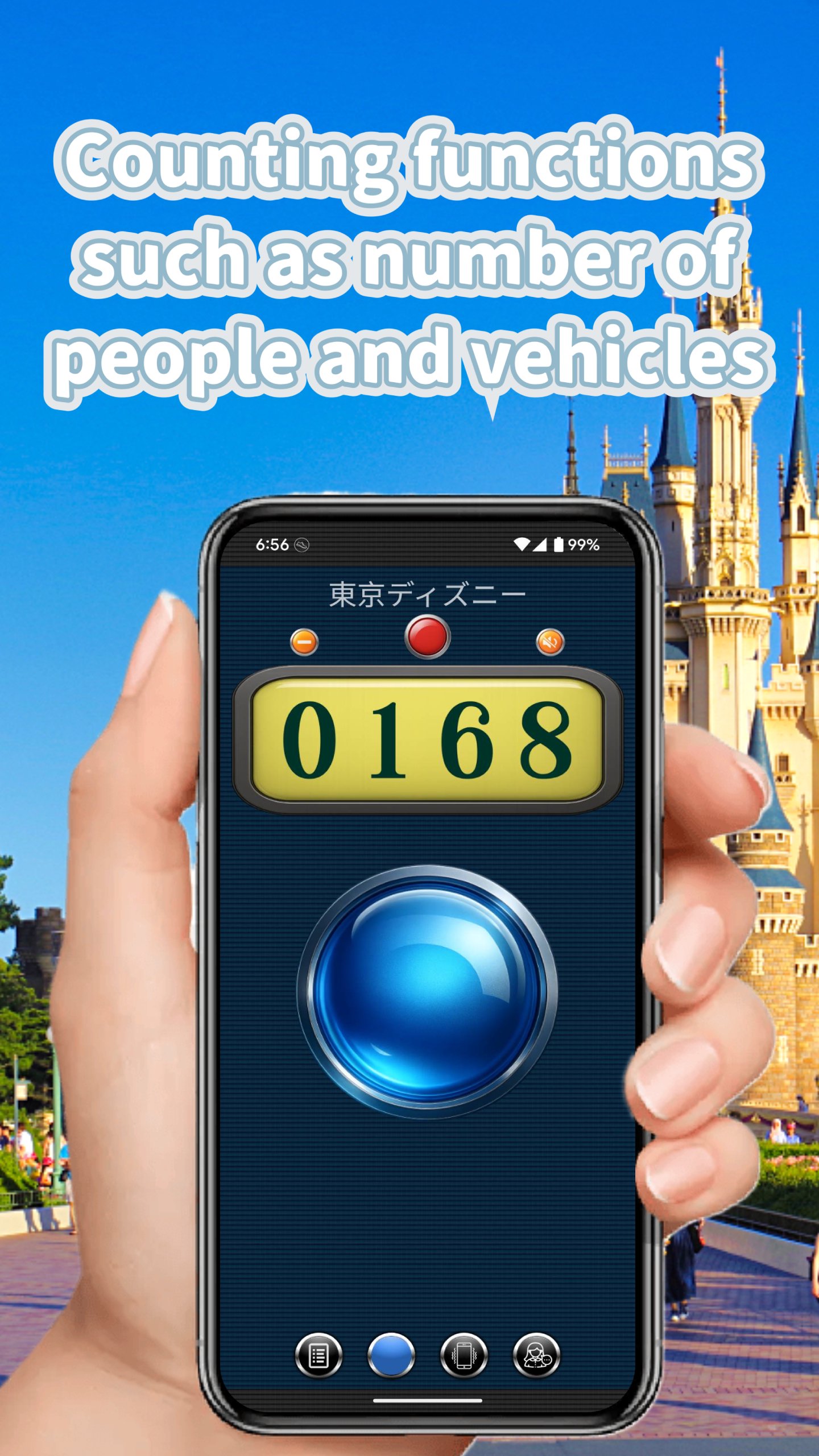
Transform your counting experience with the most intuitive tally counter app! Featuring extra-large buttons and voice announcements in English, this app makes counting effortless and accurate.
🎯 KEY FEATURES
VOICE COUNTING THAT SPEAKS YOUR LANGUAGE
• Clear voice announcements for every count
• Perfect for hands-free counting while exercising, inventory tracking, or crowd counting
• Works seamlessly with your device's text-to-speech engine
DESIGNED FOR EASY COUNTING
• Extra-large tap buttons - no more missed counts!
• Three beautiful visual themes to choose from
• Vibration feedback confirms every tap
• 9 different click sounds for audio confirmation
POWERFUL COUNTING MODES
• 6 independent counters - track multiple items simultaneously
• Combo Mode C1 - Display 3 counters on one screen
• Combo Mode C2 - Grid view with 6 counters at once
• Set custom titles and target goals for each counter
COMPREHENSIVE HISTORY & STATISTICS
• Track your counting patterns over days, weeks, and months
• Visual charts show your progress at a glance
• Export data to CSV for spreadsheet analysis
• Share your counting records instantly
PERFECT FOR:
✓ Fitness & Exercise - Count reps, sets, laps
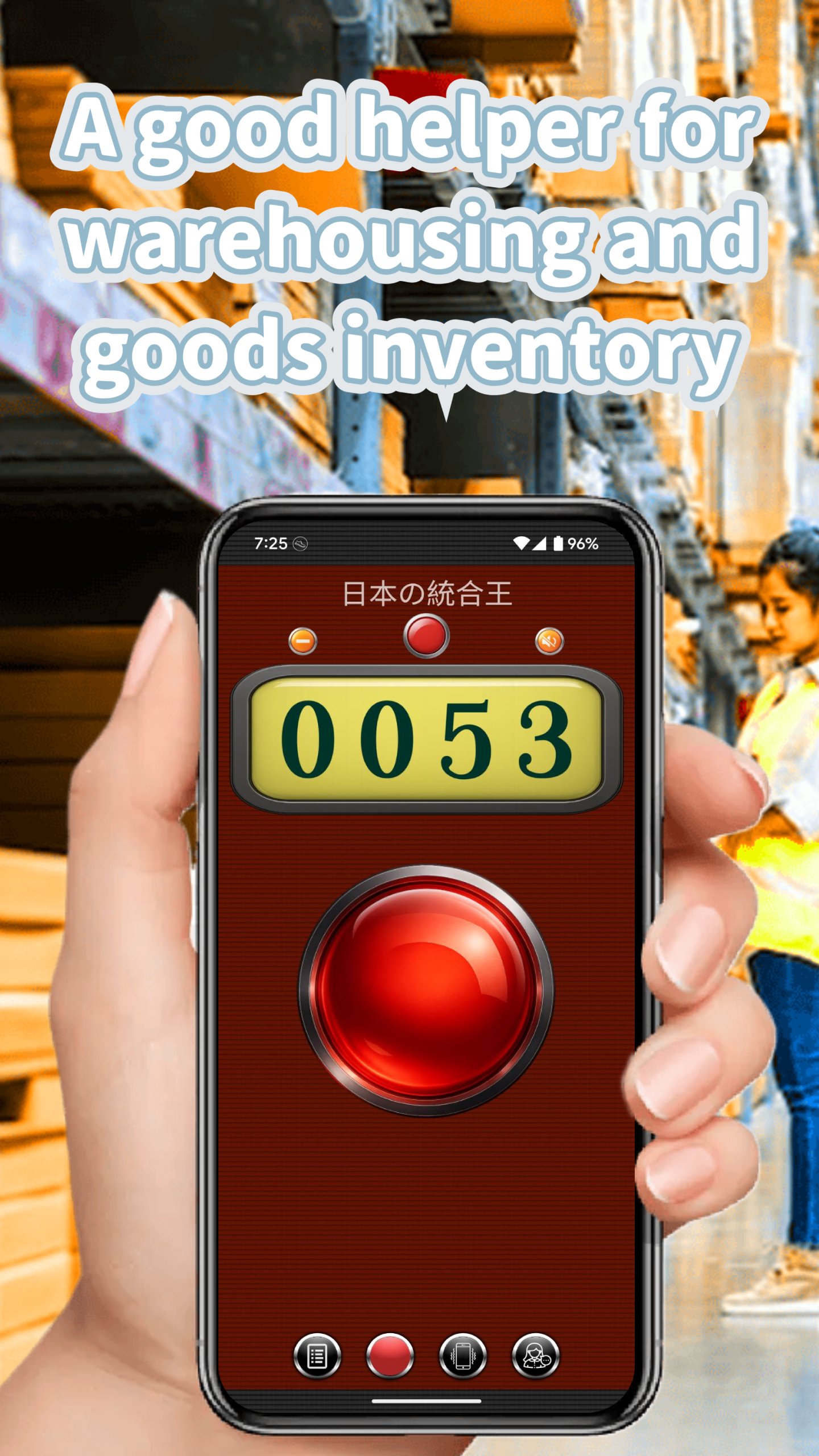
✓ Inventory Management - Track stock levels
✓ Event Planning - Count attendees, votes, items
✓ Sports & Games - Keep score effortlessly
✓ Meditation & Mindfulness - Count breaths or mantras
✓ Scientific Research - Record observations
✓ Daily Habits - Track water intake, steps, tasks
SMART FEATURES
• Auto-save ensures you never lose your count
• Goal achievement notifications keep you motivated
• Count up or down with dedicated buttons
• Reset individual counters or all at once
• Works offline - no internet required
USER-FRIENDLY DESIGN
• Clean, intuitive interface
• Portrait and landscape modes
• Tablet optimized layouts
• Supports Android 16 and newer devices
• Dark mode friendly
Whether you're counting inventory in a warehouse, tracking workout reps at the gym, or tallying votes at an event, this counter app makes the job simple and accurate. The voice counting feature means you can keep your eyes on what you're counting instead of looking at your screen.
Download now and experience the easiest way to count anything!
預覽
標籤
工具訊息
開發商
QBee520
最新版本
8.5
更新時間
2026-01-01
類別
工具
同時可用
Google Play
更多
如何在電腦上用 GameLoop 玩 Tally Counter – Tap with Voice
1. 從官網下載GameLoop,然後運行exe文件安裝GameLoop
2. 打開GameLoop,搜索“Tally Counter – Tap with Voice”,在搜索結果中找到Tally Counter – Tap with Voice,點擊“安裝”
3. 享受在 GameLoop 上玩 Tally Counter – Tap with Voice 的樂趣
Minimum requirements
OS
Windows 8.1 64-bit or Windows 10 64-bit
GPU
GTX 1050
CPU
i3-8300
Memory
8GB RAM
Storage
1GB available space
Recommended requirements
OS
Windows 8.1 64-bit or Windows 10 64-bit
GPU
GTX 1050
CPU
i3-9320
Memory
16GB RAM
Storage
1GB available space