NFC Reader Writer - NFC tools 電腦版
Appeasy4
用GameLoop模拟器在電腦上玩NFC Reader Writer - NFC tools
NFC Reader Writer - NFC tools 電腦版
來自發行商 Appeasy4 的 NFC Reader Writer - NFC tools 能夠在安卓系統上運行。
現在,您可以在電腦上使用 GameLoop 模擬器流暢地玩 NFC Reader Writer - NFC tools。
在 GameLoop 遊戲庫或搜索結果中下載。 不需要再暢玩遊戲時盯著電池電量或被令人懊惱的來電打斷。
只需在電腦大屏幕上免費下載暢玩NFC Reader Writer - NFC tools 電腦版!
NFC Reader Writer - NFC tools 簡介
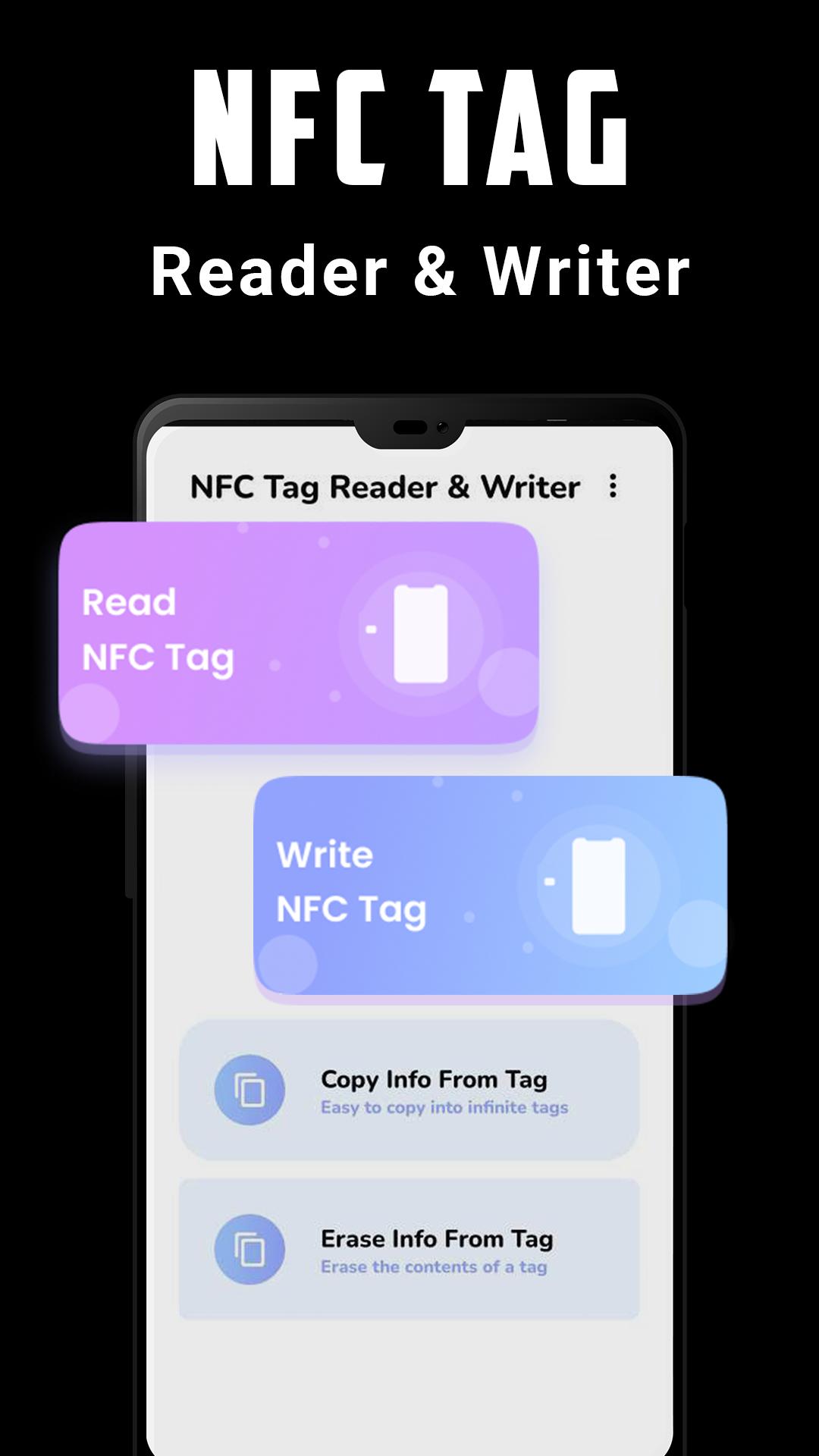
Read, write on your NFC tags and other compatible NFC chips with a simple and lightweight user interface.
To use NFC Reader, you have just to hold a tag or a card against the back of your device to read it. NFC Reader lets you to copy the content of the tag or to open the URI.
You can also manage the tags and cards previously scanned in the History section. To write and configure tasks on your NFC tag, you can search and download the app NFC Tools. Once your tasks have been configured correctly, simply pass your phone over your NFC tag to perform actions.
All you need to do is get your device close to an NFC chip to read the data on it or execute tasks. NFC Reader is a simple and efficient tool for letting you read contact-less tags on your smartphones and tablets. NFC Reader supports various tags like NDEF, RFID, FeliCa, ISO 14443, Mifare Classic 1k, MIFARE DESFire, MIFARE Ultralight, NTAG, ...
🎲Features of NFC Reader Writer - NFC tools:
✔️ Compatible with most famous tags.
✔️ Create new content with the included NFC data
✔️ Tap to Launch feature to execute content of NFC tags with a simple tap
✔️ View the existing contents of a tag information
✔️ Easy to use.
✔️ Very simple visual interface.
✔️ No internet connection required.
✔️ Can be used as a sample inventory manager tool
★ Which type of data you can store ?
• Plain Text
• Social media profile links
• YouTube links
• All other types of links
• Application data
• Phone Number
• SMS
• Contact information's
❗Requirements
1. NFC compatible phone
2. Enable the NFC function on your device
❓How to Write an NFC Tag?
1. Take a tag- which can be a paper, sticker, ring, or anything else that contains an NFC tag, and can set any task on it.
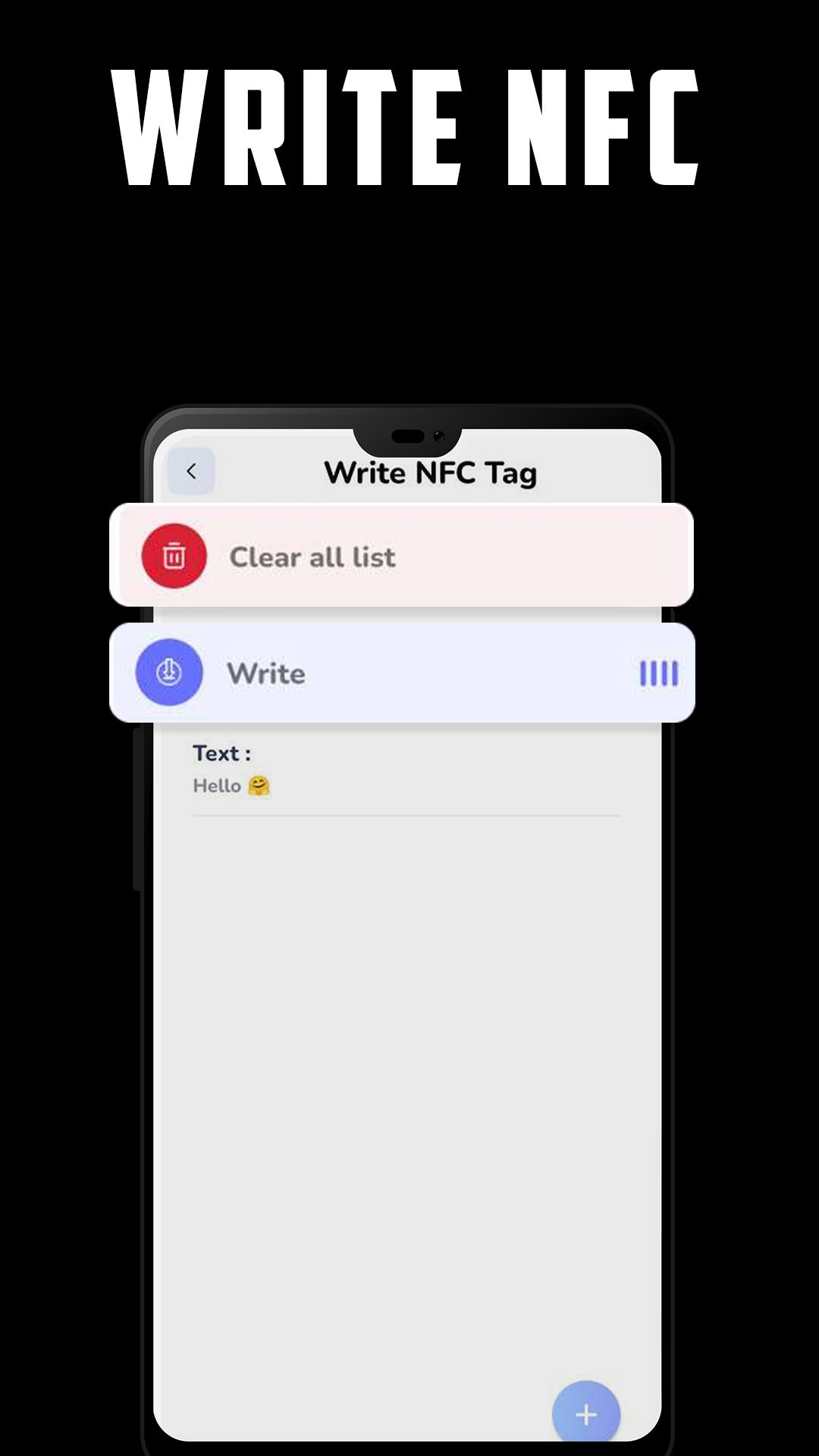
2. Go to write tag option in the menu, and start to add records to your NFC tag.
After you finish, just click on the write button, and put your NFC tag close to your smartphone, and WOW, now you have a new tag that contains tasks!
If you have a problem to read a tag, don't hesitate to contact me by email to help me to fix the problem. Your feedback and ideas to improve NFC Reader are also welcomed. Send me an email for that : appeasy4@gmail.com
預覽
標籤
工具訊息
開發商
Appeasy4
最新版本
1.3
更新時間
2022-11-12
類別
工具
同時可用
Google Play
更多
如何在電腦上用 GameLoop 玩 NFC Reader Writer - NFC tools
1. 從官網下載GameLoop,然後運行exe文件安裝GameLoop
2. 打開GameLoop,搜索“NFC Reader Writer - NFC tools”,在搜索結果中找到NFC Reader Writer - NFC tools,點擊“安裝”
3. 享受在 GameLoop 上玩 NFC Reader Writer - NFC tools 的樂趣
Minimum requirements
OS
Windows 8.1 64-bit or Windows 10 64-bit
GPU
GTX 1050
CPU
i3-8300
Memory
8GB RAM
Storage
1GB available space
Recommended requirements
OS
Windows 8.1 64-bit or Windows 10 64-bit
GPU
GTX 1050
CPU
i3-9320
Memory
16GB RAM
Storage
1GB available space