File Manager:My Files 電腦版
One Click Gallery
用GameLoop模拟器在電腦上玩File Manager:My Files
File Manager:My Files 電腦版
來自發行商 One Click Gallery 的 File Manager:My Files 能夠在安卓系統上運行。
現在,您可以在電腦上使用 GameLoop 模擬器流暢地玩 File Manager:My Files。
在 GameLoop 遊戲庫或搜索結果中下載。 不需要再暢玩遊戲時盯著電池電量或被令人懊惱的來電打斷。
只需在電腦大屏幕上免費下載暢玩File Manager:My Files 電腦版!
File Manager:My Files 簡介
File Manager: My Files – Smart, Fast & Easy File Organizer 📂
Take control of your files with the ultimate file manager app designed for speed, simplicity, and efficiency. Whether you want to manage documents, clean up storage, or access media in one place, File Manager: My Files makes file organization effortless.
Powerful File Management Made Simple
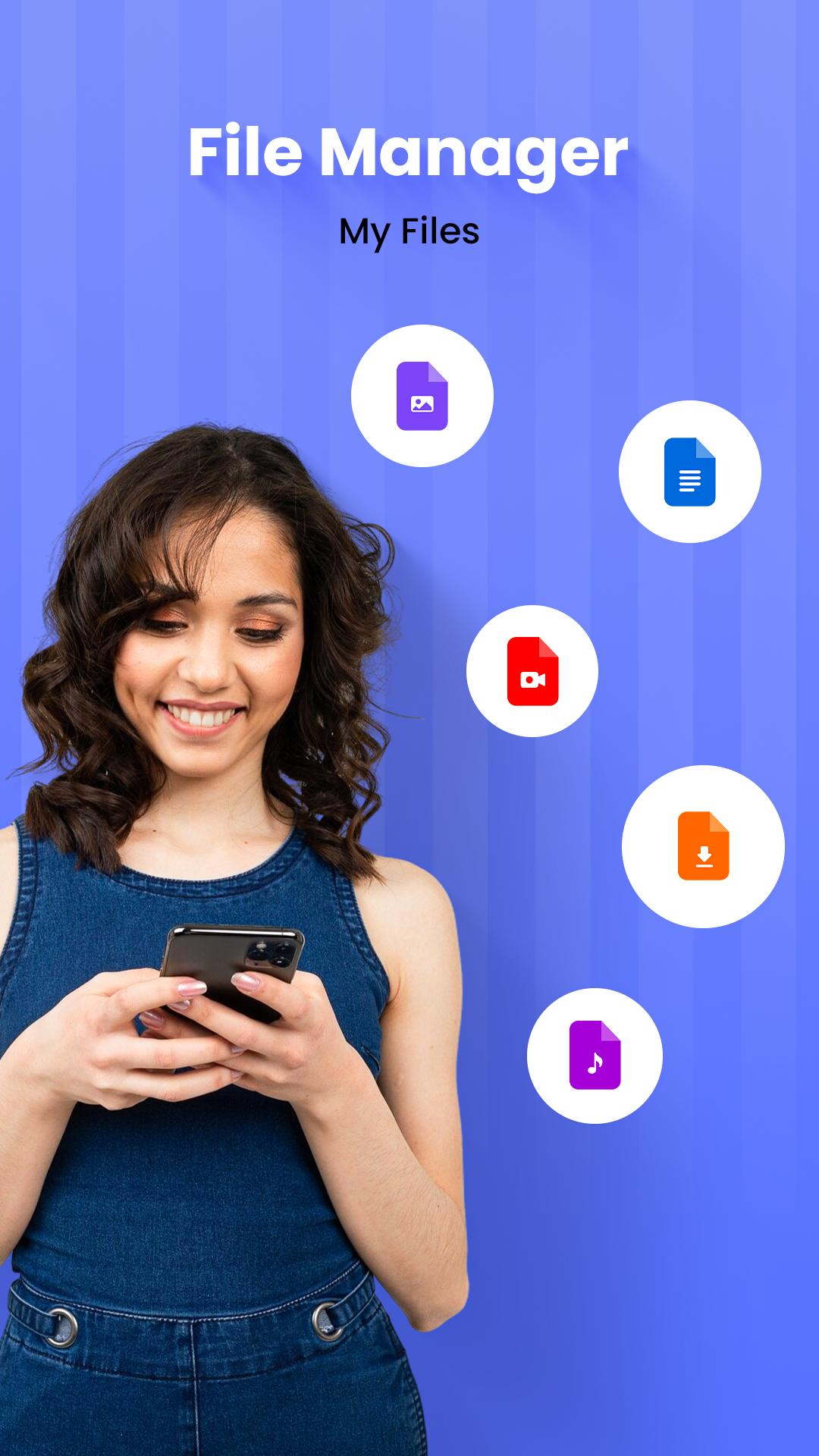
Quickly browse, move, copy, rename, delete, or share files with just a few taps. From documents to photos, music, videos, downloads, and even APKs — everything is organized and easily accessible.
🔥 Key Features of File Manager: My Files App
📞 Smart Post-Call Sharing Panel
Right after a call ends, the app shows a smart panel with your most recent files — including screenshots, images, documents, and more. Instantly select and share files without digging through folders. Perfect for quickly sending meeting notes, photos, or any discussed content!
✅ Organize Files with Ease
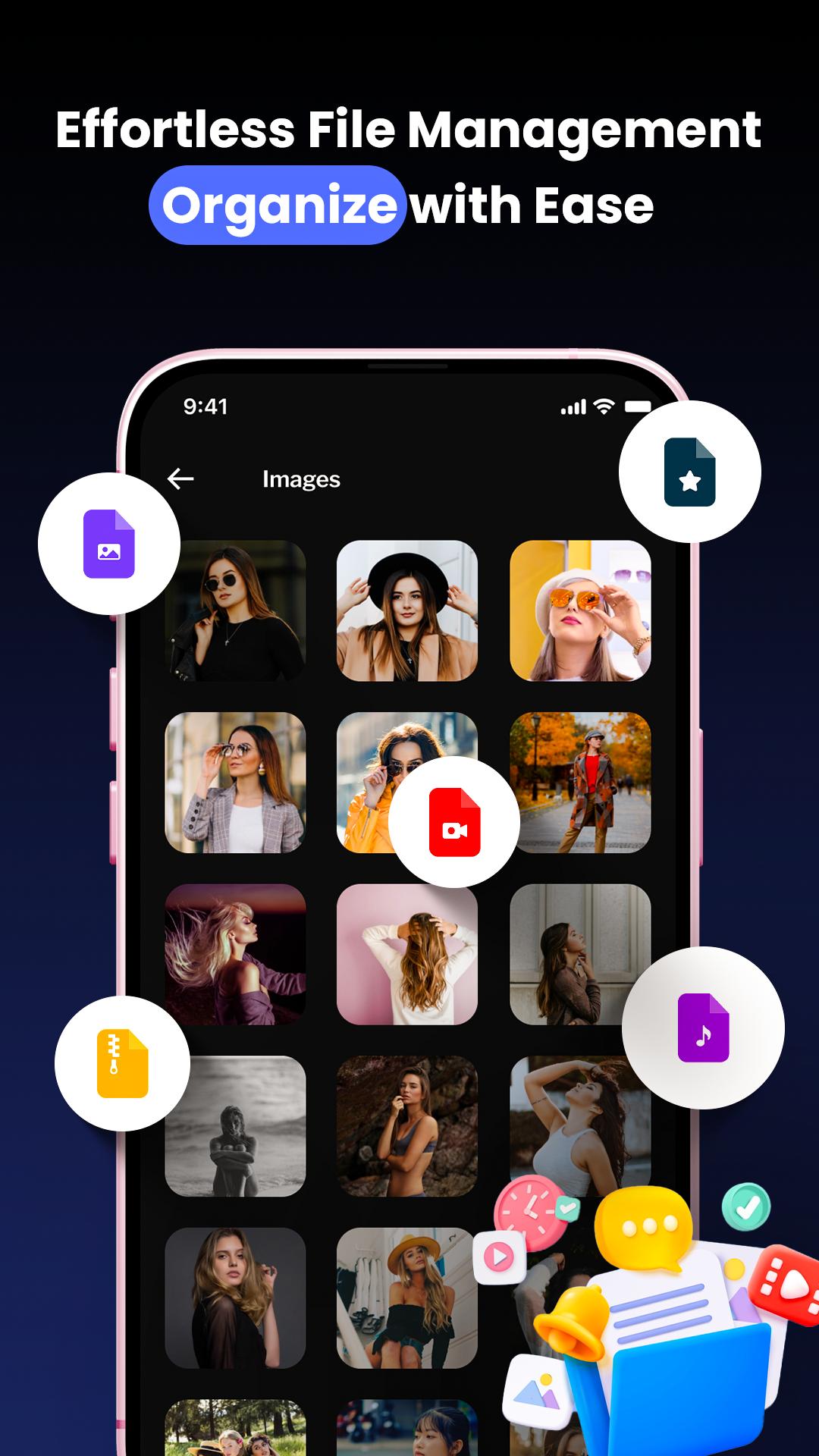
Managing files has never been simpler! Easily organize, sort, and access your files anytime. Whether it's documents, photos, videos, music, or APKs, this app helps you keep everything in order.
✅ Manage & Organize Files with Various Features
Copy, move, rename, delete, or share files effortlessly.
Create folders and categorize files for better organization.
Sort files by name, size, date, or type to find them quickly.
Easy one-tap access to recent and frequently used files.
✅ View and Manage All Your Documents
Stay productive with a powerful document manager that supports PDF, DOC, XLS, PPT, TXT, and more. Open, edit, and share documents directly from the app.
✅ Organize Files with a Single Tap
Save time by organizing files quickly with a single tap. Whether you need to move, delete, or rename multiple files, this app streamlines the process.
✅ Built-in Media Player & Image Viewer 🎵📸
Preview photos, videos, and music files without opening other apps.
Streamline your media experience with a smooth built-in player.
✅ Advanced Search & Quick Access 🔍
Find any file instantly with an advanced search function.
Access frequently used folders with a quick access panel.
🎯 Why Choose File Manager: My Files?
✔️ Clean, intuitive user interface – perfect for all users
✔️ Lightweight yet powerful – no bloat, just performance
✔️ Supports all file types – including ZIP, PDF, Office docs, and more
✔️ Reliable, fast, and secure file handling
Organize, explore, and manage your phone’s files like a pro. Whether you're clearing clutter or managing work documents, File Manager: My Files is your go-to file explorer app.
Download now and take control of your digital space! 📲📁
預覽
標籤
工具訊息
開發商
One Click Gallery
最新版本
1.14
更新時間
2025-08-11
類別
工具
同時可用
Google Play
更多
如何在電腦上用 GameLoop 玩 File Manager:My Files
1. 從官網下載GameLoop,然後運行exe文件安裝GameLoop
2. 打開GameLoop,搜索“File Manager:My Files”,在搜索結果中找到File Manager:My Files,點擊“安裝”
3. 享受在 GameLoop 上玩 File Manager:My Files 的樂趣
Minimum requirements
OS
Windows 8.1 64-bit or Windows 10 64-bit
GPU
GTX 1050
CPU
i3-8300
Memory
8GB RAM
Storage
1GB available space
Recommended requirements
OS
Windows 8.1 64-bit or Windows 10 64-bit
GPU
GTX 1050
CPU
i3-9320
Memory
16GB RAM
Storage
1GB available space